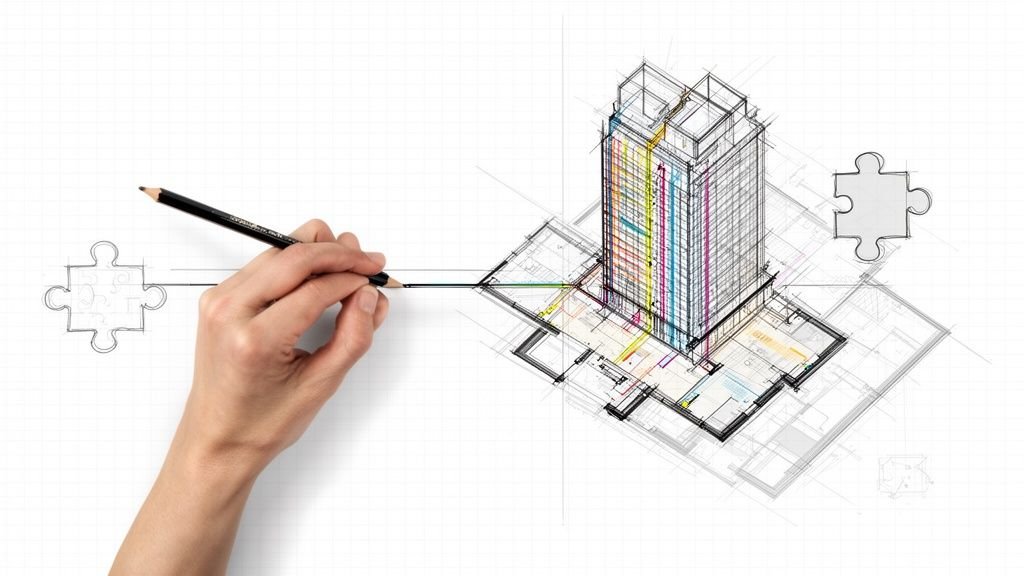
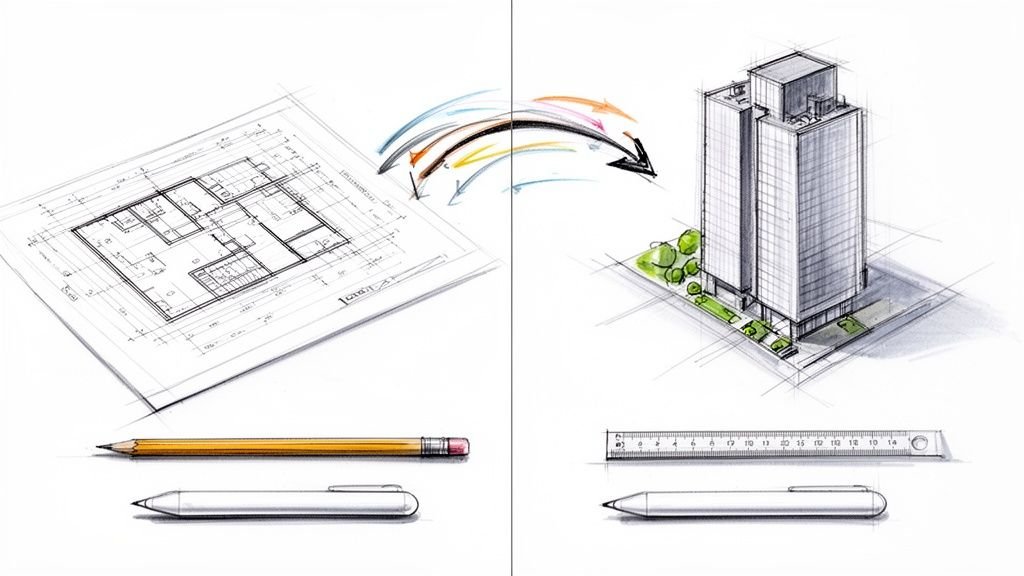
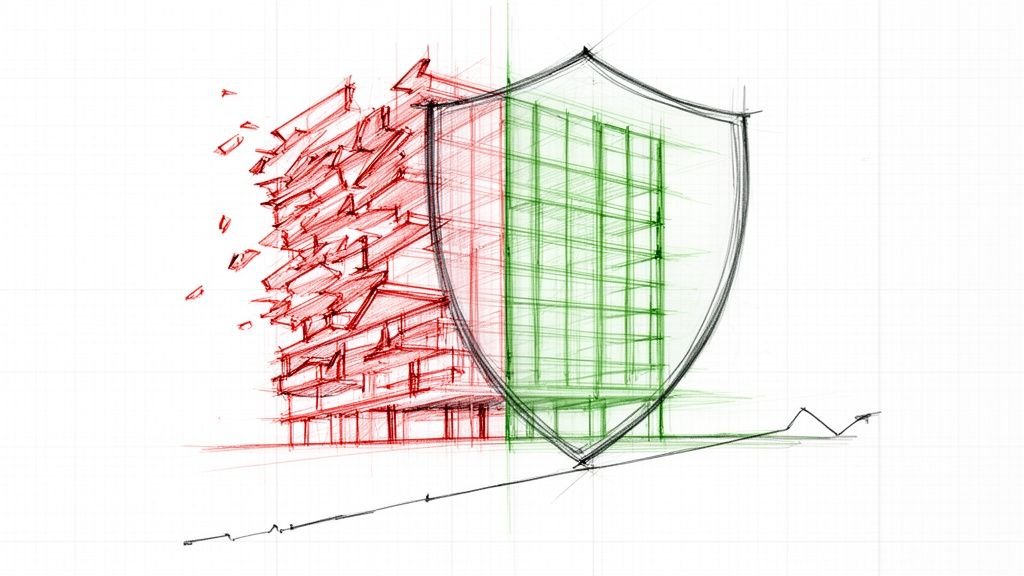
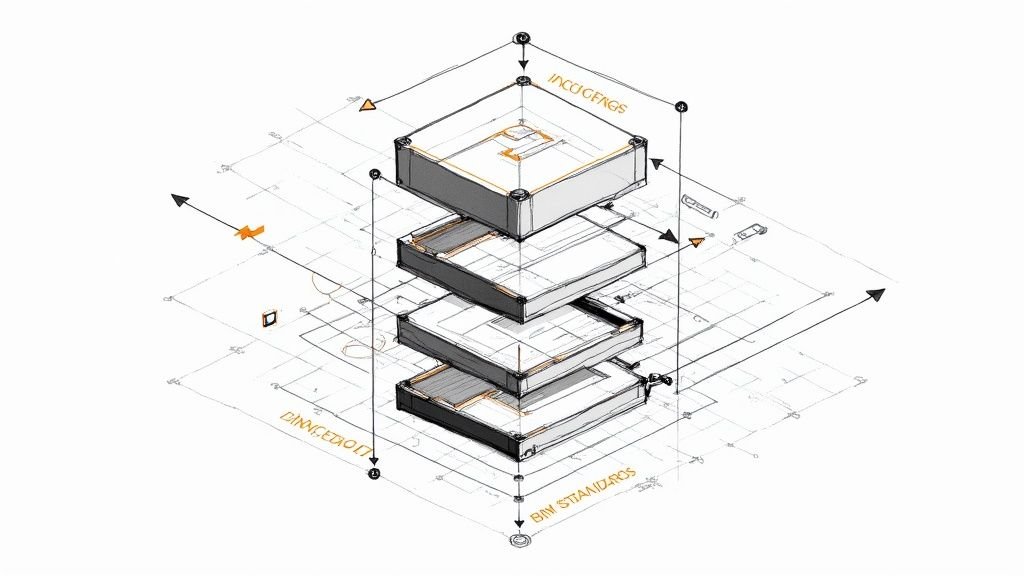
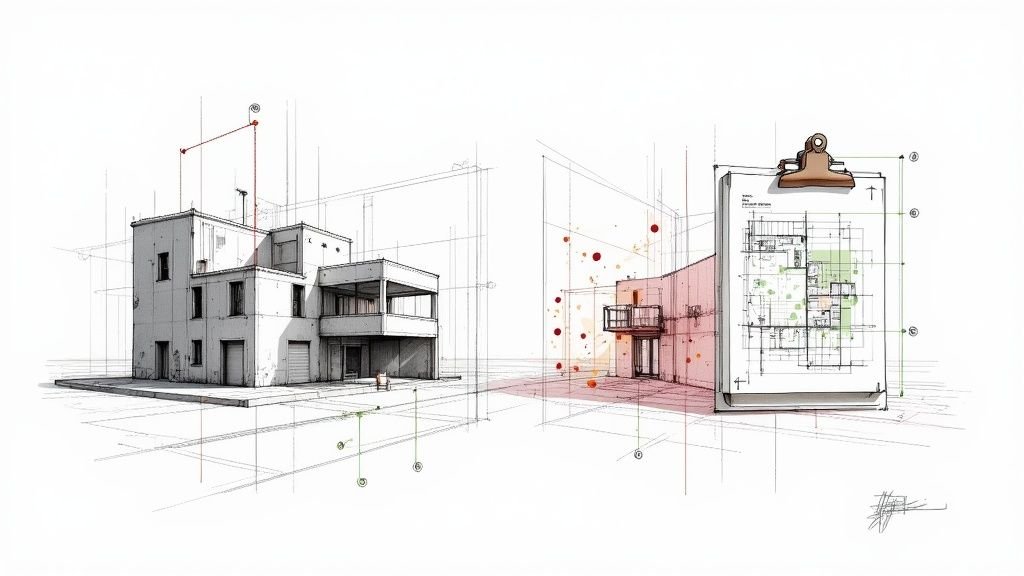
For firms wrestling with production bottlenecks, Revit drafting services offer more than just an extra set of hands. They represent a shift from reactive redlining to a proactive production system—one that installs discipline, consistency, and predictability into every set of construction documents. This isn't about outsourcing; it's about integrating a production engine that ensures every sheet, view, and annotation aligns with your standards, protecting project margins and timelines.
Your Revit Model Is Accurate, but Is Your Delivery System Predictable?
A technically perfect Revit model is one thing; a predictable, profitable delivery system is something else entirely. For many architects, builders, and design-build firms, the real friction isn't in the modeling itself. It’s in the chaotic, often grueling process of turning that model into flawless construction documents.
Those late-night redline sessions, the inconsistent sheet setups from one project to the next, and the constant fear of RFIs popping up from documentation errors—these are all symptoms of a broken production workflow, not a lack of design talent.
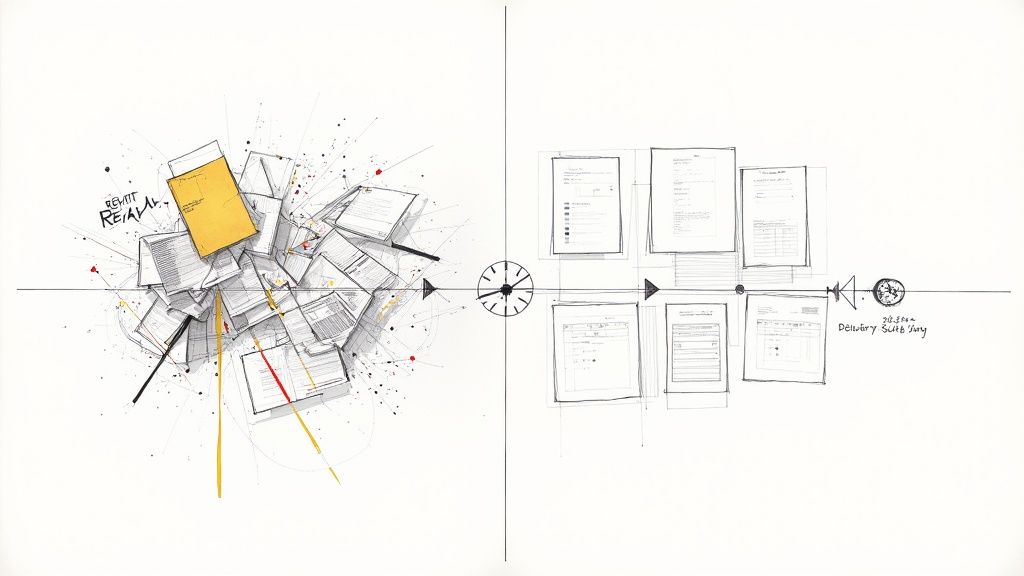
This is where the conversation around Revit drafting services needs to shift. It’s not about finding cheaper or faster hands to "draw" in Revit. It’s about installing an operational backbone—an extension of your firm that brings production maturity and consistency to every single deliverable. Great Revit drafting isn’t about drawing faster; it’s about building clarity and reliability into every deliverable so your designers can focus on design.
From Production Chaos to Systemized Clarity
The goal isn't just to complete drawings faster. It’s to build a system that eliminates the recurring problems that erode profitability and burn out your best people. Think about the common pain points that always seem to surface during the documentation phase:
- Inconsistent Standards: Team members use different annotation styles, line weights, or view templates, making drawing sets look disjointed and unprofessional.
- Poor Family Management: Bloated or broken Revit families slow down model performance and lead to inaccurate schedules and takeoffs.
- Disorganized Project Browsers: A chaotic browser makes finding views and navigating the model a nightmare, especially as the project grows.
- Repetitive Manual Work: Staff spend valuable hours on tedious tasks like sheet setup and view alignment instead of focusing on critical design decisions.
A disciplined approach to architectural Revit drafting tackles these issues at their root. By implementing and enforcing rigorous template discipline, automated naming conventions, and structured QA processes, a dedicated production partner turns chaotic workflows into a predictable engine.
The common production headaches that plague even the most talented firms aren't unsolvable. They are systemic issues that require a systemic solution. Here's a look at how a structured drafting service addresses these all-too-familiar challenges head-on.
Common Production Gaps vs. Systemized Drafting Solutions
| Common Production Challenge | Systemized Drafting Service Solution |
|---|---|
| Inconsistent Sheet Setups: Different team members use varied line weights, annotation styles, and view templates. | Enforces a strict, pre-defined project template and standards guide for all deliverables, ensuring every drawing looks uniform and professional. |
| Bloated Revit Families: Poorly managed families slow down model performance and cause scheduling errors. | Implements a curated library of clean, lightweight families and conducts regular model health checks to maintain performance. |
| Chaotic Project Browser: Navigation becomes difficult as views and sheets are added without a clear organizational logic. | Deploys automated naming conventions and a logical browser organization structure that keeps the model tidy and easy to navigate from start to finish. |
| Manual, Repetitive Tasks: Junior staff spend hours on non-billable, tedious work like setting up sheets and aligning views. | Uses Dynamo scripts and other automation tools to handle repetitive tasks, freeing up your team to focus on high-value design work. |
| Last-Minute QA Scrambles: Quality assurance is often rushed at the deadline, leading to missed errors and costly RFIs. | Integrates a multi-stage QA process, including peer reviews and automated clash detection, throughout the documentation phase, not just at the end. |
| Unpredictable Turnaround Times: In-house teams are stretched thin, making it hard to forecast when drawing sets will be complete. | Operates on a predictable production schedule with clear milestones, providing reliable delivery timelines you can count on. |
By replacing reactive fixes with a proactive, systemized approach, you can finally get ahead of the documentation grind and focus on what you do best.
The real value isn't just in the drafted output; it's in the systemized precision that gives your senior team back their most valuable asset: time to focus on design, not endless redlines.
We’ve seen firms cut drafting turnaround time by 40% after aligning templates and standards across teams. This isn’t a one-off improvement; it’s the direct result of treating Revit documentation as a core operational system. This approach ensures every drawing set is ready for permitting, clear for contractors, and a true reflection of your firm's commitment to quality.
Shifting from Revit Drafting to a Revit Production System
For firms that have been in the game for a while, the goal isn't just to "outsource drafting." It’s about building a genuine production system that brings predictability and protects your margins on every single project. This shift in mindset takes the conversation from buying hours to building a durable operational asset. Simply put, you stop treating documentation as a chore and start treating it as a core business system.
Think about a chaotic workshop where tools are mismatched and there are no instructions. Every project is a fresh scramble, and the quality of the final product depends entirely on who happens to be free that day. A production system, on the other hand, is like a finely tuned assembly line. Every part fits, every station has a clear purpose, and the outcome is dead-on consistent, every time.
This systemic approach is what professional Revit drafting services are all about. It’s not about drawing faster; it's about installing a reliable engine that churns out high-quality Revit documentation with fewer defects, protecting your firm's reputation and your bottom line.
The Components of a Revit Production System
A true production system is built on disciplined standards and repeatable workflows. It’s a deliberate framework designed to stamp out guesswork and enforce quality at every single stage. The key pieces include:
- Disciplined Template Management: Your firm’s graphic standards, view templates, and family libraries are locked down. They get enforced across every project, ensuring your brand looks consistent no matter who is working on it.
- Rigorous QA Checkpoints: Quality assurance isn't a last-minute fire drill. It’s a series of checks built right into the workflow to catch inconsistencies before they balloon into costly RFIs from the field.
- Standardized BIM Workflows: From kicking off a model to setting up sheets and exporting finals, every step follows a documented process. This is often laid out in your firm’s internal standards or a more formal document. You can dig into how these frameworks provide structure in our guide on BIM Execution Plans.
This systematic approach is catching on fast as the architectural services market keeps evolving. The sector, valued at around USD 370.51 billion, is expected to hit nearly USD 480.80 billion by 2030. Drafting and design services make up a massive 41.34% of this market, which tells you just how much value is placed on efficient, accurate documentation.
From Reactive Redlines to Proactive Production
Putting this kind of system in place completely changes the project delivery game. Instead of just reacting to errors you find during late-stage reviews, you start preventing them from ever happening. As you move toward a Revit production system, a critical piece of the puzzle to understand is production scheduling, which acts as the master plan for keeping everything running smoothly. This plan makes sure your resources are where they need to be and milestones are hit predictably.
The real magic happens when your senior architects stop spending their time fixing drafting errors and start focusing on design innovation and client relationships. That’s the true return on a production system.
The result? A workflow where every sheet, detail, and annotation aligns perfectly with your firm’s standards. This consistency doesn't just make the drawings look better—it makes them easier for contractors to build from, cutting down on questions from the field and preventing headaches with permit delays. By investing in Revit production support, you aren't just offloading work. You're installing a system that builds clarity, protects quality, and ensures every deliverable is an asset, not a liability.
The Anatomy of High-Quality Revit Documentation
A disciplined production system is the engine, but high-quality Revit documentation is what actually reaches your clients, contractors, and permitting offices. This is where the system meets the sheet—where all those abstract standards become tangible, easy-to-read drawings. The difference between an average set and an exceptional one is obvious the second you open it.
One is a puzzle, riddled with inconsistent notes, misaligned views, and a chaotic project browser that makes finding anything a chore. The other is a clean, concise instruction manual, where every view and detail feels predictable and logical. This isn't just about making things look nice; it's about building in clarity that prevents RFIs, slashes change orders, and protects your project's bottom line.
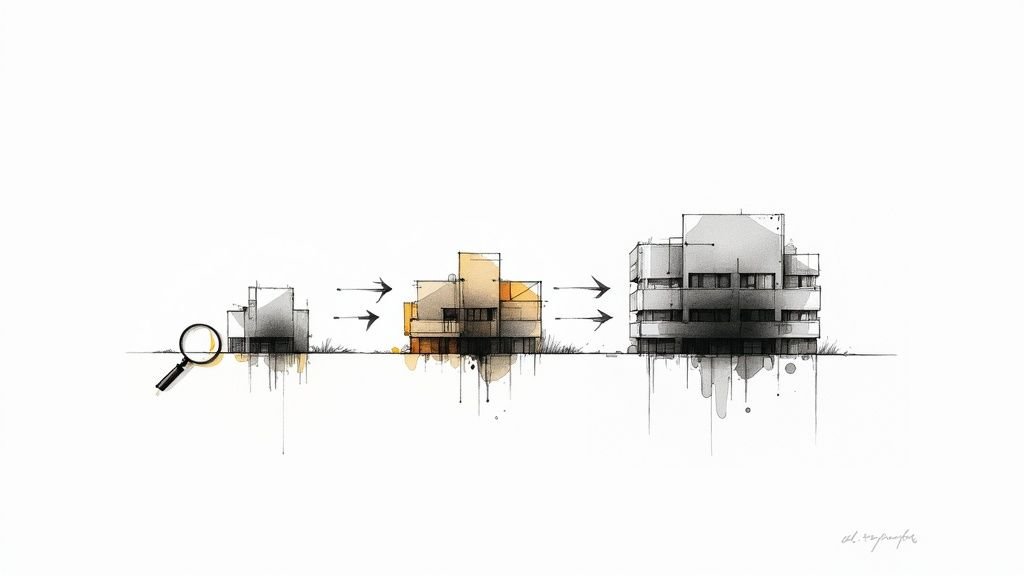
This visual breaks down the evolution from simple drafting to a system that produces reliable quality every time.
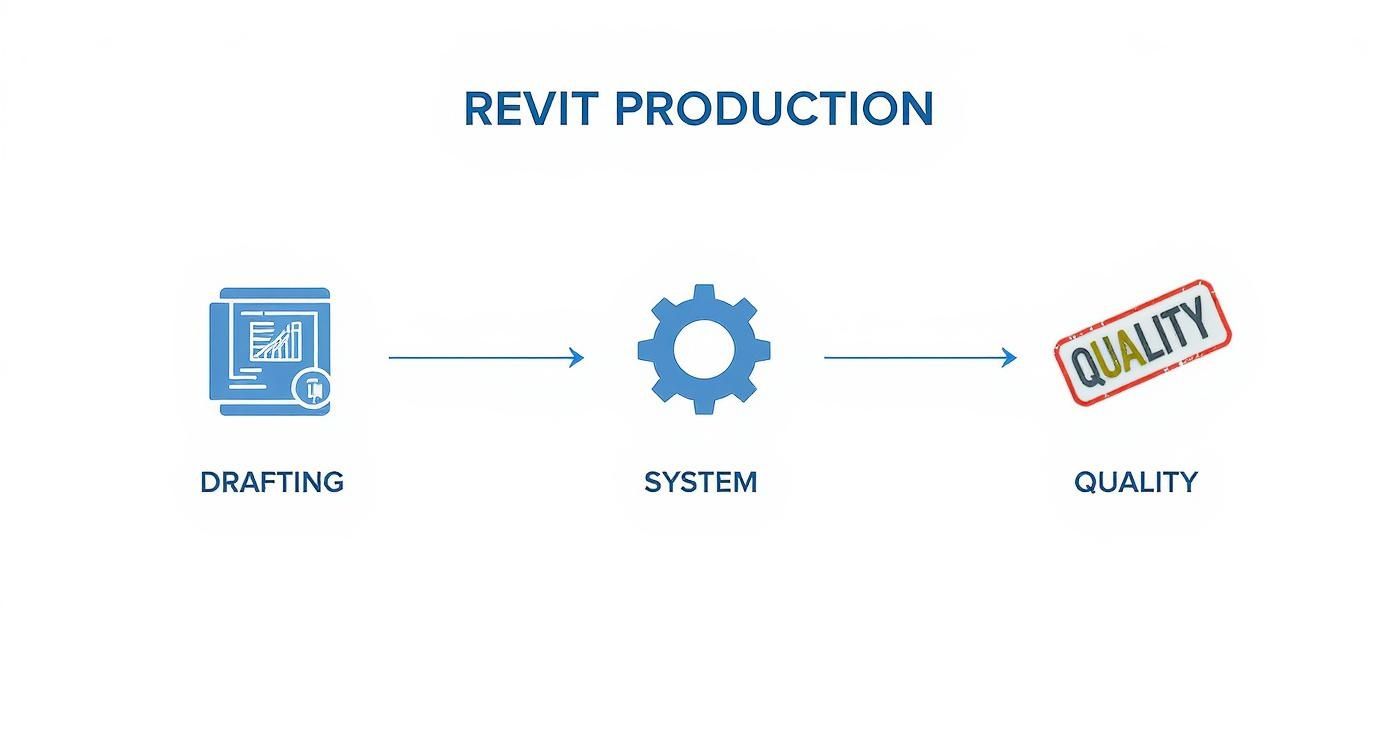
As you can see, quality in Revit drafting services isn't a single action. It's a workflow—a repeatable process that turns raw linework into a system-driven, dependable outcome.
The DNA of a Well-Executed Drawing Set
Exceptional Revit output doesn't happen by accident. It's the direct result of sticking to a few foundational principles. When a dedicated production team handles your documentation, they aren't just drawing lines; they're enforcing a system built on several key pillars that guarantee consistency.
Think of these as the non-negotiables that separate a clean, efficient model from a bloated, confusing one.
- Clean and Logical Browser Organization: The project browser is your model’s table of contents. A logical structure, often using prefixes and custom parameters, lets anyone on the team find the exact view or sheet they need without wasting time hunting for it.
- Disciplined Family Management: Revit families are the building blocks of your model. A disciplined approach means using a curated library of clean, lightweight, and standardized families. This prevents model bloat, boosts performance, and ensures your schedules are always spot-on.
- Automated Naming Conventions: Naming views and sheets by hand is a recipe for disaster. A systemized approach uses simple automation (like Dynamo scripts) to enforce consistent naming, which eliminates typos and makes sure every deliverable lines up perfectly with project standards.
The real measure of great Revit documentation is how little it needs to be explained. When a contractor can pick up a set and immediately understand the design intent, you’ve eliminated a massive point of friction and risk.
We’ve seen firms cut their drafting turnaround time by 40% just by aligning their templates and standards across teams. That speed doesn't come from rushing. It comes from eliminating the constant rework and clarification that plagues undisciplined projects.
From View Creation to Sheet Composition
The consistency of your deliverables all comes down to how views and sheets are managed. This is where architectural Revit drafting becomes a science. Without a system, every new floor plan or section is a fresh opportunity to deviate from your firm’s graphic standards.
A production-focused service avoids this problem by leaning heavily on view templates. These templates are the gatekeepers of quality, locking in everything from line weights and visibility settings to annotation styles and scales. You can learn more about building a powerful system in our deep dive on mastering Revit view templates.
Putting this level of control in place has an immediate impact:
- Guaranteed Graphic Consistency: Every section cut looks the same. Every floor plan has identical annotations. This consistency projects professionalism and reduces confusion for everyone reading the drawings.
- Reduced Onboarding Time: New team members get up to speed faster because the standards are baked right into the template. There's no guesswork.
- Simplified QA Cycles: Quality assurance becomes a process of checking content accuracy, not fixing basic graphic mistakes. This makes your review cycles faster and more focused on what actually matters—the design itself.
Ultimately, the anatomy of high-quality Revit production support is defined by its predictability. It’s a system where every component, from the project browser to the final printed sheet, is built with a level of discipline that frees your design team to focus on design, not on managing redlines.
Integrating Production Pods into Your Existing Workflow
Bringing a dedicated production pod into your firm shouldn’t feel like you’re handing over the keys and hoping for the best. It's more like installing a specialized co-pilot. The goal is seamless integration, not just delegation. A great external team will learn, adopt, and rigorously enforce your firm’s specific standards, becoming a true extension of your in-house talent.
This process actually helps eliminate the common fear of losing control over the final output. When you have a structured collaboration workflow, it enhances your oversight and predictability. The service adapts to your system—not the other way around. It’s all about creating a partnership where your team leads the design intent, and the production pod ensures that intent is flawlessly translated into every last sheet and detail.
Establishing Clear Communication and Checkpoints
Any successful partnership hinges on a proven workflow with clear decision points. We're not talking about endless, time-wasting meetings. This is about scheduled, purposeful communication that keeps projects on track and prevents nasty surprises down the road. This systemized approach ensures everyone is aligned from kickoff to final submittal.
The collaboration process is built around a few key touchpoints:
- Initial Onboarding and Standards Alignment: The first thing the pod does is ingest your existing templates, family libraries, and graphic standards. This deep-dive ensures they operate as a seamless extension of your firm right from day one.
- Scheduled Milestone Reviews: Instead of random, disruptive check-ins, reviews are scheduled at key project milestones (like 30%, 60%, and 90% CD). This gives your team predictable opportunities to provide feedback without derailing their core design work.
- Centralized RFI and Redline Logs: All questions and markups flow through a structured system, like a shared RFI log or a digital markup platform. This creates a single source of truth and prevents critical feedback from getting buried in a long email chain.
This approach is part of a bigger shift in the AEC industry. More and more firms are turning to outsourced Revit drafting services to cut operational costs and tap into specialized global talent. It allows them to focus on high-value design activities while experts handle the detailed drafting, like 3D modeling and creating construction documentation.
A good production pod doesn’t just take on tasks; it absorbs your firm’s DNA. The real value is when they start flagging inconsistencies you might have missed, acting as a true guardian of your quality standards.
File Management and Workflow Best Practices
Clean file management is the absolute bedrock of efficient collaboration. A well-defined protocol for model sharing, linking, and archiving prevents those version control nightmares and keeps the project running like a well-oiled machine. This isn’t just about staying organized; it’s about maintaining model integrity and performance.
Here are some best practices for seamless file integration:
- Utilizing a Central Model: All work happens in a central Revit model hosted on a shared server or a cloud platform like BIM 360. This ensures everyone is always working from the latest version.
- Implementing Strict Worksharing Rules: Having clear guidelines on workset ownership and requiring regular synchronization prevents data corruption and keeps the model healthy.
- Adhering to a Naming Convention: Every single file—from linked CAD drawings to exported PDFs—follows a consistent and logical naming structure. It makes finding and referencing project data simple for everyone involved.
Understanding the benefits of offshore outsourcing can help frame how these external teams streamline operational details. By adopting these structured workflows, a production pod doesn't just deliver drawings—it reinforces a system that brings consistency and predictability to your entire project delivery process.
Measuring the ROI of Systemized Revit Production
Shifting to systemized Revit drafting services isn't just an operational tweak; it's a direct investment in your firm's financial health. While the conversation often starts with labor costs, the real return on investment (ROI) runs much deeper. It touches every metric that keeps a design or construction principal up at night—margin protection, predictability, and operational consistency.
Calculating this ROI means looking beyond simple hourly rates and getting honest about the hidden costs of a chaotic production workflow. Think about all the time lost to rework, coordination clashes, and endless redline cycles. That isn't just an annoyance; it’s a real, tangible drain on your profitability.
Moving Beyond Labor Savings to Margin Protection
The biggest financial win from a production system isn't what you save on drafters. It's the high-value time you give back to your senior architects and project managers. When your most experienced (and expensive) people are spending their days fixing sheet setups or untangling annotation mistakes, you're essentially paying a premium for low-value work.
A systemized production pod completely flips that script. By offloading the mechanical task of Revit documentation, you free up your senior team to focus on what actually grows the business:
- Design Innovation: More time spent on creative problem-solving and the schematic design that wins awards and clients.
- Client Relationships: Deeper engagement with clients, which is the key to securing repeat business and referrals.
- Business Development: Actually having the bandwidth to pursue new projects and strategic opportunities.
This shift directly protects your project margins by making sure your best people are always working on their most valuable tasks.
The Financial Impact of Fewer Errors
Mistakes in construction documents have a nasty habit of compounding. A small inconsistency can quickly snowball into a major RFI from the field, leading to costly change orders and project delays that eat into your profits. Disciplined Revit production support minimizes these risks with a rigorous, multi-stage QA process.
The real ROI isn't just catching mistakes—it's building a system where those mistakes rarely happen in the first place. Every RFI you prevent is a direct saving in time, money, and your firm's reputation.
Let's look at the hard costs tied to poor documentation:
| Common Production Failure | Direct Financial Impact |
|---|---|
| Coordination Clashes | Costly rework, change orders, and schedule delays. |
| Inaccurate Schedules | Material waste, incorrect budget forecasts, and procurement issues. |
| Vague Detailing | Time-consuming RFIs and potential for construction errors. |
| Permit Rejection | Project delays and additional fees for resubmission. |
Every single one of these issues erodes your profit margin. We’ve seen firms slash field-generated RFIs by over 30% after implementing a standardized production workflow, saving thousands in potential rework costs and keeping projects on track. This push for efficiency is driving major market growth, with the global drafting services market—where architectural Revit drafting is a huge player—valued at $5.71 billion and projected to hit $7.31 billion by 2029. You can dig into the full drafting services market expansion analysis for more details.
Calculating Your Firm’s Potential ROI
Want to see what this could mean for your firm? Start by auditing the time currently lost to production friction. A simple one-week analysis can be incredibly revealing. Just track the hours your senior team spends on tasks that could easily be systemized:
- Correcting inconsistent graphic standards.
- Answering the same questions about view setups over and over.
- Wrangling a disorganized project browser.
- Doing last-minute quality checks right before a deadline.
Now, multiply those lost hours by their loaded billable rate. That final number is a conservative estimate of the money you're leaving on the table right now—money a dedicated Revit drafting services partner can help you reclaim by putting a system in place that's built for clarity and reliability.
Building Your Firm’s Production Flywheel
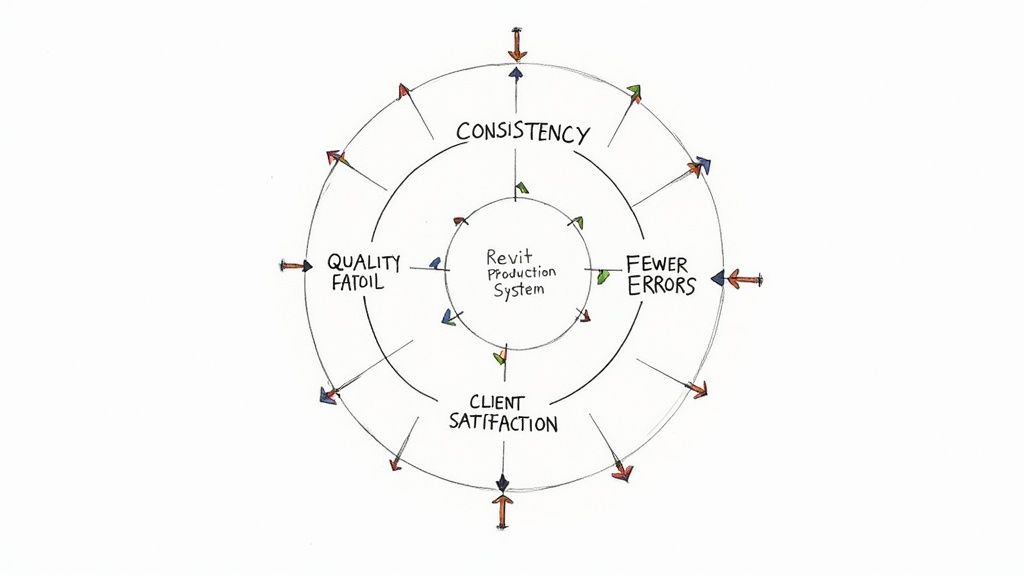
Ultimately, top-tier Revit drafting services are about more than just churning out drawings—they're about building a reliable system that fuels your firm’s growth. It’s a move away from the chaos of project-by-project scrambles and toward a systematic workflow that creates what we call a "production flywheel." Think of it as a self-reinforcing cycle where discipline and consistency build momentum over time.
This isn’t just some abstract operational theory; it’s a practical engine for profitability. It all starts with a simple idea: when every piece of Revit documentation is created with the same rigorous standards, the quality and predictability of your deliverables go through the roof.
How the Flywheel Effect Fuels Growth
The flywheel gains speed with each successful project, creating a loop where better systems lead to better outcomes, which in turn strengthen the system itself.
- Consistency Breeds Quality: When you use standardized templates and QA checkpoints, you eliminate guesswork. The result is higher-quality drawings with far fewer errors.
- Quality Reduces Rework: Cleaner documents mean fewer RFIs from the field and faster permit approvals. That protects both your margins and your timelines.
- Reliability Boosts Satisfaction: Consistently delivering clear, accurate drawing sets makes contractors and clients happy, leading to stronger relationships and repeat business.
This cycle allows your firm to take on larger, more complex projects without adding more chaos or overhead. Instead of constantly fighting fires, your team can focus on design innovation and delivering real value.
A production system isn't a cost center; it's a strategic asset. It’s the operational backbone that gives your firm the confidence to scale predictably, knowing your delivery engine can handle the load.
Your firm's ability to grow shouldn't be held back by production bottlenecks. By investing in Revit production support, you’re not just outsourcing tasks—you're installing a system built for clarity, reliability, and sustained momentum. It’s the difference between pushing a heavy rock uphill with every new project and giving a perfectly balanced flywheel a gentle push to keep it spinning faster and faster.
This systematic approach transforms architectural Revit drafting from a manual chore into a powerful business driver. The focus shifts from just getting drawings done to building an operational machine that protects your time, your quality, and your bottom line.
Ready to build your own production flywheel? To get started, we're offering a complimentary Revit Drafting Standards Checklist. It’s a practical tool designed to help you identify and close the gaps in your current workflow. Download it today to begin building a more predictable and profitable production system.
Frequently Asked Questions About Revit Drafting Services
Even with a clear grasp of the benefits, architects, home builders, and design firms still have practical questions about bringing Revit drafting services into their workflow. This section cuts straight to the chase, answering the common queries we hear all the time.
What Types of Firms Benefit Most from These Services?
Firms hitting production bottlenecks, struggling with inconsistent quality, or trying to scale without taking on huge overhead are the ones who see the biggest impact.
If your senior people are spending more time drowning in redlines than actually designing, it’s a problem. Or if you can't seem to get everyone to follow the same graphic standards, a dedicated production partner can deliver immediate relief. It’s less about the size of your firm and more about your commitment to getting your operations dialed in.
Is This Just Outsourcing or a True Partnership?
While the work happens externally, the entire model is built on partnership. Real Revit production support isn’t about just taking orders; it’s a deep dive into your firm’s unique templates, standards, and way of doing things.
A production pod learns your system, enforces your standards, and acts as a guardian of your quality. The goal is to become a seamless, integrated extension of your team—not just another vendor you have to manage.
The real measure of success is when the production pod proactively flags an issue or suggests a workflow improvement. That's when you know it's a partnership focused on improving your entire delivery system.
How Is Quality and Consistency Maintained?
Quality comes from a system, not just from trying harder. The whole process is built on a few key pillars that ensure things are done right every single time.
- Locked-In Templates: Your firm's view templates, line weights, and annotation styles are the unbreakable foundation.
- Rigorous QA Checkpoints: We build multi-stage reviews into the workflow at key milestones—not as a rushed afterthought.
- Standardized Workflows: From the moment a model is set up to the final export, every step follows a documented, repeatable process.
This systematic approach guarantees every piece of Revit documentation is consistent and accurate, no matter how complex the project gets. We've seen firms cut their field-generated RFIs by over 30% just by implementing a standardized production workflow like this.
What Is the Typical Onboarding Process?
Onboarding is a structured, front-loaded process designed to get everyone aligned from the start. It usually kicks off with a discovery session to really understand your goals.
From there, we do a thorough review of your existing standards, templates, and even some past projects to see how you work. The production pod then absorbs all of this to create a project-specific execution plan. It's an initial investment of time that pays off by ensuring a smooth, predictable workflow right out of the gate. To dig deeper into this, check out our guide on the benefits of outsourcing drafting services, which highlights why a solid setup is so critical.
At BIM Heroes, we believe that predictable production is the foundation of any scalable firm. We don't just deliver drawings; we install a system that protects your time, your quality, and your margins. If you're ready to move beyond production chaos and build a reliable delivery engine, we can help. https://www.bimheroes.com