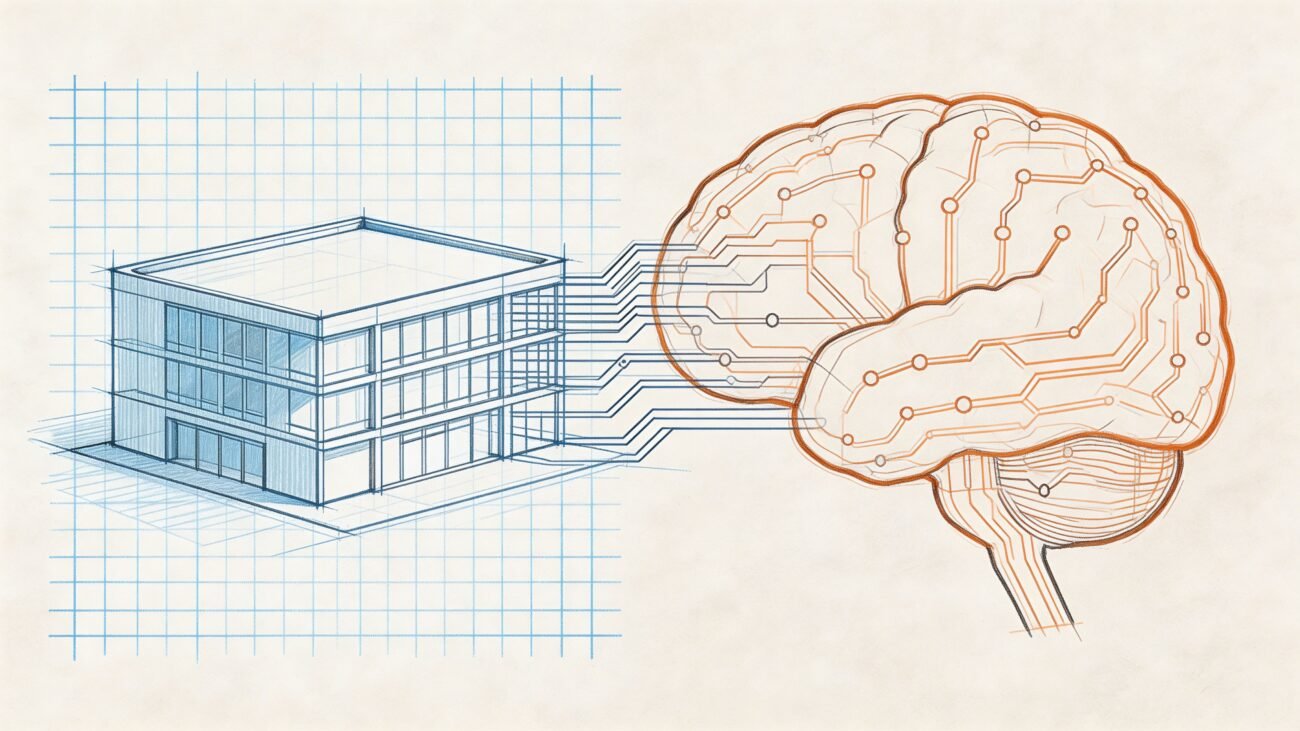
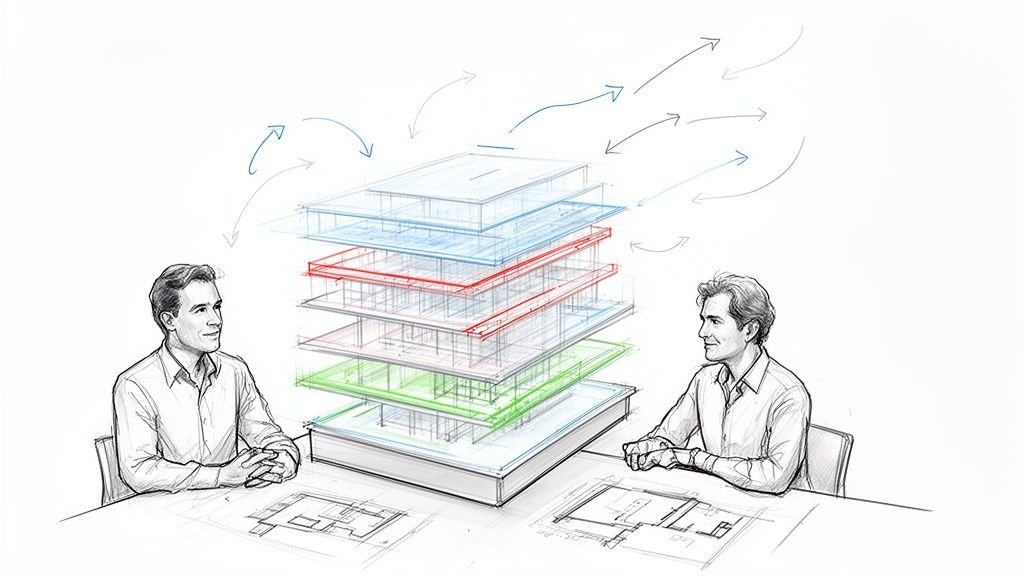
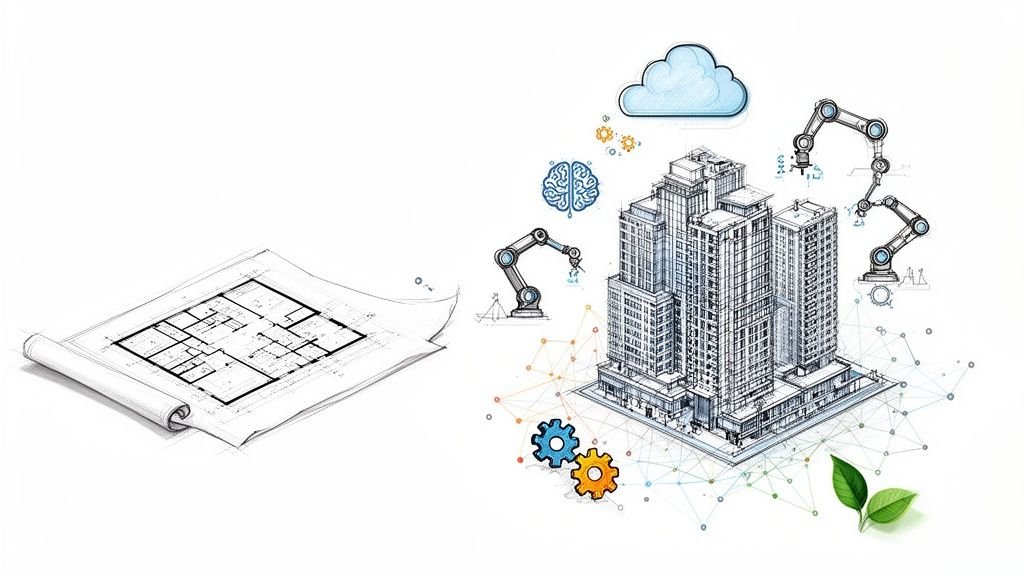
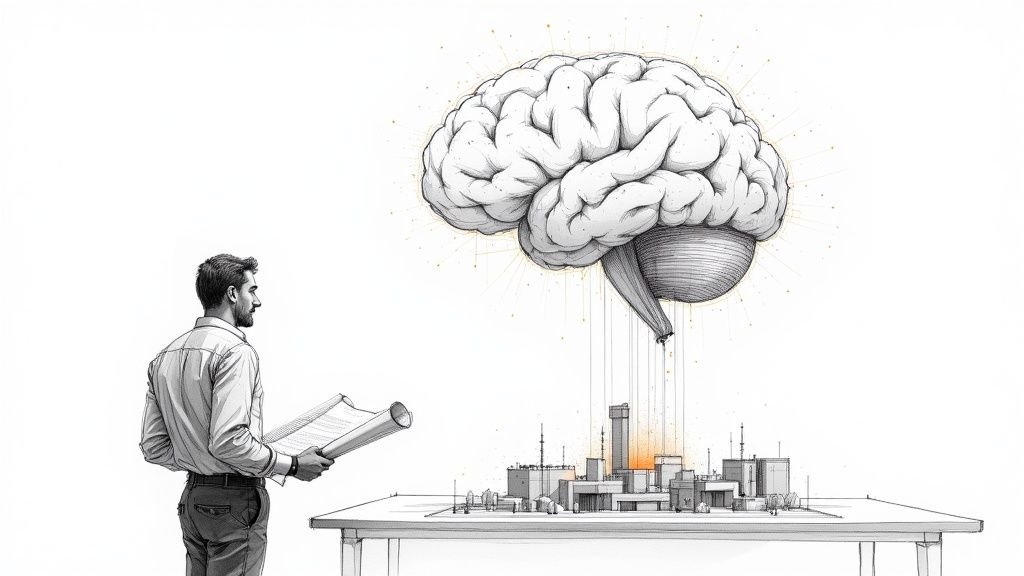
Artificial intelligence in architecture isn't about replacing architects; it’s about augmenting them. For production-focused firms, AI is a powerful tool for automating repetition, recognizing patterns, and handling complex data, but its success depends entirely on the maturity of your existing systems. It excels at narrow, repetitive tasks but completely misses the nuanced judgment required for design accountability, constructability, and code compliance.
The Reality of AI in Architecture Today
The conversation around AI is a mix of over-the-top promises and quiet skepticism. For firm leaders, BIM managers, and production teams, the real question isn't what AI could do someday, but what it can do now to help deliver projects at scale and protect thin margins.
The honest answer? AI is an amplifier. It doesn’t fix broken processes; it just exposes them with incredible speed. We’ve seen AI save time only when it’s layered onto disciplined BIM and production workflows. When you apply it to chaotic, inconsistent systems, it just generates chaos faster.

Where AI Delivers Real Value (and Where It Doesn't)
Forget the idea of an AI replacing a project architect. Instead, think of it as a highly specialized assistant that thrives on clear instructions and high-quality data. Its real-world value is in augmenting your team, freeing up your experts to focus on coordination and critical thinking instead of mind-numbing repetition.
Here are a few current, tangible applications where AI for architects is already making a difference:
- Accelerating Early Concepts: Rapidly generating dozens of design variations and photorealistic renderings based on parameters you define.
- Automating Repetitive Drafting: Taking over tasks like annotating drawings or creating schedules from model data, which locks in documentation consistency.
- Enhancing Quality Control: Performing automated model checks inside your BIM workflows to flag clashes or deviations from your firm’s templates, preventing RFIs before they happen.
- Streamlining Data Extraction: Pulling precise quantity takeoffs directly from models, which improves cost predictability for permitting prep.
Understanding Its Limitations
Where AI falls short is just as important. It has zero contextual understanding to navigate complex building codes, interpret a client's unspoken needs, or assume liability for constructability. An AI cannot be the architect of record. It doesn’t understand the nuances of an RFI or the political dynamics of a project team.
This is why the industry's adoption has been cautious. While only 27% of AEC firms currently use AI, a striking 94% of those early adopters plan to expand their AI investments through 2026. That signals a shift from casual experimentation to embedding AI in core workflows.
The core lesson is that AI’s effectiveness is a direct reflection of a firm's operational maturity. It's a tool that rewards template discipline and rigorous QA processes, making it a natural fit for firms that value predictable, scalable delivery pods.
Ultimately, successfully integrating AI in BIM depends less on the technology and more on the strength of the production systems it supports. You can learn more about how AI will reshape architectural teams without replacing them. This guide offers a reality-checked overview to help you navigate this evolution with clarity.
How AI Works in an Architectural Context
Let's get one thing straight: when we talk about artificial intelligence in architecture, we're not talking about a single, all-knowing machine. It’s a set of specialized tools, each with a specific skill that maps to the real-world challenges of architectural production.
These aren't creative geniuses replacing architects. Think of them as powerful pattern-finders, tireless option-generators, and meticulous data-checkers. Let's break down the core technologies, not with dense jargon, but with analogies grounded in the daily reality of a production-focused firm.
Machine Learning: The Digital Apprentice
Imagine an apprentice who has reviewed every single project your firm has ever completed. Every RFI, every change order, every set of construction drawings. That's the core idea behind Machine Learning (ML). It sifts through massive amounts of historical data to spot patterns and make surprisingly accurate predictions.
In practice, an ML model could be trained on past project schedules to flag potential delays. It could analyze years of RFIs to highlight common coordination issues on a new project, letting your team prevent problems. It’s not "thinking"; it’s recognizing statistical probabilities. This is why your firm’s historical data is so crucial—an apprentice learning from sloppy work will only learn sloppy habits.
Generative Design: The Indefatigable Design Partner
Generative design is like having an tireless partner for early-stage design exploration. You set the rules—project goals, site boundaries, material limits, programmatic needs—and it churns through thousands of design options that fit those constraints.
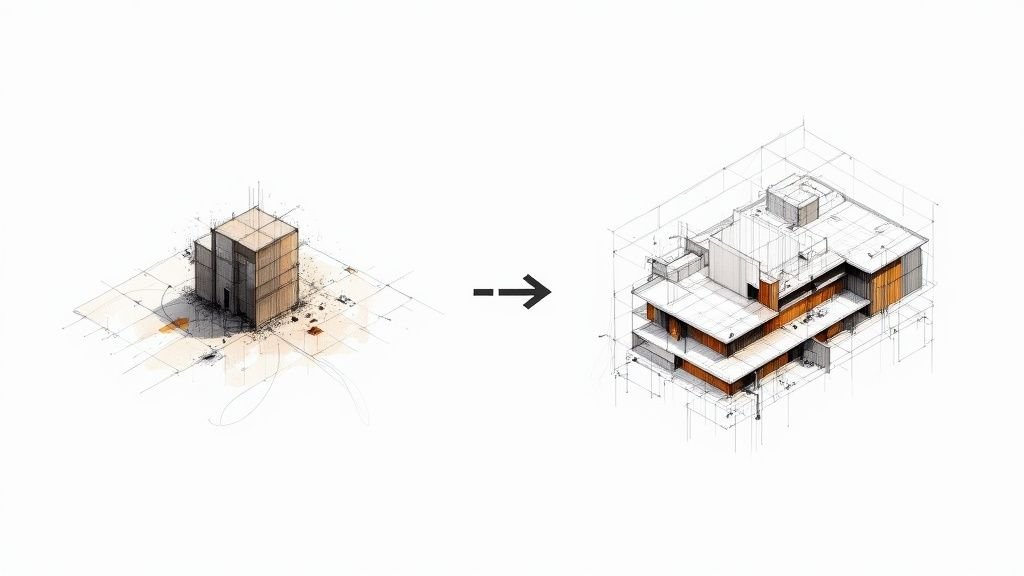
This isn’t about replacing the designer's vision. It’s about offloading the exhaustive work of manual iteration. It allows the human architect to step into the role of curator, applying professional judgment to refine the most promising, data-backed options. For instance, it can generate countless floor plan variations that optimize for daylighting or circulation, giving the design team a much richer starting point.
The real value here is speed to insight. Generative design helps teams move past blank-page paralysis and get to informed decision checkpoints faster, supported by data-driven options rather than just a handful of manually created schemes.
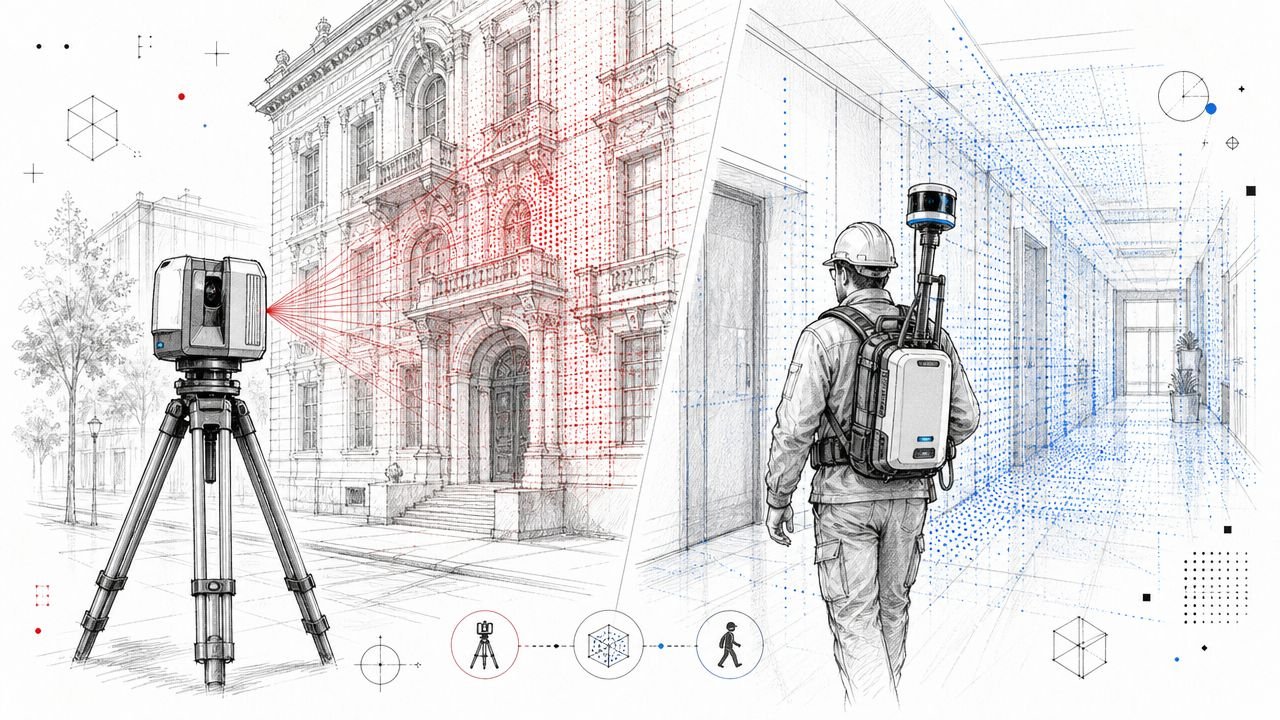
Computer Vision: The Super-Powered Site Surveyor
Computer Vision gives a machine the ability to "see" and interpret the world. In architecture, its most immediate impact is bridging the gap between the digital model and the physical construction site.
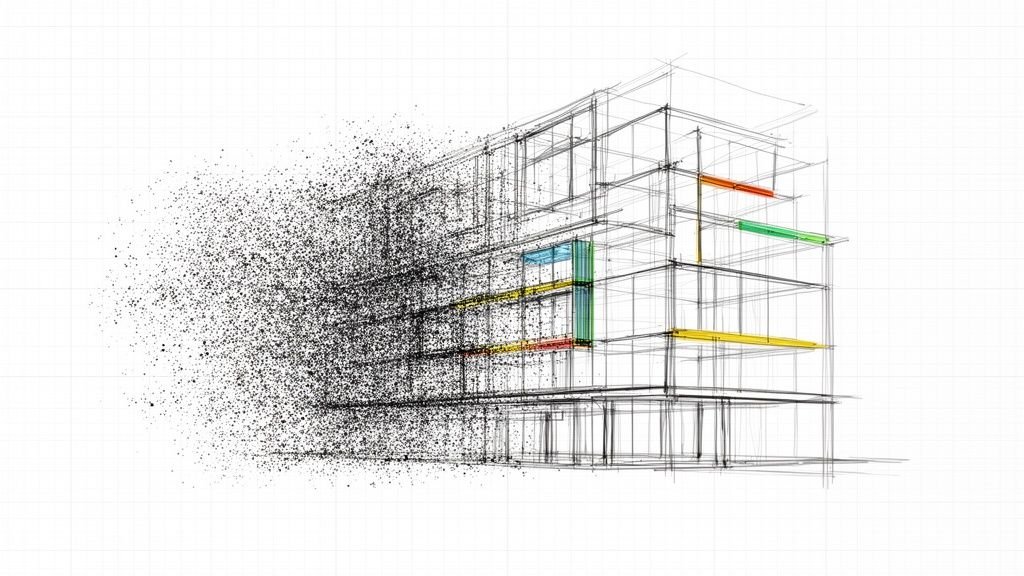
- Scan-to-BIM Workflows: AI-powered computer vision can analyze point cloud data from a laser scan and automatically identify elements like walls, doors, and pipes. This dramatically speeds up the creation of an accurate as-built BIM model.
- Construction Progress Monitoring: It can compare site photos against the BIM model to flag deviations, helping to catch errors before they become expensive rework. It’s a powerful tool for quality control and keeping documentation consistent.
This technology turns raw visual data into structured, useful information, acting as a tireless set of eyes for your quality assurance process.
Natural Language Processing: The Smart Assistant for Documentation
Finally, Natural Language Processing (NLP) is the tech that lets computers understand and respond to human text and speech. Think of it as a smart assistant that can read, summarize, and categorize enormous volumes of project documentation.
For example, an NLP tool could scan a municipal building code and pull out every section relevant to your project type, saving hours of manual research. It can also analyze client meeting transcripts to extract key decisions and action items. This application of AI in BIM helps manage the massive amount of text-based information that defines every project, cutting down on risk and preventing miscommunication.
Practical AI Applications Across the Project Lifecycle
Let's move past the theory. The real value of artificial intelligence in architecture shows up when we look at how it works on a project. AI isn't a magic button; it's a collection of specialized tools that, when applied correctly, can make a huge difference in efficiency and consistency. Their success, however, is always tied to the maturity of your BIM and production systems.
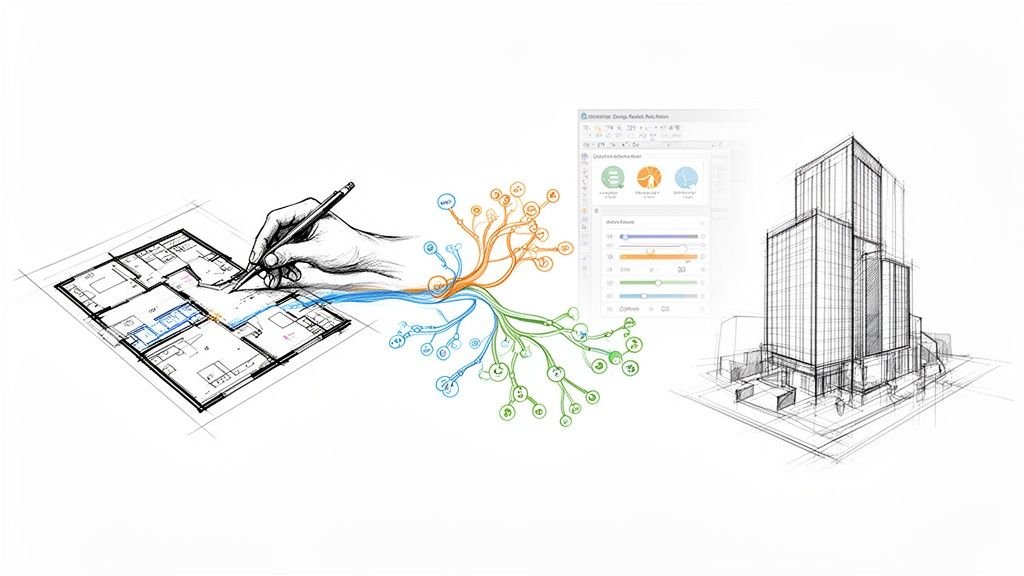
Think of the AI process as a simple, four-step loop: it learns from data, generates new options, sees patterns in models, and reads text from documents.

This flow makes one thing clear: AI is only as good as the data it’s given and the tasks it’s assigned. Let's break down what this looks like day-to-day.
Early Stage Design and Concept Exploration
In the early going, speed and iteration are everything. Generative AI tools have the most obvious impact here, letting teams test ideas that would normally take days of manual work.
- Rapid Massing and Feasibility Studies: AI can generate hundreds of site layouts or massing models based on constraints like FAR, setbacks, and program needs, getting teams to critical go/no-go decisions much faster.
- Accelerated Rendering and Visualization: Image generators can turn a basic model or sketch into a photorealistic rendering in minutes, a game-changer for client presentations.
- Automated Layout Generation: Tools focused on AI-powered floor plan generation can produce dozens of options, letting designers focus on refining the best schemes instead of drawing every one from scratch.
Reality Check: These outputs are for inspiration, not construction. They look great, but they don't understand constructability, building codes, or structural integrity. A licensed professional still has to filter these concepts through the lens of real-world constraints.
Design Development and Documentation Automation
Once a project moves into CDs, the game changes to precision and consistency. Here, AI in architecture acts less like a creative partner and more like a tireless production assistant, automating the repetitive tasks that eat up so many billable hours.
We've seen this firsthand: AI only saves time when it's built on disciplined BIM workflows. If you ask an AI tool to automate annotations, it will only produce reliable results if it’s pulling from a well-structured BIM model. Without that solid foundation, you’re just automating your mistakes.
AI's greatest contribution to documentation is not creativity, but the enforcement of standards. It excels at applying rules consistently across hundreds of sheets, which directly protects margins by preventing manual errors and reducing rework.
Common applications in this phase include:
- Automated Drafting and Annotation: AI scripts can handle tagging doors, windows, and rooms, ensuring every annotation matches firm standards.
- Schedule Generation: Tools can pull data directly from the BIM model to create door, window, and finish schedules, dramatically cutting down on human data-entry errors. This is where a mature BIM process really pays off.
Quality Control and Construction Administration
During the final stages, accuracy is non-negotiable. This is where AI’s ability to spot patterns becomes an invaluable risk-management tool, especially for firms running scalable production teams.
Using AI in BIM for quality control is one of its most powerful applications. It acts like a tireless set of digital eyes, scanning models for issues a human might miss. This proactive checking helps prevent RFIs and costly clashes before they happen on site.
Key QA and CA Applications
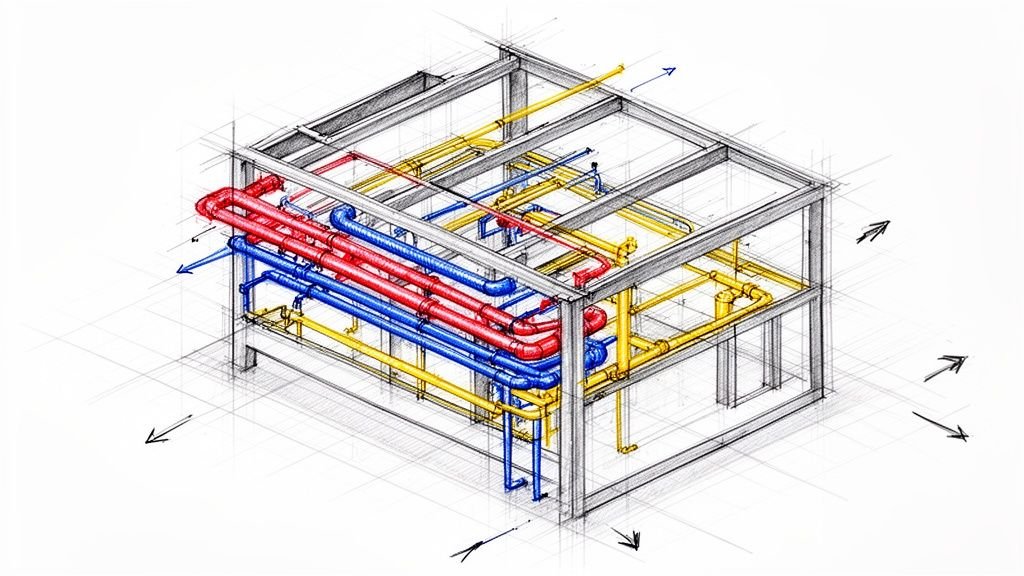
- Automated Model Checking: AI-driven tools can run constant clash detection and check for compliance with your firm's internal standards, flagging any element that deviates from the approved family library.
- Quantity Takeoff Automation: AI can perform incredibly accurate quantity takeoffs from models, providing reliable numbers for cost estimating and procurement. This improves budget predictability and helps smooth out the permitting process.
- Documentation Consistency Audits: Advanced tools can scan an entire drawing set to ensure details and notes are consistent from sheet to sheet, catching discrepancies that cause major confusion on site.
Reality Check: An AI can flag a clash, but it can't solve it. It doesn't have the context to decide the best solution based on competing structural, MEP, and architectural priorities. That requires the collaborative problem-solving of the project team. AI finds the problem; experts deliver the solution.
AI Application Reality Check Across Architectural Stages
To ground these concepts in day-to-day reality, it’s helpful to see how these AI applications stack up at each stage of a project. The table below outlines not just the benefits but also the critical human element required to make them work.
| Project Stage | Practical AI Application | Key Benefit | Critical Human Oversight |
|---|---|---|---|
| Concept Design | Generating massing options based on zoning and program constraints. | Speed to insight. Quickly visualizes feasible design directions for faster client feedback. | Filtering AI outputs for architectural intent, constructability, and aesthetic quality. |
| Schematic Design | Creating multiple floor plan layouts from a basic program brief. | Accelerated iteration. Allows designers to focus on refining the best options, not drafting them. | Validating layouts against accessibility, life safety codes, and functional requirements. |
| Design Development | Automating the annotation of standard elements like doors, windows, and room tags. | Enforcing standards. Ensures consistency across hundreds of sheets, reducing manual errors. | Verifying that AI-placed annotations are clear, correctly located, and don’t obscure other info. |
| Construction Docs | Automatically generating schedules (doors, windows, finishes) from the BIM model. | Data accuracy. Eliminates manual data entry, minimizing the risk of costly discrepancies. | Auditing schedules to ensure they align with specifications and design intent. |
| Quality Control | Running continuous model checks for clashes and deviations from firm standards. | Proactive risk mitigation. Catches coordination issues before they become expensive field changes. | Analyzing and resolving flagged issues, which requires cross-disciplinary negotiation and expertise. |
| Construction Admin | Cross-referencing submittals against the BIM model and specifications. | Faster review cycles. Speeds up verification of materials against design intent. | Making final approval decisions and handling communication with contractors and consultants. |
As you can see, AI is never a "set it and forget it" solution. It’s a powerful assistant that amplifies the expertise of the team, but it always requires a skilled professional in the driver's seat to guide it, validate its output, and make the final critical decisions.
The Hidden Prerequisite: Good Data and Mature Workflows
The buzz around AI in architecture often skips over the most critical part of the equation: the data and workflows that feed the system. Many firms see AI as a silver bullet for production bottlenecks, but the hard truth is that AI won’t fix a broken process.
It will only expose the cracks with brutal efficiency.
This brings us to the old IT principle: "garbage in, garbage out." An AI-powered model checker is useless if the BIM model it's scanning is a chaotic mess of inconsistent families and non-standardized parameters. A generative design tool can't spit out useful options if its constraints are based on flawed or incomplete data.
We’ve only seen AI truly save time when it’s layered onto disciplined, mature BIM and production workflows. Before you even think about buying an AI tool, you have to take a hard look at your firm’s operational maturity.
Your Data Is the Foundation
AI isn’t "intelligent" in the way a human is. At its core, it's a powerful pattern-recognition engine. That means its performance depends entirely on the quality, consistency, and structure of the data it learns from. In an architecture firm, that data is everything from your BIM models and family libraries to your project archives and RFI logs.
If your firm doesn’t enforce strict template discipline, every project starts from a different baseline, making it impossible for an AI to learn consistent patterns. If your QA processes are just informal eyeball checks, your models are filled with hidden errors that will mislead any automated analysis.
The lesson is simple: Artificial intelligence in architecture doesn't create order from chaos. It requires order to function. Investing in robust BIM standards and rigorous quality control isn't just a good practice—it's the critical prerequisite for getting any value out of AI.
This isn't just a problem in our industry. Data quality is a universal challenge holding back AI adoption. In fact, a staggering 57% of organizations point to data reliability as a top barrier to deploying AI. This issue is especially sharp for architecture firms, where the accuracy of BIM data is the bedrock of any trustworthy AI system. You can explore more about these industry-wide data challenges to see how they impact AI deployment across the board.
How Mature Workflows Pave the Way for AI
So, what does a "mature" workflow actually look like? It’s not about having the flashiest software. It’s about having clear, repeatable systems that ensure predictability and operational consistency from project to project. Firms with this kind of maturity are naturally set up for AI success.
These foundational elements include:
- Standardized BIM Templates: Every new project kicks off with a consistent structure, family library, and data schema, giving any AI tool a reliable baseline.
- Rigorous QA/QC Processes: Formalized model checking and drawing reviews are baked into every project phase, not just tacked on at the end, ensuring the data fed to AI is clean.
- Defined Decision Checkpoints: Projects move through clear gates where key decisions are made and documented, providing the structured logic that AI systems thrive on.
- Scalable Delivery Pods: Teams are organized to deliver projects in a consistent, repeatable way, which naturally produces the high-quality, standardized data AI needs to learn effectively.
When these systems are locked in, introducing AI in BIM becomes the logical next step. An automated model checker can plug right into your existing QA process. A drafting automation script can reliably execute tasks because it’s operating within a predictable, standardized template. Without this foundation, firms just end up in a frustrating cycle of pilot projects that go nowhere.
Answering Common Questions About AI for Architects
The rise of artificial intelligence in architecture has kicked up a lot of dust, leaving firm leaders, BIM managers, and production teams with more questions than answers.
Let’s cut through the noise and address the honest questions we hear from firms every day, grounded in what's actually happening in production-focused teams right now.
Is AI just for visuals and early concepts?
Not at all. While generative AI for renderings gets all the attention, its most profound impact is happening behind the scenes, deep within production workflows. This is where AI in BIM truly shines.
Its real power is in crunching data, automating the repetitive tasks that drain your team, and enforcing consistency at scale. Think AI-powered model checking, automated quantity takeoffs, and documentation audits. These applications directly protect your margins, reduce RFIs, and make scalable delivery possible. The value of AI for architects actually grows as a project moves from abstract ideas to concrete construction documents.
Will it replace drafters or designers?
This is the biggest fear, and it comes from a misunderstanding of what AI actually does. AI is an automation engine, not a judgment engine. It excels at taking over the mind-numbing, rule-based tasks—the kind of work that often leads to burnout and human error anyway.
It doesn’t get rid of the need for skilled professionals; it changes their focus.
We’ve seen AI save time only when it’s layered onto disciplined BIM and production workflows. It automates the “what” so that architects and designers can focus on the “why” and “how.”
Instead of manually tagging hundreds of drawings, a designer can use that time to solve a complex coordination issue. AI handles the predictable work, freeing up your best people for high-value problem-solving—a skill that will always be irreplaceable.
Who owns AI-generated outputs and who is liable?
This is where things get messy, as the legal and ethical frameworks are still playing catch-up. When an AI-generated design detail fails on-site, who’s on the hook? The software developer, the firm, or the architect of record who stamped the drawings?
For now, the answer is clear: the firm and the architect of record retain full responsibility. An AI platform cannot assume liability. This is a critical checkpoint that reinforces the absolute need for rigorous human oversight. You can't just trust an AI-generated output without a thorough QA process led by a licensed professional. Any firm using these tools has to treat the outputs as raw suggestions that demand expert validation, not as finished products ready for construction.
Building Your Firm’s AI Adoption Framework
Stepping into AI in architecture can feel like a huge leap, but it doesn't have to be a high-risk gamble. The key isn't diving into the deep end with the flashiest technology. It’s about creating a measured, systematic plan that aligns with your firm’s real-world production maturity.
We’ve learned one thing loud and clear: AI won’t fix broken workflows—it just shines a brighter light on them. That's why a smart adoption framework starts not with tech, but with a hard look at your own systems. This isn’t about buying software; it’s about building a capability.

Step 1: Audit Your Foundation
Before any pilot project, assess the health of your current BIM standards, QA processes, and template discipline. Is your data clean and consistent? Are your workflows for model checking and document review repeatable? Be brutally honest. Layering an AI tool on top of a chaotic foundation will only amplify mistakes.
Step 2: Start Small and Specific
Resist the temptation to solve your biggest problem first. Instead, find one high-impact, low-risk workflow to test on a pilot project. Pick a task that is repetitive, rule-based, and easy to measure. Good starting points include automated drawing annotation, AI-powered model checking for a single standard, or automated quantity extraction for one material. The goal is a quick, contained win.
Step 3: Measure Everything
How do you know if an AI tool is working? You track its impact. Define clear, simple metrics before you start the pilot. This isn't about vague promises of "efficiency"; it's about hard numbers. Track time saved on the specific task, reduction in errors caught downstream, and consistency improvements across the drawing set. This data is your ammunition for building a business case to scale up.
Step 4: Scale Systematically
Once you have a successful pilot and the data to back it up, you can start to scale. Use the lessons learned to inform a broader rollout, baking the tool into your standard templates and QA processes. This is where your investment starts paying real dividends, shifting from a one-off solution to a systemic improvement.
This phased approach grounds your exploration of artificial intelligence in architecture in reality. While global AI adoption is picking up speed, the AEC industry faces a unique challenge. Only 11% of AEC firms have reached full digital maturity, yet 9 out of 10 organizations see AI as a competitive advantage. This gap highlights a massive opportunity for firms that build a solid operational foundation first. Discover more AI adoption statistics to see the bigger picture.
A thoughtful adoption framework turns AI from a source of anxiety into a source of operational strength. It ensures that every step you take is deliberate, measurable, and built upon the disciplined workflows that already define your firm's success.
As you start down this path, the role of a skilled BIM Manager becomes more critical than ever, especially in auditing and reinforcing your firm’s digital foundation. For anyone ready to take that first step, a structured self-assessment is the only way to begin.
Ready to see if your firm's workflows are truly AI-ready? The first step is an honest look at your current systems. Our AI Readiness Checklist is a practical tool designed for architecture firms to self-assess their operational maturity and identify the foundational strengths needed for successful AI adoption.