Meta title: AI-Assisted Construction Documentation: A Practical Look
Meta description: What AI documentation tools like SketchPro and SWAPP do in 2026 and where human judgment still carries the work.
Category: Construction Coordination & Documentation
A firm principal hears about AI every week now. A BIM manager sees another demo. A production lead gets asked the same question from above and below the line: is this real enough to matter, or is it still mostly polished marketing?
That question usually shows up at the worst possible time. Deadlines are tight. Permit sets are moving. Teams are already stretched on tagging, dimensions, schedules, revisions, and sheet cleanup. Nobody has time for a science project disguised as innovation.
The reason this matters is simple. Documentation failure is expensive. Poor construction data and miscommunication cost the global construction industry about $1.8 trillion annually, and 14% of all avoidable rework in 2020 was directly tied to bad data, representing $88 billion worldwide according to MSUITE's summary of industry research on bad construction data. When drawing sets drift out of sync, when model updates don't make it into sheets cleanly, and when teams rely on inconsistent naming and manual handoffs, the cost lands in rework, delay, and avoidable noise.
That's why AI-assisted construction documentation is getting attention. Not because firms suddenly want robots making design decisions, but because production teams are tired of paying skilled people to do mechanical cleanup work for hours at a time.
The conversation now delves into useful applications. Some tools are now good at very specific documentation tasks. Some aren't ready for the way real projects move. And a lot of the value depends less on the AI itself than on whether the firm already has standards worth automating.
Introduction The Shift from Hype to Practical Application
In most firms, the AI conversation has moved past novelty. The question isn't whether these tools exist. It's whether they can survive contact with live projects, consultant churn, permit deadlines, and the daily friction of actual construction documentation.
That distinction matters. A slick demo can tag a clean sample model. Production teams deal with models that aren't fully settled, views that need project-specific judgment, and details that only make sense when someone understands both design intent and field consequences. That's why the useful way to evaluate AI construction documentation tools is task by task, not slogan by slogan.
What principals are really trying to solve
The bottleneck is rarely “we need more technology” in the abstract. It's usually one of these:
- Sheet production drag that keeps senior staff reviewing formatting issues instead of design issues
- Standards drift across teams, offices, or outside production support
- Permit pressure when repeated documentation tasks eat time needed for coordination
- QA noise caused by inconsistent naming, incomplete tagging, and revision confusion
Field lesson: The best use case for AI in documentation is rarely creative work. It's removing the production chores that quietly consume a team's margin.
What's changed is that a few tools now target those chores directly. They're not trying to replace Revit, BIM management, or document control. They're trying to automate the grind inside those workflows.
Why the shift feels real now
Firms are piloting these tools because the pain is real, repeatable, and expensive. The practical appeal is straightforward: if software can dimension, tag, set up sheets, and build first-pass documentation against office standards, teams can spend more time on coordination decisions and less on repetitive drafting.
That's a meaningful shift, but only if the firm treats AI as part of a production system. Without standards, approvals, naming rules, and review discipline, automation just makes inconsistency faster.
Defining AI in the Context of Construction Documentation
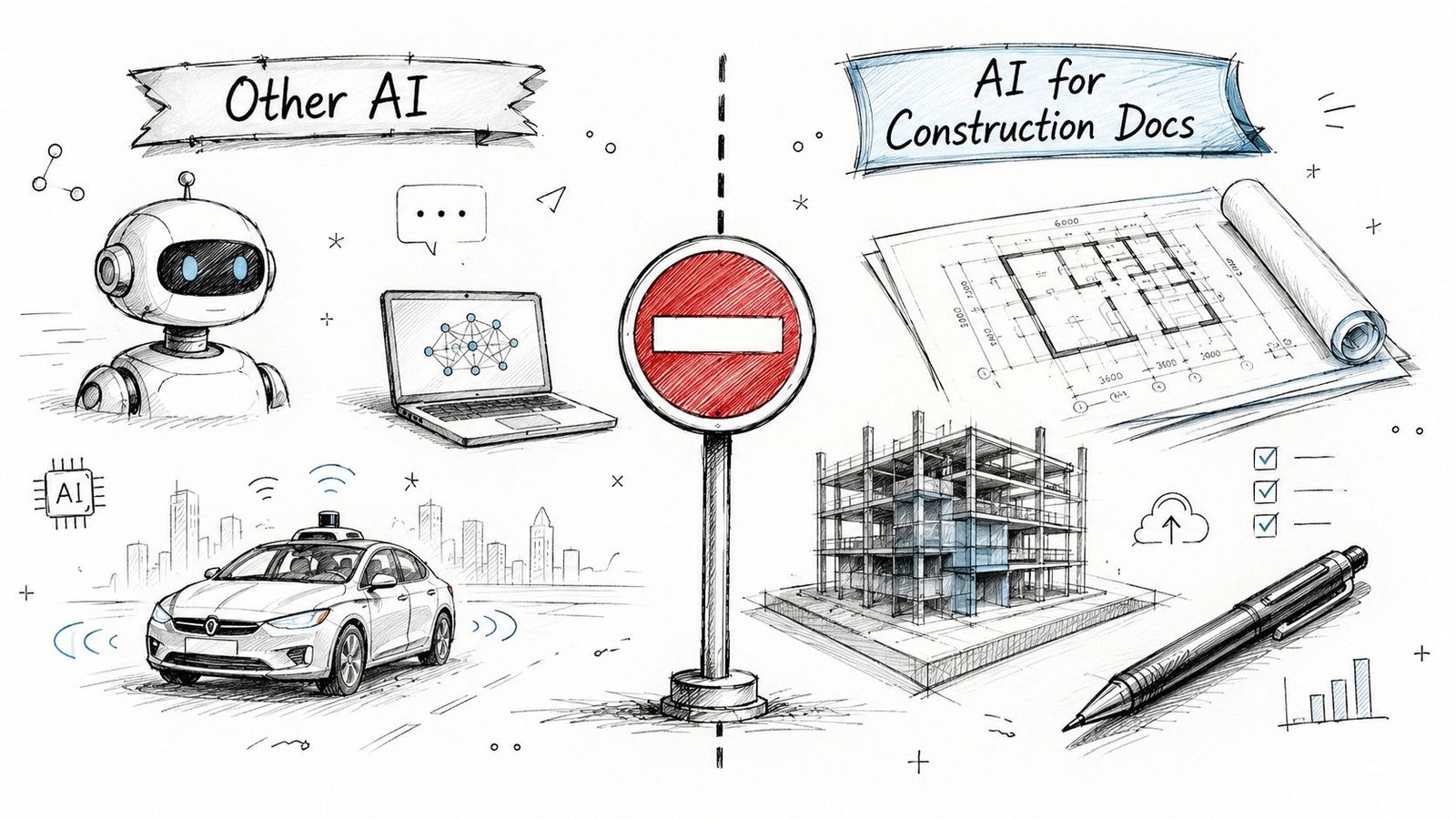
When people say “AI in AEC,” they often lump together very different categories. That causes confusion fast. AI image generation, conceptual massing tools, and rendering workflows are one conversation. Construction documentation is another.
What this category actually includes
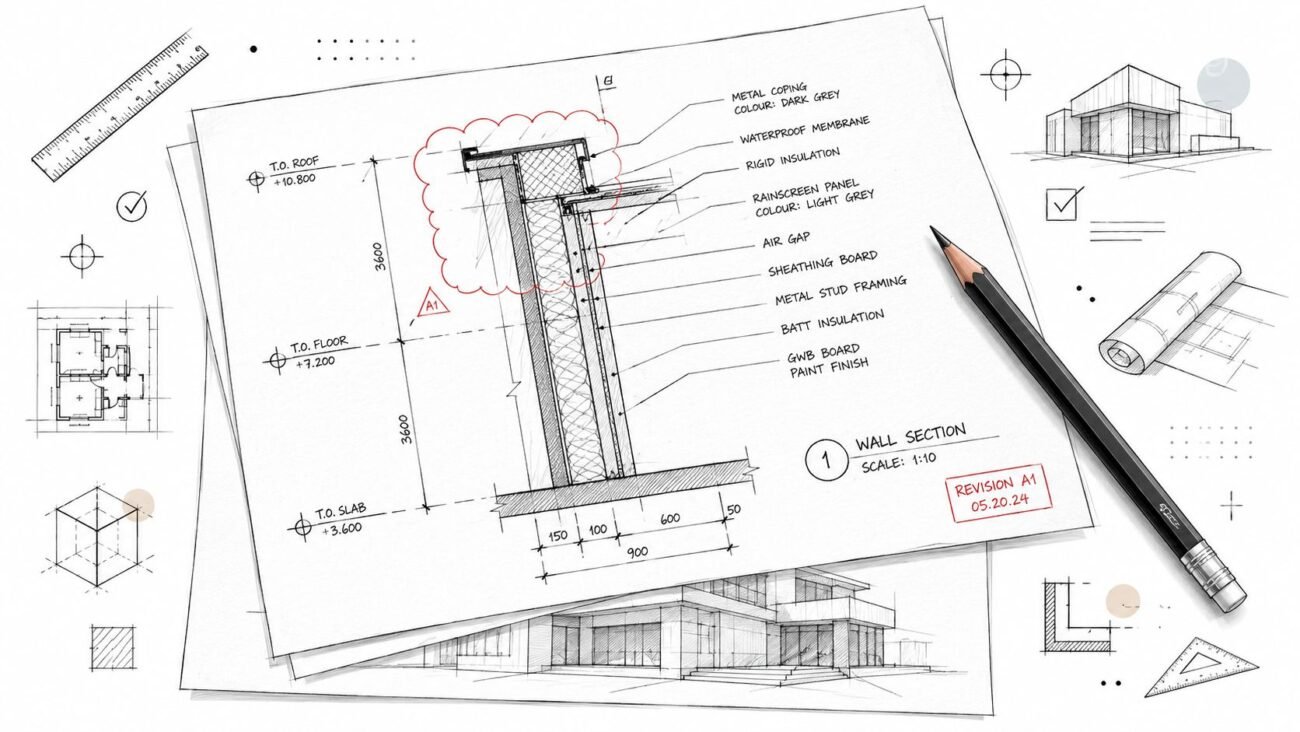
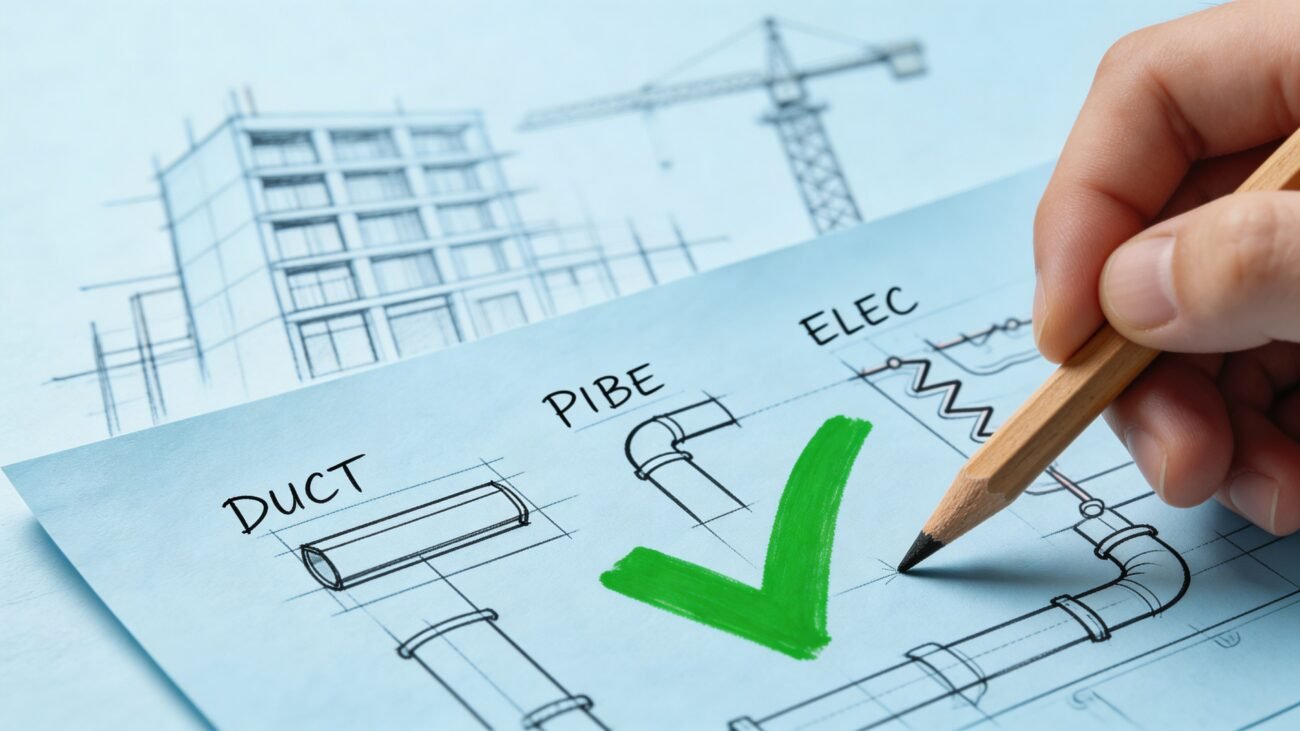
In practice, AI construction documentation usually means software that helps with CD-phase production work such as:
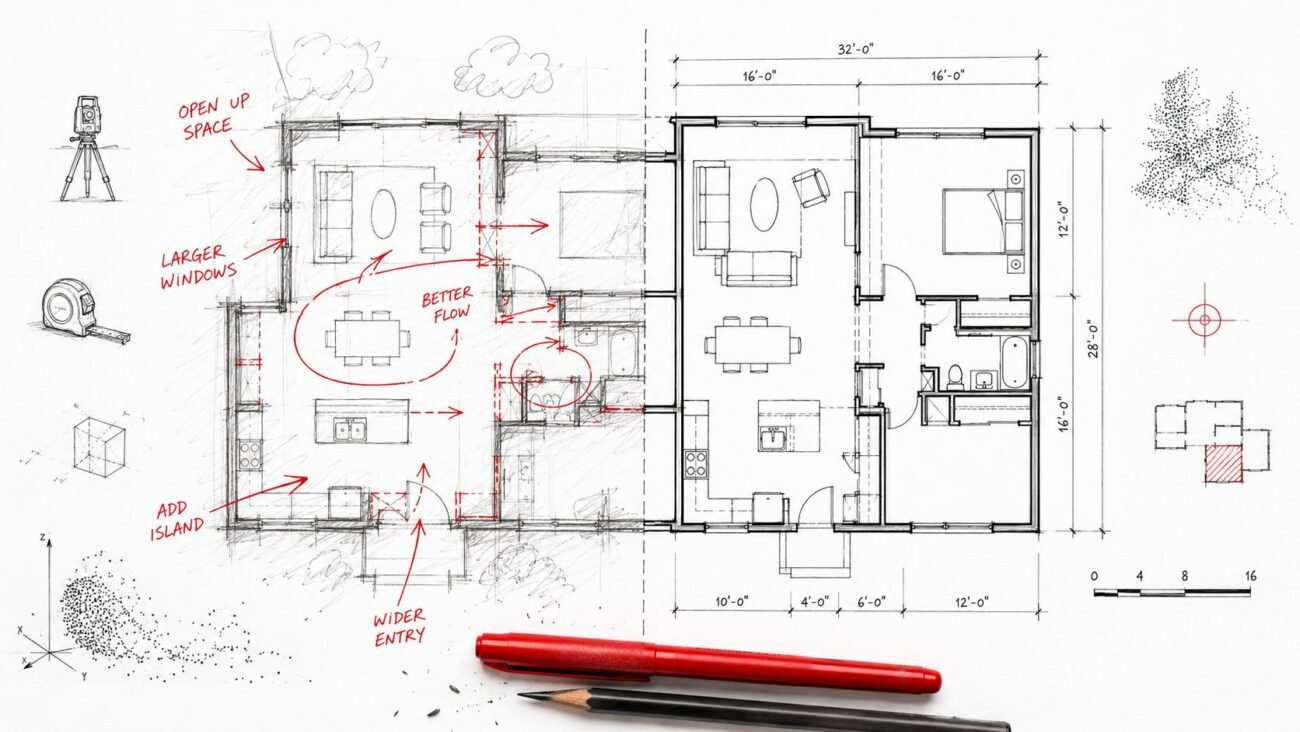
- Dimensioning plans based on preset rules
- Tagging model elements like doors, windows, rooms, and equipment
- Setting up views and sheets using office templates
- Generating schedules from model data
- Producing first-pass drawings from a developed model or structured input
These tools usually work inside or alongside Revit, not as a replacement for the broader BIM stack. That matters for adoption. Most firms don't want another disconnected platform. They want help with the tedious parts of the environment they already use.
Why workflow discipline matters more than the AI label
The firms that get value here tend to have one thing in place first: a documentation framework. Construction documentation has to start early and stay structured from day one, with naming conventions, folder structures, revision labels, approval paths, and archiving rules clearly defined across consultants and trades, as outlined by CMiC's guidance on document management best practices.
That's the hidden filter on most AI BIM software. If the office has loose standards, inconsistent templates, or weak revision control, the tool doesn't fix the underlying production maturity problem. It exposes it.
A useful way to frame the current market is this: AI isn't replacing BIM execution. It's trying to compress the manual steps around it. For teams sorting through the broader conversation, the overview on AI in architecture workflows helps place documentation tools in the larger design-tech context, and BuddyPro AI solutions are worth reviewing if you're comparing how different AI products are being positioned across business workflows.
Good automation depends on boring discipline. Naming, approvals, and template structure still decide whether output is dependable.
A Practical Look at Todays AI Documentation Tools
The current range of tools is narrow enough to map, but varied enough that firms should pay attention to differences in scope. Some products act like Revit copilots. Others aim higher and try to generate a larger portion of the drawing package.
SketchPro
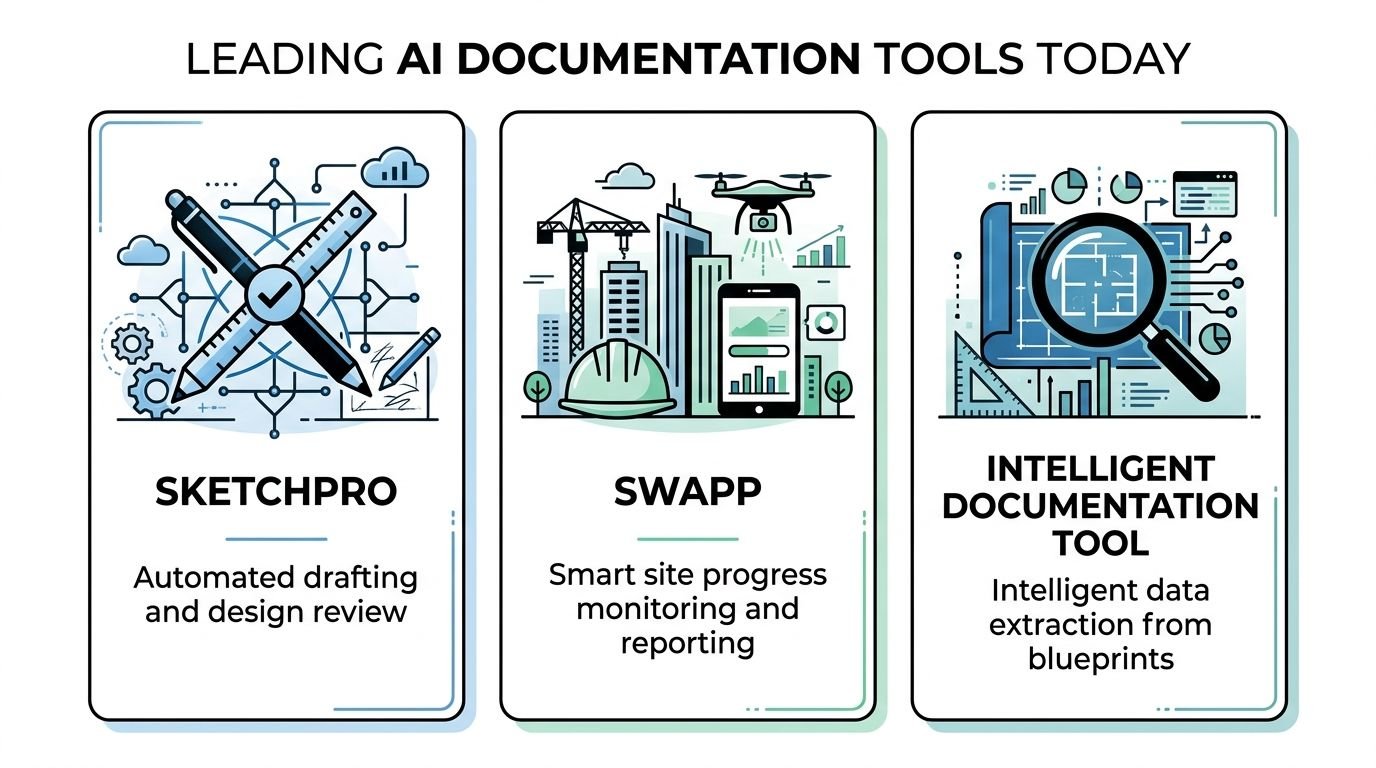
SketchPro is generally positioned as an AI copilot inside Revit. Its value sits in repetitive drafting and documentation actions such as dimensioning, tagging, and helping set up views or sheets based on office rules. It fits firms that already have a structured Revit environment and want to automate smaller but time-heavy production steps rather than overhaul the entire workflow.
SWAPP
SWAPP targets broader drawing production from a model, including items such as plans, sections, elevations, schedules, and documentation packages for repeatable building types. The strongest fit appears to be higher-volume workflows where firms benefit from standardization and a predictable handoff between model development and drawing generation. That makes it especially relevant to teams with repeatable typologies and scalable production pods.
Blueprints AI
Blueprints AI is typically framed around generating code-aligned construction document output from inputs such as sketches, CAD files, or Revit-based information. The attraction here is permit-oriented acceleration. The caveat is obvious to any production lead: permit-ready output only helps if the underlying assumptions, jurisdictional context, and project specifics are handled correctly in review.
A few other names worth watching
Some tools focus on narrower use cases. Glyph, for example, has been discussed in the market as a productivity layer around tasks like tagging and dimension placement. Other products sit closer to document intelligence, helping firms organize, classify, or extract information from drawing sets rather than generate them outright.
Here's the practical difference:
| Tool type | Typical input | Best fit |
|---|---|---|
| Revit copilot | Structured Revit model | Firms improving repetitive drafting tasks |
| Drawing-set generator | Coordinated model and standards | High-volume, standardized production |
| Permit-oriented generator | Sketch, CAD, or BIM inputs | Teams trying to compress early documentation cycles |
| Document intelligence layer | Existing drawings and files | Firms cleaning up retrieval, classification, and review |
No firm should read this situation as settled. Products change quickly. Positioning changes faster. The right way to evaluate them is by asking three blunt questions:
- What task does it remove today
- What input quality does it require
- What review burden does it create downstream
That last question gets ignored too often. Faster output isn't a win if it creates noisy QA or forces senior staff to spend more time correcting avoidable decisions. Teams that care about documentation consistency should also keep a close eye on drafting quality specifications, because AI output improves when the office has explicit standards to work against.
Where AI Tools Genuinely Excel in Production Workflows
The strongest use cases in AI-assisted construction documentation are the ones experienced BIM managers already suspect. The software does best when the work is repetitive, rules-based, and expensive mainly because it consumes time.
The tasks that fit current tools well
These tools are useful when the output depends on consistency more than interpretation.
- Dimensioning repetitive plan conditions where office rules are already clear
- Tagging doors, windows, rooms, fixtures, or equipment across large sheet sets
- Generating schedules from model data when the model is reasonably clean
- Applying sheet and view standards across repeatable project types
- Formatting and naming outputs consistently across revisions
A lot of this comes back to nomenclature. Standard naming in construction documentation should include identifiers such as project name, document type, version number, and date, which improves retrieval and reduces outdated-file errors, as described in Kyro's document management best practices.
Why this matters for production maturity
Genuine margin protection is realized. If a firm can automate first-pass documentation mechanics, it gets more predictable output from the same standards library. That doesn't sound glamorous, but predictable production is usually worth more than flashy innovation.
Practical rule: Automate what your team already knows how to do consistently. Don't automate unresolved office habits.
For firms with template discipline, the upside is often less about “AI magic” and more about reducing variation. One model. One standards package. Fewer drafting detours. Cleaner handoff into QA.
That's also why automated drawing production has limits. The software can execute rules. It can't decide whether the rule still makes sense when the project departs from the pattern.
Why Human Judgment and Coordination Remain Critical
The fastest way to misunderstand AI BIM software is to assume that documentation is mainly a drawing-output problem. It isn't. The difficult part is usually decision-making under incomplete information.
Geometry isn't intent
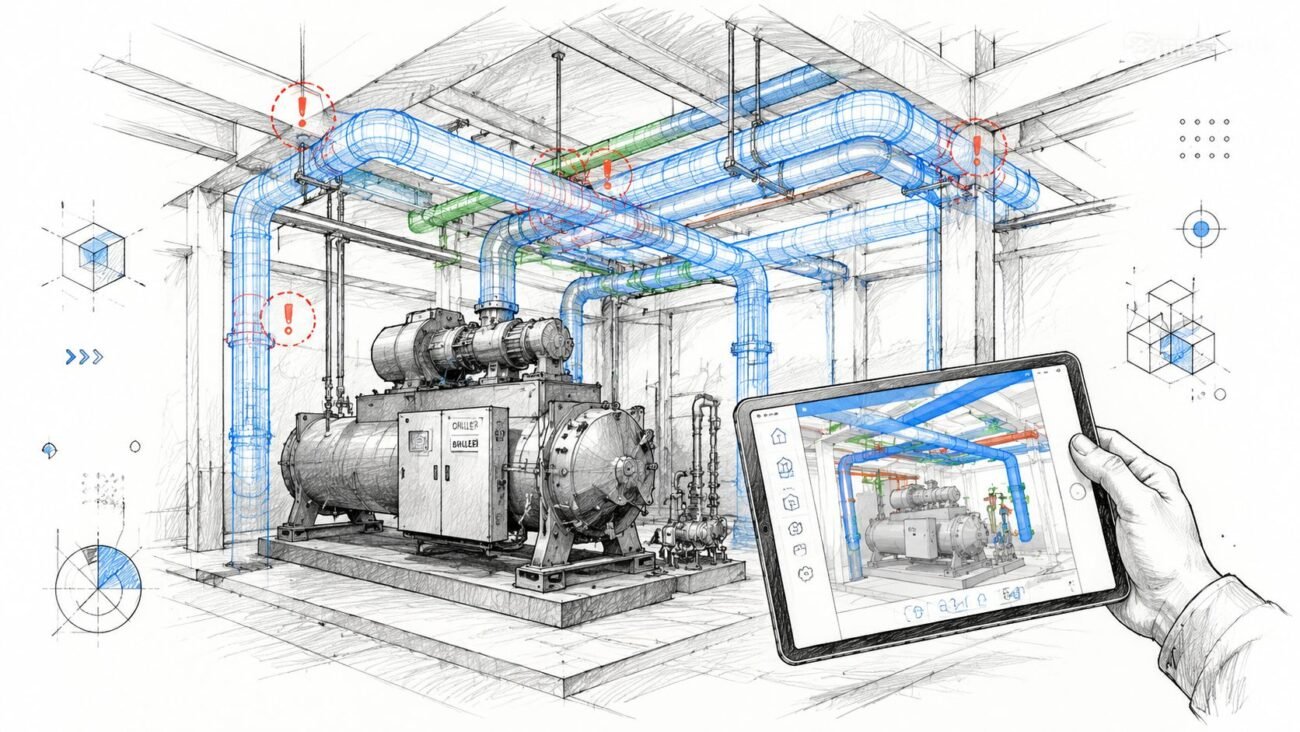
A tool can see walls, doors, views, and model relationships. It can't reliably understand why a team chose one coordination move over another. When architecture, structure, and MEP compete for the same space, the answer isn't always “remove the clash.” The answer may involve constructability, sequencing, access, code interpretation, or preserving a design priority that isn't obvious in the model.
That's why review still sits with people who understand the project, not just the software.
Someone still has to define the system
A formal document management plan has to assign roles and responsibilities, define required document types, designate systems and tools, and establish centralized storage so documentation is managed consistently, according to Thomas Printworks' guidance on construction documentation planning.
That sentence sounds administrative. In practice, it's the whole operating model.
AI tools depend on someone deciding:
- Who approves what before it hits a sheet set
- Which standards are mandatory versus project-specific
- When a model is stable enough for automated documentation
- What gets archived and how revisions are labeled
- How consultants feed data back into the common workflow
Without that structure, the tool becomes another fast actor inside a confused process. Teams evaluating the broader implications can compare this with the discussion around AI in BIM coordination and delivery, where the same pattern shows up repeatedly: automation helps most after the workflow has been disciplined.
The hard part of documentation has never been drawing lines. It's deciding which information is trustworthy enough to publish.
The moving-target problem
Another limitation is project volatility. Current tools perform best when the model is relatively stable and standards are known. They're less reliable in messy midstream conditions where design is still evolving, consultant input is partial, and project-specific exceptions pile up.
That's not a failure of the software. It's a reminder that construction documentation is a live coordination process, not just a production output.
Real-World Adoption Models for AI Documentation Tools
Most firms aren't making a dramatic switch. They're testing one painful task at a time.
A common pattern is simple. The team starts with automated tagging or dimensioning on a defined project type. They keep coordination, detailing decisions, and final QA with the core production team. If the tool behaves predictably, they expand into sheet setup or schedule generation.
What partial adoption looks like
The practical pilot model usually includes:
- One task first such as plan dimensioning or door tagging
- One project type first where standards are already mature
- One review loop first so staff can compare output against current QA expectations
That approach is far more realistic than trying to automate a full CD package on day one.
Why the copilot model is winning for now
Several of these products are positioned as copilots for a reason. Teams want actions that are reviewable and reversible. That lowers adoption risk and keeps trust from collapsing after one bad result.
The firms that seem to handle this well treat AI as another layer in their construction document management workflow, not as an isolated app. The adoption question becomes operational: where is the production bottleneck mechanical, and where is it still coordination-heavy?
That's a much better question than “should we use AI.”
Conclusion How AI Is Reshaping the Future of Documentation Work
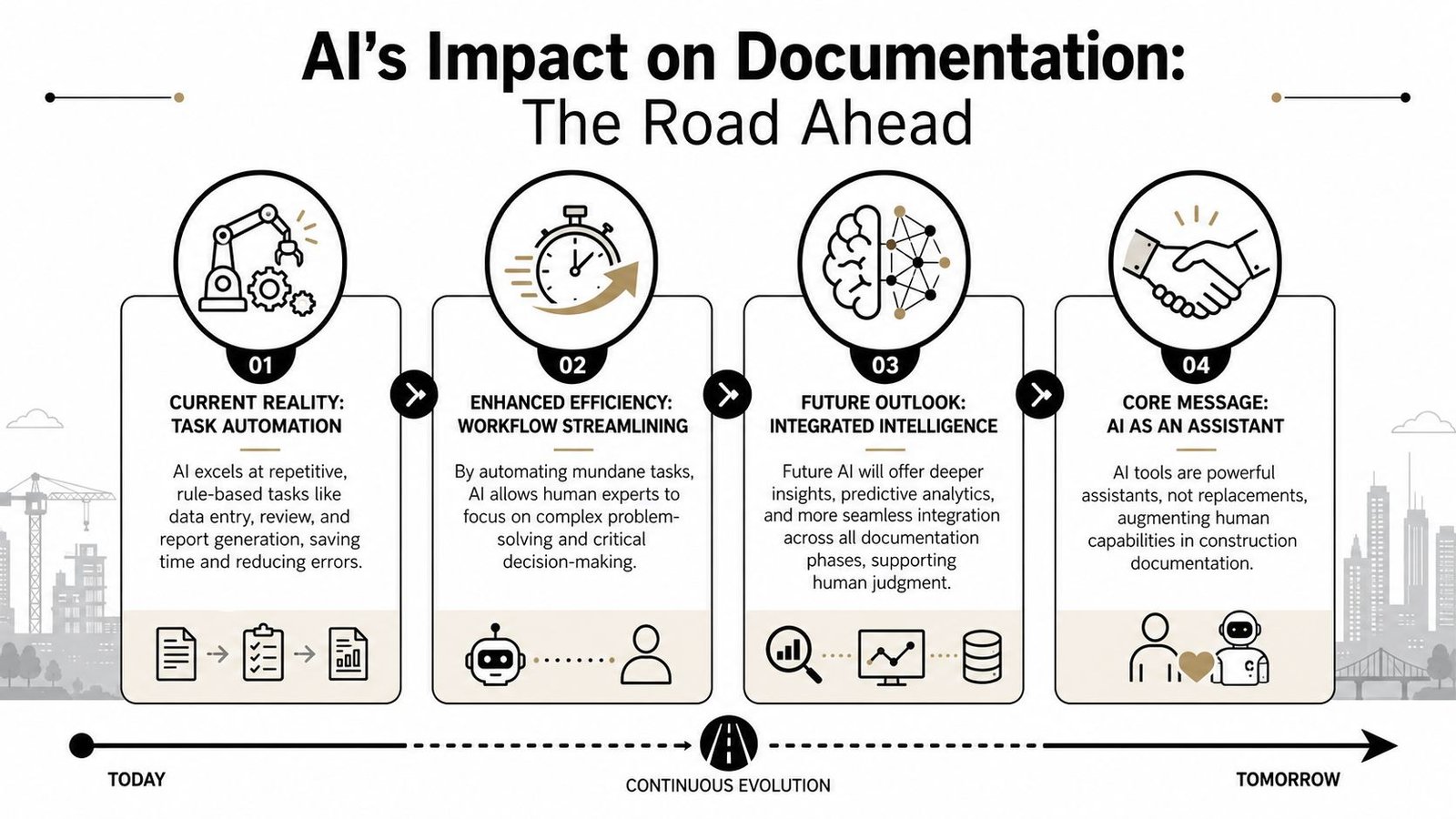
The useful version of this conversation is narrower than the hype. AI tools for construction documentation are real. Some are already practical. But they're strongest on mechanical production work, not on project judgment.
What the near-term shift actually looks like
The likely direction is straightforward. Software will absorb more of the repetitive drafting layer. Human teams will spend a larger share of their effort on coordination, QA, design interpretation, permit readiness, and exception handling.
That trend isn't temporary. The global construction software market is projected to grow at a 12.6% CAGR and reach USD 4,268 million by 2032, with the United States reported at USD 5,420 million in 2023 revenue, according to Market.us construction software statistics. Whatever the product mix looks like in a year, firms should assume digital documentation tooling will keep maturing.
The better question for firm leaders
This leaves principals and production leads with a more grounded evaluation standard:
- If your bottleneck is repetitive drafting, AI construction documentation tools may help now.
- If your bottleneck is coordination quality, the gain will come more slowly.
- If your standards are inconsistent, automation will expose that before it solves it.
The firms that benefit first won't be the ones chasing every tool. They'll be the ones with strong templates, clear QA gates, and the discipline to automate only what they can control.
That's the honest state of the market. Useful. Narrower than advertised. Worth evaluating. Not a substitute for production maturity.
If your team is sorting out where automation helps and where workflow discipline still does the heavy lifting, BIM Heroes shares practical thinking on BIM workflows, QA structure, documentation systems, and scalable delivery. If a checklist, template framework, or deeper production resource would help your next decision, that's a reasonable place to start.