If you’re a home builder, this probably sounds familiar: every new home plan gets built from scratch. You’re trapped in a cycle of new drawings, new coordination headaches, and new field errors that silently kill your profit margins. Many builders assume Building Information Modeling (BIM) is just for massive commercial projects—hospitals and skyscrapers—not spec homes or custom residential.
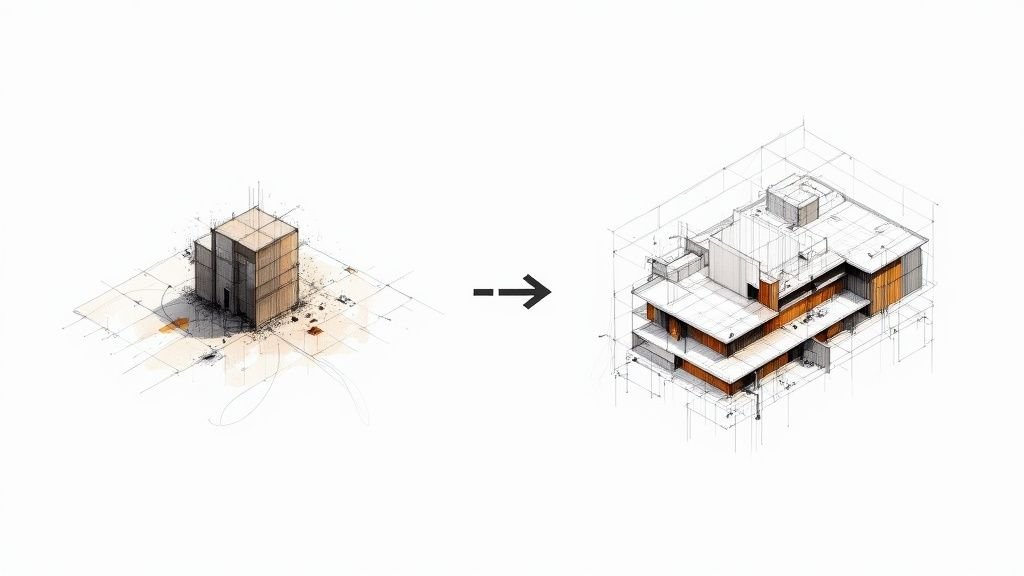
That assumption is wrong. BIM for home builders isn't about adding complexity; it's about building a production system you can reuse. When done right, a BIM model of a home plan becomes a living digital asset your entire team pulls from—drawings, material lists, options variations—without starting over each time. This guide breaks down how to stop reinventing the wheel and turn your plan library into a scalable, profitable production engine.
What BIM Actually Means for a Home Builder (Not the Textbook Definition)
Let's skip the textbook definition. Operationally, BIM for a home builder means three things:
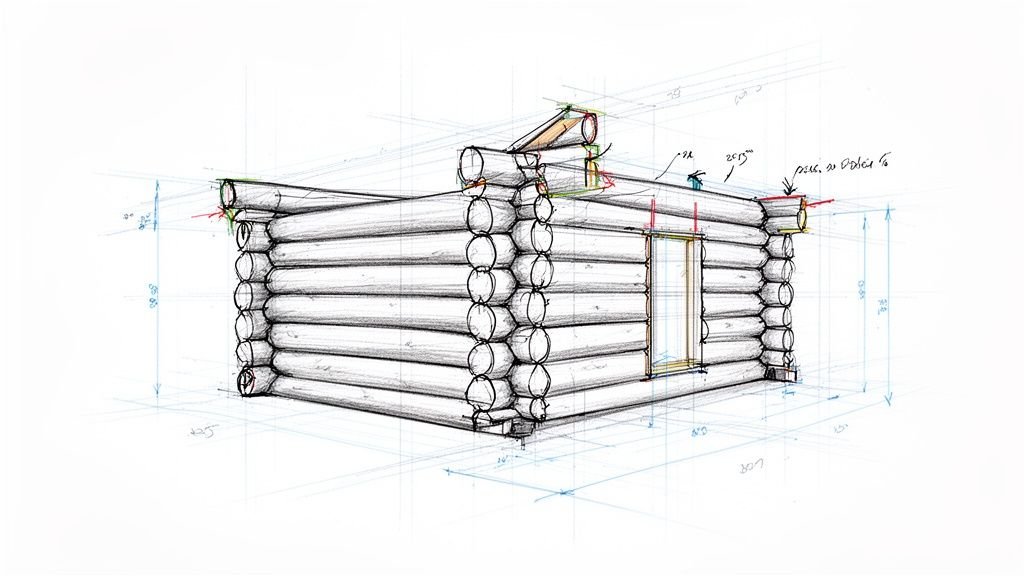
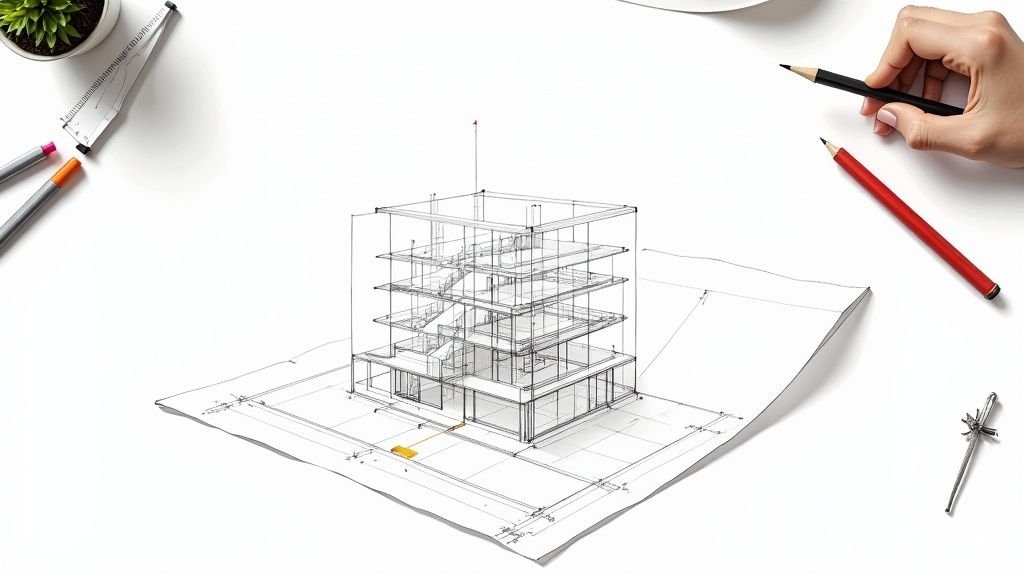
- A 3D Revit model is your drawing set, not something separate from it.
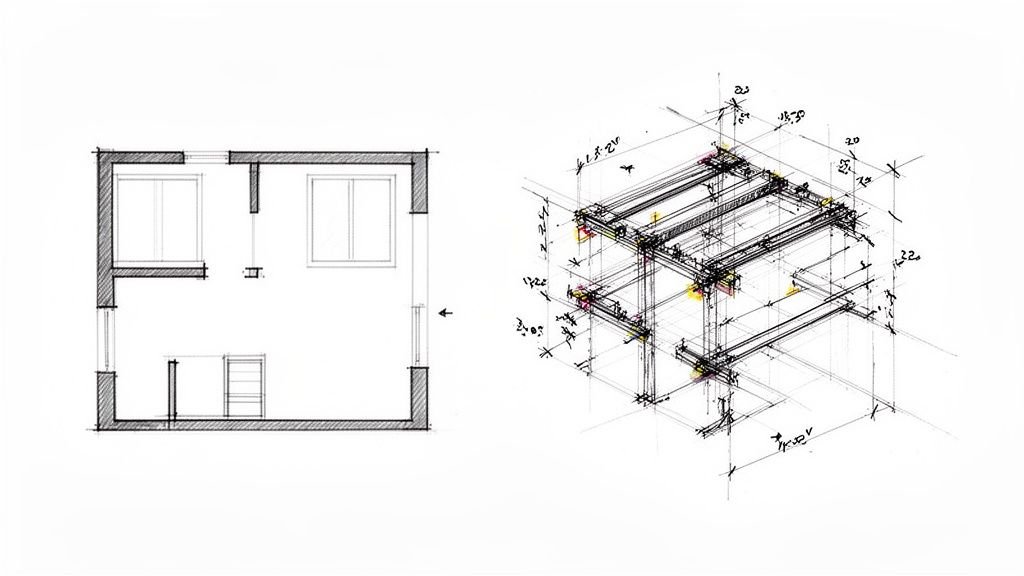
- Every floor plan, elevation, section, and detail is derived from one single, coordinated model.
- Material quantities, window schedules, and door schedules all pull from that same source of truth.
This is a world away from the typical workflow where an architect hands over a PDF or flat CAD file. In that scenario, your team is forced to re-draw or re-coordinate for every trade—structural, MEP, and site—and errors compound with every step. With research showing that 71% of single-family and multifamily builders still don't use BIM, those who adopt it now gain a significant competitive edge rather than being late to the game.
The Real Cost of Not Using BIM — What Builders Are Leaving on the Table
Sticking with 2D drawings feels familiar, but it quietly eats away at your margins. The real costs are hidden in the day-to-day friction.
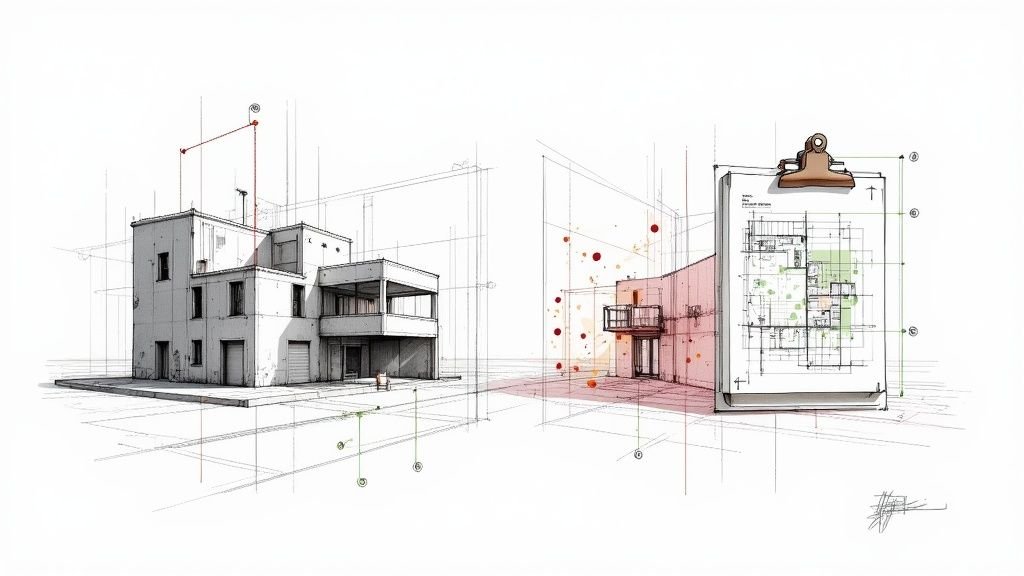
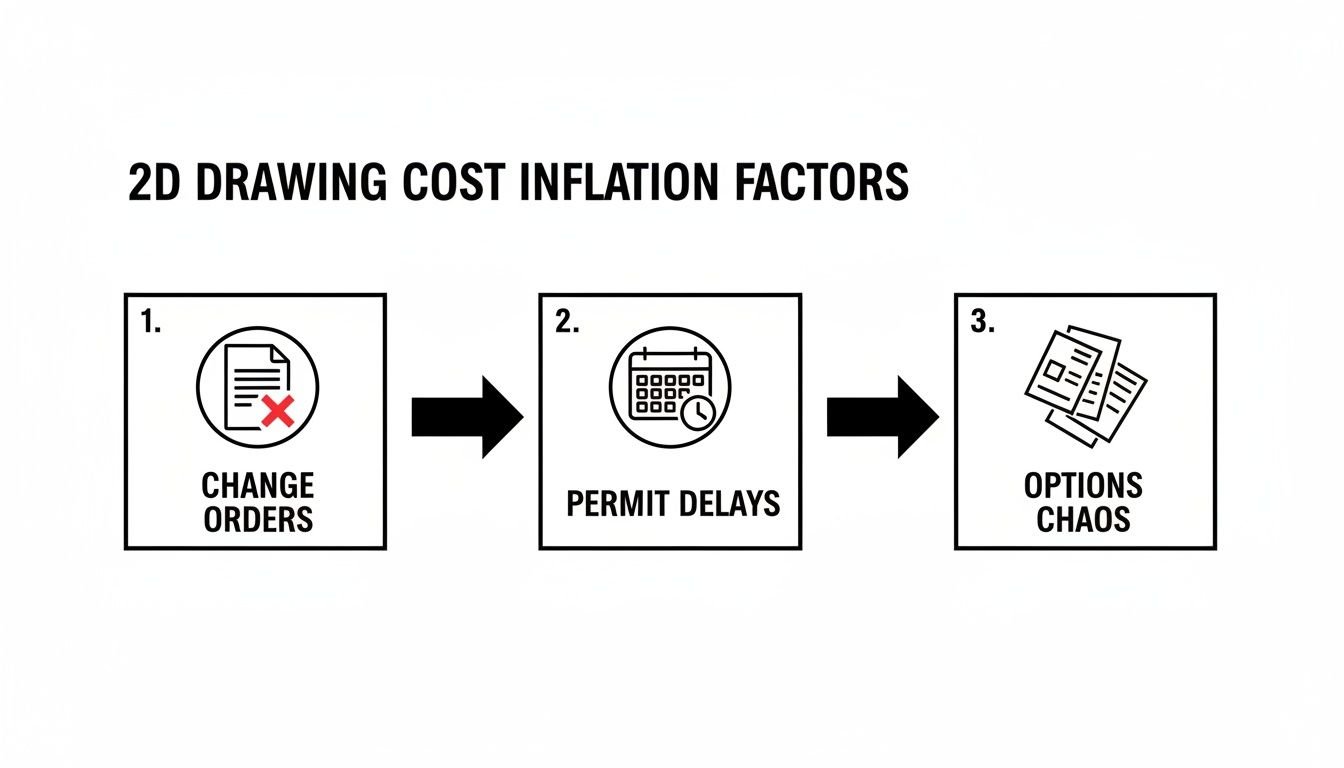
- Change orders from drawing conflicts. When structural, MEP, and architectural plans aren't coordinated, someone finds the clash in the field. A plumbing stack running through a beam isn't a simple fix; it's a work stoppage, a rescheduled trade, and a change order that can easily cost you $8,000–$25,000 on a single home.
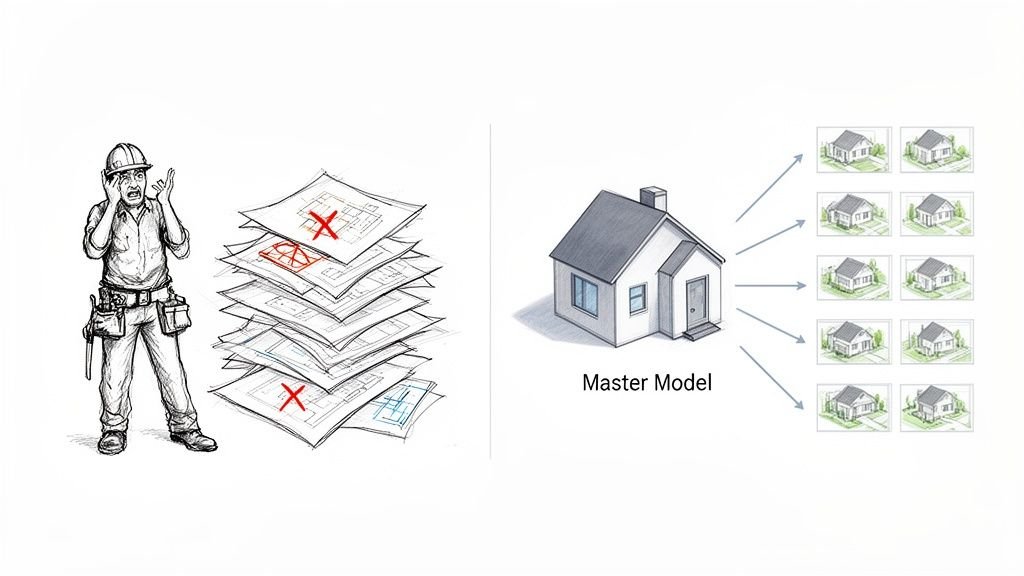
- Re-drafting the same plan. You have four core home plan families, but every new project involves re-deriving the drawings from scratch. There's no master model, just endless re-work that introduces new opportunities for error.
- Permitting delays. Incomplete or inconsistent drawing sets get kicked back by the plan reviewer, adding weeks to your schedule and tying up capital that should be moving to the next job.
- Options chaos. You offer three elevation options and two floor plan variants. Without BIM, that's six separate drawing sets to maintain. One change to the base plan means updating six different files, and the risk of missing one is dangerously high.
These aren't just the costs of doing business; they are the direct result of a broken process. The core problem is treating each home as a one-off project. BIM doesn't just reduce errors—it turns your plan library into a reusable production asset.
How BIM Works in a Residential Production Workflow
Shifting to BIM is about instilling a new discipline. A proper residential BIM workflow is practical, achievable, and designed for repetition and predictability. Here’s how it works in the field.
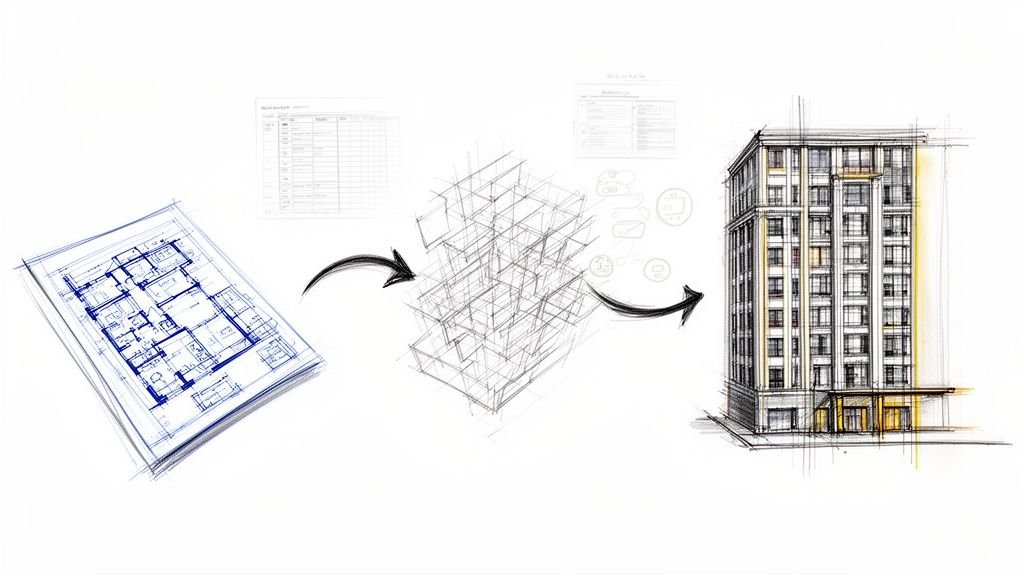
- Master Model per Plan Family. The foundation is one authoritative Revit model for each plan family (e.g., "The Charleston"). All your drawings—floor plans, elevations, sections, details—are live "views" of that model, not separate files. Change a window, and it updates everywhere.
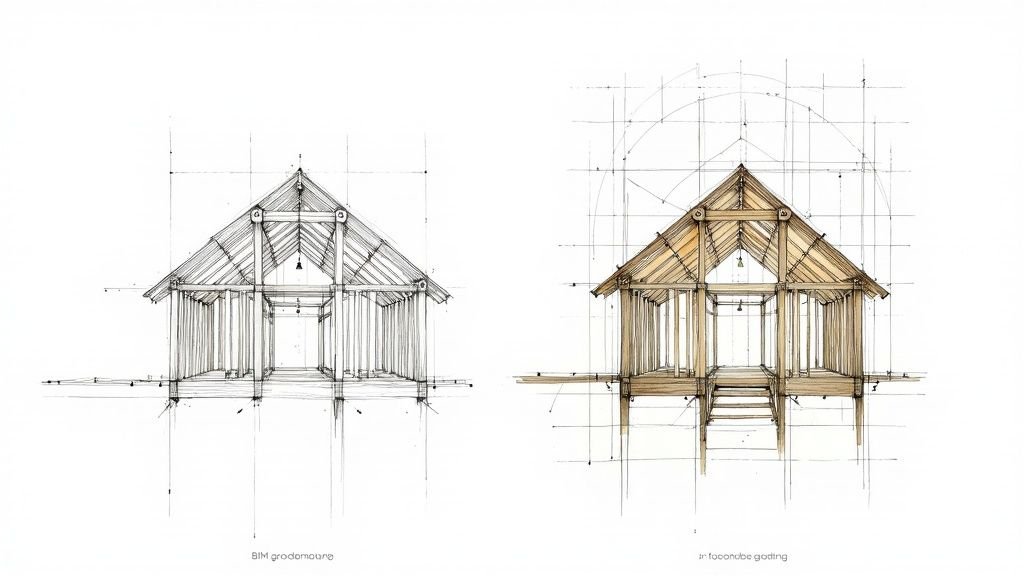
- Option Variants Built In. Elevation styles, garage configurations, and bonus room additions are modeled as design options or phases within the same master file. You’re not re-drawing from scratch; you're just turning options on or off for a specific lot.
- Automated CD Generation. Once the master model is set up, generating a full set of construction documentation for a new lot is about configuration, not drafting. Flip the garage orientation, and the entire sheet set updates to match. This capability is how you shrink pre-construction timelines.
- Trade Coordination Built In. The structural framing, MEP rough-in, and architectural elements are all modeled in one coordinated environment. Conflicts between a duct and a beam are caught and fixed digitally, long before your permit set is submitted.
- Material Takeoffs from the Model. Window counts, door hardware schedules, and framing quantities are exported directly from the model. This eliminates manual counting from 2D drawings and the inevitable errors that come with it.
This process feels achievable because the builder doesn't need to understand the nuances of Revit families. They just need to know their production partner does, ensuring the system delivers reliable outputs every time.
BIM for Custom Home Builders vs. Production Builders — Is the Approach Different?
The principles of BIM apply to both custom and production builders, but the ROI case differs slightly.
For custom home builders, every home is unique, but the design vocabulary is not. Most builders repeat details like standard ceiling heights, preferred structural systems, and a consistent material palette. BIM allows them to build templates from past projects, dramatically cutting the design startup cost on new homes. Furthermore, custom clients increasingly expect 3D visualization, which is a direct, render-ready output from a BIM model.
For production and spec builders, the ROI is even stronger and more immediate. With 4–10 plan families built hundreds of times across communities, a master BIM model for each plan pays for itself on the second or third build. Lot-specific adjustments like setbacks, a garage flip, or accommodating a site slope become simple model edits, not complete re-draws.
The coordination benefit—catching MEP vs. structural clashes before the permit set—applies equally to both. However, the automation benefit of generating lot-specific drawing sets scales far more aggressively for production builders, delivering massive gains in speed and consistency.
What to Look for in a BIM Services Partner for Residential Projects
Choosing a BIM production partner is a critical decision. You're not just buying modeling hours; you're entrusting them with the core of your production system. To avoid the pain of working with a firm that doesn't get residential construction, ask these direct questions.
- Do they have residential Revit experience specifically? Commercial modelers often don't know IRC framing conventions, header sizing, or residential MEP routing logic. Ask to see samples of their residential construction documents.
- Can they build and maintain master models, not just one-off sets? The long-term value is in the reusable asset. A good partner understands template discipline and how to build a model for future use, not just for the immediate project. If you're coming from 2D, a CAD to Revit transition partner must understand this.
- Do they understand US permit submission requirements? Drawing organization, sheet naming, and code callouts vary by jurisdiction. A partner unfamiliar with US permitting will cost you expensive revision cycles.
- Can they handle plan options and variants? Ask them to explain exactly how they manage multiple elevation options and floor plan variations within a single, clean model. Their answer will reveal their production maturity.
- What's their turnaround on lot-specific adjustments? For production builders, this is a key operational metric. A partner who can quickly deliver mirrored plans or site-specific changes understands the pace of your business.
The right partner functions like an extension of your in-house team—not a vendor you hand a brief to and wait weeks for. They should deliver clarity, systems, and reliable delivery.
Common Objections — And Why They Don't Hold Up
Even with clear benefits, builders often hesitate. Let's address the three most common objections head-on.
-
"BIM is too expensive for residential."
The upfront investment in a master model is real. But compare it to the cost of one major field change order on a framing conflict—typically $8,000–$25,000 on a single-family home. That one error can wipe out your margin. Most builders break even on their master model investment within the first 2-3 builds of a plan family. -
"Our projects are too simple for BIM."
BIM isn't about complexity; it's about consistency. Even a simple 1,800 sq. ft. spec home benefits from coordinated drawings, automated schedules, and a permit-ready set that doesn't require manual coordination every time. The goal is a predictable, repeatable system that protects your margin, regardless of project size. -
"Our architects already handle this."
Most residential architects still deliver 2D CAD or PDF-based drawing sets. Very few maintain master Revit models with built-in option variants and automated sheet generation. A design model is not a production model. If your architect doesn't specialize in this, a BIM services for home builders partner fills that critical production gap without replacing your designer.
Your Plan Library is a Production System in Waiting
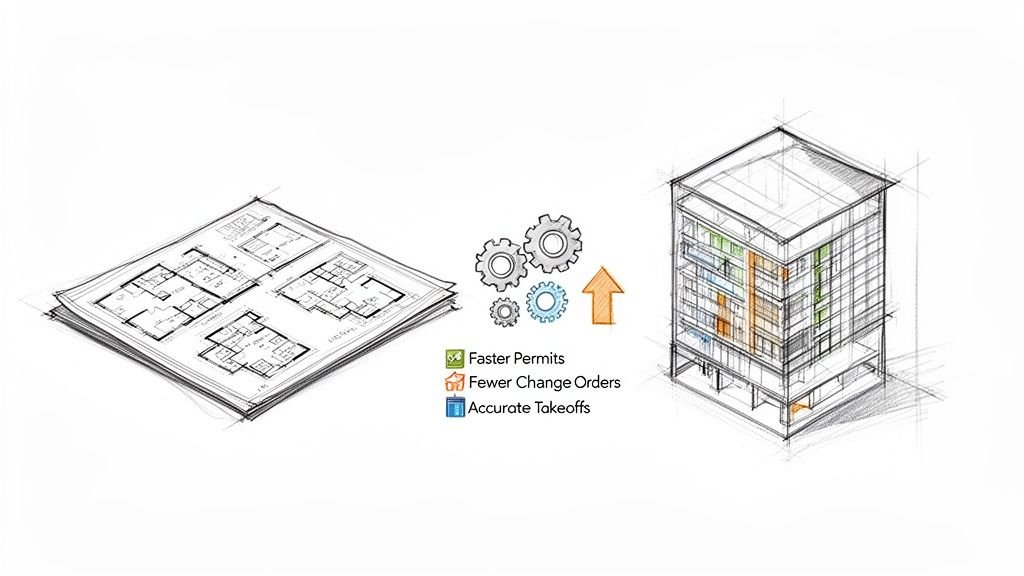
Home builders who treat their plan library as a BIM production system—not a folder of PDFs—compete on a different level. They see faster permits, fewer change orders, seamless management of options, and material takeoffs that are actually accurate. This is how you protect margins and achieve operational consistency.
BIM Heroes works with home builders to build and maintain the master Revit models that power this system. We produce permit-ready construction documentation services and handle lot-specific adjustments at scale. Whether you're running 10 homes a year or 200, the production system looks the same—only the volume changes. We understand production better than most because we're in the trenches solving these problems every day.