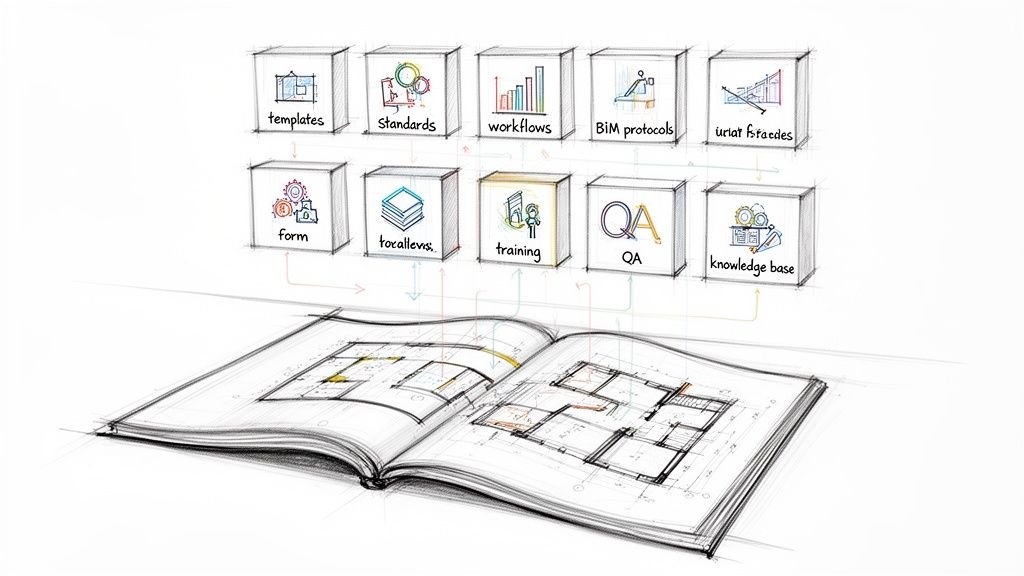
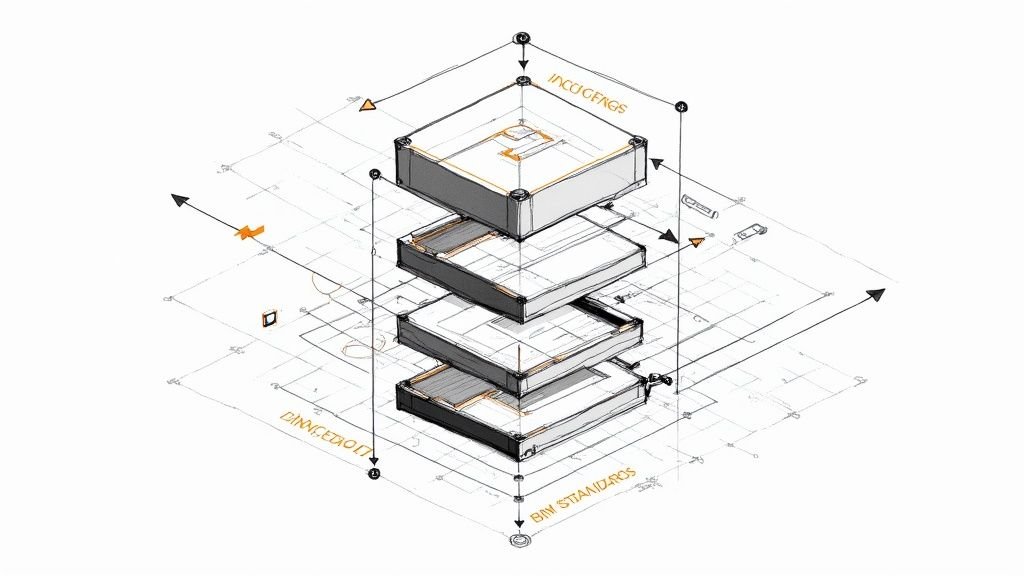
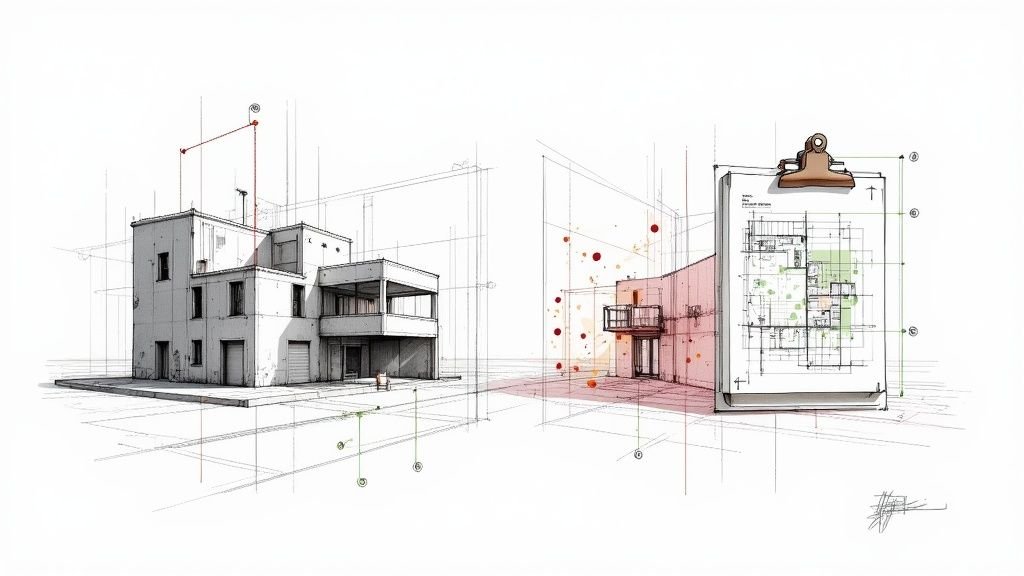
The BIM Level of Detail (LOD) framework is a system that spells out exactly how much you can rely on a 3D model at different stages of a project. Think of it as a contract for clarity, defining what information a model contains and how trustworthy that information is for decision-making—from the first sketch to the final nail.
LOD Is Your Project's Contract for Clarity
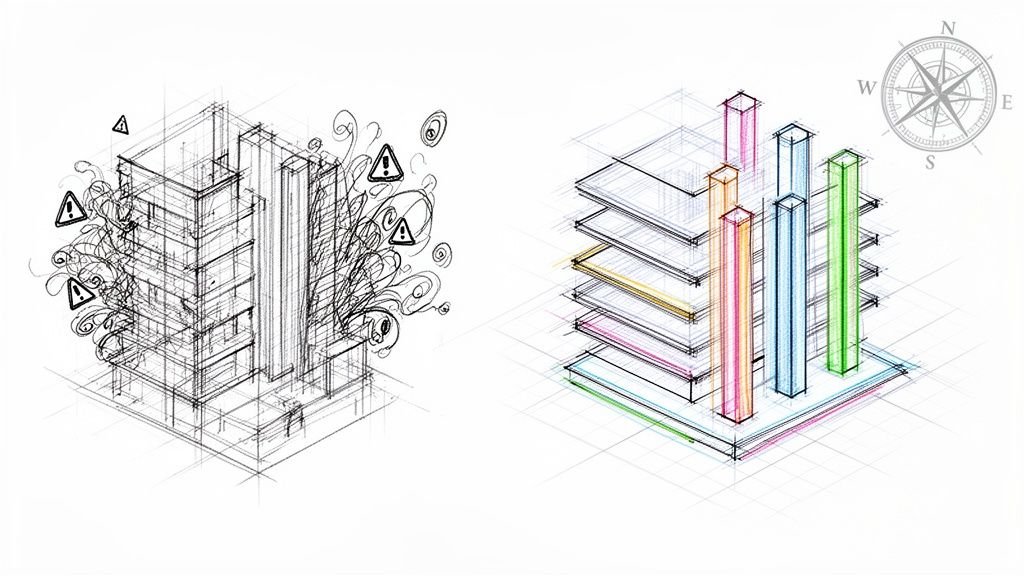
We’ve all been there: a project riddled with ambiguity. Vague scopes between trades, mismatched expectations, and models that don't align. It’s a familiar production pain point that almost always leads to a flood of RFIs, painful rework, and budgets that go right out the window.
This is where a disciplined approach to the BIM Level of Detail stops being an academic exercise and becomes a critical tool for protecting your profit margins.
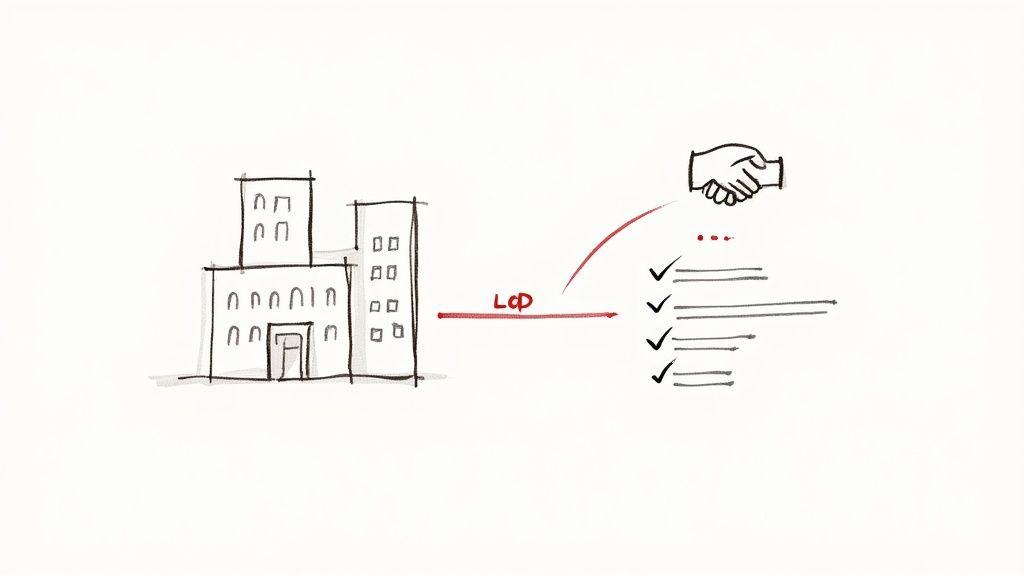
LOD isn’t about making hyper-detailed models from day one. In fact, that's a classic mistake that burns hours and creates huge problems down the line. It's about defining the right amount of detail at the right time, with everyone on the same page.
Great BIM isn’t detailed everywhere; it’s detailed where it matters, consistent where it counts, and aligned across teams.
Establishing Predictability From the Start
Think of LOD as the rulebook that prevents costly assumptions. When an architect, a structural engineer, and an MEP consultant all agree on the LOD requirements for each phase, they create a shared language. This simple act of alignment heads off some of the most common production headaches.
- Preventing Over-Modeling: It stops your team from wasting days modeling components to a fabrication-level spec during schematic design.
- Defining Handoffs: It clarifies exactly what a model will contain at key decision checkpoints, making for much cleaner transitions between design, coordination, and construction.
- Aligning Consultants: It forces every partner to play by the same BIM modelling standards, eliminating the frustrating disconnects between disciplines.
We’ve seen teams eliminate weeks of redesign simply by aligning LOD expectations during kickoff instead of arguing over detail mid-project.
From Vague Scope to Clear Deliverables
The LOD framework draws clear lines in the sand for ownership, accuracy, and tolerances. By formally writing these requirements down, you turn a fuzzy scope into a concrete set of deliverables.
This process is the bedrock of any high-functioning project and a core piece of well-built BIM Execution Plans, which act as the single source of truth for your project standards.
Ultimately, a disciplined LOD workflow is what allows you to build scalable delivery pods and achieve operational consistency. It ensures every person on the project knows their role, what data they can count on, and what they’re on the hook to deliver. That clarity is what keeps projects predictable, protects your margins, and builds a reputation for reliable delivery.
How LOD Aligns with Critical Project Decisions
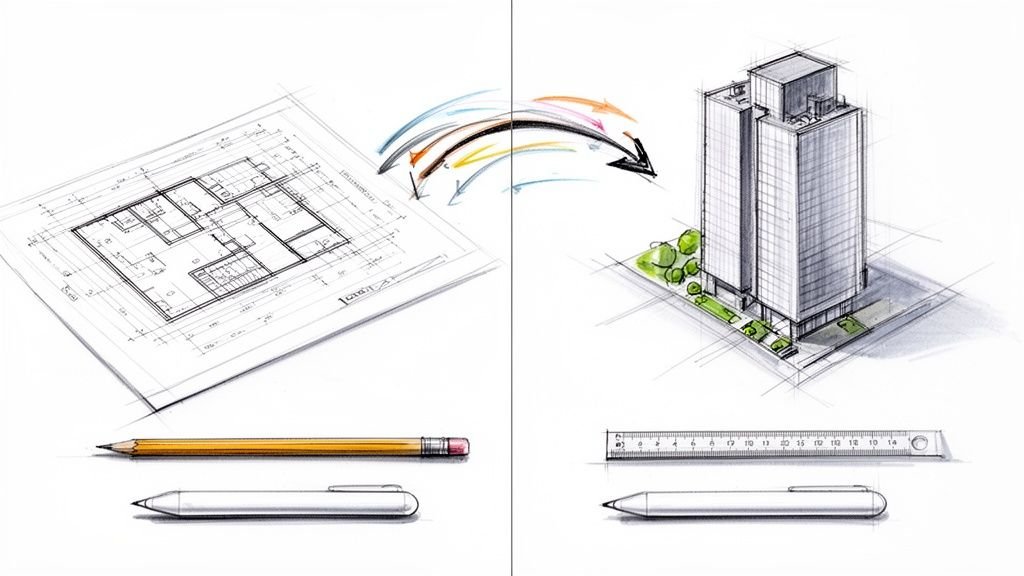
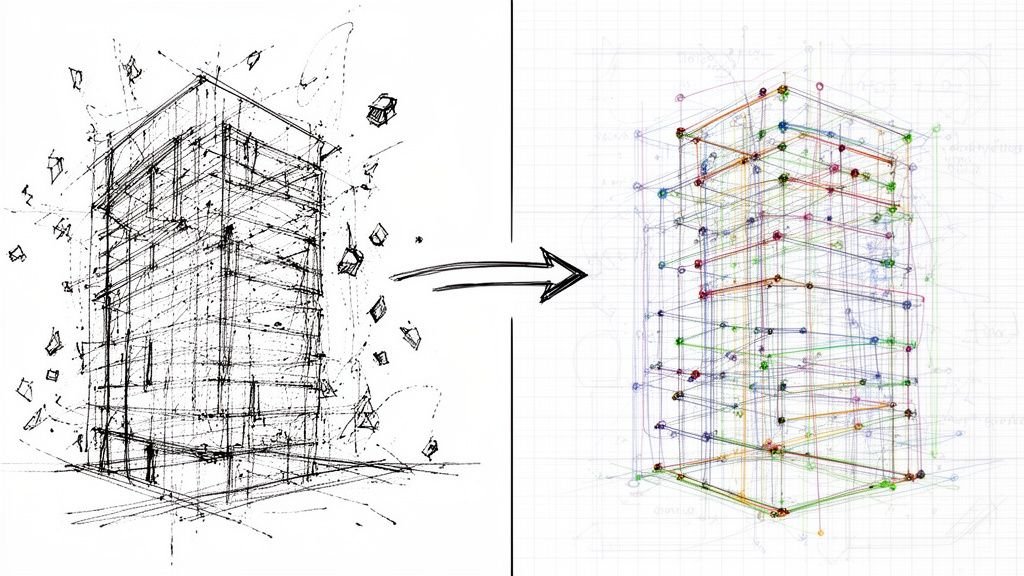
Defining the BIM Level of Detail isn't some academic exercise—it's about aligning your modeling effort directly with the decisions you need to make right now. Think of LOD as the resolution of your project's vision. It starts blurry and conceptual, then gradually sharpens as key decisions get locked in, one stage at a time.
This progression is critical because it stops teams from wasting countless hours modeling details that just don’t matter yet. Instead of getting bogged down in textbook definitions, let’s look at how each level serves a specific, practical purpose in moving a project forward. Each stage builds on the last, creating a reliable foundation for the next phase of work.
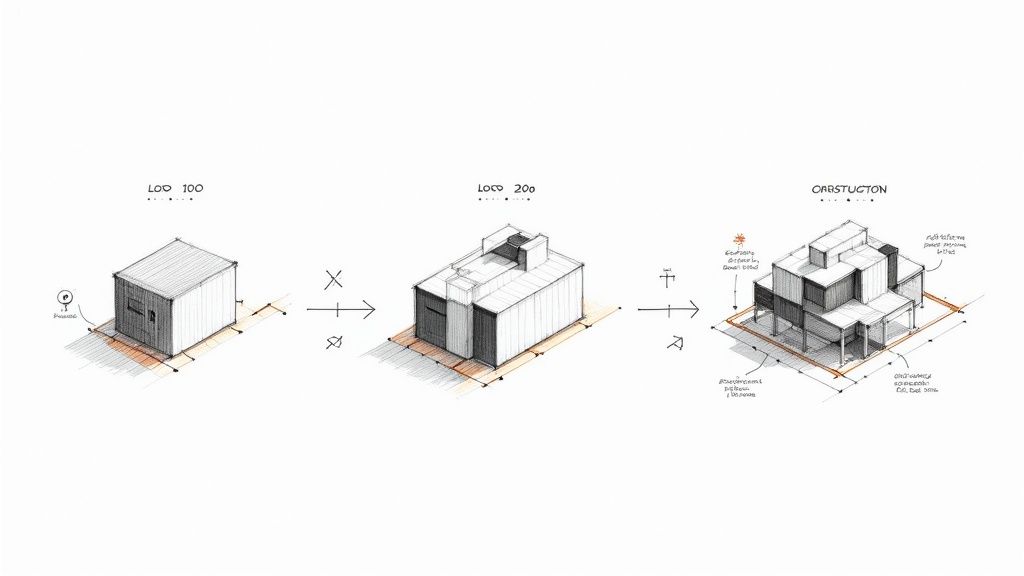
This approach transforms the LOD 100 to 500 framework from a list to memorize into a practical roadmap for getting things done.
LOD 100-200: The Foundation for Strategic Planning
Early-stage models are all about big-picture thinking. The goal isn’t precision; it's about exploring ideas and validating the core concept.
- LOD 100 (Conceptual): At this point, the model is little more than a massing block. Its whole purpose is to answer fundamental questions about the project's footprint, volume, and orientation on the site. The decisions made here are about feasibility, zoning compliance, and overall program area.
- LOD 200 (Schematic Design): Now, generic placeholders start to define major systems. A wall is just a wall, but we know its approximate size, shape, and location. This level lets architects and engineers analyze general layouts, confirm circulation paths, and develop initial cost estimates. You can’t coordinate trades with it, but you can confidently move into design development.
This early alignment is where teams establish a solid, predictable base, preventing the kind of foundational errors that can cause chaos later in the project.
LOD 300-350: Where Design Intent Meets Coordination
This is where the model goes from a conceptual tool to a reliable source of truth for construction documents and trade coordination. It’s the most critical handoff in the entire process, and it's where fuzzy definitions of LOD in BIM cause the most expensive problems.
The BIM Level of Development (LOD) framework was created to standardize these critical handoffs. At LOD 300, elements have precise geometry and specific assemblies, making them reliable enough for clash detection. By defining these detail requirements, the framework closes communication gaps that have historically cost the industry billions in rework. You can learn more about how Autodesk frames these crucial BIM levels of development.
A model element at LOD 300 is no longer a guess. It is a specific object with a defined size, shape, and location that can be trusted for cross-disciplinary coordination and creating construction documents.
At this point, the architect's model has to be dependable enough for the MEP engineer to route ductwork and for the structural engineer to place beams without stepping on each other's toes. LOD 350 pushes this a step further by detailing how elements interface with each other, like supports and connections. This level is explicitly for hunting down and resolving conflicts before they become expensive field issues, directly supporting RFI prevention and permitting prep.
LOD 400-500: From Coordination to Construction and Beyond
The final levels of development mark the shift from design intent to fabrication and operational reality. The model stops being a picture of what could be and becomes a set of instructions for what will be.
- LOD 400 (Fabrication): This model contains every detail a trade needs to fabricate a component off-site. It includes specific part numbers, assembly instructions, and precise detailing. The model essentially becomes a set of manufacturing instructions.
- LOD 500 (As-Built): This level confirms that the modeled elements have been field-verified for their final location, size, and orientation. It’s not necessarily more detailed than LOD 400, but its information is confirmed to be accurate to the final, installed conditions. This turns the model into a reliable digital asset for facility management for years to come.
Understanding this progression allows teams to sync their efforts perfectly, ensuring the model's reliability matches the decisions being made at every step. This alignment is what protects your margins and delivers projects that actually work.
Preventing Common and Costly LOD Breakdowns
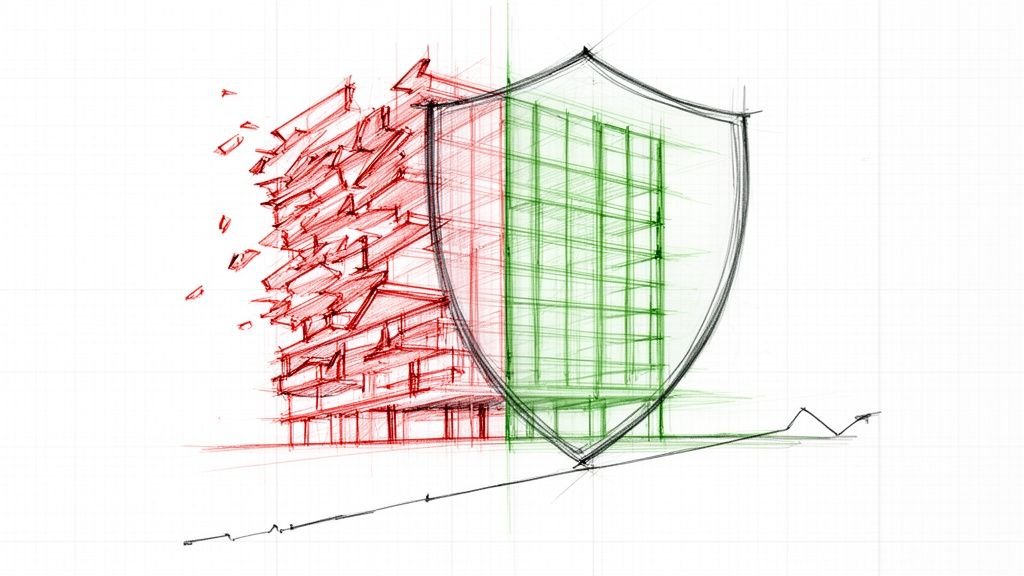
Misaligned BIM Level of Detail expectations are one of the quietest but most destructive forces on a project. It’s rarely a single, dramatic event. Instead, it’s a slow burn of accumulating friction that eventually erupts into a mess of RFIs, trade conflicts, and painful budget overruns.
When teams operate with different rulebooks for what a model represents, predictability is the first casualty.
The problems often start subtly. An architect, wanting to impress a client during a schematic presentation, models key elements to an LOD 350 level of detail. The model looks fantastic, but it communicates a level of design finality that doesn’t actually exist yet. Downstream, the GC and trades see this detailed model and assume those elements are locked in, baking them into their preliminary estimates and planning.
When the design inevitably changes—and it always does—the rework ripples through every single discipline. This is a classic example of good intentions paving the way for costly breakdowns. The root cause isn't a lack of effort; it's a lack of a shared agreement on what the model represents at each phase.
We’ve seen teams eliminate weeks of redesign simply by aligning LOD expectations during kickoff instead of arguing over detail mid-project.
From Small Gaps to Major Conflicts
Another all-too-common scenario is the reverse. A general contractor receives a design model specified at LOD 300, but their prefabrication team needs the detail required for LOD 400. They're expecting fabrication-ready information—precise connections, assembly details, and material specs.
The architect, however, delivered exactly what was scoped: a model reliable for coordination and construction documentation, not for manufacturing.
This disconnect instantly creates a gap. The GC’s team now has to spend unbudgeted time and resources adding the necessary detail, often making assumptions that deviate from the design intent. The result is a flood of RFIs, potential clashes on-site, and a strained relationship between the design and construction teams.
These mismatches are where margins get eroded. Each instance introduces risk and inefficiency, forcing teams into reactive problem-solving instead of proactive execution. These aren't just isolated incidents; they're symptoms of a broken workflow. It's crucial to recognize these patterns, as they often tie into a wider set of common BIM modeling errors that can be avoided with better process discipline.
The BEP as Your Single Source of Truth
The most effective tool for preventing these breakdowns is the BIM Execution Plan (BEP). A well-defined BEP moves LOD from a vague concept to a clear, contractual obligation. It serves as the single source of truth that all parties—architects, engineers, GCs, and trade partners—agree upon before a single element is modeled.
A robust BEP should explicitly define:
- Required LOD by Phase: It specifies the exact LOD for major model elements at each key milestone (e.g., Schematic Design, Design Development, Construction Documents).
- Model Element Ownership: It clearly designates which team is responsible for developing each system to the required LOD.
- Handoff Protocols: It outlines the QA/QC process for verifying LOD compliance before models are exchanged between teams.
By front-loading these conversations, you replace assumptions with agreements. No one is left guessing what "complete" means. The structural engineer knows precisely what level of detail to expect from the architect's core and shell model, and the MEP coordinator knows the model is reliable enough for clash detection.
This discipline doesn't just prevent conflicts; it fosters a more efficient and predictable production environment. It ensures modeling effort is focused where it provides the most value, protects your timelines, and ultimately safeguards your profitability by making project delivery a repeatable, scalable process.
Building Your Practical LOD Framework
Knowing the theory is one thing, but putting it into practice is where most teams get tripped up. It’s easy to talk about the risks of misaligned BIM Level of Detail; it's much harder to build a system that actually prevents those risks. A real-world LOD framework isn’t about fancy software—it’s about instilling process discipline and locking in clarity from day one.
Think of this framework as your operational playbook for making projects predictable. It’s what moves your team from a reactive state (constantly putting out fires) to a proactive one, where expectations are set, understood, and consistently met. The goal is to make clear communication the default, not the exception.
At its core, a solid framework answers three simple but critical questions:
- What needs to be modeled?
- To what level of reliability?
- By whom and by when?
Answering these up front cuts through the ambiguity that so often eats away at project margins and timelines.
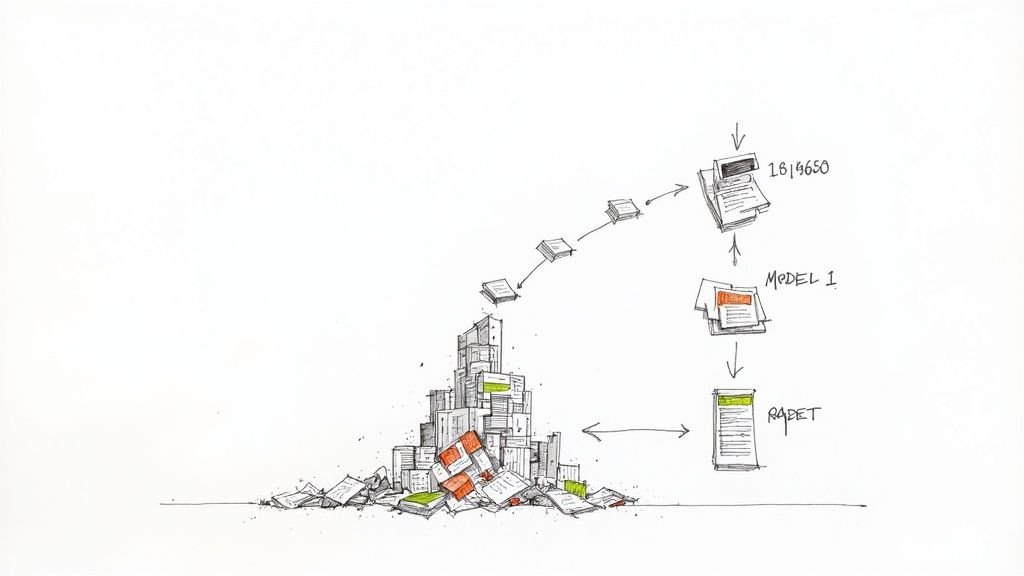
This flowchart shows just how fast a simple breakdown in LOD alignment snowballs into the kind of project issues that directly hit your bottom line.
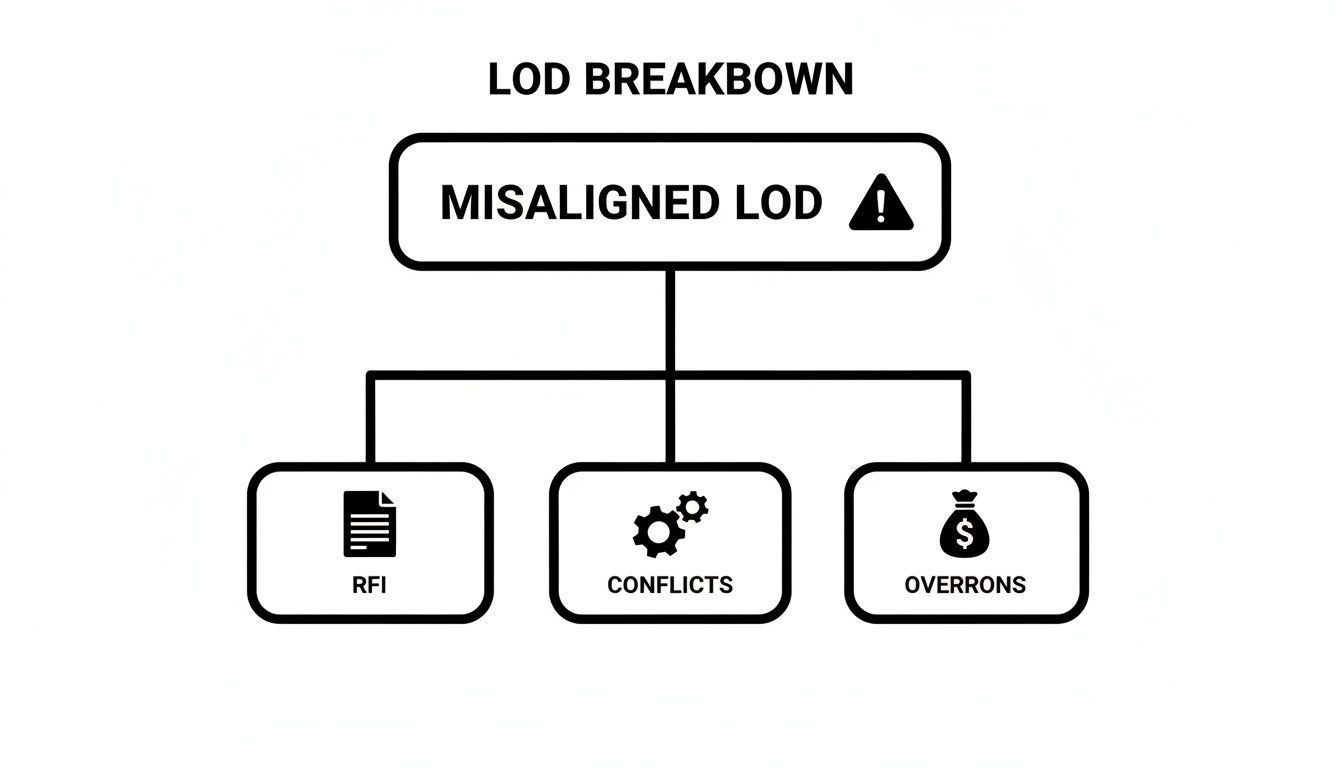
As you can see, that single point of failure—misaligned LOD—is a direct trigger for the RFIs, coordination conflicts, and budget overruns that define a chaotic project.
Define LOD Requirements in Contracts and BEPs
Your framework needs to be anchored in your project’s foundational documents. Vague language like "provide a BIM model" is an open invitation for disaster. Instead, your contracts and BIM Execution Plan (BEP) need specific, enforceable language that leaves no room for interpretation.
This means explicitly calling out the required LOD in BIM for major systems at each project milestone. For example, specify that the architectural model will be delivered at LOD 300 for the Design Development submission, while the structural model must hit LOD 350 for the trade coordination kickoff.
Your BEP isn't just a document; it's the rulebook everyone agrees to play by. A well-defined LOD section within it is your primary defense against scope creep and disputes.
This simple practice transforms the BEP from a document that collects dust on a shelf into a living guide that production teams actually use to plan their work. It creates a reliable basis for estimating modeling effort and ensures cleaner handoffs between disciplines.
Establish Clear Ownership with an LOD Matrix
One of the most powerful tools for putting your framework into action is an LOD Matrix. It’s usually just a simple table or spreadsheet, but it’s a game-changer for communication because it visually maps out the entire project's modeling requirements. No more assumptions.
A typical LOD matrix includes:
- Model Elements: A rundown of all major systems (e.g., foundations, structural frame, curtain walls, MEP mains).
- Project Phases: Columns representing key milestones (e.g., SD, DD, CD, Fabrication).
- LOD Requirement: The specific LOD number required for each element at each phase.
- Responsible Party: The team or discipline on the hook for getting that element to the required LOD.
This matrix becomes the go-to reference during project meetings and QA checks. It provides instant clarity on who is responsible for what, preventing that all-too-common scenario where critical components are either modeled by two different teams or missed entirely.
Create QA/QC Checkpoints for Compliance
Finally, a framework is useless if you don't enforce it. You need to build in regular QA/QC checkpoints to verify that everyone is sticking to the plan. These checkpoints should align perfectly with your key project milestones and handoffs.
This doesn't have to be some overly complicated process. It can be as simple as a visual audit of the models against the LOD matrix before they're issued to the wider team. Is the structural steel modeled with the right connections for LOD 350? Does the MEP model actually contain the access zones specified for coordination?
These checks confirm that the model is reliable enough for its intended use at that specific stage. And for more sophisticated systems, a robust LOD framework must also clearly define requirements for things like BMS integration, ensuring complex building controls are accounted for with the right data at the right time.
By integrating these tactical steps—defining requirements in contracts, using an LOD matrix for clarity, and verifying compliance with QA checks—you build a system for repeatable success. This is how you move beyond simply using BIM and start managing it for predictable, profitable outcomes.
Why 'Development' Matters More Than 'Detail'
In the world of BIM, few terms cause more headaches—and downstream problems—than the difference between Level of Detail and Level of Development. They sound almost the same, but they represent two completely different ideas. Confusing them is a classic production trap that almost always leads to wasted hours and mismatched expectations.
It’s a simple but critical distinction. Level of Detail (LoD) is purely about the graphics. It’s how much visual information you can see—the geometry, the texture, the intricate little parts. It’s how much a model element looks like the real-world object it’s supposed to be.
On the other hand, Level of Development (LOD) is all about reliability. It’s a measure of how much you can trust the information. It includes both the geometry (the LoD) and all the crucial non-graphic data attached to it. When an element hits a certain LOD, its information is considered solid enough to be used for specific decisions, like cost estimates, trade coordination, or even fabrication.
How This Difference Protects Your Margins
This isn't just about splitting hairs; this distinction has a direct impact on your project's bottom line. The most common mistake we see is teams pouring hours into creating graphically stunning, high-LoD models that actually have a very low LOD. They look fantastic in a presentation but are totally useless for making any real decisions.
Think about a structural steel column. A designer could model it with incredible graphical detail (high LoD), showing every single bolt, plate, and weld. But if its material specs, structural properties, and exact location haven't been finalized and verified, its Level of Development is low. No one can rely on it for structural analysis or trade coordination. All that modeling effort was pure waste.
A model can be beautifully detailed but completely undeveloped. The goal isn't graphical perfection; it's informational reliability that's right for the project stage.
This misunderstanding is a huge source of inefficiency. A key part of production maturity is knowing the difference between how good something looks (LoD) and how much you can trust its data (LOD). Getting this wrong almost always leads to significant rework.
Aligning Effort with Value
The whole point of the LOD framework is to make sure that the effort spent modeling actually translates into value for decision-making. By focusing on development, you tie every bit of work back to a specific purpose. That clarity is everything for keeping a project on schedule and on budget.
- In early stages, a simple box (low LoD) with accurate dimensions and location data (LOD 200) is far more valuable than a photorealistic but unverified component.
- During coordination, a model's reliability (LOD 300/350) is what matters for clash detection, not how pretty the elements look.
Understanding this difference empowers teams to start asking the right questions. Instead of, "Does it look right?" the question becomes, "Can we trust this information for the task at hand?" This shift in mindset is foundational to getting BIM workflows right. You can explore our guide on when to use each level from LOD 100 to 500 to see how this plays out across a project.
By focusing on development over mere detail, you ensure every hour spent modeling is an hour invested in making the project clearer and more predictable.
Clarity is Where Predictability Starts
Getting a project to run smoothly isn’t about building ridiculously detailed models. It’s about making sure everyone is on the same page, and the BIM Level of Detail framework is what gets you there. Think of it less like a complicated standard and more like a simple communication system that kills ambiguity.
When a team commits to a disciplined LOD framework, the difference is night and day. You stop reacting to constant fires and start working proactively because everyone knows the rules of the game. This is where real clarity begins, and that clarity is what makes a project predictable from start to finish.
Your Foundation for Operational Consistency
Ultimately, a solid LOD strategy is about two things: operational consistency and protecting your margins. It’s the difference between crossing your fingers and hoping a project goes well versus building a system that makes sure it does.
By defining exactly what a model should contain at each stage—and just as importantly, what decisions it can reliably support—you’ll immediately see improvements:
- Fewer RFIs: Clear expectations mean less guesswork, which cuts down on the endless back-and-forth questions.
- Cleaner Handoffs: Milestones become actual decision checkpoints, not just arbitrary dates, because the deliverables are clearly defined.
- Better Cost Planning: When you can predict the modeling effort, you can write more accurate fee proposals and avoid scope creep.
- Less Friction: Your team will spend less time arguing over how much detail is needed and more time coordinating effectively.
We’ve seen it happen over and over again. A simple conversation about LOD in BIM during kickoff can prevent the kind of downstream mistakes that sink projects. It’s how you build scalable delivery teams that just work.
Great BIM isn’t about detailing everything. It’s about putting detail where it matters, being consistent where it counts, and making sure every team is aligned.
At the end of the day, a disciplined approach to the BIM level of detail is your contract for clarity. It builds the trust and predictability you need to deliver complex projects on time and on budget. That protects your margins and builds a reputation for reliable delivery.
Ready to bring this level of clarity to your own projects? The first step is getting your team on the same page. Our LOD Kickoff Alignment Checklist is designed to guide those critical early conversations and ensure everyone starts with a shared understanding.
Frequently Asked Questions About BIM Level of Detail
Here are a few common questions that pop up when teams start digging into BIM modeling standards. These quick answers should clear up some of the most important ideas.
Does Every Element in a Model Need the Same LOD?
Absolutely not. This is one of the biggest and most expensive myths about LOD in BIM. A smart, efficient workflow requires different elements to be at different LODs at any given stage of the project.
For example, during design development, you might need the core structural frame at LOD 300 for coordination purposes. At the same time, the interior walls could still be at a more conceptual LOD 200. The trick is to define these requirements upfront in your BIM Execution Plan (BEP). This way, everyone on the team knows what to expect from each other’s models and can focus their efforts where it matters most.
Who Is Responsible for Defining LOD Requirements?
Ultimately, the project owner and their main design or construction lead—like the lead architect or general contractor—are the ones who should drive the overall LOD requirements. Why? Because the LOD needs to align with the project's business goals.
That said, the specific BIM Level of Detail for each discipline's scope should be hammered out collaboratively. This needs to happen during the project kickoff with input from all the key players: architects, engineers, and crucial trade contractors. Once everyone agrees, these requirements must be clearly documented and enforced through the BEP, which becomes the single source of truth for the entire project.
How Does LOD 350 Differ from LOD 300 and LOD 400?
Think of LOD 350 as the critical bridge between design coordination and getting ready for fabrication. It's a step in the LOD 100 to 500 progression that can head off a lot of future RFIs.
Here’s a simple way to look at it:
- LOD 300 confirms an element's specific size, shape, and location. It’s solid enough for clash detection.
- LOD 350 adds the details about how that element interfaces and connects with other building parts. It shows how the different systems actually work together.
- LOD 400 gives you everything needed for the fabrication and assembly of that specific component.
So, an LOD 300 model shows you that the ductwork is there. An LOD 350 model shows you how that ductwork connects with the ceiling grid and structural beams. And an LOD 400 model contains the information a fabricator needs to build that exact piece of duct.