Moving from CAD to Revit isn't just a software swap—it's a fundamental overhaul of your firm's production engine. Success or failure doesn't hinge on your team's technical skill; it hinges on leadership's ability to navigate a business transformation.
This is a decision-maker's guide, not a training manual. It’s for firm leaders who understand that protecting margins, ensuring predictability, and achieving operational consistency are the real goals.
The Real Risk: It's Not the Software, It's the System
Let’s be direct: most firms that stumble during a CAD to Revit transition don’t fail because Revit is too complicated. They stumble because leadership underestimates the operational shift required. It’s a classic case of buying a new tool without building the new system it needs to run on.
We’ve seen firms struggle not because they adopted Revit, but because they adopted it without redesigning their production systems. They try to jam a data-centric tool into a drawing-centric workflow. This move is less about drafting lines and more about managing a database. It forces a change in team collaboration, quality assurance, and even how you define a deliverable.
Shifting from Drawings to Data
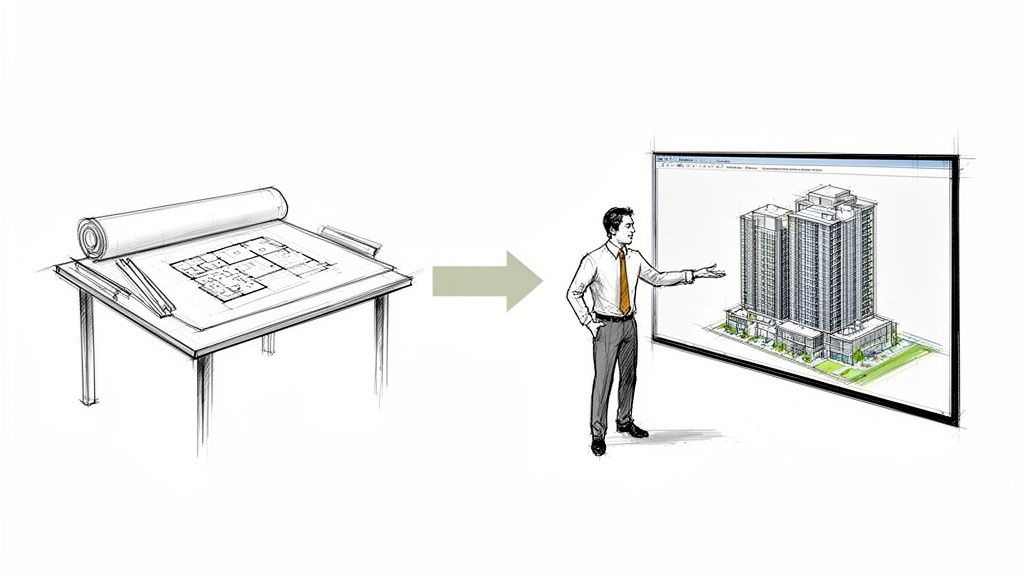
The core challenge is moving from a drawing-centric workflow to a model-centric one. In CAD, the drawing is the product. In BIM, the model is a living database, and the drawings are just one of many outputs. This distinction has massive implications for your firm's standards, QA processes, and how your delivery pods operate.
A critical piece of this is managing your legacy data. A solid handle on the DWG file format is essential, because those files will be part of your hybrid workflow for years.
The real risk in a CAD to Revit transition isn’t the software; it’s the operational ambiguity. Without clear leadership on new workflows, standards, and expectations, teams revert to old CAD habits inside a new, more expensive tool. This kills your ROI and breeds chaos.
This is where leadership becomes the make-or-break factor. Your teams need clear, direct guidance on new protocols. Without it, you’ll see billable hours drop during the transition, senior staff resist change, and inconsistent outputs plague your hybrid CAD–Revit phase—the very risks you need to manage.
A Growing Industry Expectation
Firms that hesitate are taking a strategic risk. BIM workflows are rapidly becoming the industry standard, driven by client demands for greater predictability and fewer RFIs.
This table breaks down the core differences from a management standpoint.
CAD vs. BIM: A Leadership Perspective
| Operational Focus | CAD (Drawing-Centric) | BIM (Model-Centric) |
|---|---|---|
| Primary Goal | Produce accurate 2D drawings. | Create an intelligent 3D model with embedded data. |
| Collaboration | Sequential and siloed; files are shared and overwritten. | Simultaneous and integrated; teams work on a central model. |
| Change Management | Manual; changes must be updated across all drawings. | Automated; changes in the model update all related views. |
| Decision-Making | Based on interpretation of 2D plans and sections. | Based on data-rich analysis from a coordinated model. |
| Quality Control | Visual checks and manual coordination meetings. | Automated clash detection and rule-based model checking. |
| Project Output | A set of construction documents (drawings). | A comprehensive digital asset, including drawings, schedules, & data. |
As the table shows, this isn't about better drafting—it's about a smarter, more integrated way of delivering projects. Resisting the move to BIM could mean getting left behind.
The market data confirms this shift. The global Building Information Modeling (BIM) market is projected to grow from USD 7.66 billion in 2023 to USD 21.09 billion by 2030. This growth reflects a market demanding more sophisticated project delivery—one that protects margins and reduces on-site surprises.
This puts firms at a critical decision point. Resisting the move to BIM risks becoming irrelevant, while a poorly planned transition can damage profitability. The only path forward is a deliberate, top-down strategy that treats the move from CAD to BIM as the business transformation it truly is.
The First Moves: Critical Decisions Leaders Must Make Early
A successful CAD to Revit transition begins with leadership clarity. Before a single license is bought or a training session is booked, firm leaders must make several high-level decisions that will form the guardrails for the entire process.
This isn’t about technical details. It’s about establishing the operational framework that protects your firm from the predictable chaos of a poorly planned rollout. Your job is to provide a clear path forward—software follows systems, not the other way around.
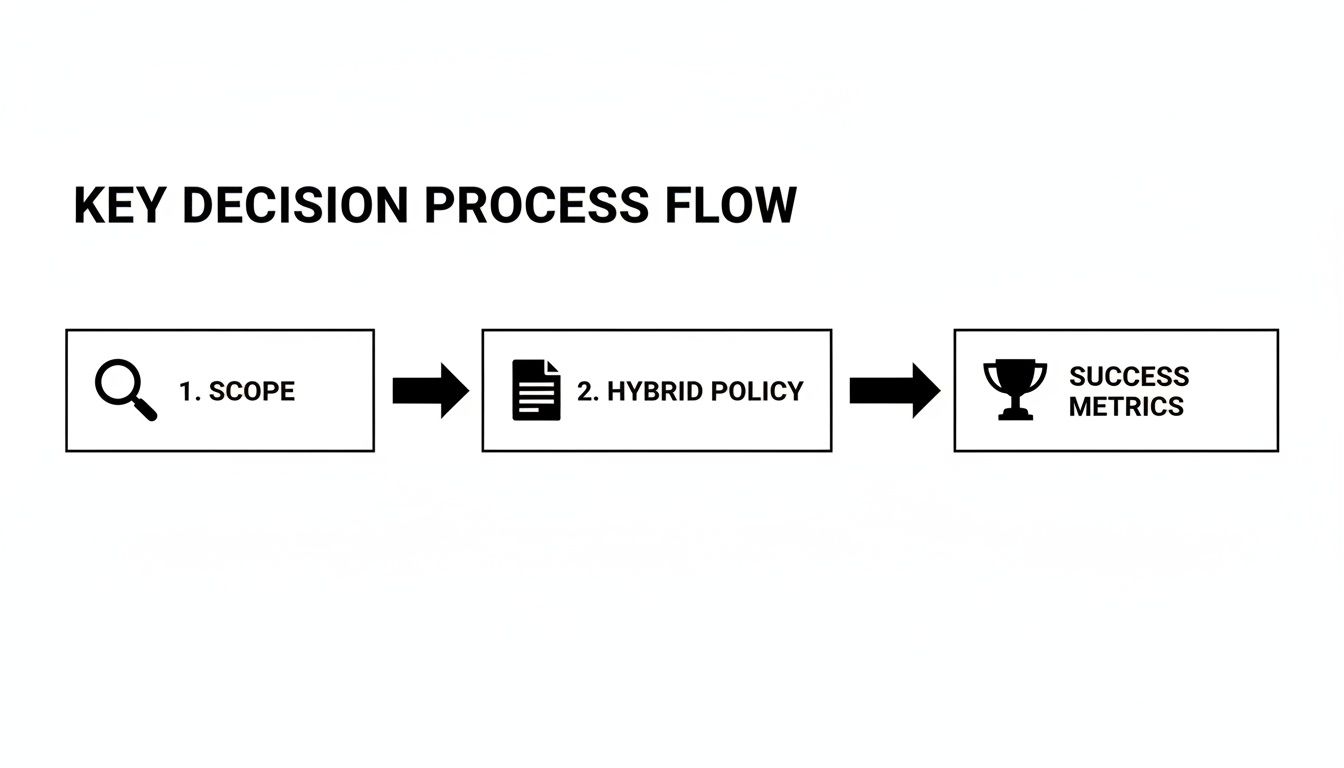
1. When and Where: Define the Scope of Adoption
Going "all-in" on Revit from day one is a recipe for disruption and productivity loss. A phased, strategic rollout is the only responsible approach. The first decision is defining when and where Revit will be used.
Consider these proven starting points:
- Pilot Projects: Select one or two upcoming projects that are a good fit. This creates a low-risk sandbox where a dedicated team can establish workflows, test your new template, and create a playbook for the rest of the firm.
- By Project Type: You might decide all new multi-family projects move to Revit, while smaller, faster-paced commercial fit-outs stay in CAD for now. This aligns the tool with the project's complexity and margin structure.
- By Project Phase: Start by using Revit only for design development and construction documents, keeping schematic design in a more fluid, familiar environment.
A clear scope prevents the "wild west" scenario where staff are unsure which standards apply. A well-defined BIM implementation strategy is non-negotiable for firms serious about navigating this change without harming profitability.
2. The Hybrid Reality: What Stays in CAD? What Moves to BIM?
Your firm will operate in a hybrid CAD–Revit world for months, if not years. Pretending otherwise is a costly mistake. You need a formal policy that dictates what stays in CAD, what moves to BIM, and—most importantly—how the two systems will interact.
This policy must answer practical, everyday questions:
- How will we manage our existing library of standard CAD details?
- What is the firm-wide rule for linking vs. importing CAD files into Revit models to protect performance?
- Who is responsible for QA/QC on projects that mix CAD and Revit deliverables?
Without these decision checkpoints, you invite inefficiency. Teams will burn unbillable hours wrestling with file compatibility instead of designing. This policy brings order to the messy middle of your transition.
The most expensive part of a CAD to Revit transition isn’t the software license; it’s the lost billable hours spent fixing problems that a clear implementation plan would have prevented.
3. Measuring What Matters: Define Success Beyond Technical Skill
Finally, leadership must define what winning looks like. It’s not about how fast someone can model a wall. The real ROI from moving from CAD to BIM is measured in business outcomes, not software clicks.
Your success metrics should be tied to production maturity and margin protection. Instead of just tracking "Revit proficiency," measure things like:
- Reduction in RFIs: Is the 3D model helping your team prevent coordination issues before they become change orders?
- Time Savings in CA: Are clearer documents reducing the administrative burden during construction?
- Improved Predictability: Can you forecast project timelines and staffing with more confidence?
- QA/QC Efficiency: Is your quality assurance process catching more errors earlier in the design phase?
Tracking these operational KPIs shifts the conversation from software training to business impact. It provides a data-driven answer when you ask, "Is this investment paying off?" By defining success from the start, you give your team a clear target and give yourself the tools to measure the true value of your firm's evolution.
Managing Your People Through the Change
Software doesn't create projects—people do. The most critical and underestimated factor in a successful CAD to Revit transition is the human element. You can design perfect templates and bulletproof workflows, but if your team isn’t on board, the entire initiative will stall.
This isn’t a technical problem. It’s a leadership and change management challenge.
Your biggest risks are human. Senior staff with decades of CAD muscle memory may resist the change. Junior staff might pick up Revit so fast they outpace the standards you’re trying to build. Both scenarios threaten the operational consistency you need. A successful transition requires a plan to bring everyone along.

Acknowledge Resistance and Communicate the "Why"
Resistance to change isn't a character flaw; it's a natural reaction to uncertainty. Your most experienced project managers have spent careers mastering CAD. To them, a new tool can feel like a threat to their expertise and efficiency.
Dismissing their concerns is a massive mistake. Instead, leaders must:
- Communicate the Business Case: Frame this as an investment in the firm's future, not a software mandate. Explain how moving to BIM helps win better projects, reduce on-site errors, and protect margins.
- Validate Their Expertise: Acknowledge that their deep knowledge of building systems and project delivery is priceless. Position Revit as a tool to leverage that expertise more effectively, not replace it.
- Be Honest About the Dip: Be upfront about the learning curve and the temporary productivity dip. When leadership acknowledges the challenges, it builds trust and makes the team more resilient.
Empower Internal Champions
In every firm, you’ll find a few people naturally eager to dive into new technology. These individuals are your most powerful asset. Your job is to find them, empower them, and make them your internal BIM champions.
These champions provide the critical over-the-shoulder support that formal training can never replicate. They help colleagues solve small frustrations before they become major roadblocks. Giving them official recognition and dedicated time to mentor others will pay for itself tenfold.
A common mistake is relying solely on external trainers. While useful for initial setup, day-to-day adoption is driven by internal peer support. A well-supported BIM champion is the bridge between formal training and real-world project delivery.
Balance Training with Template Discipline
A one-size-fits-all training program is ineffective. A recent graduate needs a different approach than a senior project architect. A blended strategy works best.
Your training and ramp-up expectations should include:
- Formal Foundation Training: Get everyone on the same page with the basics of Revit and, crucially, your firm's new BIM standards.
- Role-Specific Workshops: Offer targeted sessions for project managers on model coordination or for technical staff on family creation.
- Strict Template Discipline: Ensure juniors moving faster than standards allow are still working within the established firm template. This prevents the creation of rogue, inconsistent models that undermine your QA processes.
This tiered approach respects different learning curves while enforcing the discipline required for scalable delivery. Managing your people thoughtfully is what separates a chaotic software swap from a smooth, profitable business evolution.
A successful CAD to Revit transition starts with leadership clarity. It requires a plan that addresses technology, process, and people. The result is more than just new software; it's a more mature, predictable, and profitable production system.
If you’re a firm leader planning this critical move, you need a framework for making the right decisions. We've developed a CAD-to-Revit Leadership Decision Checklist to help you establish the strategic guardrails for a successful transition. Download it to ensure your plan is built on a solid foundation.