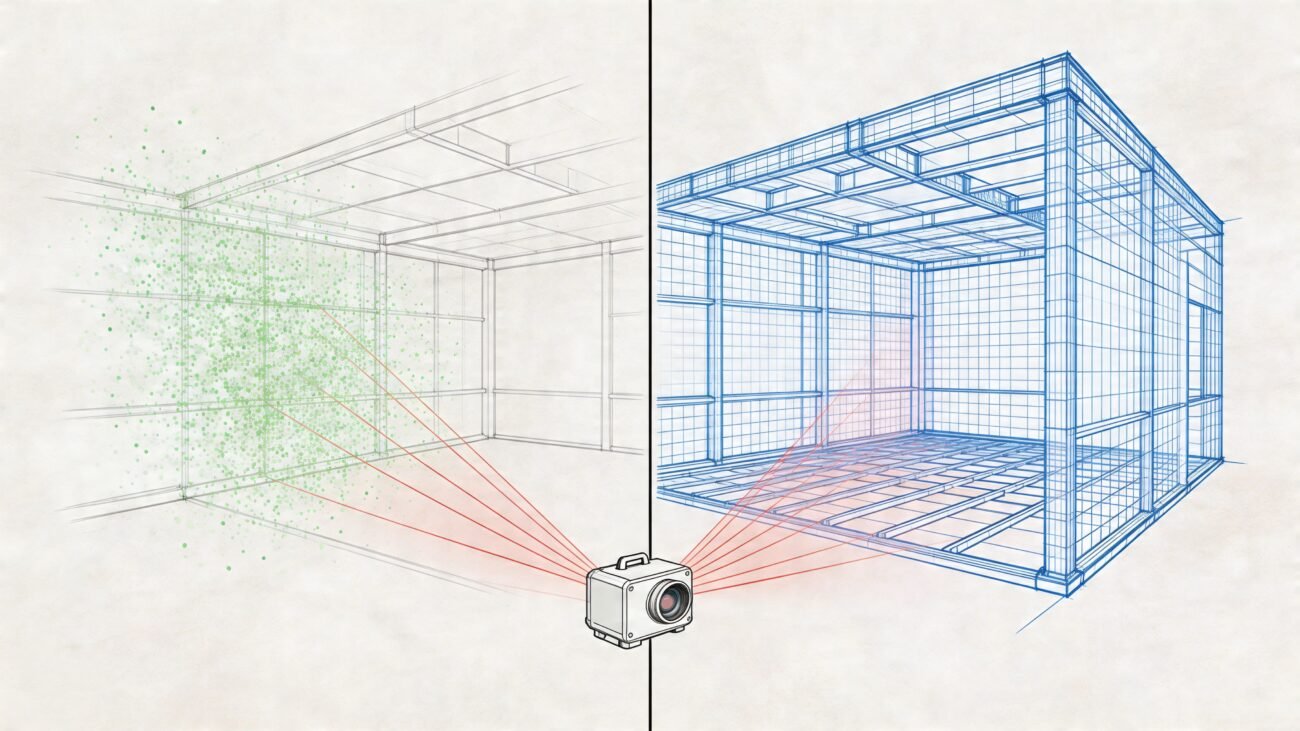
The excitement around AI in AEC is real, but the hype often skips a critical step: reality.
While AI is brilliant at chewing through massive datasets, it fundamentally lacks the seasoned judgment of an architect who’s walked a muddy job site or a builder who knows what actually works. It can generate drawings, sure, but it can't yet grasp the unwritten rules of constructability, the nuance of local codes, and the countless real-world constraints that make or break a project. This is precisely where project margins get shredded and RFIs start piling up.
The Hidden Gaps in AI-Generated Drawings
AI is a powerful tool, not a craftsperson. It runs on algorithms and data, not on lessons learned from a contentious permitting review. This gap between digital logic and physical reality creates subtle yet significant errors in AI-generated construction drawings that even a seasoned pro can miss at first glance. It’s like having an apprentice who's memorized every textbook but has never actually swung a hammer.
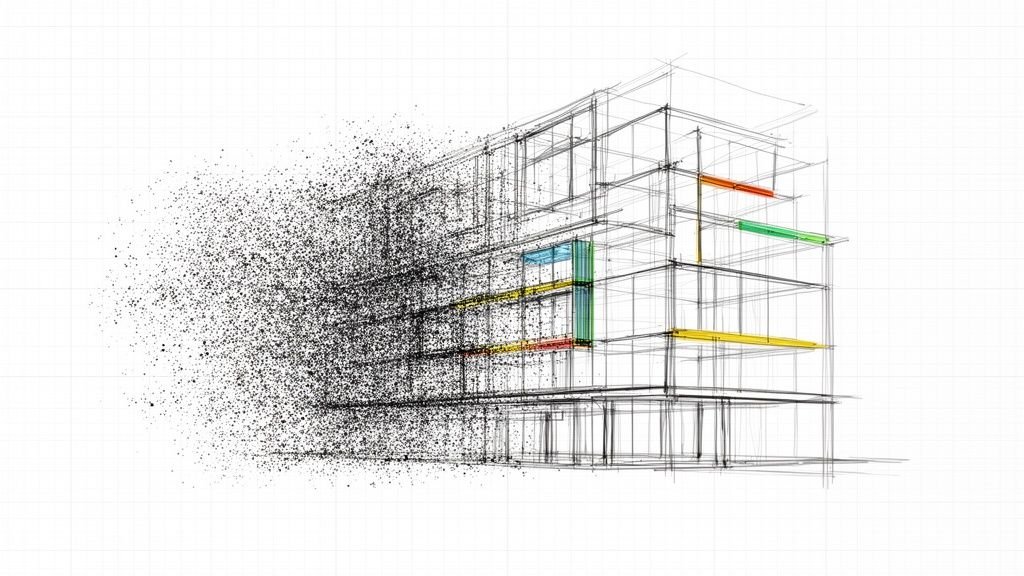
The real challenge? These AI-produced documents often look incredibly convincing. The line weights are clean, the text is crisp, and the layouts are orderly. But this surface-level polish can mask deeper, more destructive flaws that only show up during construction, leading to costly delays and rework.
Where Algorithmic Precision Fails
AI's limitations aren't about drawing lines; they're about its inability to apply contextual wisdom. It struggles with the "why" behind the "what," leading to predictable errors that threaten the consistency of your projects.
Here are a few common failure points we see:
- Misinterpreted Code Nuances: An AI might apply a national code standard perfectly but completely miss a critical local amendment, like a specific fire-rating requirement for a particular building type.
- Constructability Blind Spots: It might place a structural hold-down exactly where the plans say, but in a spot where the foundation footing makes it physically impossible to install.
- Annotation Convention Errors: It can generate notes, but it often fails to follow a firm’s specific template discipline, creating confusion and killing any chance of scalable delivery.
- Edge Case Ignorance: An AI could detail an ADA-compliant restroom flawlessly but place the door swing so it blocks access to a critical maintenance panel right next to it.
This is the heart of the issue: AI can replicate patterns, but it can't yet reason from the first principles of physics, logistics, and human behavior. It doesn’t understand that a drawing isn't just a set of instructions—it's a legal document that has to be buildable, serviceable, and safe.
This is exactly why human-led QA/QC, mature production workflows, and battle-tested BIM systems are more important than ever. They create the essential framework needed to catch these algorithmic mistakes before they blow a hole in your margin. To get a better feel for the common visual tells of AI's shortcomings, this guide on how to tell if art is AI generated offers some great insights.
When Algorithmic Logic Fails Constructability
This is where the rubber meets the road—or, more accurately, where the digital model slams into the hard reality of a job site. An AI can follow every rule you program into it, check every box in its dataset, and still spit out a set of construction drawings that are fundamentally impossible to build. This isn't just a minor glitch. It's a core failure to grasp that buildings are assembled by real people, with actual tools, in a very specific order.
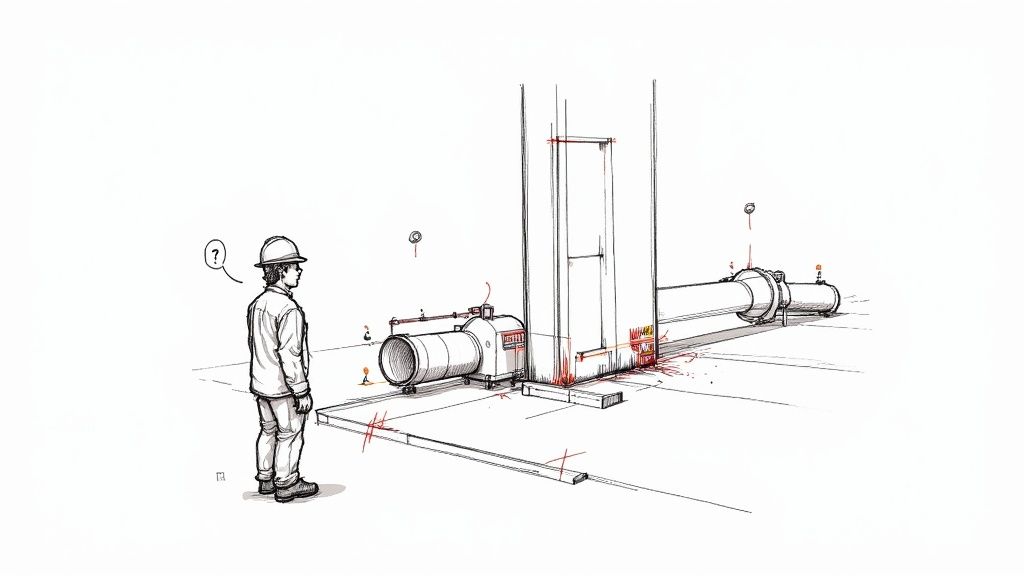
This gap between algorithmic perfection and on-the-ground practicality is where project margins go to die. Every single constructability error, no matter how small it seems in the model, blossoms into a costly RFI, a frustrating delay, and a potential change order. It’s the digital equivalent of designing a beautiful car engine with absolutely no thought for how a mechanic is supposed to reach the oil filter.
The Illusion of Code Compliance
AI is great at memorizing and applying broad-stroke rules, like national building codes. What it lacks is the "street smarts" to understand how those rules interact with the physical world, leading to designs that are technically compliant but practically useless.
Think about an AI placing an ADA-compliant grab bar in a restroom. It nails the height and clearance, ticking every box in the standard. But it completely fails to recognize that the wall it specified is a plumbing chase, meaning there's nothing solid to anchor into without unplanned—and expensive—structural additions.
Another classic example is the "perfect" door swing. The AI ensures the door meets all egress and clearance codes. Fantastic. But it positions the swing in a way that completely blocks access to a critical HVAC unit, a mistake any human designer would spot instantly just by thinking through future maintenance.
Ignoring the Sequence of Construction
Buildings aren't 3D-printed into existence; they’re assembled piece by painstaking piece. That sequence is everything, and it's a concept that current AI models just don't get. An algorithm sees a finished model, not the step-by-step process required to get there.
This blindness leads to predictable and expensive mistakes:
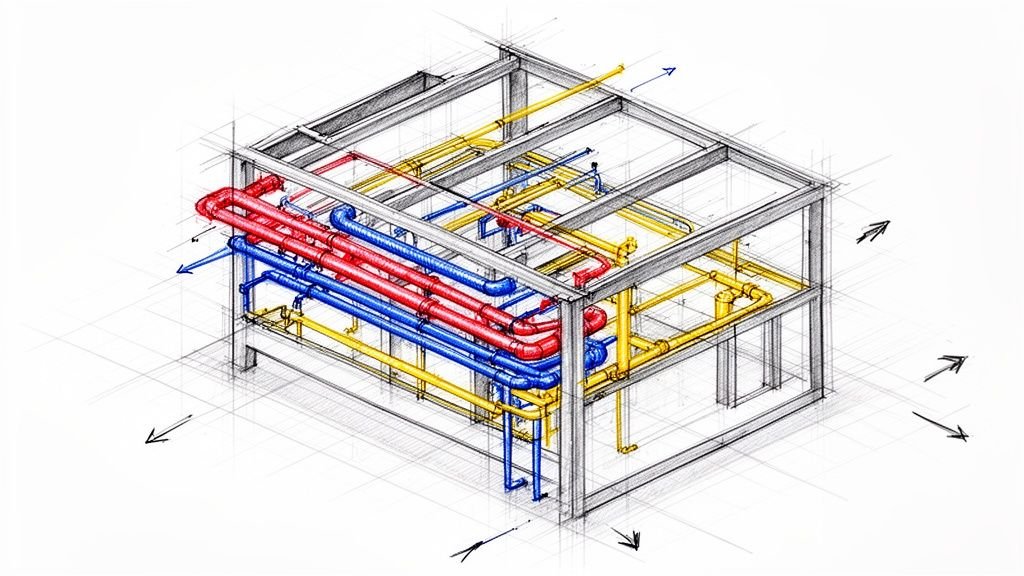
- Impossible MEP Routing: An AI might route a massive duct through a web of structural steel beams in a way that looks perfectly clean in the model. The problem? It doesn't understand the steel gets erected long before the HVAC crew ever shows up, making the proposed path physically impossible to install without cutting and re-welding structural members. This is where human-led processes, like a deep understanding of BIM clash detection, become absolutely essential.
- Impractical Structural Connections: We've seen models specify a structural hold-down in a location that is perfectly logical on paper. The catch? It's placed smack in the middle of where a concrete footing needs to be poured, meaning the anchor bolts can't be set. A human detailer instinctively knows the concrete comes first and designs the connection to match the sequence.
- Flawed Fire-Rated Assemblies: An AI can detail a one-hour fire-rated wall assembly with perfect accuracy. But it might not account for the sequence of trades, detailing components in an order that makes it impossible for the drywallers and insulation crews to actually build it to code.
The core problem is that AI lacks foresight. It can't simulate the real-world chaos of a construction site or anticipate the logistical dance between different trades. It operates on static data, while construction is a dynamic, sequential process.
AI can often miss the subtle, experience-driven details that make a design buildable. It sees components but doesn't always understand the craft or sequence required to assemble them. Here’s a look at some common AI misinterpretations and the human-led corrections that are vital for project success.
Common AI Misinterpretations vs Human-Led Solutions
| Area of Concern | Typical AI Output Error | Required Human-Led Correction |
|---|---|---|
| MEP Coordination | Routes a large duct through a tight space, ignoring installation tool clearance and human access. | Adjusts routing to account for wrench swings, future maintenance access, and the physical space a technician needs to work. |
| Structural Detailing | Places a weld connection in a location that is inaccessible once a perpendicular beam is installed. | Revises the connection detail to a bolted plate that can be installed after the primary steel is erected. |
| Wall Assemblies | Specifies an ADA grab bar location that aligns perfectly with code but lands on a hollow plumbing chase. | Shifts the grab bar location slightly and adds solid blocking in the framing plan to ensure a secure anchor point. |
| Site Logistics | Lays out underground utilities without considering excavation sequencing or shoring requirements on a tight site. | Re-sequences utility installation based on depth and proximity, creating a feasible excavation plan that avoids cave-ins. |
These examples highlight why a human expert in the loop isn't just a preference—it's a necessity. The nuanced, real-world understanding of how things are actually built is what turns a digital file into a functional building.
This is why production maturity isn't about having the fanciest software. It’s about having disciplined QA processes and an experienced team who can look at a set of drawings and ask the most important question: "Can we actually build this?" Without that human checkpoint, you aren't protecting your margins; you're just generating expensive problems faster than ever before.
Navigating Code Nuances and Annotation Styles
An AI can memorize every national building code ever written, but construction is a local game. The gap between a generalized standard and the specific, often unwritten, rules of a local jurisdiction is precisely where AI-generated construction drawings fall apart. This isn't just about minor details; it's about the fundamental compliance and safety issues that can halt a project cold.
Think of it like this: an AI can learn all the rules of chess, but it doesn’t understand the psychological game being played across the board. It knows the what but misses the why. A project’s success often hinges on this nuanced understanding of the "spirit of the code," something born from years of navigating local plan checkers and field inspectors.
This disconnect becomes a major liability when dealing with complex regulations. In Europe, for instance, the regulatory environment is particularly demanding. Over 60% of construction projects require highly detailed compliance documentation to navigate stringent building codes and environmental standards. An AI might miss a subtle interpretation of a standard that a local architect would know by heart. You can learn more about these global construction industry outlooks and how they shape project delivery.
The Tyranny of Local Amendments
Every experienced BIM Manager knows that the IBC or IRC is just the starting point. The real challenge lies in the layers of amendments, additions, and specific interpretations applied by the local Authority Having Jurisdiction (AHJ). AI struggles here because this information is often not in a structured, machine-readable format. It’s buried in municipal PDFs, council meeting minutes, or simply exists as institutional knowledge within the local building department.
This creates several high-risk scenarios:
- Misinterpreted Fire Ratings: An AI might correctly apply a standard one-hour fire rating to a corridor wall based on the national code. But it could easily miss a local amendment that requires a two-hour rating if that corridor serves a specific occupancy type unique to that city's zoning.
- Unique Egress Conditions: Consider an unusual site with a steep grade. An AI might design a code-compliant egress path that is technically correct but practically unsafe or violates a local preference for graded ramps over stairs. A human designer instinctively knows how to negotiate these edge cases with the AHJ.
- ADA Misplacements: An AI can place an ADA ramp with the perfect 1:12 slope. But it might fail to account for a local ordinance requiring additional clearance at the top landing due to snow accumulation—a detail only a local expert would know.
These aren't just minor errors; they are permit-killers. They lead directly to costly redesigns and delays, completely eroding any predictability you thought you had and putting your margins at risk.
When Your Annotation Style Is Your Brand
Beyond code, there's another uniquely human system AI fails to grasp: the graphic language of your firm. Your annotation standards, line weights, and detail callout conventions are more than just notes on a page. They are a core part of your firm’s operational consistency and a key element of your template discipline.
This system is your brand. It’s how you communicate complex ideas with absolute clarity.
An AI can generate clean text, but it doesn't understand why your firm uses a heavier line weight for structural elements or a specific hatch pattern for fire-rated assemblies. It can’t replicate the subtle graphic hierarchy that a skilled drafter uses to guide a builder’s eye to the most critical information.
This isn't about aesthetics; it's about preventing RFIs. When a contractor can instantly understand every detail on your construction drawings because the annotation is consistent and clear, you eliminate the ambiguity that leads to questions from the field. This disciplined, human-led system is a direct defense of your project's profitability. It's a clear demonstration of production maturity that no algorithm can replicate on its own.
Why Human Oversight Remains the Ultimate QA Checkpoint
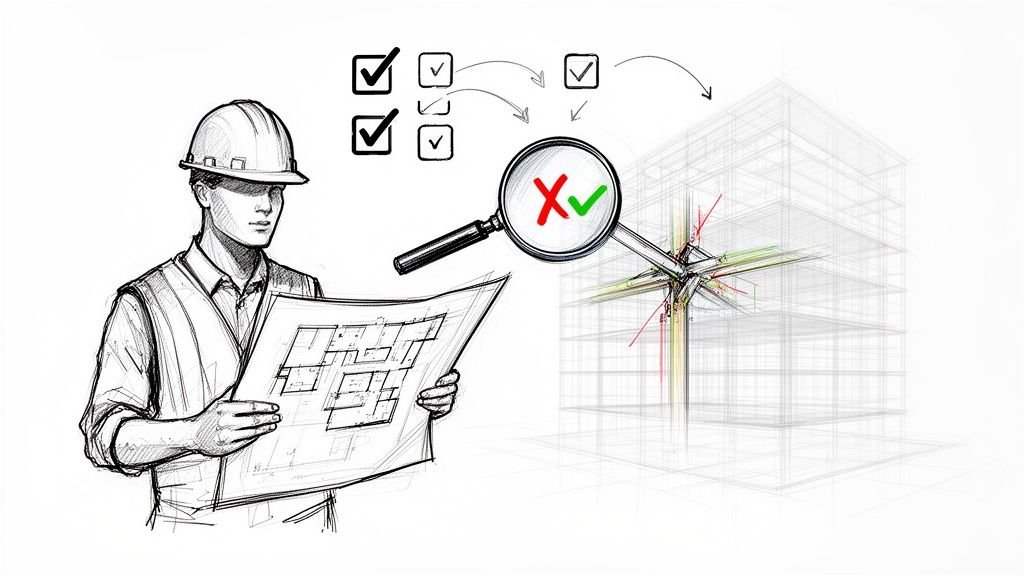
AI is a powerful tool, but banking on it to handle quality assurance by itself is a dangerous gamble. Using AI safely means making human expertise the final, non-negotiable layer of validation. A real QA process isn't just a hunt for mistakes; it’s a series of critical decision checkpoints that algorithms can inform but should never own. This is where a mature production workflow really shows its value, turning QA from a reactive chore into a strategic part of getting the project done right.
An algorithm can process a drawing, sure, but it can't ask the right questions. It can’t look at a detail and wonder, "Can this actually be built efficiently on-site?" or "Is this assembly the best way to solve the client's problem?" That’s the kind of judgment that protects your profit margins and prevents the endless cycle of RFIs that bleed undisciplined projects dry. It’s wisdom that only comes from years of experience—a lesson we learned well during the transition from CAD to BIM.
Beyond Spotting Mistakes
A human reviewer does so much more than just verify dimensions and check for clashes. They bring a level of contextual understanding that algorithms, at least for now, simply can’t match. This oversight is what guarantees operational consistency and predictable outcomes, especially when you’re integrating a powerful but still unseasoned tool like AI.
Smart firms build this human checkpoint directly into their systems, often using structured review processes like scalable delivery pods. In these teams, peer review and senior oversight aren't just suggestions; they are mandatory gates that every single drawing has to pass through.
This system creates multiple layers of defense:
- Peer Review: A second set of eyes from a colleague who lives and breathes the firm's templates and annotation standards. They’ll catch small inconsistencies before they ever have a chance to leave the office.
- Senior Oversight: An experienced architect or BIM Manager who looks beyond basic accuracy. They’re reviewing for constructability, interpreting code, and making sure the details align with the big-picture project goals.
- Constructability Analysis: This is the human-led reality check. It’s where someone asks the tough questions about sequencing and logistics—will a contractor even have the physical space to install this? Does this detail account for how different trades will be stacking up in the same area?
This structured, multi-layered review process is the ultimate QA checkpoint. It’s a system designed to catch errors, yes, but its true value is in ensuring that every line on the page is buildable, compliant, and profitable.
Reframing QA as a Decision Checkpoint
Thinking of QA as simple error-checking is a costly mistake. It’s better to see it as a series of crucial decision checkpoints where human intelligence validates what an algorithm has produced. Each review is a conscious decision to approve a design for the next stage, whether that’s internal coordination, sharing with consultants, or prepping for the final permit submission. This is a topic with major implications, and we've shared our thoughts on whether AI is coming for drafters and how these roles are evolving.
This mindset is what protects project profitability. According to a joint industry report from PlanGrid and FMI, nearly a quarter of all construction rework comes from bad project information. Mature QA systems directly attack this statistic by verifying information before it ever gets to the field.
A robust, human-led QA process built into your BIM workflow is what separates predictable project delivery from constant fire-fighting. It’s the system that lets your team confidently issue a set of construction drawings, knowing they aren't just algorithmically correct, but practically buildable. Without that human checkpoint, you aren’t adopting new technology; you’re just outsourcing risk to a machine that has no idea what the consequences are.
Building a Hybrid Workflow That Protects Your Margins
Viewing AI as an all-or-nothing replacement for human expertise is a recipe for failure. The smart play is to build a hybrid model—a practical, disciplined workflow where AI serves as a powerful production assistant, not the final decision-maker. This approach protects your margins by using AI for speed on low-risk tasks while reserving seasoned human judgment for high-stakes validation.
This isn’t about buying flashy new software; it's about reinforcing your existing template discipline and QA processes. AI becomes a tool to execute repetitive, time-consuming tasks with incredible speed. This frees up your most valuable resource—your team's expertise—to focus on what truly matters: constructability, code compliance, and client satisfaction.
Defining Roles for Machine and Expert
A successful hybrid workflow starts with clearly defined roles. You wouldn't ask a junior drafter to sign off on a permit set, and you shouldn't ask an AI to do it either. The key is assigning tasks based on risk and the need for nuanced, experienced judgment.
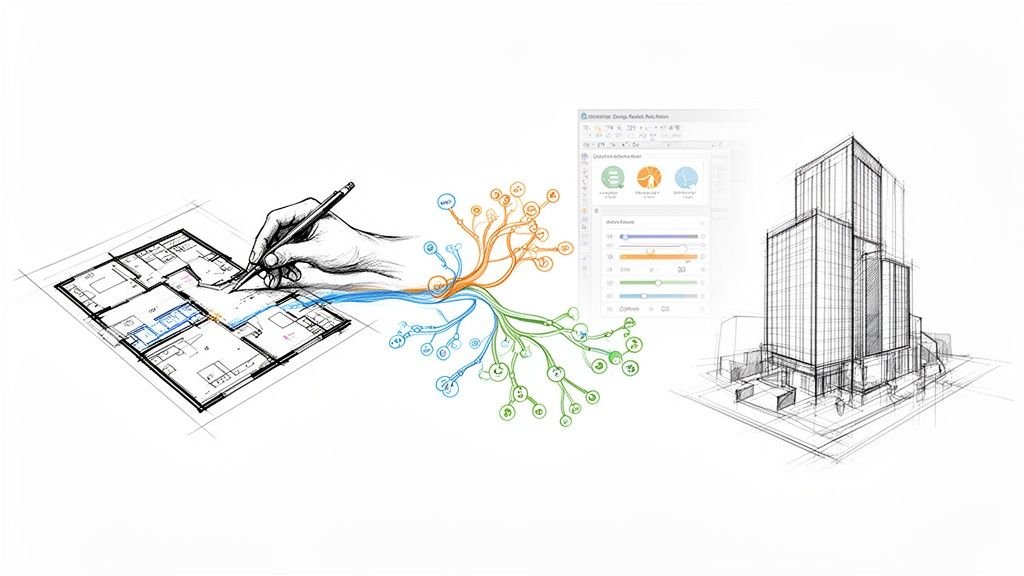
This process ensures AI accelerates production without ever compromising the quality of the final construction drawings.
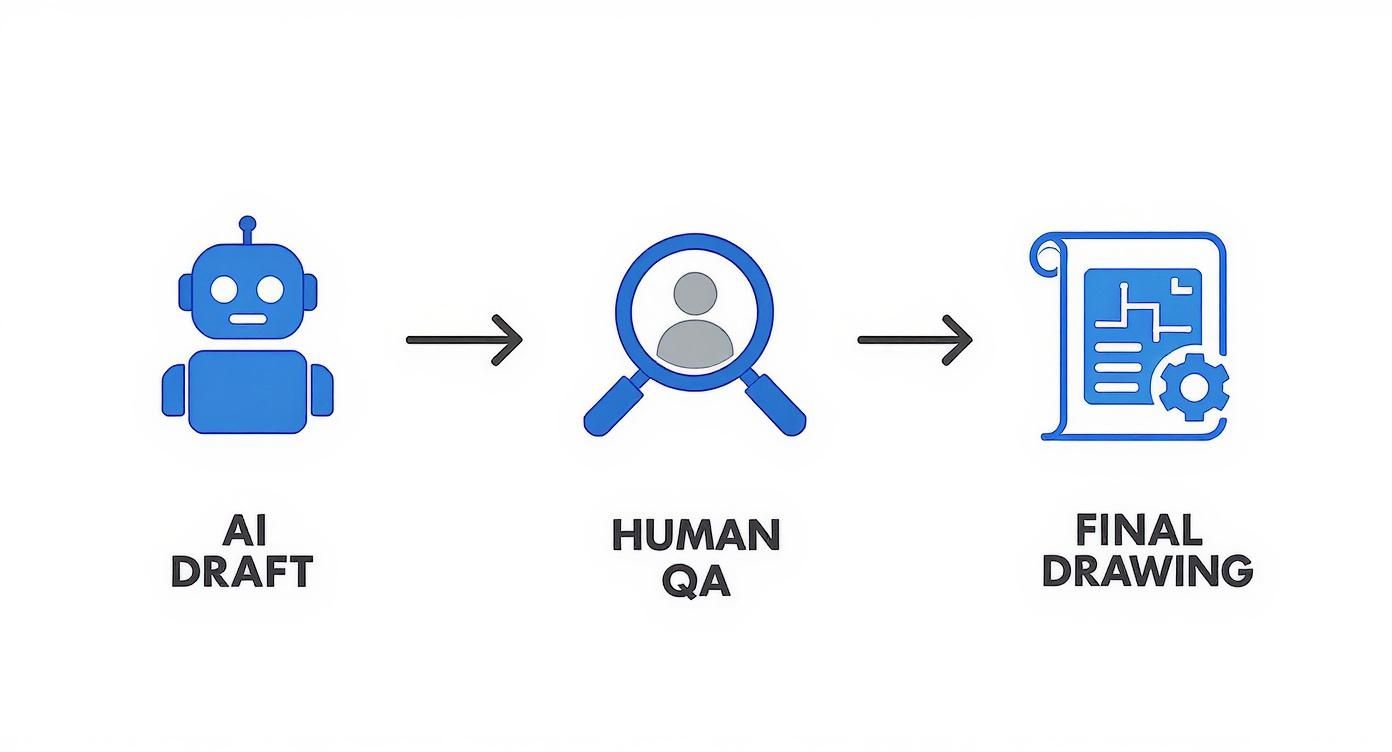
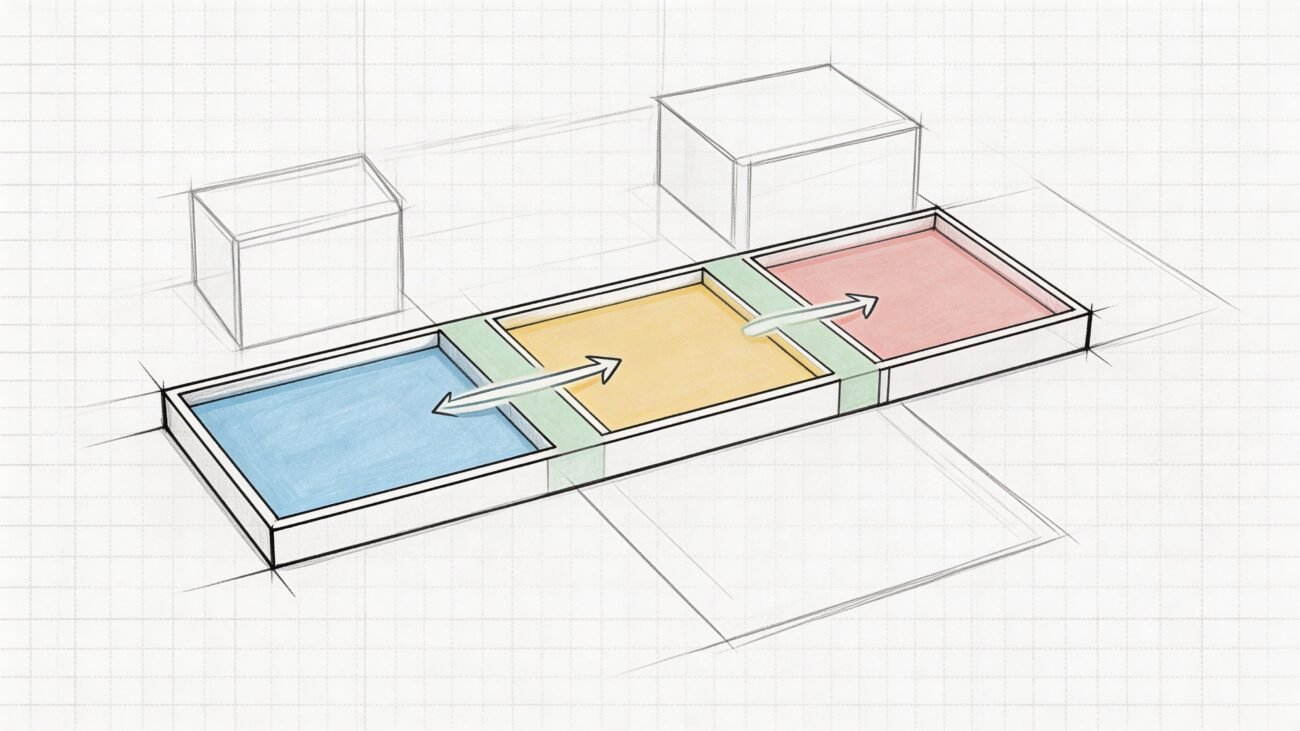
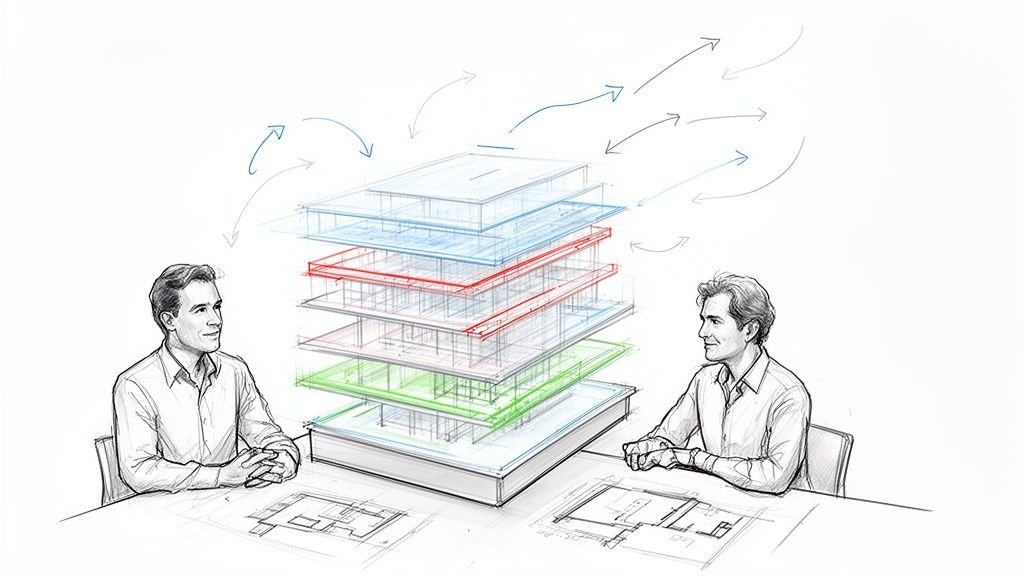
This simple flow visualizes the mandatory handoff from automated drafting to expert human review, which is the core of any safe and effective hybrid model.
Here’s how a balanced division of labor looks in practice:
- AI's Role (The Production Assistant): Hand off the repetitive, data-driven work to AI. This includes generating initial floor plan layouts from a program, creating schedules from model data, running preliminary clash detection scenarios, or drafting dozens of standard details based on your firm’s pre-approved library.
- Human's Role (The QA Checkpoint): Reserve your team’s oversight for anything that requires interpretation, context, or legal accountability. This is your senior staff reviewing AI outputs for code nuances, validating constructability, ensuring annotation standards are met, and making the final call on the permit set.
This system creates a powerful feedback loop. Your team corrects an AI's mistake once, updates the template or input parameters, and the system gets smarter for the next project. This is how you achieve scalable delivery—not by replacing people, but by making them radically more effective.
Protecting Predictability and Profit
Ultimately, this hybrid workflow is about protecting two things: predictability and profitability. Every RFI avoided, every permitting delay sidestepped, and every constructability issue caught in the office instead of the field goes straight to your bottom line.
A mandatory human review checkpoint is the single most important defense for your project margins. It transforms AI from a potential liability into a genuine asset, ensuring that speed never comes at the cost of accuracy.
To maximize the benefits of AI while mitigating risks, it's crucial to implement a well-designed hybrid workflow. For practical strategies for improving workflow efficiency with AI, it's worth exploring field-tested methods for delivering clarity, consistency, and reliable results project after project.
Your Pre-Issuance AI Drawing Review Checklist
Technology is a powerful tool, but it works best when guided by disciplined systems. Instead of a sales pitch, we want to leave you with something you can actually use—a framework to help your team catch the common, costly mistakes AI can sneak into your construction drawings. We built this checklist based on our experience with production maturity, risk mitigation, and the operational consistency that protects your margins.
This isn’t about adding red tape or slowing things down. It’s about catching the kind of errors that balloon into RFIs, trigger change orders, and lead to those painful conversations with clients. By putting a formal review process in place for any AI-assisted output, you’re reinforcing the essential human-led QA checkpoint that ensures reliable project delivery.
A Framework for Human Oversight
Think of this checklist as a structured conversation starter for your production team. It groups the most common AI red flags into three critical categories, making sure nothing slips through the cracks before drawings are issued for permitting or construction. It gives your team a way to apply their hard-won experience where it matters most.
-
Code & Compliance Nuances: This is where you verify local amendments, specific jurisdictional requirements, and complex egress or fire-rating conditions that algorithms often get wrong. It’s a gut check against the "spirit of the code," not just the letter of the law.
-
Constructability & Sequencing Logic: Here, the focus shifts to the job site. Does this detail actually account for the order of trades? Is there physical space for installation and maintenance down the road? This is where your team’s real-world building experience is irreplaceable.
-
Annotation & Standard Consistency: This final check makes sure the drawings speak your firm’s unique graphic language. It validates that every note, line weight, and detail callout aligns with your established templates, preventing the kind of ambiguity that causes chaos in the field.
A checklist isn’t just a to-do list; it’s a system. It ensures that every team member, regardless of experience level, is reviewing AI-generated drawings through the same critical lens, creating predictable and defensible results.
This systematic approach is the bedrock of a healthy, profitable production workflow. For a deeper dive into evaluating your current processes, our checklist of AI output red flags to review before issuing drawings offers valuable insights that pair perfectly with this review.
This resource is a starting point, designed to give your team a clear framework for using AI safely. By pairing powerful new tools with mature, human-led systems, you can protect your projects and deliver the clarity your clients depend on.
Frequently Asked Questions
Even with all the buzz around new technology, real-world questions pop up about how AI actually fits into the production workflows we already have. Here are a few of the most common ones we hear from architects, BIM managers, and builders who are in the trenches every day.
Can AI Fully Automate Creating Drawings for Permitting?
Not yet. While AI is getting incredibly good at speeding up the initial drafting, it just doesn't have the nuanced understanding needed for a permit-ready set. It can't interpret hyper-local code amendments, account for unique site conditions, or apply the kind of constructability logic that only comes from experience.
You absolutely need a licensed professional to review and verify everything. Without that human oversight, you’re risking a rejected permit set, which can derail project timelines and budgets before a single shovel ever hits the ground. It’s a critical checkpoint for protecting your margins.
What Is the Biggest Risk of Over-Relying on AI?
The single biggest risk is constructability errors. It's one thing for a design to look perfect on a screen; it's another thing entirely for it to be practical or even possible to build on-site. When an algorithm generates a detail that can't be built, you're looking at a flood of RFIs, disruptive change orders, and painful budget overruns.
This is precisely where seasoned human experience is most valuable—spotting issues in complex MEP routing, critical structural connections, and tricky waterproofing details. An algorithm simply doesn’t have the field-tested wisdom to foresee those clashes.
How Can Our Firm Start Using AI Safely for Drawings?
The smartest way to start is by treating AI as a powerful production assistant, not the lead designer. Assign it to low-risk, repetitive tasks where it can really shine. For instance, use it to generate initial floor plan options from a program, create schedules from model data, or draft standard details pulled from your firm's pre-approved library.
The most important step? Implement a mandatory human QA/QC checkpoint for anything the AI produces before it’s integrated into the main drawing set. This disciplined process lets you tap into AI's speed without sacrificing the accuracy and reliability your clients depend on. Always treat AI as a tool that requires expert supervision.
At BIM Heroes, we believe that powerful tools are only as good as the systems and expertise behind them. We build reliable production workflows that deliver clarity and predictability.
If your team is looking for a partner to establish a rock-solid system for drawing production, learn how we can help at https://www.bimheroes.com.