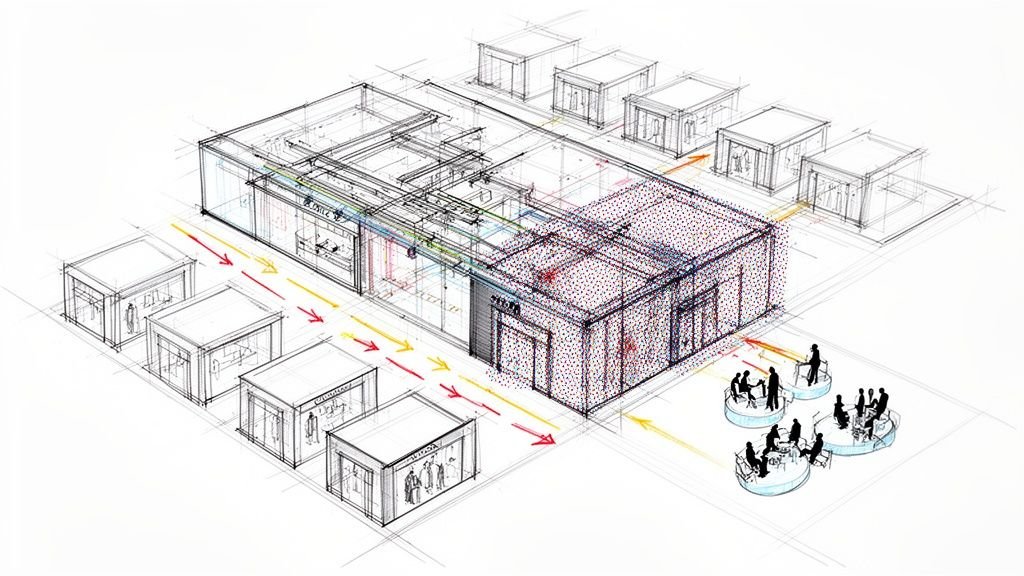
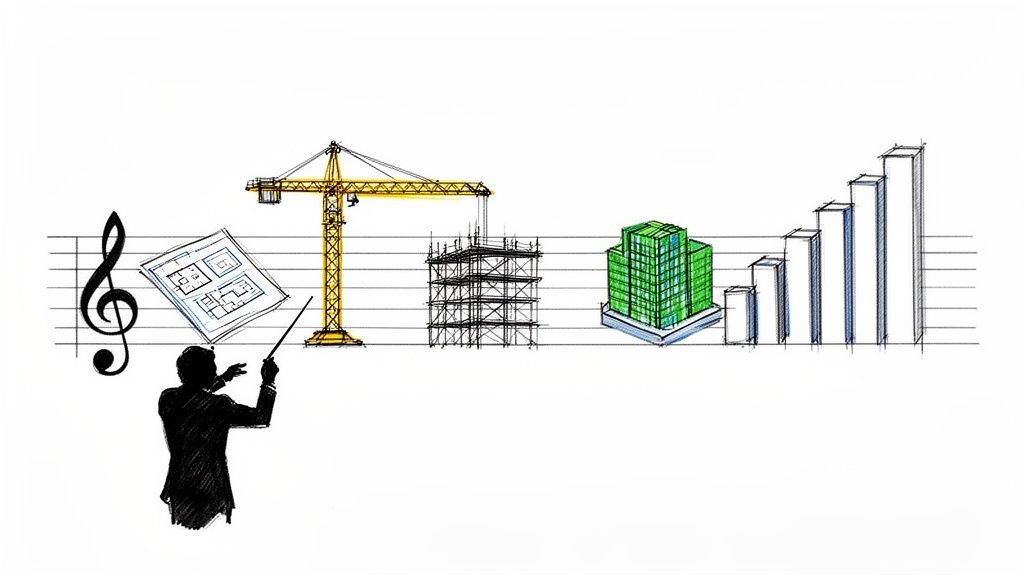
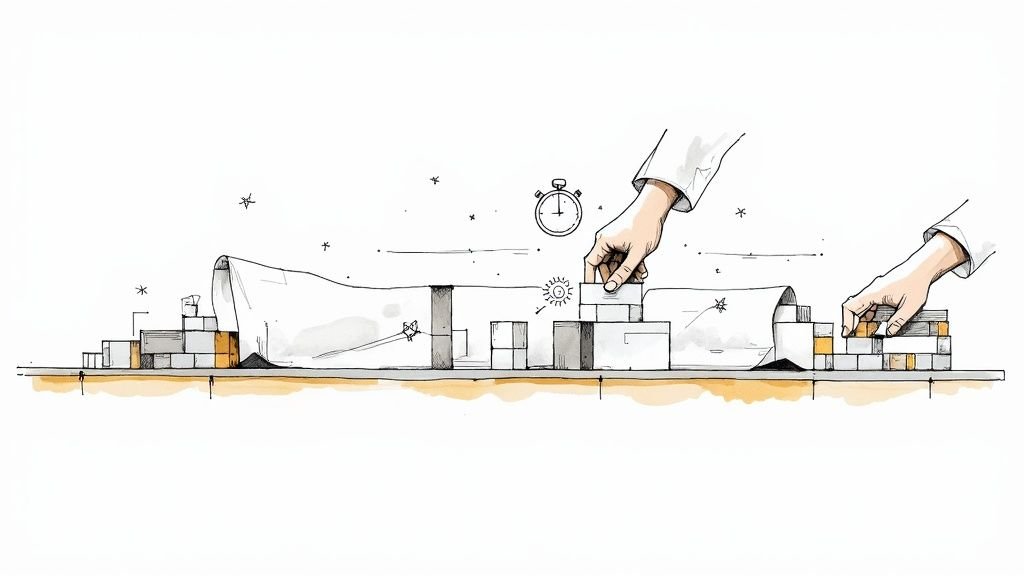
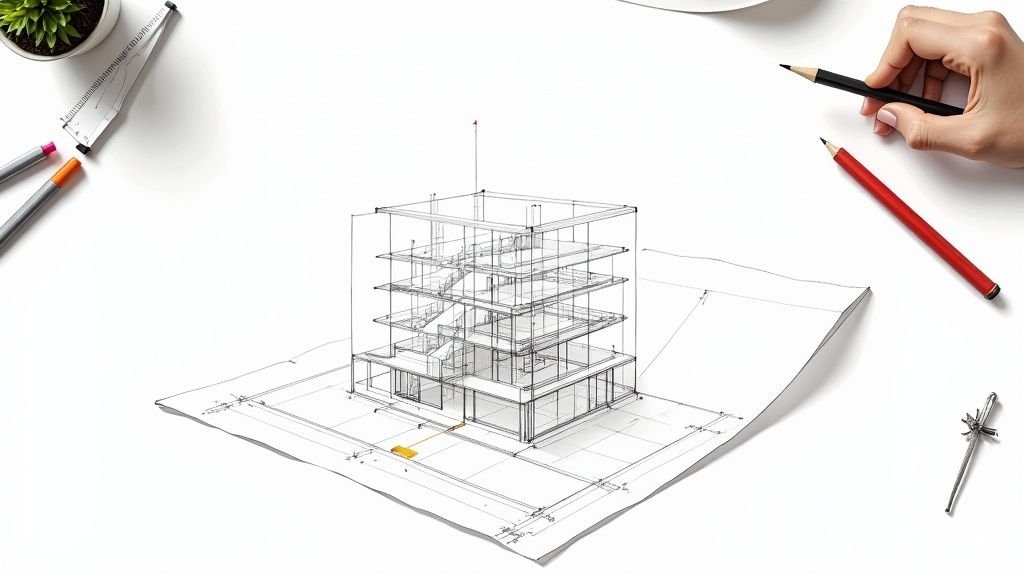
If your modular Revit model feels like it’s constantly on the verge of breaking, you're not fighting a modeling problem—you're fighting a process failure. The real issue is treating the level of detailing as a flexible guideline instead of what it should be: a series of rigid, non-negotiable decision checkpoints.
Stability in modular Revit workflows doesn't come from better modeling. It comes from enforcing discipline long before a single component hits the factory floor.
The Hidden Reason Your Modular Revit Model Keeps Breaking

In conventional construction, design evolves. That’s just part of the game. But in modular, that same evolution is a direct threat to your production schedule and profit margins. The handoff from a digital model to physical manufacturing is so tightly integrated that even small, late-stage changes trigger a domino effect of rework, RFIs, and broken trust.
And yet, so many teams operate as if this connection doesn't exist. They talk a big game about LOD, but they rarely enforce it. The result is a state of perpetual design fluidity that modular workflows simply cannot withstand.
Why Fluid Geometry Is a Systemic Failure
The problem isn't a lack of skill; it's a breakdown in governance. When there are no enforced LOD gates in BIM, you’re implicitly giving teams permission to keep tweaking geometry long after key decisions should have been locked down. This seemingly small oversight is one of the biggest hidden drivers of instability in modular Revit workflows.
Without these decision checkpoints, critical issues start piling up just beneath the surface of the model:
- Late-Stage Redefinition: Modules get re-dimensioned after coordination has been signed off, completely invalidating weeks of work.
- Continuous Rerouting: MEP systems are shifted around after framing designs are supposedly "approved," forcing complex and error-prone adjustments.
- Uncertain Dimensions: Revit families gain more and more aesthetic detail while their core dimensional data—the only information manufacturing actually needs—remains unconfirmed.
- False Flexibility: Teams operate with a degree of design freedom that vanishes the instant fabrication logic is applied and materials are ordered.
This lack of discipline is more than an inconvenience. It’s a systemic failure that directly poisons the health of your Revit model and the predictability of your delivery schedule.
The instability you see in a modular Revit model is a symptom. The disease is a process that allows critical fabrication decisions to remain open-ended long after the factory needs them closed.
The Unstable Model Is Just the Beginning
When LOD gates are missing, the consequences ripple outward, destroying any hope of operational consistency. The Revit file itself becomes a battleground of overrides, warnings, and broken constraints. Dimensions on shop drawings no longer match the model, sparking a constant stream of RFIs that should have been prevented.
Slowly but surely, this chaos erodes the trust between the design and manufacturing teams. The factory can no longer rely on the model as a single source of truth. The design team gets buried in rework, trying to fix problems that a disciplined process would have eliminated from the start. This is where margins die and schedules slip.
Hidden geometry errors often make these problems even worse, making a clean handoff to fabrication nearly impossible. You can learn more about this in our guide on the hidden geometry errors that break Revit models.
Ultimately, a stable model isn’t achieved by telling your modelers to "be more careful." Revit model stability is achieved by implementing a system of non-negotiable LOD gates that act as firm decision checkpoints, locking in the level of detailing before it has a chance to derail production.
How Fluid Geometry Erodes Your Project Margins
When your team treats geometry as a suggestion instead of a final, locked-in decision, you're introducing a level of risk that modular construction simply can't absorb. The fallout from this ambiguity isn’t just theoretical—it shows up as direct, measurable hits to your project’s bottom line. This is where the true cost of a poorly defined level of detailing comes into full view.
This isn’t about small tweaks. We're talking about those all-too-familiar, margin-killing scenarios that plague projects without firm governance. A module gets redesigned after coordination sign-off. MEP systems are rerouted long after the structural framing was supposed to be finished. Upstream indecision always, always creates downstream chaos.
This constant state of flux directly poisons the integrity of your production data. It's the root cause of the endless RFIs, change orders, and rework cycles that eat away at your profitability and kill any chance of delivering on time and on budget.
The Downstream Cost of Upstream Indecision
Without strictly enforced LOD gates in BIM, teams often fall into a dangerous trap. They get busy adding nice-looking aesthetic details to Revit families while the component's core dimensions—the only data fabrication actually needs—remain unconfirmed. This massive disconnect between design effort and production reality is a recipe for disaster.
This operational gap leads to a series of predictable failures in modular Revit workflows:
- Rampant Model Overrides: The Revit file becomes a minefield of warnings, in-place families, and manual overrides because the base geometry can no longer be trusted. Every single override is a tiny data corruption event just waiting to explode.
- Broken Fabrication Drawings: Dimensions on shop drawings constantly break or become disconnected from the model because the underlying elements keep shifting. This forces your team into manual red-lining and re-issuing drawings, burning through valuable time.
- Constant Coordination Reruns: A single, seemingly small change to a "frozen" module can invalidate weeks of careful MEP and structural coordination. This sends everyone back to the drawing board and grinds procurement to a halt.
This vicious cycle doesn't just wreck schedules; it completely shatters the trust between your design and manufacturing teams. The model, which is supposed to be the single source of truth, becomes a source of confusion and conflict.
In modular construction, an unconfirmed dimension is far more dangerous than a missing one. It creates a false sense of security that leads directly to rework on the factory floor—the absolute most expensive place to fix a design problem.
From Model Warnings to Margin Erosion
The line connecting a Revit model full of warnings to a shrinking project margin is direct and undeniable. Every RFI sent to clarify a dimensional conflict is a hit to productivity. Every set of shop drawings that has to be manually checked against a constantly changing model is an unbudgeted labor cost.
Effective LOD in modular construction isn't about making the model look pretty; it's about making it manufacturable. The failure to lock in decisions means your teams are essentially designing on the fly—a practice that is the polar opposite of what prefabrication is all about. For teams looking to tighten up their QA game, our guide on building a solid constructability review can help bridge this gap.
Ultimately, this lack of discipline makes any kind of operational consistency impossible. You can't scale your delivery pods or promise predictable outcomes when your foundational data is built on quicksand. The instability in your Revit model is a direct mirror of the instability in your process, and that instability is quietly draining your profits, one change order at a time.
Treating LOD As Decision Gates, Not Modeling Milestones
There’s a fundamental mindset shift that separates stable, predictable projects from those lost in a cycle of rework. It’s simple but profound: redefine the purpose of the level of detailing. It’s not a gradual modeling milestone. It’s a series of hard, non-negotiable decision gates.
In a mature production environment, taking a component from LOD 300 to LOD 350 isn't just about adding more data or refining the geometry. It’s a formal declaration. It means the design is frozen, the geometry is locked, and that component is now under change control because it’s ready for manufacturing. Period.
The Problem With Fluid Milestones
The common—but deeply flawed—approach treats LOD as a fluid spectrum. Teams see it as a soft target, gradually adding detail as they get more information. This method works, sort of, in conventional construction, where the buffer between design and the job site can absorb some ambiguity.
That buffer does not exist in modular construction.
The tight integration between the digital model and the physical factory floor simply cannot tolerate indecision. Treating LOD as a flexible milestone invites the very instability that sabotages the core benefits of prefabrication. It protects no one and puts the entire production schedule at risk.
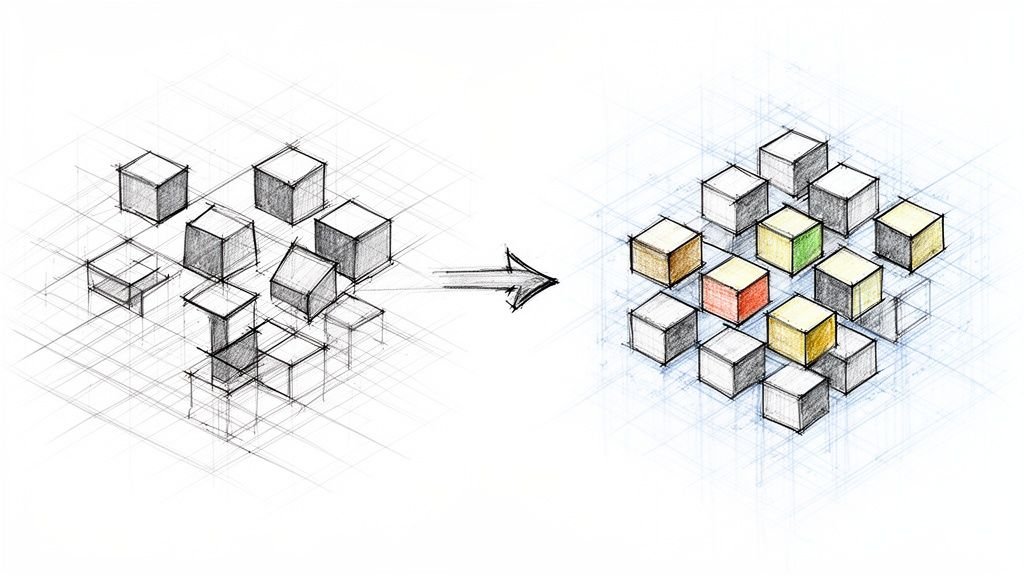
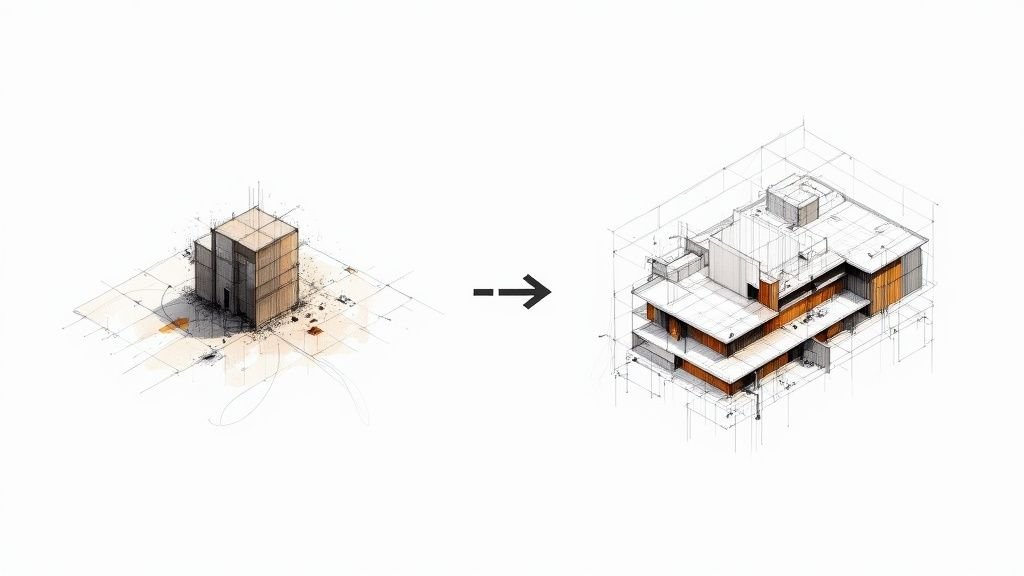
This infographic lays out the destructive path that starts with indecision and ends, inevitably, with costly rework.

As you can see, a lack of enforced decision-making directly spirals into the operational chaos that forces teams into expensive and completely avoidable rework cycles.
Embracing LOD as a System of Accountability
When you start viewing LOD gates in BIM as decision checkpoints, you create a system of accountability. It establishes clear rules of engagement that shield the project from the ripple effects of late-stage changes. The entire system is built on clarity, not assumptions.
This system is defined by a few core principles that drive consistency across the board:
- Clear Ownership by Phase: Every trade knows exactly who is responsible for escalating an element's LOD at each specific project phase. No guessing games.
- Frozen Geometry Rules: Once a component passes a gate (e.g., LOD 350), its geometry is locked. Any change from that point forward requires a formal request and a thorough impact assessment.
- Defined Fabrication Triggers: LOD escalation is tied directly to real-world production events, like ordering materials or generating CNC files.
- Mandatory Model Audits: Before an element can officially move to the next LOD, it has to pass a QA audit to verify it meets all geometric and data requirements.
This disciplined approach ensures that by the time an element is needed for fabrication, its data is rock-solid and reliable. It transforms the model from a simple design representation into a production-ready instruction set. For a deeper dive into what each stage entails, our complete guide on the BIM level of detail provides a comprehensive breakdown.
To put this shift in perspective, think of it less as a milestone to pass and more as a gate to unlock the next stage of work.
Transitioning From LOD Milestones To Decision Gates
| Aspect | Traditional LOD Milestone (The Problem) | LOD Gate As A Checkpoint (The Solution) |
|---|---|---|
| Philosophy | A flexible guideline for model progression. | A non-negotiable checkpoint for decision-making. |
| Geometry | Fluid; changes can be made casually as more info is available. | Frozen; changes require a formal change order and impact analysis. |
| Accountability | Vague; responsibility is often shared or unclear. | Crystal clear; owned by a specific person or trade at each phase. |
| Project Impact | Creates downstream uncertainty, rework, and schedule delays. | Creates predictability, protects the schedule, and enables automation. |
| Team Mindset | "We'll figure it out later." | "This decision is final, and production depends on it." |
This table illustrates the critical difference in mindset. Moving to a "gate" system forces the tough conversations and decisions to happen at the right time, preventing them from derailing production later on.
In modular Revit workflows, the model’s primary job isn’t just to represent design intent. Its job is to provide unambiguous instructions to a machine on the factory floor. Decision gates ensure those instructions are correct before production starts.
This is how you protect your margins and build a scalable delivery process. It’s not about restricting designers; it’s about giving them a clear, predictable framework that ensures their great designs can actually be built efficiently and profitably. It shifts the entire conversation from modeling skill to production maturity.
What Effective LOD Gating Looks Like in Practice
Let's move from theory to the field. An effective gating strategy for your level of detailing isn’t a document that collects dust. It's a living system of governance that brings clarity and predictability to your entire workflow. It’s about shifting your mindset from just modeling to actively managing production-ready information.
Don't overcomplicate it. A reliable system hinges on setting clear rules of engagement that everyone—from the design team to the factory floor—understands and follows. That's how you build a reliable delivery engine.

This strategy stands on five core pillars. Nail these, and you'll build a powerful defense against the instability and rework that bleed your margins dry.
1. Clear LOD Ownership by Phase
First things first: get rid of the ambiguity. Your BIM Execution Plan (BEP) needs to spell out exactly who is responsible for advancing an element's LOD at each specific phase of the project. No guesswork allowed.
For example, the architectural team might own a wall assembly up to LOD 300. As soon as that's approved, ownership for taking it to LOD 350—adding fabrication-level details like stud locations and sheathing specs—transfers to the prefabrication detailing team. This clear handoff creates accountability.
2. Frozen Geometry Rules Tied to Fabrication Triggers
This is the heart of the gating system. A "frozen geometry" rule means that once a component passes a specific LOD gate—usually LOD 350 in modular Revit workflows—its core geometry is locked. It cannot be changed without going through a formal review process.
This rule needs to be tied directly to real-world triggers. For instance, the second structural steel is procured for a module, the corresponding steel elements in the model are officially frozen. This hard link between digital status and physical commitment stops design from changing after the factory has already started acting on the information.
3. Change Control Once LOD 350+ is Reached
Look, changes happen. The key is managing them with discipline. Once an element is past a critical gate (like LOD 350), any proposed modification must go through a formal change control log. This isn't just about creating paperwork; it’s about managing risk.
The process should force the person requesting the change to document:
- The Proposed Change: What needs to be different and why.
- The Downstream Impact: Which other trades, shop drawings, or already-procured materials will be affected.
- The Cost and Schedule Implications: A clear-eyed look at the ripple effects.
This makes teams think through the true cost of a change instead of making "small tweaks" that end up causing massive disruptions down the line. It protects the production schedule and stops the quiet scope creep that kills profitability.
4. Model Audits Before LOD Escalation
You can't enforce what you don't inspect. Before any element is officially signed off to move from one LOD to the next, it has to pass a mandatory model audit. This QA checkpoint is non-negotiable for ensuring compliance and data quality.
The audit should be a simple, checklist-driven process to confirm the element meets all geometric and data requirements for its new LOD status. For example, before an element can be bumped to LOD 400, the audit confirms all fabrication data, material specs, and connection details are present and accurate. This prevents downstream teams from inheriting a mess of incomplete or wrong information.
5. Allowed vs. Prohibited Changes After Each Gate
Finally, your governance framework has to be crystal clear about what can and cannot be changed after each gate. This gives teams the clarity they need to operate with confidence.
For example, after the LOD 350 gate, dimensional and geometric changes might be completely off-limits. However, non-geometric data changes—like updating a manufacturer part number or adding a fire rating—could still be perfectly fine.
This distinction is crucial. It gives you the flexibility to refine data without compromising the geometric certainty that fabrication absolutely depends on. This practical approach has become vital as the level of detailing in BIM models has grown more sophisticated. These advanced specs have driven huge efficiency gains, with one analysis showing that BIM reduces labor needs by 25% and cuts overall project costs by 5%. You can dig deeper into how BIM drives these benefits by reviewing industry findings on BIM in the US construction sector.
Putting these five pillars in place transforms LOD in modular construction from a fuzzy concept into a powerful tool for production management. It’s the system that creates operational consistency and makes scalable, predictable delivery a reality. For more insights on integrating these practices, check out our guide on prefab workflows.
Building A Governance Framework For Model Stability
A great strategy is worthless without solid execution. Defining strict LOD gates is a good start, but without a governance framework to enforce them, your plan will fall apart the moment a project faces pressure. This isn't about handcuffing designers—it's about protecting the entire team from the chaos that destroys profit margins and blows up schedules.
This governance system is what gives your rules teeth. It gets everyone on board, clarifies who is responsible for what, and turns your LOD strategy from a document on a server into a core part of how you operate. It's how you build predictable, scalable teams that deliver consistently.
Integrating LOD Gates Into Your BEP
The single source of truth for your entire governance framework has to be the BIM Execution Plan (BEP). Your LOD gating rules can't be a verbal agreement or a footnote in an email; they must be written directly into the BEP. This makes them a contractual obligation for everyone involved.
Think of it as the official playbook for the project. It clearly lays out the rules of engagement, ensuring every person from the architect to the trade partner knows the process and what they’re accountable for. If you skip this step, you leave the rules open to interpretation, and that's where things start to go sideways. Our guide to implementing effective BIM standards offers more on how to formalize these processes.
Defining The BIM Manager As Facilitator And Enforcer
In this system, the BIM Manager or VDC Lead isn't just a model janitor; they are the facilitator and the enforcer. Their job is to champion the process, train the teams, and hold everyone accountable to the rules laid out in the BEP.
This person is on the hook for:
- Securing Buy-in: Explaining why these gates exist, framing them as a way to protect margins and reduce risk, not stifle creativity.
- Conducting Audits: Running the mandatory model checks that confirm compliance before an element can be locked down.
- Managing Change Control: Overseeing the official request process for any changes to geometry after a gate is passed.
- Communicating Rules: Constantly reinforcing what changes are allowed versus prohibited at each stage, leaving no room for confusion.
Without a designated enforcer, even the sharpest rules get ignored over time. This role provides the human oversight needed to make the system work.
Governance is what gives your process teeth. It transforms your LOD strategy from a good idea into a non-negotiable workflow that protects the integrity of the model and the predictability of the schedule.
Making The Rules Stick
At the end of the day, a strong governance framework comes down to clear communication and unwavering consistency. It's about establishing clear IT governance strategies, much like the IT governance best practices used to minimize risk in other tech-heavy fields. You're trying to build a culture where process discipline is valued just as much as design talent.
This focus on process is what separates the teams that struggle from the ones that scale. While an impressive 75% of US contractors now use BIM, most only scratch the surface with things like 3D visualization. The advanced users—those who embrace detailed modeling and strict process control—see real ROI, cutting failure costs from over 11% down to just 7%.
By building a robust governance framework, you’re not just managing the level of detailing. You’re engineering a more reliable, profitable, and scalable system for project delivery.
Predictable Delivery Isn't Magic—It's a Framework
If there's one thing you take away from this guide, let it be this: in modular Revit workflows, model stability comes from enforced decision gates, not just better modeling techniques. We've gone from the root of the problem—fluid, ever-changing geometry—to a practical framework that puts real governance in place. This is exactly how mature production teams protect their margins, kill rework, and deliver with the kind of consistency that builds a reputation.
By establishing LOD gates in BIM, you flip the script from reactive to proactive. You’re building a system that forces the right conversations at the right time. When the moment comes to hit "go" on fabrication, the model is a rock-solid source of truth, no questions asked. It’s about moving beyond just talking about the level of detailing to actively managing it like the critical production asset it is.
From A Good Idea to Standard Practice
The difference between a modular project that succeeds and one that spirals out of control often boils down to this single point of discipline. Teams that treat LOD as a "guideline" are the ones constantly putting out fires, buried in RFIs, and reissuing shop drawings. Their Revit models are a mess because their process is a mess—it simply doesn't have the structure needed for a manufacturing mindset.
On the other hand, teams that treat LOD gates as non-negotiable checkpoints operate with a clarity their competitors can only dream of. They snuff out problems before they start, shielding their schedules from the chaos of late-stage changes. They build an environment where designers and fabricators actually trust the data they’re sharing. This isn’t some pie-in-the-sky goal; it's the direct result of a well-defined system.
Model stability isn't a byproduct of superior modeling skill. It's the natural outcome of a disciplined governance framework that locks in critical decisions before production depends on them.
This framework is what creates predictability. It’s what lets you build scalable delivery pods, give clients timelines they can count on, and defend the profitability of every single project. It shifts your focus from hoping for a good outcome to engineering one with a process that’s built to last.
Your Next Step Toward Predictable Delivery
You now have the mental model to completely reframe how your team tackles the level of detailing. You get why a fluid model is a direct threat to your bottom line and how decision gates are the only real defense. The next step is putting these ideas into action—building the systems that deliver the clarity and predictability your projects are screaming for.
This isn't about adding red tape; it's about adding certainty. It's about creating a workflow where every stakeholder knows the rules of the game and the model serves as an unambiguous set of instructions for the factory floor. The principles we’ve covered are your blueprint for reaching a new level of production maturity.
At BIM Heroes, we know that reliable delivery is built on clear systems, not just sheer effort. To help you turn these concepts into reality, we’ve put together a practical tool to get you started.
Download our Modular LOD Gate Matrix to build the checkpoints that ensure stability and success on your next project. It's not a sales pitch; it's a technical resource designed to help you bring disciplined governance to your modular BIM workflows.