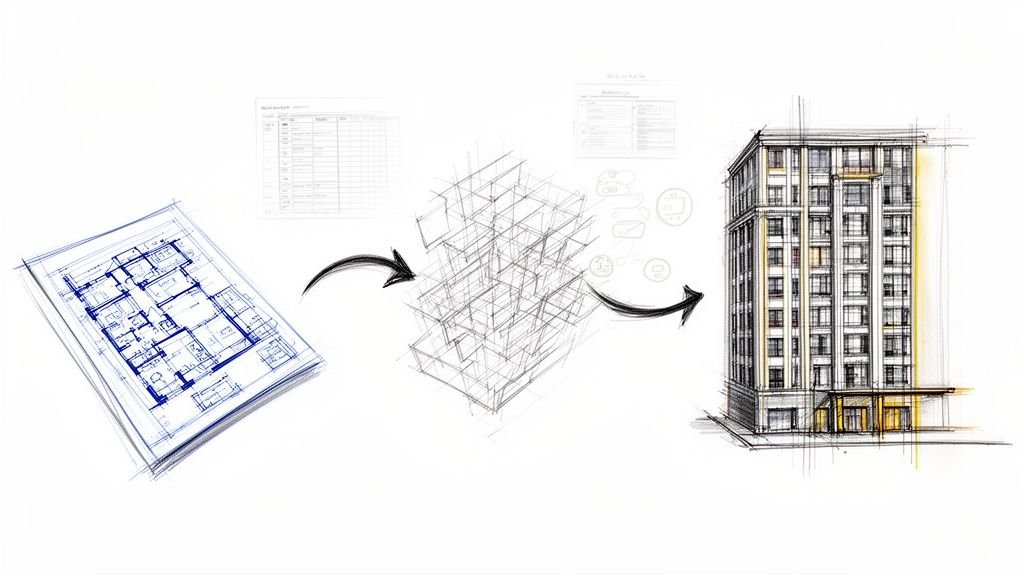
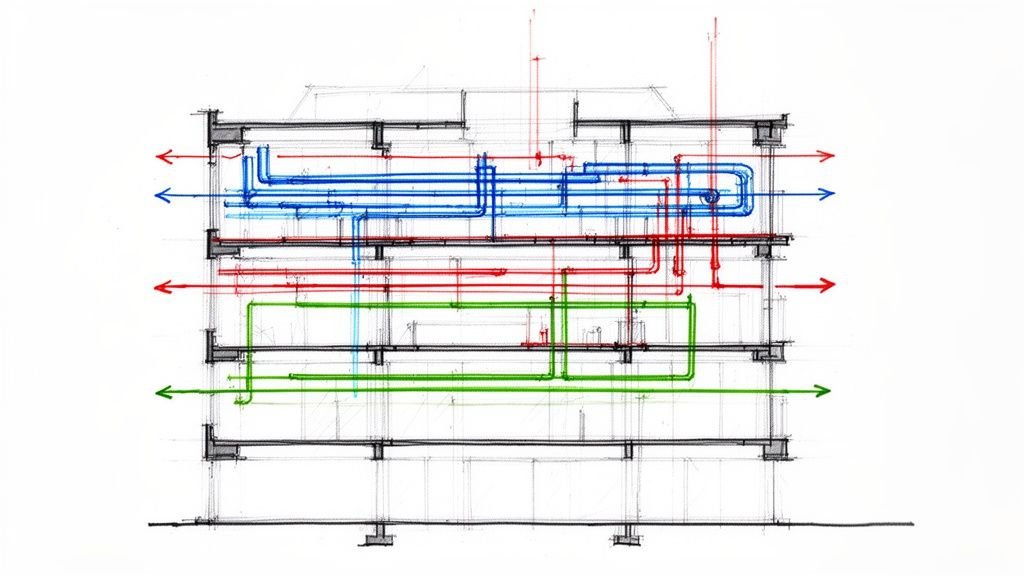
This isn't another polished case study. It’s an honest look at a problem every team in modular construction faces but rarely discusses openly: the real trouble starts long before the factory floor. The delays, the rework, and the margin erosion blamed on fabrication or logistics almost always trace back to the digital model, where early assumptions in Revit quietly sabotage production months down the road.
This isn’t about blaming designers. It’s about acknowledging a systemic disconnect between conventional BIM habits and the unforgiving precision required for manufacturing. Modular projects don’t fail in the factory—they fail quietly upstream in Revit when production logic is ignored.
The Silent Source of Production Pain
The uncomfortable truth is that most modular failures are baked into the Revit model months before the first assembly is built. The factory isn’t where things go wrong; it’s just where upstream digital guesswork becomes expensive physical reality.
We’ve seen modular projects stabilize and become predictable once teams acknowledged and corrected these upstream modeling behaviors. It’s a structural problem, not an individual failure.
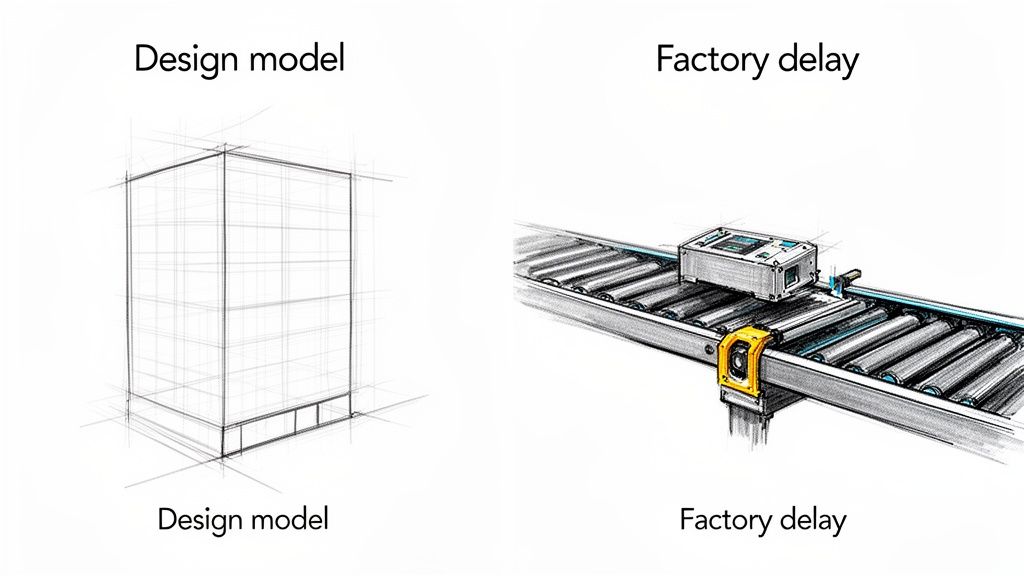
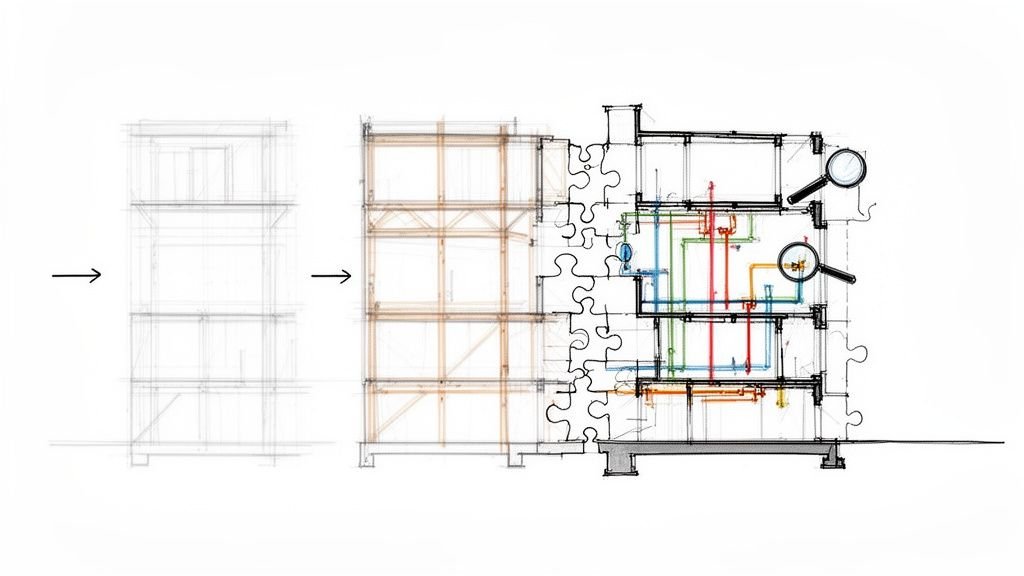
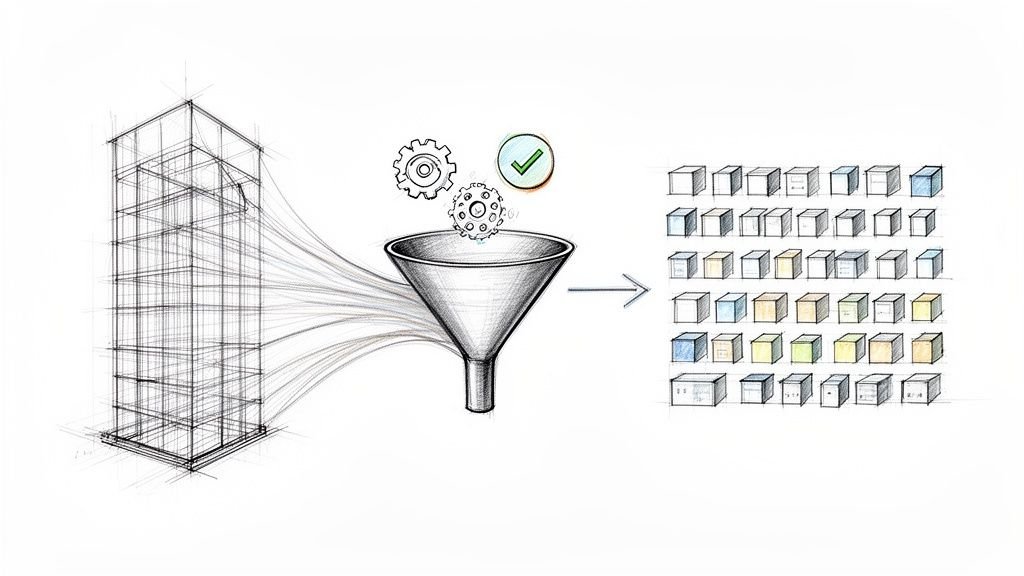
Alt text: A design model sketch of a building next to a factory conveyor belt with a device, titled 'Factory delay', symbolizing how upstream design issues cause downstream production problems in modular construction.
This is the conversation teams have behind closed doors—the quiet struggle with late design freezes, constant “small changes” breaking entire modules, and shop drawings that don’t align with the coordinated model. These issues aren’t about Revit being inadequate; they are about how Revit is used without modular-specific discipline.
Where Factory Rework Really Begins
The core issue is simple: teams model for modular construction as if it were a site-built project. A site-built model can tolerate ambiguity; skilled trades can resolve discrepancies in the field. A manufacturing model cannot. It is a literal instruction set for a production line.
This disconnect manifests in critical, recurring problems long before fabrication starts:
- Models built like site-built projects: Teams model with general assumptions, believing details can be resolved later. This habit is fatal to a manufacturing sequence.
- Modules defined too late: Module breaks are treated as an overlay on a finished design, not as the foundational logic of the project, forcing massive rework.
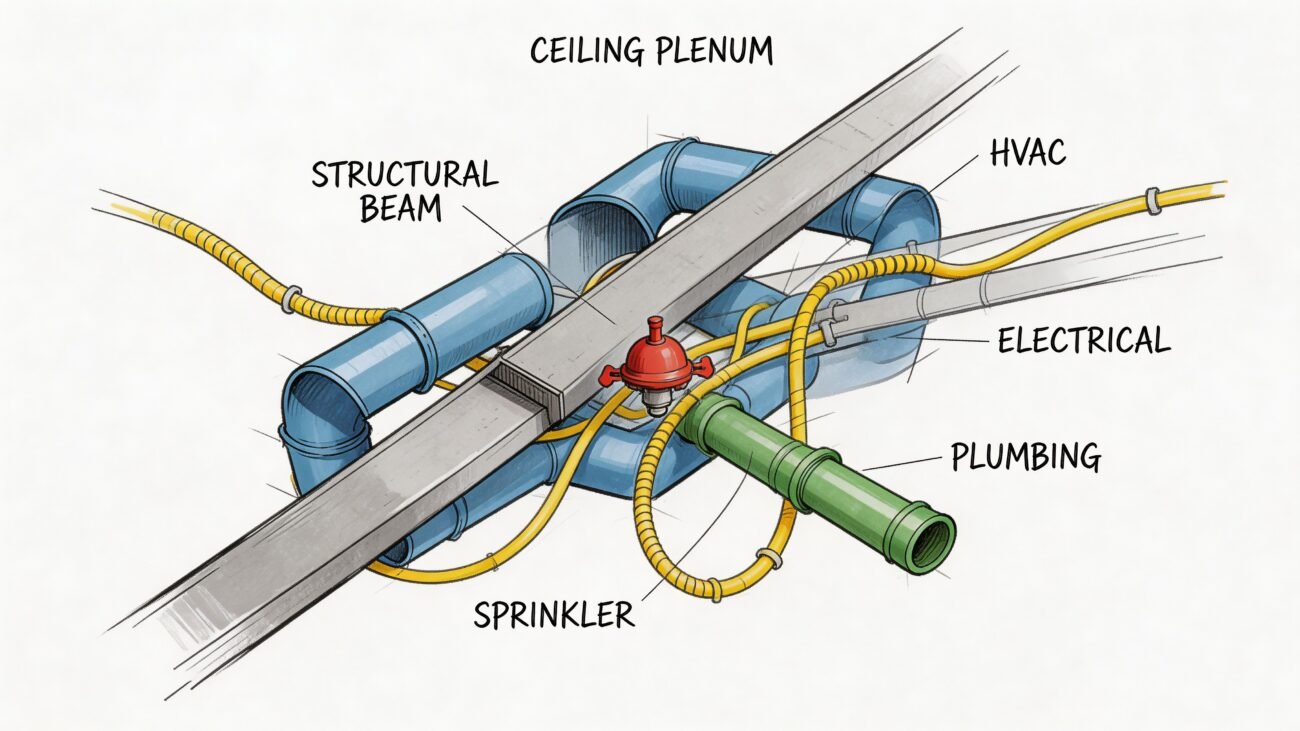
- MEP routed without manufacturing zones: Systems are modeled to fit geometrically but ignore practical assembly, shipping splits, and tooling access.
- Families not designed for repetition: Generic Revit families lack the parameters and data required for efficient, repeatable manufacturing and procurement.
- LOD escalated without decision certainty: Models look coordinated but collapse when fabrication logic is applied because detailing outpaced decision-making.
The most disruptive factory floor issues—from misaligned connections to incorrect component orders—can almost always be traced back to a specific decision or lack of clarity in the Revit model weeks or months earlier.
Ultimately, these upstream problems in modular construction BIM create a waterfall of downstream pain. The constant RFIs that grind production to a halt, the firefighting that replaces production—they are all symptoms.
The root cause is a failure to embed manufacturing logic into the digital workflow from day one. Addressing these foundational issues in your modular BIM workflows is the only path to the predictability and margin protection that modular promises.
Why Site-Built Habits Sabotage Off-Site Manufacturing
The biggest obstacle in modular construction isn't technology; it's muscle memory. AEC professionals are trained to design for a fluid, forgiving construction site. That mindset, perfectly suited for conventional projects, directly clashes with the rigid, zero-tolerance reality of a factory.
On a traditional job site, a minor discrepancy in the model is just another Tuesday. A beam slightly off, a penetration needing adjustment—these are resolved in the field. This tolerance for ambiguity is baked into how many teams treat a Revit model: as a close representation, not a literal set of instructions.
In a manufacturing environment, that approach is a liability. A production line runs on absolute, clear instructions. When a model built with site-built assumptions hits the factory, the forgiving workflow disappears, and the problems begin.
From Design Representation to Production Instruction
The most common upstream failure is treating the Revit model as a design-intent representation instead of a fabrication-level instruction set. For off-site manufacturing, the model must define not just the what and where, but the how—down to the last tolerance and connection.
This disconnect is the root cause of familiar pain points that destroy margins and create chaos:
- Ambiguous Ownership: A dangerous gap often opens between the design-intent model and the fabrication model. Without clear decision checkpoints and hand-off protocols, no one owns the final, production-ready data, leading to coordination misses and blame when assemblies don't fit.
- Premature Detailing: It's a classic trap: escalating the Level of Detail (LOD) on non-critical elements while key manufacturing decisions are still pending. The model looks perfectly coordinated in Navisworks but falls apart when fabrication logic is applied because fundamental connections were never locked in. For many, bringing in workflow automation software can enforce necessary process discipline.
- Unclear Module Logic: Too often, module breaks are an afterthought. This is backward. The modules are the project's foundational logic. Defining them late forces massive rework on systems that were never modeled with manufacturing constraints in mind.
The true measure of a modular BIM model's quality isn't how coordinated it looks on screen, but how few questions the factory has to ask.
The Rising Cost of Inefficiency
This systemic gap between design habits and production needs is becoming more expensive. The global modular construction market is booming, projected to grow significantly from its current valuation. As the market scales, the financial impact of upstream modeling errors scales with it, directly threatening the profitability of any firm that hasn’t mastered its modular BIM workflows.
These old site-built habits create a production environment defined by firefighting instead of execution. Constant RFIs and rework on finished modules are symptoms of a process that ignored manufacturing reality from day one. It’s a systemic problem that demands a disciplined shift in how we approach the digital model.
Five Upstream Problems That Quietly Break Modular Projects
The most expensive mistakes in modular construction are embedded in the Revit model months before they cause chaos on the factory floor. These aren't isolated errors but systemic off-site construction BIM issues that arise from applying old habits to a new process. Acknowledging them is the first step toward a more predictable workflow.
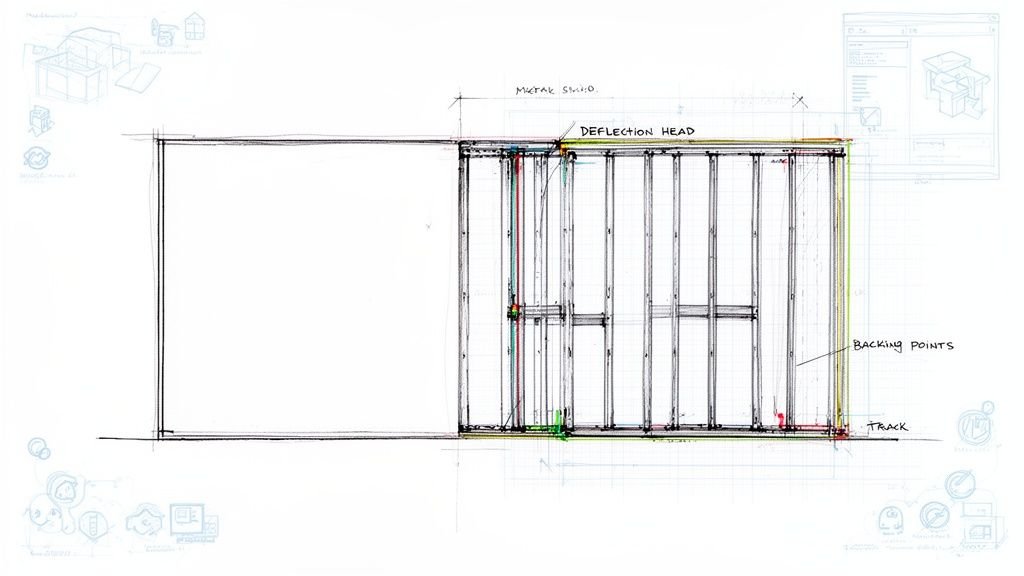
This flowchart shows the fundamental mindset shift required—moving from the conflict-prone habits of site-built projects to the disciplined, production-first method needed for the factory.
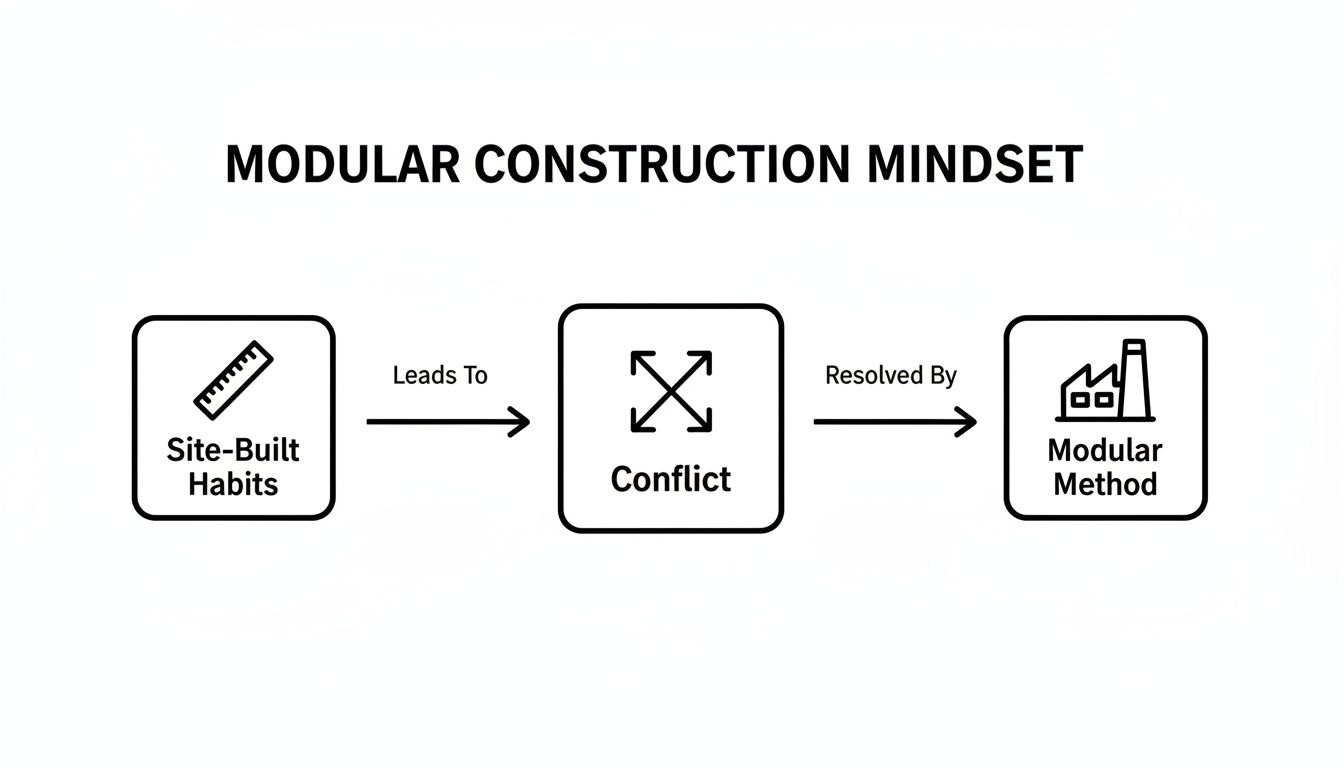
Alt text: A flowchart showing how traditional site-built habits lead to project conflicts, which are resolved by adopting a disciplined modular construction method.
Forcing traditional methods onto a manufacturing process only creates friction. Adopting a production-first mindset is the only way forward.
1. Misaligned Grids and Datums
It sounds basic, but it’s a silent project killer. On a job site, minor grid misalignments can be fudged. In a factory, a half-inch discrepancy is a catastrophic failure that can halt the entire production line.
When separate trade models are developed without a rigorously enforced shared coordinate system, modules will never connect as intended. We’ve seen teams discover these clashes far too late, forcing expensive rework on modules already in production. This is a fundamental breakdown of modular BIM workflow discipline.
2. The Wrong Level of Detail at the Wrong Time
A classic trap: escalating LOD before decisions are locked in. The model looks impressive, giving a false sense of progress, but critical decisions about connections and tolerances remain undefined. Teams waste hours over-modeling non-essential elements while the most important manufacturing data is missing.
A model that is LOD 400 in some areas but LOD 200 at critical module connection points is a recipe for disaster. Production-ready means having absolute clarity where it matters most—at the seams.
This habit leads directly to late-stage design freezes and endless "small changes" that break dependencies across modules. Tying every LOD increase to a formal decision checkpoint is essential. Learn more in our guide to developing an LOD strategy.
3. MEP Routed for Space, Not for Assembly
Another common issue is MEP systems modeled to fit geometrically without manufacturing logic. A duct run might be clash-free in Navisworks, but if it crosses a module shipping split without a planned connection, it’s useless. This forces the production team to solve design problems on the factory floor, erasing efficiency.
For modular, MEP modeling must account for:
- Manufacturing Zones: Can tooling and assemblers access the systems?
- Module Breaks: How will systems disconnect for shipping and reconnect on-site?
- Connection Tolerances: Is there enough play for efficient site installation?
Ignoring these production realities guarantees a flood of RFIs and prevents scalable delivery.
4. Generic vs. Production-Ready Components
Using standard, out-of-the-box Revit families for a modular project is a critical error. They lack the specific parameters and embedded data needed for procurement, fabrication, and assembly. This breaks the digital thread from design to production.
A production-ready component is a true digital twin containing:
- Manufacturer and part numbers
- Clearances and tolerances
- Connection types and locations
- Weight and material specifications
Investing in a robust, modular-specific Revit library is one of the most effective ways to ensure operational consistency. For a deeper dive, explore our insights on prefabrication workflows.
5. Unclear Module Ownership and Logic
This point ties all the others together. If the logic for how the building is divided into shippable modules isn't clearly defined, modeled, and owned from the start, every subsequent decision is built on sand.
Ambiguity around module breaks leads directly to clashes and incorrect shop drawings. Defining these modules late is one of the most common and costly mistakes in Revit for modular construction.
As the market grows, the financial impact of these upstream errors becomes more severe. Currently, modular construction in the U.S. accounts for roughly 5% to 5.1% of new construction. This expanding market share means inefficiencies from poor BIM workflows get scaled across more projects, directly eroding margins. You can find more context by reviewing analysis from JIB.ca.
Fixing these upstream problems is no longer good practice—it's essential for profitability.
A Comparison of Site-Built vs. Modular-Ready Modeling
| Modeling Aspect | Conventional Site-Built Habit | Required Modular Production Habit |
|---|---|---|
| Grids & Coordinates | "Close enough is okay; we'll fix it in the field." | "Absolute precision is required; shared coordinates are non-negotiable." |
| Level of Detail (LOD) | Increasing LOD everywhere to make the model look complete. | Linking LOD escalation directly to approved fabrication decisions. |
| MEP Systems | Routing for spatial fit and clash avoidance. | Routing for assembly sequence, accessibility, and shipping breaks. |
| Component Families | Using generic families that represent design intent. | Using data-rich, manufacturer-specific families that are digital twins. |
| Project Structure | Organizing the model by discipline or building level. | Organizing the model around shippable, manufacturable modules first. |
| Tolerances | Assuming site conditions will allow for adjustments. | Modeling explicit tolerances for factory assembly and site connections. |
The Downstream Cost of Upstream Ambiguity
The gap between a site-built modeling habit and a manufacturing process is a direct threat to your bottom line. Every bit of ambiguity left in a Revit model creates a tangible cost downstream, turning abstract design choices into expensive emergencies on the factory floor.
The first sign of trouble is a flood of Requests for Information (RFIs). Think of these not as questions, but as production-line stop-work orders. An RFI from the factory about a misaligned connection grinds assembly to a halt, leaving crews idle and destroying schedules. This firefighting is the direct result of a model that was treated as a picture instead of a precise instruction set.
The Ripple Effect of a Single "Small" Change
In modular construction, the idea of a "small change" is a dangerous illusion. A minor adjustment—like shifting a wall penetration—doesn't just impact one spot. It ripples through every identical module, breaking dozens of dependencies.
That one change can set off a costly chain reaction:
- Invalidated Shop Drawings: All related fabrication drawings must be pulled, revised, and re-issued—pure, unplanned engineering overhead.
- Procurement Chaos: Pre-ordered materials may now be useless, leading to waste and expensive rush orders.
- Wasted Labor: Modules already in production may need expensive manual rework, wiping out the efficiency gains the factory was built for.
This is how margin protection disappears. It’s not one big catastrophe but death by a thousand cuts from a model that wasn't disciplined from the start.
From Digital Ambiguity to Physical Rework
The ultimate price for a poor modular construction BIM workflow is physical rework. When a module is fabricated from ambiguous data, those errors are literally built into the product. Fixing a mistake in a nearly finished module costs exponentially more than fixing it digitally.
Firefighting in the factory is a symptom, not the disease. The root cause is a lack of production logic embedded in the Revit model from day one. Every RFI and every minute of rework is a tax you pay for upstream uncertainty.
This reality guts the entire value proposition of building off-site. The whole point of modular construction is cost and schedule predictability. Those core benefits are erased when upstream BIM issues force factory rework and coordination delays. (Source: Learn more about modular market trends on technavio.com)
The unseen costs are just as severe: a loss of operational consistency, team burnout, and damaged client confidence. To learn more about building a process that avoids these traps, see our guide on the complete prefabrication workflow.
A Framework for Production-Ready BIM
Spotting upstream problems is easy. Building a system to prevent them is what protects your margins and guarantees predictable delivery. Shifting from reactive firefighting to proactive control requires a disciplined framework that prioritizes process over software features. This is how you achieve production maturity.
This isn’t about Revit add-ins; it’s about instilling operational consistency through non-negotiable standards. We’ve seen modular projects stabilize and scale once they implemented a production-ready framework that treated the BIM model as the factory's central nervous system.
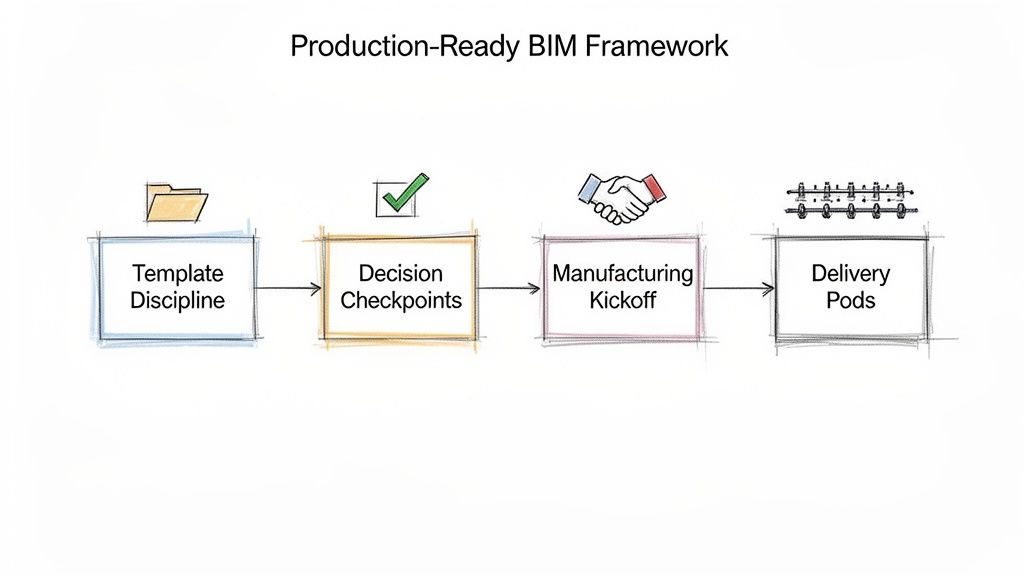
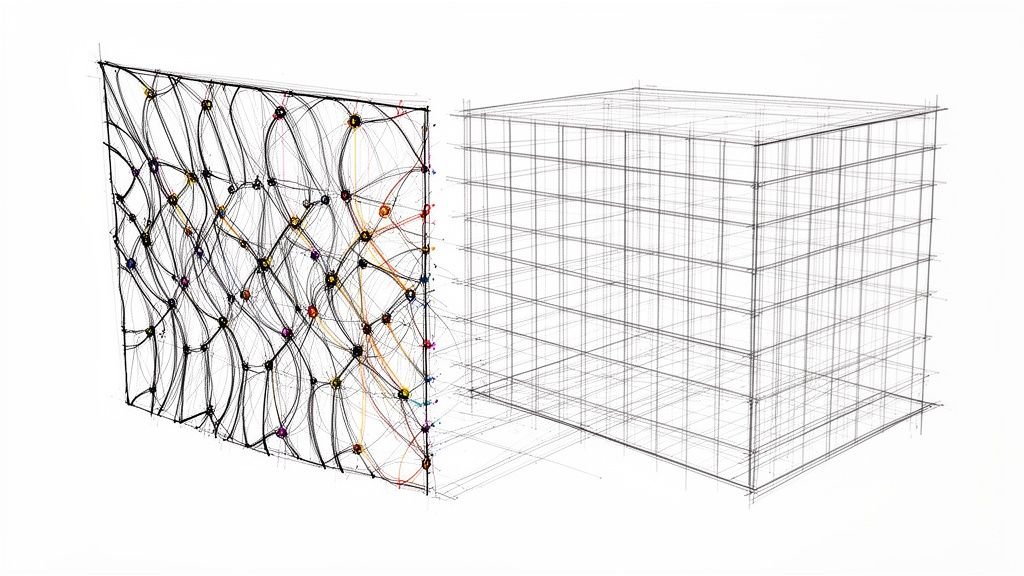
Alt text: A flowchart of a Production-Ready BIM Framework, showing four key steps: Template Discipline, Decision Checkpoints, Manufacturing Kickoff, and Delivery Pods for modular construction.
Establish Uncompromising Template Discipline
The foundation of any scalable modular construction BIM workflow is a rock-solid, manufacturing-specific Revit template. Using a generic template invites inconsistency. Your modular template must be a locked-down, authoritative resource that enforces standards without exception.
This template must include:
- A Pre-vetted Family Library: Only production-ready components with embedded manufacturing data. This prevents designers from using generic families that cripple fabrication.
- Standardized View Templates: Ensures everyone views the model through the same lens, with configurations for coordination, assembly drawings, and QA processes.
- Pre-defined Naming Conventions: Enforces absolute consistency for grids, levels, and families, eliminating ambiguity that breaks automated workflows.
Template discipline is your first line of defense against inconsistent modeling habits.
Define Strict Decision Checkpoints
One of the most destructive habits is increasing the Level of Detail (LOD) before decisions are final. This creates a beautifully detailed but fundamentally wrong model that requires massive rework. The fix is to tie any increase in model detail to formal, non-negotiable decision checkpoints.
A model’s progression should mirror a manufacturing process, not a fluid design exploration. Each stage-gate represents a point of no return for key decisions, preventing the ripple effect of late-stage changes.
For example, a project cannot move from LOD 200 to 300 until module breaks and primary structural connections are formally signed off by all stakeholders, including the production team. This discipline forces clarity early and prevents detailing a design that’s still in flux. Learn more about how to build a robust BIM Level of Detail strategy.
Mandate a Design for Manufacturing Kick-off
The traditional hand-off from design to production is a massive point of failure in modular construction. The production team’s expertise must be embedded from the very beginning.
A mandatory Design for Manufacturing (DfMA) kick-off meeting is critical. This working session gives the production team influence over design choices that are impractical for the factory floor. It aligns the entire project team around a single, manufacturable truth before the first line is drawn. Exploring cloud-based solutions for modular BIM can support this collaborative workflow.
Create Scalable Delivery Pods
Finally, operational consistency cannot rely on a few star players. To grow, you must systematize excellence by creating scalable delivery pods—small, cross-functional teams of designers, detailers, and production liaisons.
These pods stick together across projects, developing a shared language and an intuitive understanding of the workflow. They become masters of your modular process, making quality repeatable and delivery predictable. This is how you move from selling hours to selling clarity, systems, and reliable delivery.
Taking the Next Step in Your Modular Workflow
If these challenges feel familiar, you are not alone. The frustrations of modular construction—from misaligned grids in Revit to rework on the factory floor—are systemic issues, not a reflection of your team's talent.
Our goal is not to sell you hours; it is to bring clarity to a chaotic process. The firefighting and endless RFIs are symptoms. The root cause is almost always upstream ambiguity in your modular BIM workflows. A lasting fix begins with an honest diagnosis of what’s happening in your models.
When you're ready to stop reacting and start building with predictability, the first step is an honest look at your own process. To help, we created a practical resource to give you immediate, actionable insight.
Download our free Upstream Modular BIM Audit Checklist to start spotting these hidden risks in your own Revit models.
Frequently Asked Questions About Modular BIM
We hear many of the same questions from teams working through the complexities of modular construction. Here are clear, practical answers to some of the most common ones.
Is Revit the Problem If It Allows These Mistakes?
No. Revit is a powerful and flexible tool. The issue isn't the software but the workflow applied to it.
Problems arise when teams use a site-built workflow—with its forgiving assumptions—for a manufacturing process that demands absolute precision. The key is implementing a modular BIM workflow and template discipline within Revit that aligns the tool with the production method.
When Should We Define Our Module Breaks in a Project?
Module breaks must be defined as early as possible, ideally during schematic design and always in collaboration with the manufacturer.
Waiting until design development is one of the most common and costly mistakes in Revit for modular construction. This delay forces significant rework when fabrication logic is applied to systems never designed with manufacturing constraints in mind.
How Do We Stop Small Changes from Disrupting Production?
This requires a combination of contractual clarity and disciplined process. Implement strict design-freeze decision checkpoints tied to project milestones.
Once a decision gate is passed, any subsequent changes must go through a formal change order process that defines the cost and schedule impact. This disciplined approach makes the consequences of late-stage revisions visible, preventing the casual "small changes" that are catastrophic in manufacturing. True margin protection comes from this rigorous process control.
At BIM Heroes, we believe in building clarity and reliable systems that lead to predictable outcomes. If these challenges feel familiar, our focus is on providing the expertise to stabilize your production pipeline and protect your profitability.
For a deeper look at your own process, download our free Upstream Modular BIM Audit Checklist to start identifying these hidden risks in your models today. You can also learn more about our BIM consulting and production services at https://www.bimheroes.com.