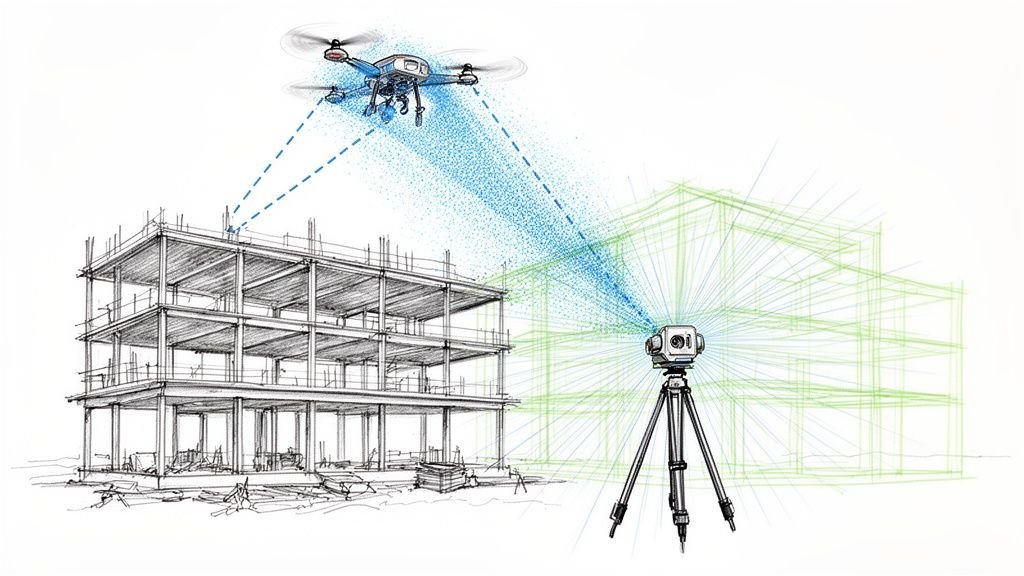
Choosing the right point cloud software isn’t about finding a single 'best' application. It’s about building a stable, predictable production ecosystem that moves data from raw scans to a reliable BIM model without costly friction. Too often, architects, survey teams, and construction professionals get bogged down by massive files that crash Revit, registration drift that compromises accuracy, or disconnected workflows that kill profitability and prevent scalable delivery.
This guide cuts through the marketing noise. Instead of a generic “top 10 tools” list, we focus on how different point cloud software fits into the overall Scan-to-BIM and as-built documentation workflow. We'll categorize tools based on their specific role, helping you solve the real problems you face daily: registration, cleanup, modeling, and coordination. The goal isn't just a prettier point cloud; it's achieving operational consistency, predictability, and margin protection on every project.
Our core message is this: choosing your software is about building a workflow that takes you from raw scans to reliable BIM clarity. We’ll look at the tool ecosystem through three critical stages: Scanning & Registration, Cleanup & Optimization, and Modeling & Coordination. This is how you move from delivering hours to delivering clarity, systems, and reliable outcomes.
Stage 1: Scanning & Registration Tools — The Foundation of Accuracy
This is where your single source of truth is established. The software in this category is responsible for taking raw scan data from the field, aligning it into a single cohesive project, and verifying its accuracy. A mistake here, like registration drift or a misaligned coordinate system, compromises the entire downstream workflow, leading to RFIs and rework. These tools are the first critical checkpoint for QA.
Leica Cyclone family (Hexagon | Leica Geosystems)
For professional surveyors and reality capture specialists demanding high-precision registration and quality control, the Leica Cyclone suite is the industry benchmark. This mature ecosystem, including Cyclone REGISTER 360 PLUS, is engineered to create a verifiable, survey-grade point cloud. Its strength lies in its robust algorithms and reporting tools, which provide a high degree of confidence before data is ever passed to modeling teams.
- Best For: Surveying firms and construction verification teams where precision is non-negotiable.
- Role in Workflow: Creates a high-fidelity, registered point cloud from terrestrial scans. It serves as the primary QA checkpoint for data integrity.
- Integration: Publishes to LGSx/TruView formats and offers powerful CloudWorx plug-ins for seamless integration with Autodesk, Bentley, and BricsCAD software.
Website: https://shop.leica-geosystems.com/leica-blk/software
FARO SCENE
For teams operating FARO laser scanners, SCENE is the native software for processing and registering scan data. It serves as the central hub for managing projects captured with FARO hardware, offering a highly optimized field-to-office workflow. The software excels at processing raw scans into a cohesive point cloud with detailed accuracy reports, which is critical for quality assurance in as-built documentation tools.
- Best For: Survey teams, public safety/forensic investigators, and facility managers using FARO laser scanners.
- Role in Workflow: High-accuracy registration and processing of FARO scan data. Its powerful validation tools are essential for workflows requiring verifiable precision.
- Integration: Exports to all common point cloud and CAD formats (e.g., E57, RCP), ensuring compatibility with downstream cleanup and modeling software.
Website: https://www.faro.com/en/products/software/faro-scene/
Trimble RealWorks
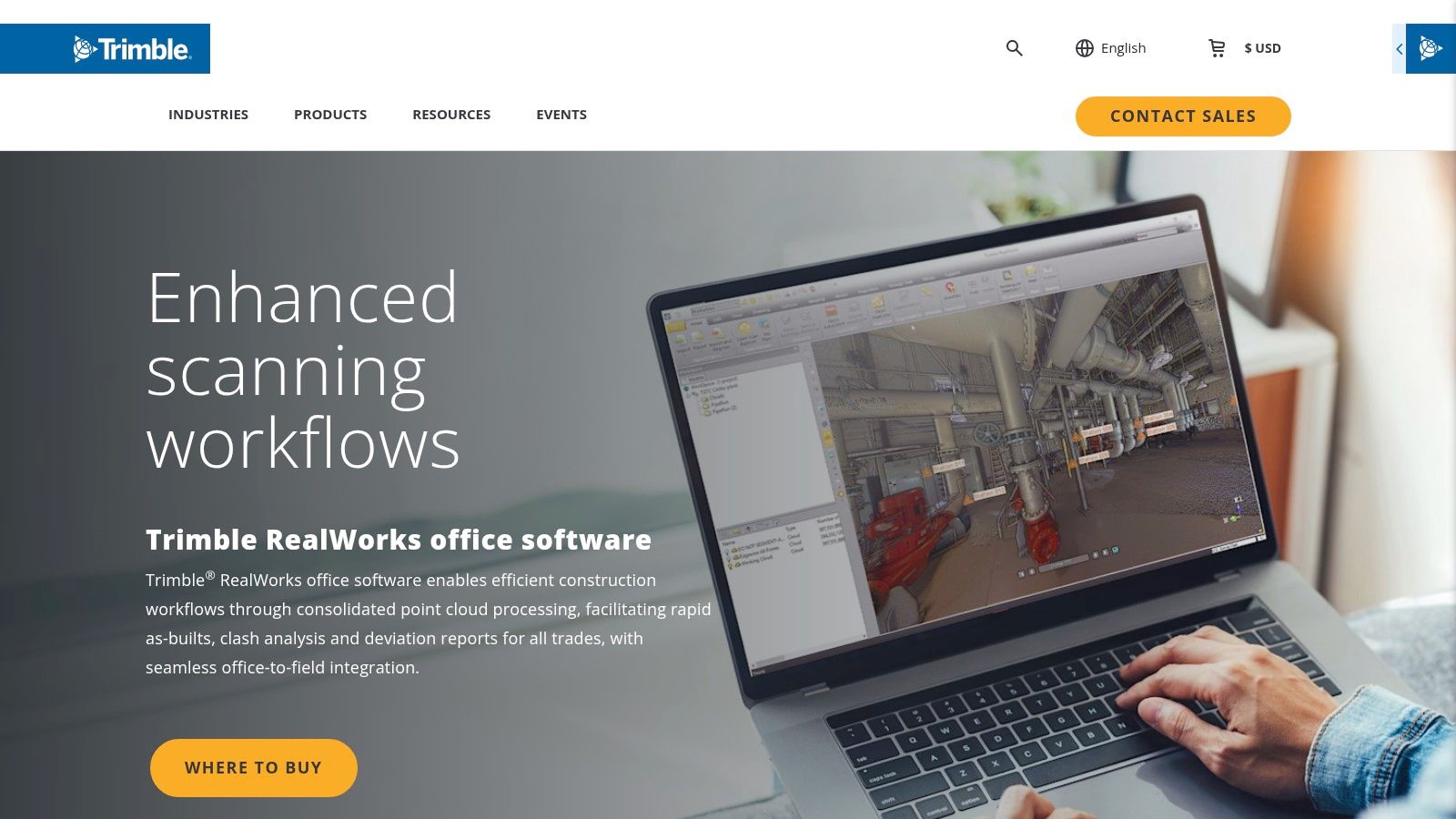
For surveyors and construction professionals invested in the Trimble hardware ecosystem, Trimble RealWorks serves as the definitive office software for transforming field data into actionable deliverables. It is engineered to create a seamless field-to-office workflow, excelling at registration, analysis, and modeling features core to construction verification and quality control.
- Best For: Surveyors and general contractors using Trimble scanning hardware for construction verification and as-built documentation.
- Role in Workflow: Processes and analyzes scan data to perform deviation analysis and generate inspection reports, accelerating production maturity.
- Integration: While optimized for Trimble hardware, it supports standard point cloud formats. It produces deliverables tailored for engineering and construction software.
Website: https://www.trimble.com/en/products/building-construction-field-systems/trimble-realworks
Stage 2: Cleanup & Optimization Tools — The Bridge to Usability
This is the most overlooked—and most critical—stage for protecting project margins. The goal here is to take a perfectly registered but massive point cloud and make it lightweight, clean, and ready for modeling. Skipping this step is the number one cause of Revit performance issues, team frustration, and wasted hours. These tools are where you prevent problems before they start.
Autodesk ReCap Pro
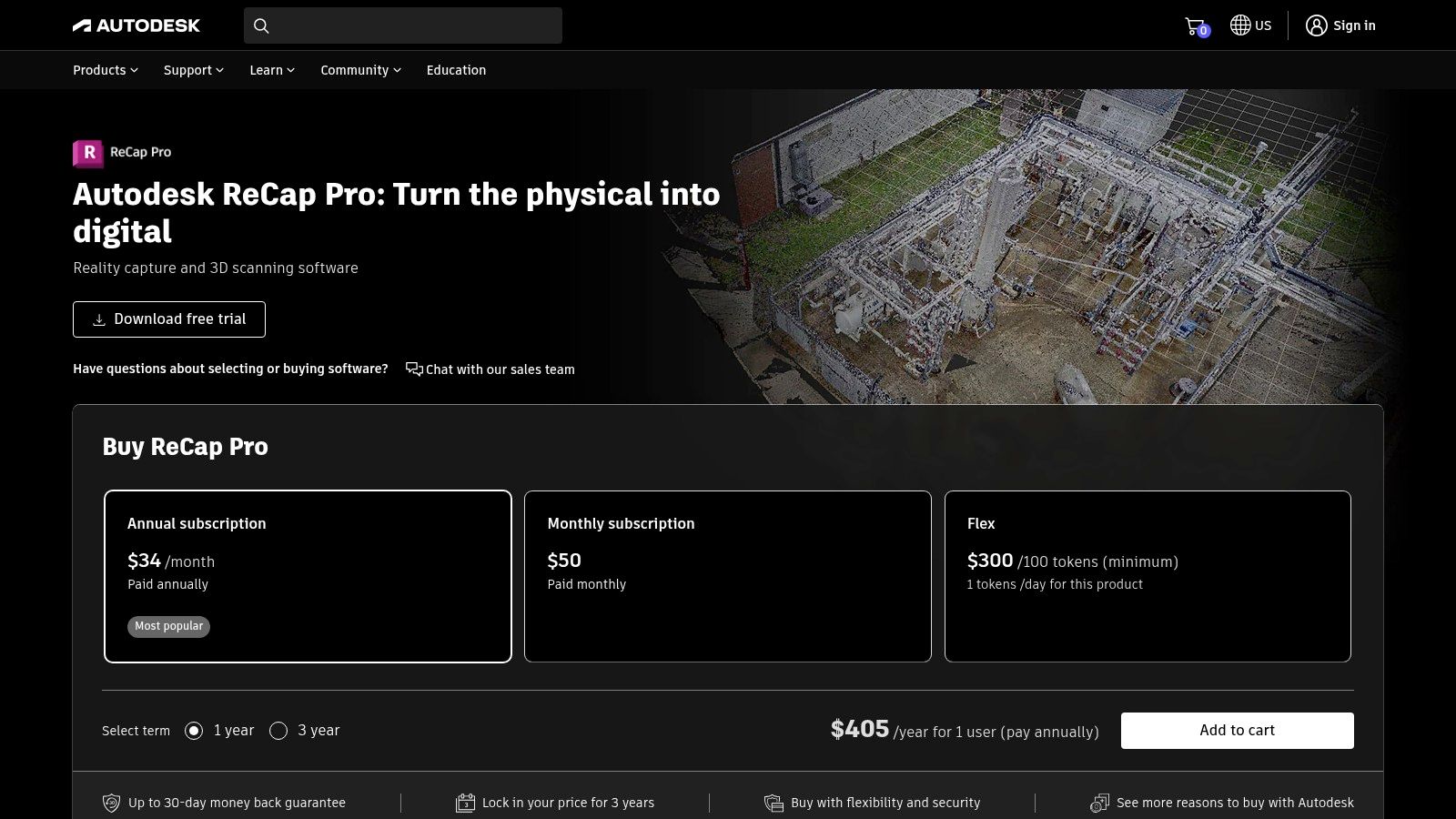
For teams embedded in the Autodesk ecosystem, ReCap Pro is the most efficient bridge between raw scan data and applications like Revit, Civil 3D, and Navisworks. Its core function is to register, clean, and index massive point cloud datasets into the proprietary RCP/RCS format, which is highly optimized for performance within the Autodesk suite. This direct pipeline is essential for any serious Scan to BIM tools workflow.
- Best For: AEC firms using the Autodesk AEC Collection for renovation, as-built documentation, and construction verification.
- Role in Workflow: Prepares and optimizes raw scan data for direct use in Revit. Its purpose is to reduce file size, remove noise, and preserve coordinate systems to prevent performance lags.
- Integration: The native RCP/RCS format ensures smooth, lightweight performance when linking point clouds into Autodesk software.
Website: https://www.autodesk.com/products/recap/overview
CloudCompare (open-source)
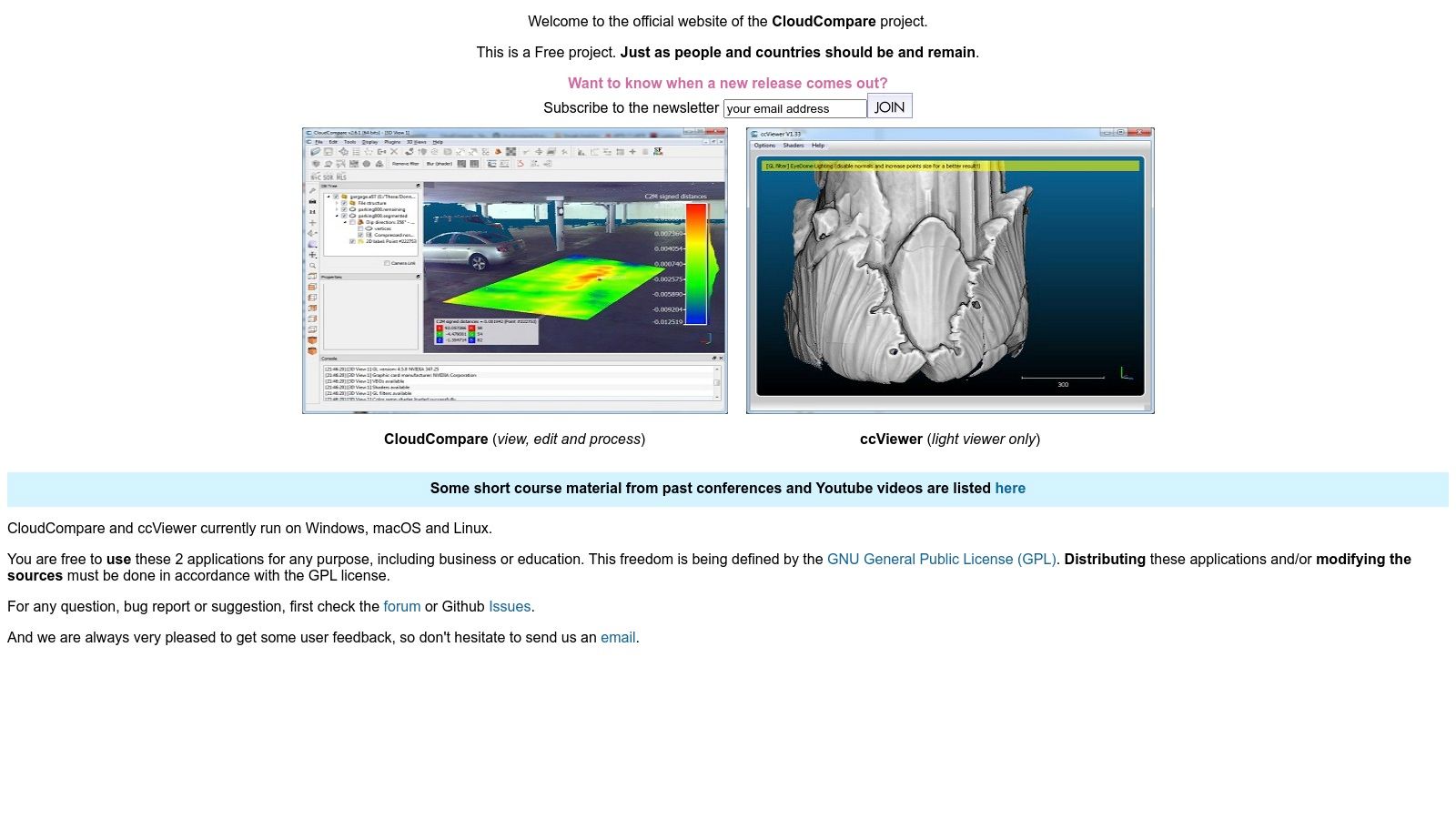
CloudCompare is an essential utility in nearly every point cloud professional's toolbox. It excels at the fundamental tasks of point cloud processing, such as advanced cleaning, segmenting, sampling, and performing detailed inspections. It’s the perfect, no-cost tool for deep-dive analysis and precise cleanup before exporting data into a modeling environment.
- Best For: Technical users and QA/QC specialists needing a powerful tool for detailed point cloud inspection, cleaning, and analysis.
- Role in Workflow: Performing advanced cleaning (e.g., statistical outlier removal), change detection, and data segmentation before modeling begins. It's a critical QA step.
- Integration: Supports a vast range of file formats, making it a universal translator between different scanners and software platforms.
Website: https://www.cloudcompare.org/main.html
Stage 3: Modeling & Coordination Tools — Creating the Deliverable
This is where the cleaned, optimized point cloud is transformed into an intelligent BIM model or used for coordination. The software in this category consumes the prepared data to create architectural, structural, and MEP models, run clash detection, and prepare documentation for permitting and construction. The quality of work in the previous two stages directly impacts the speed and accuracy of this final phase.
Revit, Navisworks, Archicad, BricsCAD
These are the primary BIM authoring and coordination platforms where the point cloud becomes an actionable as-built model. Their native point cloud engines are designed to handle optimized data (like an RCP from ReCap Pro) as a visual reference for modeling. The key here is that these tools are for modeling from a point cloud, not for processing the cloud itself.
- Best For: Architects, BIM modelers, and VDC teams creating as-built models and coordinating disciplines.
- Role in Workflow: Consuming a clean, registered, and optimized point cloud to create an accurate 3D model, run clash detection (Navisworks), and produce construction documents.
- Key Consideration: Performance in these applications is almost entirely dependent on the quality of the point cloud you import. A massive, noisy file will bring even powerful workstations to a halt. We’ve seen modeling teams double their speed once their point cloud processing workflow was standardized with the right software mix.
Verifi3D
While not a modeling tool, Verifi3D represents a critical final step in the workflow: validation. It allows teams to compare the finished BIM model against the original point cloud to check for accuracy and completeness. This QA process ensures that the as-built model truly reflects reality, preventing costly errors during construction or fabrication.
- Best For: QA/QC managers, BIM coordinators, and project managers.
- Role in Workflow: Serves as a final decision checkpoint to validate model accuracy against scan data before issuing it for construction or permitting.
- Benefit: Prevents RFIs by catching modeling deviations early, protecting margins and maintaining project predictability.
From Data Chaos to Production Clarity: Building Your Workflow
The most common pitfalls we see don't come from a lack of software features. They come from a disconnected process:
- A survey team hands off a massive, unregistered point cloud that freezes the modeler's machine.
- Coordinate systems don't align between the field and the office, causing hours of rework.
- There are no QA checkpoints, so errors in the scan aren't caught until they become modeling mistakes.
Fixing this isn’t about buying more software; it’s about building a better system. Thinking in terms of a point cloud software ecosystem—Registration > Cleanup > Modeling—is a strategic advantage. Your goal is a seamless pipeline that moves data methodically from raw capture to actionable intelligence.
Actionable Next Steps
- Map Your Current Workflow: Identify every handoff from data acquisition to final delivery. Where does friction occur?
- Identify Bottlenecks: Are Revit models crashing? Are you spending too much time on manual cleanup? Pinpoint the pain point to find the right tool category to focus on.
- Establish Handoff Protocols: Create a checklist for what a "complete" registration looks like. Define your cleanup standards. Ensure modeling teams receive a point cloud that is not just accurate but also lightweight and ready for use. These internal standards are more critical than any software license.
Ultimately, the goal is to transform a chaotic collection of scans into a streamlined asset that prevents RFIs, supports accurate permitting, and provides absolute clarity. The right point cloud software ecosystem makes that transformation predictable, profitable, and scalable.
Building a bulletproof Scan-to-BIM system requires more than just good software—it requires a production-minded workflow. If you're ready to standardize your process, we've developed a Point Cloud Software Workflow Map that outlines the key decision points and QA checks. Download it to help your team build a more reliable and profitable as-built documentation process.