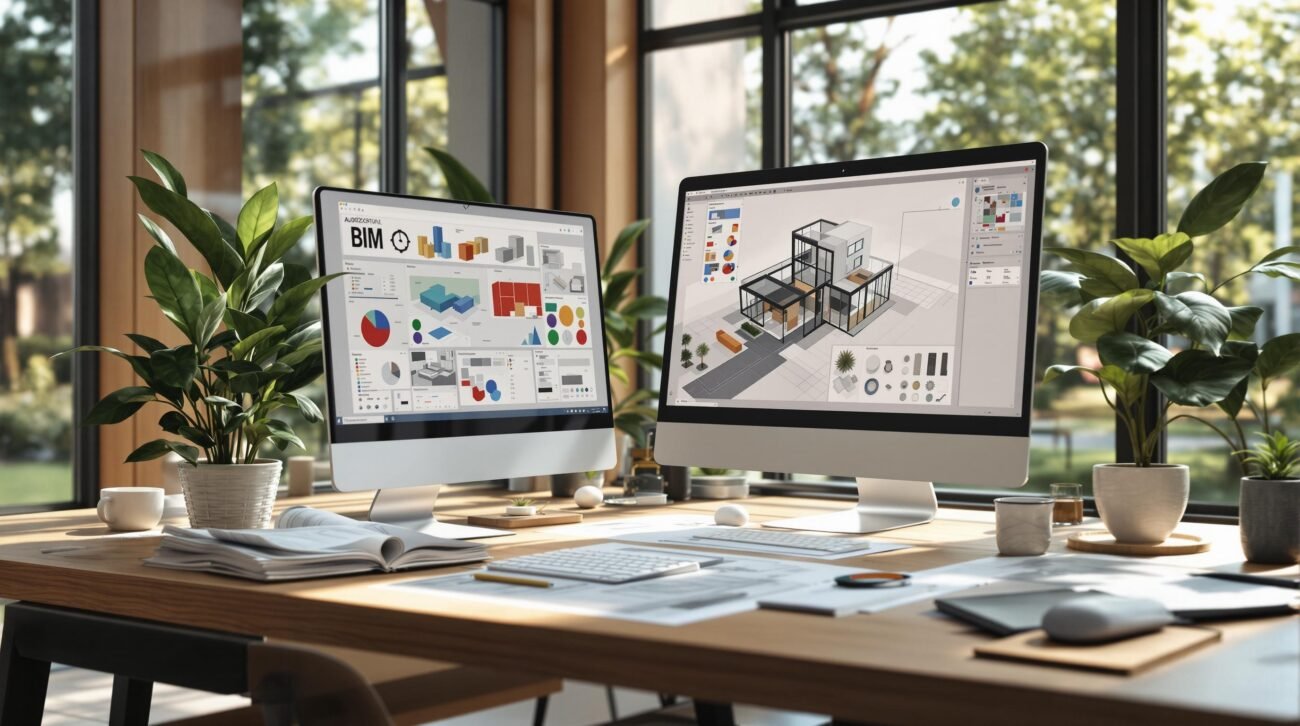
For small architecture firms, that annual Autodesk subscription is just the cost of admission. The real expense of owning Revit has less to do with the software fee and everything to do with how effectively your firm turns those licenses into productive, billable output.
Positioning Revit licensing as a business decision, not just a software purchase, is the first step toward protecting your margins. The sticker price is predictable; it’s the hidden costs—hardware upgrades, IT overhead, add-ins, training time, and lost productivity—that quietly erode profitability for growing practices.
Your Revit Subscription Is Just the Tip of the Iceberg
Viewing a Revit license as a simple transaction is a common and costly mistake. It’s like buying a high-performance vehicle; the purchase price is just the beginning. It's the specialized maintenance, premium fuel, and insurance that dictate the true cost to operate. This is the Total Cost of Ownership (TCO), and it's the metric that mature firms monitor to ensure operational consistency.
For small firms, these secondary costs compound quickly. They don't appear as a single line item but manifest as missed deadlines, staff frustration, and project delays—all direct threats to margin protection.
The Hidden Costs Beyond the Annual Fee
The official Revit pricing is only where the investment begins. The real cost of Revit software is a collection of related expenses and productivity drains that hit your bottom line. These include:
- Hardware Upgrades: The relentless cycle of needing more powerful workstations just to keep complex models from crashing during permitting prep.
- IT Overhead: Unbillable time spent on installations, updates, troubleshooting network issues, and managing a complex BIM workflow.
- The "Add-In Tax": The unofficial cost of essential plugins required to make base Revit efficient for real-world production.
- Lost Productivity: Billable hours that evaporate when a license sits idle, or worse, when a team member is stuck waiting because a license isn't available during a deadline.
This shift in perspective is critical. You're not just buying software; you're investing in a production ecosystem. That distinction matters in a competitive landscape. The global Building Information Modeling market is projected to more than double, growing from USD 10 billion to over USD 25 billion by the early 2030s. This growth pressures firms to operate with discipline. You can dig deeper into these market projections and their impact on the AEC industry.
We’ve seen small firms overspend on licenses while still struggling to meet deadlines because the real constraint wasn’t software—it was capacity planning.
Adopting a TCO mindset moves the conversation from, "How much is Revit?" to "How do we turn our Revit investment into a reliable delivery system?"
Let's break down these hidden costs.
Breaking Down Your Firm's True Revit Ownership Costs
This table contrasts the obvious subscription fee with the less-visible expenses that often catch small firms by surprise, impacting everything from QA processes to team morale.
| Cost Category | What It Covers | Impact on Small Firms |
|---|---|---|
| Visible Cost: Subscription | Annual or multi-year access to Revit, updates, and basic support. | The predictable, budgeted expense. It's the easiest cost to track but often the smallest piece of the puzzle. |
| Hidden Cost: Hardware & IT | Workstation upgrades, server maintenance, and time spent on software deployment and troubleshooting. | A significant, recurring capital expense. Neglecting this leads directly to performance bottlenecks and lost productivity. |
| Hidden Cost: Training & Upskilling | Onboarding new hires, continuous training on evolving BIM workflows, and developing template discipline. | Often underfunded, leading to inefficient software use. A well-trained team extracts more value from the same license. |
| Hidden Cost: Add-Ins & Customization | Third-party plugins for specialized tasks and time spent creating custom families or project templates. | The "unofficial tax" to achieve production maturity. Skipping this slows down workflows and compromises quality. |
| Hidden Cost: Idle Licenses | Licenses paid for but not actively used due to poor project planning, uneven workloads, or onboarding delays. | A direct financial drain. An idle license generates zero revenue but costs the same as one in use 40+ hours a week. |
Seeing the costs this way clarifies where the real financial drain is. The subscription is a fixed cost, but the hidden expenses are where strategic management makes a massive difference.
Calculating the Real-World Cost of Your Revit Licenses
To get a true handle on your Revit licensing cost, you must look beyond the Autodesk invoice and analyze your timesheets, hardware budgets, and project schedules. For a small firm, this is where profit margins are either protected or lost.
There’s no denying that Autodesk Revit is a cornerstone of modern architectural production. With over 23,934 companies using the software, its role in the industry is clear. But this adoption requires firms to be smarter about managing its true cost.
A dedicated Software License Cost Calculator can help quantify variables that are easy to overlook but have a massive financial impact.
Hardware: The Non-Negotiable Capital Expense
A Revit license is only as good as the machine it runs on. For small firms, this creates a costly cycle of capital expenditure. A BIM-ready workstation is a three-to-four-year asset that depreciates fast as Revit’s demands grow.
This isn’t just about buying a powerful computer. It’s about budgeting for a continuous refresh cycle to prevent performance bottlenecks that bring projects to a halt. A single underpowered machine can bog down an entire team, turning a hardware problem into a delivery crisis that threatens permitting prep deadlines.
IT Overhead and the Unofficial "Add-In Tax"
Every hour your team spends on updates, troubleshooting crashes, or figuring out cloud permissions is an hour you can't bill. This IT overhead is a quiet but persistent drain on productivity.
Then there’s the “add-in tax.” Base Revit is powerful, but real-world production often demands a suite of paid plugins for everything from rendering to clash detection. For many firms, these aren't luxuries; they’re essential tools for preventing RFIs and maintaining quality.
The bottom line is this: the true cost of Revit isn’t what you pay Autodesk—it’s how well your firm turns those licenses into productive, billable hours.
This diagram breaks down the Total Cost of Ownership, moving from the obvious subscription to the critical hardware and operational costs that define your Revit pricing for small firms.
As you can see, the subscription is just the entry ticket. The real, long-term costs are in hardware and day-to-day operations.
Capacity Planning: The Biggest Pain Point of All
The most significant—and most frequently miscalculated—cost is tied to capacity planning. This is where small firms feel the most pain. These scenarios are all too familiar:
- Idle Licenses: Paying for seats that sit empty during slow periods, generating zero revenue.
- Deadline Scrambles: Scrambling for licenses during a project crunch, forcing senior staff into production roles or stopping work altogether.
- Underutilized Talent: A junior team member can’t train or contribute because a license isn't free, stunting their growth and limiting your team’s output.
Each of these situations erodes project margins. It's not just about software cost; it’s the opportunity cost of misaligned resources. Get this balance right, and your Revit licensing cost transforms from an expense into a strategic asset.
How Licensing Inefficiency Silently Erodes Your Margins
The biggest costs tied to your Revit licenses never show up on an Autodesk invoice. They appear as operational drag—a quiet friction that grinds down efficiency and eats away at your margins. Think of it as a productivity tax that compounds fast.
Imagine a junior drafter sitting idle, unable to jump into a model. Picture a principal wasting billable hours on simple redlines because the right team member can't access the project. These aren’t minor annoyances; they're direct hits to your bottom line.
We’ve seen small firms overspend on licenses and still struggle to meet deadlines. The real problem wasn’t a lack of software—it was a breakdown in capacity planning.

The Ripple Effect of Mismanaged Licenses
A single licensing bottleneck can trigger a chain reaction of delays. It’s rarely a dramatic failure but a series of small, cumulative inefficiencies that snowball into significant loss. This is where the true cost of Revit reveals itself.
These scenarios directly threaten your ability to deliver projects on time and on budget:
- Project Delays: An unavailable license slows down one person, which holds up the next person in the production chain. A one-day hiccup for a drafter can become a three-day delay by the permitting stage.
- Preventable RFIs: When teams can't collaborate smoothly, coordination suffers. This leads to discrepancies in construction documents, increasing the risk of expensive and time-consuming RFIs.
- Compromised QA Processes: A deadline crunch caused by early friction forces your team to rush quality assurance, shifting focus from disciplined review to just getting drawings out the door.
Each issue traces back to a failure to align tools with your BIM workflow. A poorly managed Revit licensing strategy doesn’t just cost money; it costs predictability.
Staffing Inefficiencies and Wasted Potential
Beyond project timelines, licensing friction hits your most valuable asset: your people. For small firms, every team member's contribution is critical.
Think about the real-world staffing costs that pile up:
- Onboarding Delays: Your new hire is ready, but a license isn't available for them to train. You're paying their salary while their potential sits on the bench.
- Idle Hands During Peaks: The paradox of having team members with nothing to do while others are overworked, all because license allocation doesn't match the workload.
- Senior Staff on Junior Tasks: When bottlenecks hit, a senior architect is often forced to handle production tasks a junior drafter could manage—a massive waste of high-value expertise.
Your firm’s profitability hinges on turning every paid hour into a billable one. A person waiting for a license breaks that fundamental business equation.
Optimizing your Revit licensing is a core business function. Before building a better strategy, review our checklist on common drafting workflow inefficiencies.
Building a Strategic Approach to Revit Licensing
Reacting to licensing needs only during a deadline is a surefire way to burn cash and kill productivity. A strategic approach treats Revit licensing as a core part of your firm’s operational plumbing—designed to protect margins and ensure predictable delivery.
The shift starts here: stop licensing for peak demand. Instead, right-size your licenses to match your core team’s steady, day-to-day workload. You’re aiming for operational consistency, not a bloated software inventory that sits idle.
Right-Sizing Your Core License Count
First, dig into your utilization data. How many licenses are in use 80% of the time? That number is your core production engine. Licensing beyond that baseline means you're paying for expensive insurance, not productive capacity.
By locking in your core team’s needs, you create a stable, predictable software expense. This simple move helps prevent the common scenario where junior staff are sidelined during a project spike, forcing senior team members back into production roles.
We’ve seen small firms overspend on licenses while still struggling to meet deadlines because the real constraint wasn’t software—it was capacity planning.
Standardizing Add-Ins and Hardware
A strategic approach also demands discipline. Letting everyone adopt their own favorite add-ins creates a chaotic environment where file compatibility issues become the norm. The fix? Standardize a minimal, effective set of add-ins essential to your firm’s BIM workflows. This creates a checkpoint that ensures everyone uses the same toolset—fundamental for any real QA process.
The same logic applies to hardware. Set clear, non-negotiable hardware standards for any machine running Revit. This prevents performance bottlenecks that bring projects to a grinding halt. A clear standard protects the entire team's productivity and is a key part of managing the true cost of Revit. You can learn more in our overview of the best software for architects.
Building a Flexible Capacity Model
So, what happens when a major deadline demands more production horsepower? The answer isn't buying more annual licenses. The smarter, more scalable alternative is to build a flexible capacity model, supplementing your in-house team with external production partners.
This hybrid approach gives you the best of both worlds:
- A lean, cost-effective core team focused on high-value design.
- On-demand production power to handle surges without the long-term overhead of extra salaries and idle software seats.
You convert a fixed cost (an idle license) into a variable cost (production services), paying for capacity only when it's generating revenue. This is the hallmark of a firm with mature production systems.
Reactive vs. Strategic Revit Licensing
| Decision Point | Reactive Approach (High Cost) | Strategic Approach (Optimized Cost) |
|---|---|---|
| License Count | Buys extra seats "just in case" for peak deadlines, leading to high idle time. | Licenses for the core team's consistent workload, minimizing waste. |
| Hardware | Upgrades computers individually when performance becomes a major issue. | Enforces a firm-wide hardware standard to ensure baseline performance. |
| Add-Ins | Allows individual users to install various add-ins, creating inconsistency. | Standardizes a minimal set of approved add-ins to maintain project integrity. |
| Peak Workload | Scrambles internally, overworking the core team or hiring temporary staff. | Supplements the core team with a trusted external production partner for scalability. |
Moving from a reactive to a strategic licensing model is about taking control and aligning your software investment with your actual production needs.
Turning Your Licenses Into Billable Output
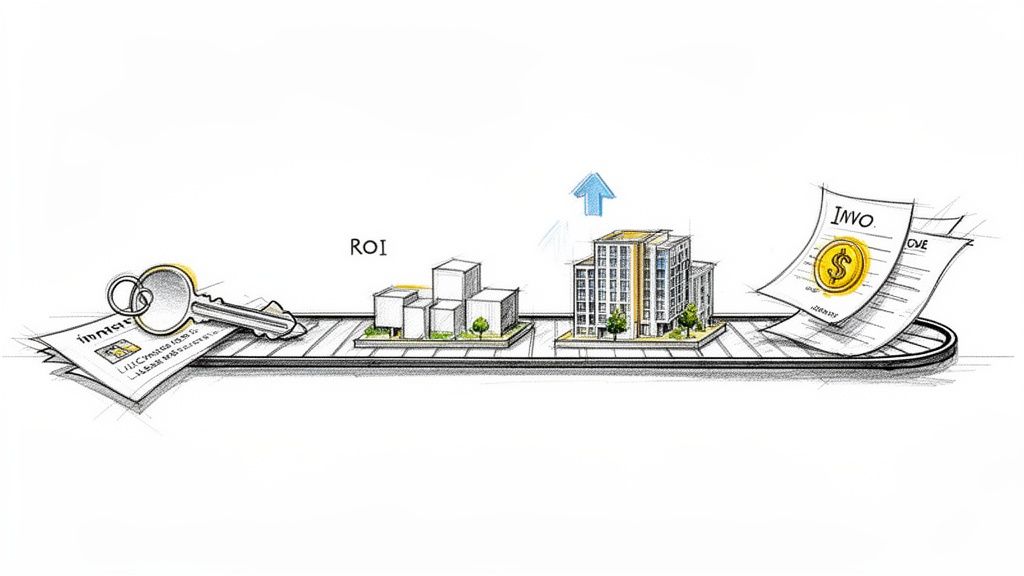
The real value of your Revit licensing investment is measured by how effectively you turn that expense into efficient, high-quality, and billable work. A license is just a key; it only unlocks its power when it’s part of a well-oiled production system.
Getting this right isn’t about shaving a few dollars off your annual fee. It’s about building a resilient, scalable, and profitable firm where every dollar spent on your BIM ecosystem generates a clear return.
From CAD Mindset to BIM Production System
Too many firms approach Revit licensing with a CAD-era mindset, treating it as just another seat. That misses the point. Revit is the engine of a collaborative production system. Its value isn’t in one person drawing lines but in a team coordinating a complex digital asset.
This demands a shift in thinking:
- Template Discipline: Your firm's templates are the foundation of your quality assurance. A well-built template enforces standards from day one, making every project setup predictable.
- Decision Checkpoints: Your workflow needs defined gateways where models are reviewed. This prevents the costly rework that happens when coordination issues are discovered too late.
- Permitting Prep: A mature BIM workflow is designed from the earliest stages to streamline the creation of permitting documents, not treat them as an afterthought.
When your licenses operate within a disciplined framework, you move beyond simply using Revit. You start leveraging a true BIM production system.
Margin Protection and Scalable Delivery
For a small firm, protecting margins is everything. A strategic approach to your Revit licensing cost is one of your most effective tools for doing just that. By right-sizing your license count and standardizing your tech, you create a baseline of operational consistency.
This consistency is key to predictable project delivery and enables you to scale. With a solid internal system, you can confidently bring in external partners during busy periods, creating a flexible “delivery pod” that expands or contracts without the financial drag of idle licenses.
The core message is this: the true cost of Revit isn’t what you pay Autodesk—it’s how well your firm turns licenses into productive, billable output. A license without a system is an expense; a license within a system is an asset.
Ultimately, your goal is to build a production engine where every dollar invested in your BIM software expenses contributes directly to preventing RFIs and delivering quality work on time and on budget. That is the definition of production maturity.
FAQs on Revit Licensing for Small Firms
Firm owners often have practical questions about navigating Revit licensing. Here are some common ones, with answers aimed at helping you make decisions that protect margins and mature your production team.
Is It Cheaper to Buy More Licenses or Outsource Peak Workload?
For almost every growing firm, outsourcing during crunch time is the more cost-effective move. An annual Revit license is a fixed cost. It doesn't care if you use it for one week or fifty-two.
When you buy extra seats for occasional deadlines, those licenses sit idle, generating zero revenue for most of the year. Outsourcing flips that script. You turn a fixed capital expense into a variable operating one, paying for production muscle only when you need it. This protects your margins and is the foundation of a scalable business.
What Is the Biggest Hidden Cost in Revit Licensing for a Small Firm?
The single biggest drain is the lost productivity from a mismatch between licenses and your workload. This cascade of issues quietly bleeds profitability:
- Paying for idle licenses during slow periods.
- Not having enough licenses during a rush, leaving junior staff on the bench while a project stalls.
- Senior staff doing junior-level work because the right person can’t get into the model.
This systemic inefficiency hammers your billable hours and costs far more than an add-in or a hardware upgrade ever could. It’s what happens when you treat licensing like a purchase instead of a core part of your capacity planning.
How Often Should We Re-Evaluate Our Revit Licensing Needs?
For a growing practice, a quick license check-in every quarter and a full review once a year is a smart rhythm.
- Quarterly Check-In: A quick pulse-check on license usage. Are all seats consistently in use? Are any big projects on the horizon? This is about spotting immediate bottlenecks.
- Annual Review: A deep dive into total cost of ownership—hardware performance, add-in effectiveness, training gaps, and the overall efficiency of your production system.
This strategic cadence separates firms that grow predictably from those always putting out fires. It ensures you’re not overspending on seats you don’t need or letting a lack of capacity stop you from taking on new work.
Managing your BIM software expenses isn't an IT chore—it's a business strategy that ensures every dollar you spend on tools supports a clear, efficient, and profitable workflow.
If you're ready to move beyond managing software and start building a reliable production system, we've created a practical tool to help. Download our Revit Licensing Strategy Checklist to audit your current setup and identify clear opportunities to improve efficiency and protect your margins.