Permit rejections feel like an inevitable, soul-crushing part of every project. But what if they aren’t? The frustrating cycle of review comments, resubmissions, and delays isn’t random bureaucratic nitpicking. It’s a direct result of repeatable documentation mistakes—ambiguity and inconsistency in the drawings that force reviewers to guess.
The core message is simple: permit sets get rejected when drawings create questions. Approvals come faster when documentation removes ambiguity.
This isn't a compliance problem; it's a clarity problem. Reviewers reject drawings when design intent is murky, information is contradictory, or assumptions are left for interpretation. They are trained to flag uncertainty because uncertainty on paper leads to real-world risk in the field.
We’ve seen permit cycles shorten significantly when firms treat permit sets as a communication deliverable, not just a code checklist. This guide breaks down the five most common—and entirely preventable—reasons your permit set gets rejected. We won't blame jurisdictions. Instead, we’ll focus on the production-level mistakes that cause these delays and show you how to fix them with better BIM workflows, disciplined QA processes, and an unwavering commitment to clarity.
1. Mismatched Plans, Sections, and Elevations
This is the classic documentation breakdown that makes a plan reviewer stop dead in their tracks. A wall is shown as solid on the floor plan but suddenly has a window in the corresponding elevation. A section cut shows a ceiling height of 9'-0", but the wall section detail calls it out as 8'-6".
To a reviewer, this isn’t a minor oversight; it’s a critical failure of coordination. It proves the core documents are fundamentally contradicting each other, undermining the credibility of the entire submission.

Why Reviewers Flag It
When plans, sections, and elevations don't align, it sends an immediate signal that your internal QA process is broken. The reviewer is left asking:
- Which drawing is telling the truth?
- If basic geometry is this inconsistent, what other errors are hiding in the structural or life safety info?
- How can they approve a project whose fundamental drawings are at war with each other?
Approving a set with such contradictions would be negligent. Their only move is to reject the permit drawings and demand you provide a single, coherent version of the truth.
How to Fix It Upstream
This error is virtually impossible with a mature, model-centric BIM workflow. The root cause is a fragmented process where views are drafted as disconnected entities. The cure is a single source of truth.
When all your plans, sections, and elevations are live views pulled from one coordinated 3D model, consistency is an automatic outcome. Change a door’s location in the model, and it instantly updates on the floor plan, elevation, and door schedule. This is the real power of moving from CAD to BIM for production maturity. It systematically wipes out an entire category of coordination mistakes, which is key to a swift construction permit approval. For a deeper look at best practices, explore resources on streamlining project documentation to enhance clarity.
2. Inconsistent Dimensions and Annotation Across Sheets
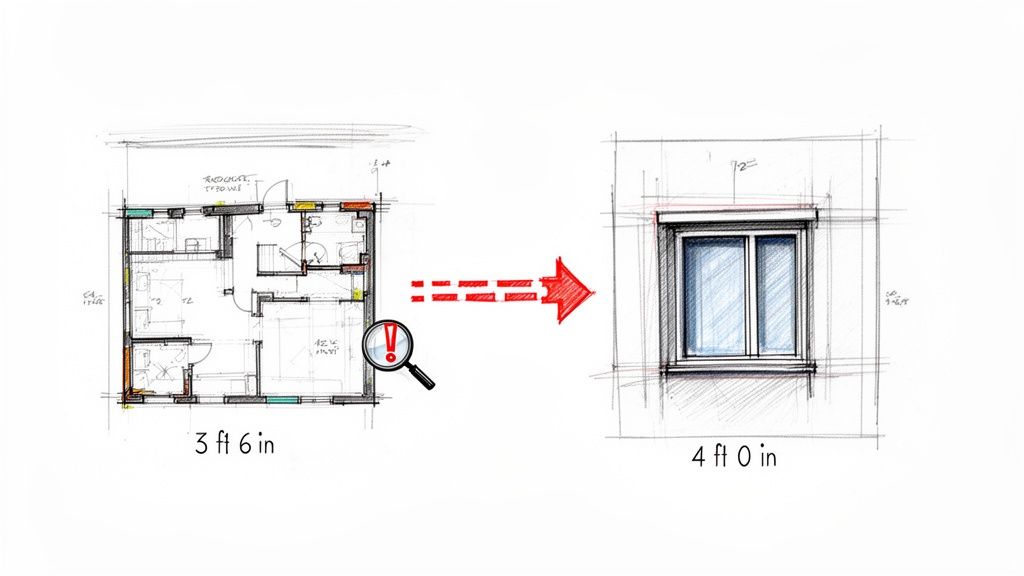
This is another common—and entirely avoidable—reason for a permit set rejection. A window is dimensioned as 4'-0" on the elevation but tagged as 3'-6" on the floor plan. A structural column is located on one gridline in the architectural plan but shifted six inches on the structural drawing.
To a plan reviewer, these aren't just typos; they are immediate red flags signaling a breakdown in coordination. If the basic geometry doesn't align from sheet to sheet, what other critical errors are hiding in the permit set? This ambiguity forces a reviewer to stop and push the risk your drawings introduced right back to you.
Why Reviewers Flag It
A reviewer’s job is to verify a proposed building is safe and compliant. When they see conflicting information, they have to ask:
- Which dimension is correct?
- Which trade is working from the right information?
- What is the real design intent?
They cannot make assumptions on your behalf. A rejected set with comments about inconsistencies is their way of saying, "Your team needs to get aligned and provide one clear, definitive answer." This prevents costly RFIs that would inevitably pop up when contractors try to build from contradictory documents.
How to Fix It Upstream
The solution is template discipline and a model-based workflow.
- Mandate Model-Based Annotation: Dimensions and tags should be linked directly to model elements. This ensures that if an element changes, its annotation updates with it or is flagged as disconnected, forcing a resolution.
- Establish Rigorous QA Checkpoints: Before any set is issued, a dedicated QA manager must perform a systematic check, cross-referencing key information across architectural, structural, and MEP sheets. This prevents RFIs and protects your margins. For a deeper dive into the technical side, our guide on the 10 rules for accurate CAD dimensioning is a fantastic framework for any team.
3. Missing or Unclear Code & Life Safety Information
A plan reviewer is legally on the hook to verify code compliance. When your permit set leaves critical life safety data open to interpretation—like a floor plan without clear egress path dimensions or fire-rated walls missing their UL design numbers—you're asking them to ignore their primary job.
This is a classic case of assuming the reviewer knows what you mean, a gamble that never pays off. When a reviewer sees these omissions, they don't fill in the blanks. They send the drawings straight back, adding weeks to your timeline.
Why Reviewers Flag It
A reviewer’s job isn’t to interpret your design intent—it’s to confirm your stated compliance. If the data isn't on the sheet, for all legal purposes, it doesn't exist. They can't approve a design based on a hunch. Your drawings must explicitly state which codes you’re following and show exactly how you’re meeting them. Leaving out a fire-rated assembly detail is like turning in a math test without showing your work.
How to Fix It Upstream
Build discipline directly into your BIM templates and documentation workflows.
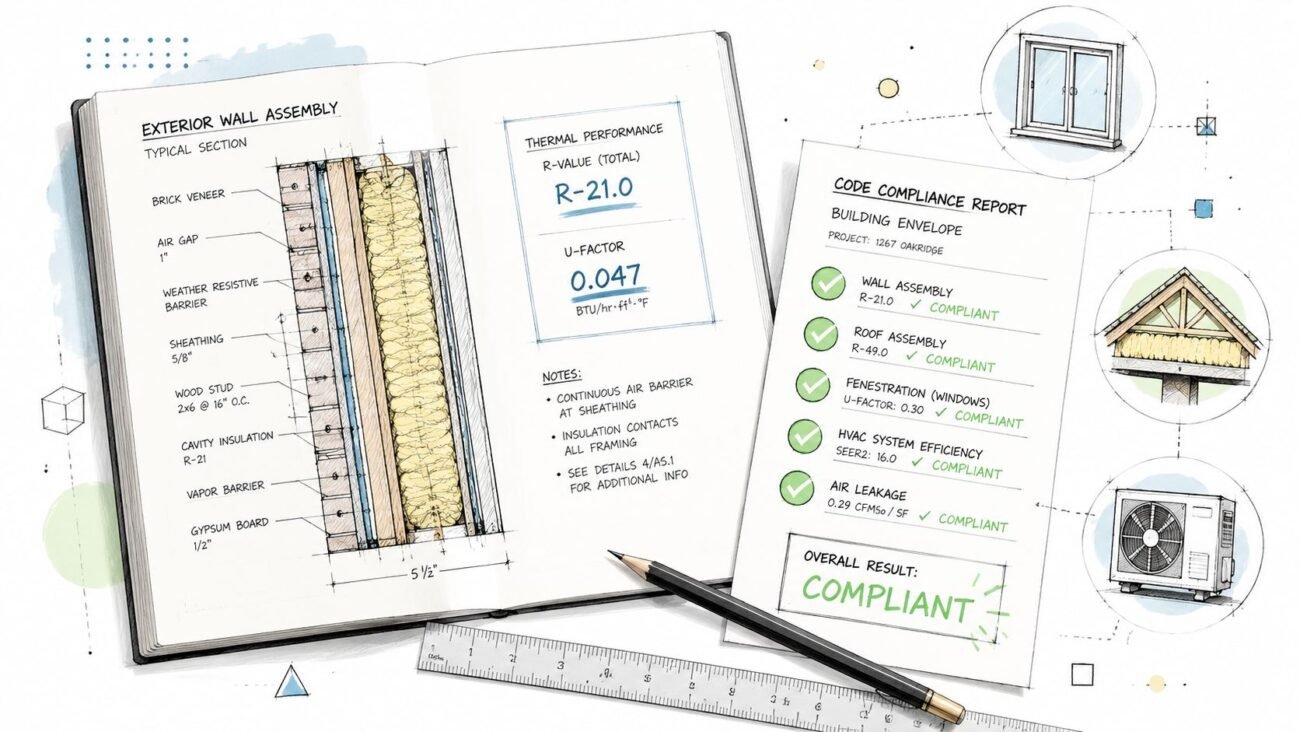
- Create Dedicated Code Compliance Sheets: Your permit set must include sheets summarizing occupancy classifications, building area/height calculations, construction type, and egress analysis.
- Use Standardized Annotation Families: In Revit, create and mandate the use of standardized annotation for fire-rated walls, exit signs, and occupancy labels. This creates instant operational consistency.
- Develop a Pre-Submission QA Checklist: Your internal QA process needs a specific permit drawings checklist for life safety. A senior team member must verify all required code data is present and correct according to the IBC, IRC, or local amendments. For teams looking to strengthen their internal processes, our guide to navigating building codes and regulations offers more detailed strategies.
4. Poor Dimensioning and Unclear Scope Boundaries
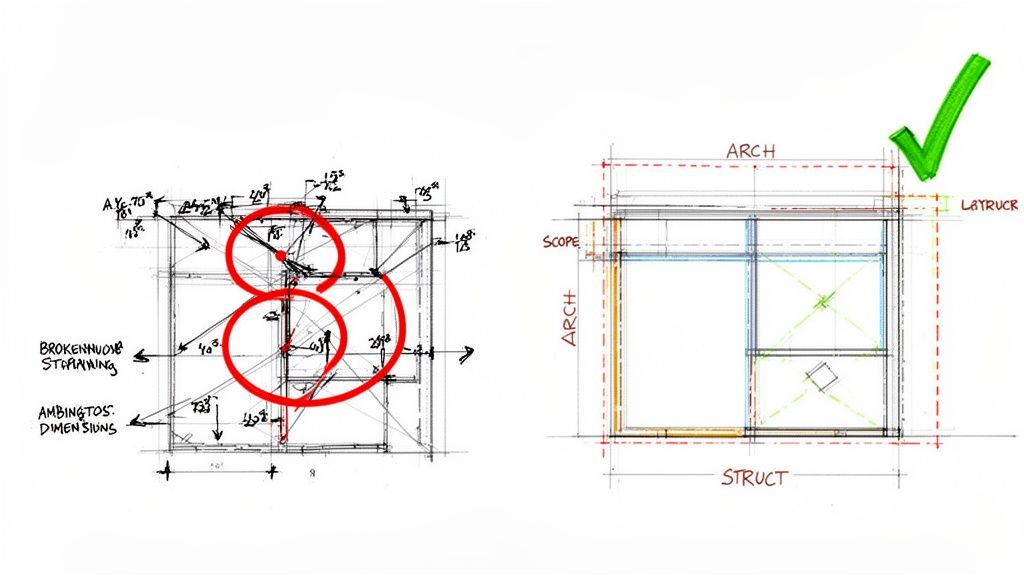
Nothing screams "amateur hour" to a plan reviewer faster than a sloppy dimension string. We've all seen them: strings that don't close, dimensions pointing to ambiguous spots, and conflicting measurements between disciplines. For a reviewer, this isn’t just bad drafting; it’s a crystal ball showing a future filled with expensive RFIs and on-site mistakes.
This problem often goes with fuzzy scope boundaries. When a reviewer can’t tell where one trade’s work ends and another’s begins, they see risk. Their job is to flag uncertainty, and a poorly dimensioned drawing is a minefield of it.
Why Reviewers Flag It
Think of the plan reviewer as the first line of QA for constructability. When they spot dimensioning errors, they're picturing the real-world fallout:
- Will the foundation contractor pour concrete in the right place?
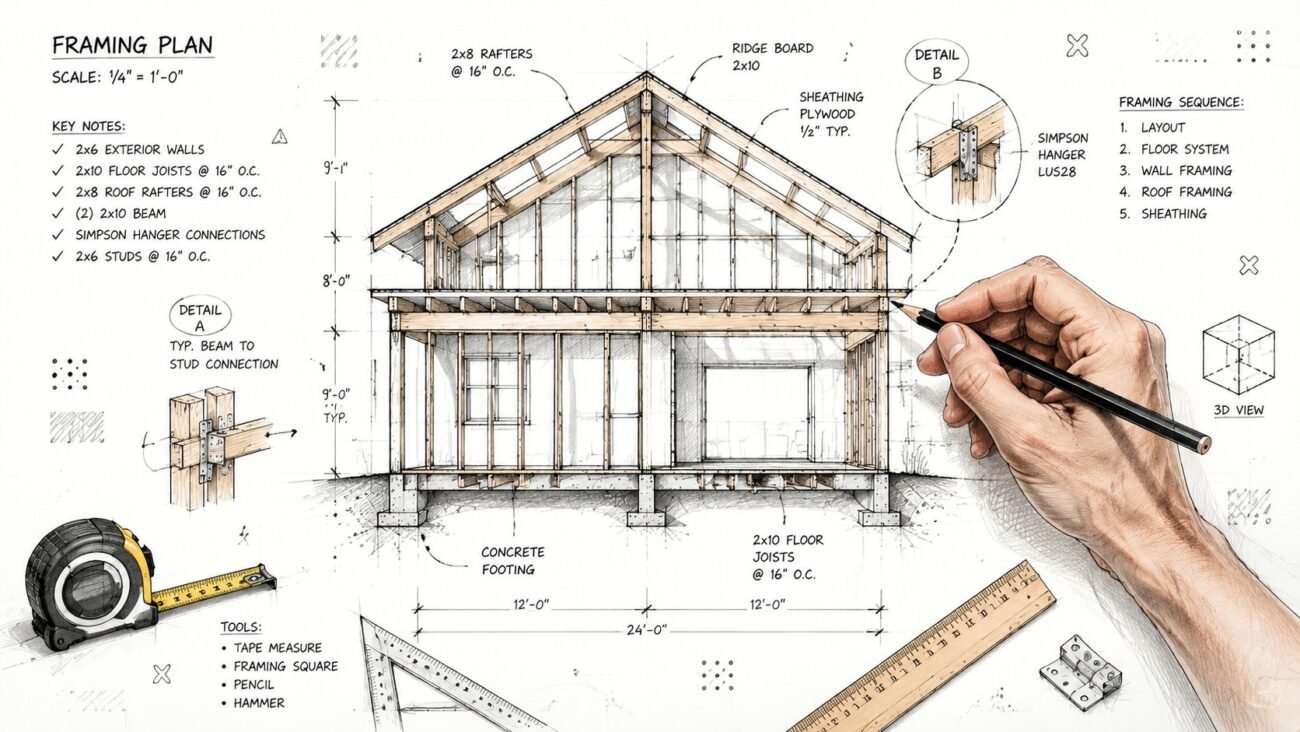
- Can the framer accurately locate walls and openings?
- Is there enough information for every trade to do their job without making assumptions?
An incomplete dimension string forces them to answer "no." They won’t approve a permit set that looks like it will cause chaos. Likewise, if the scope between a GC and a steel fabricator is vague, it signals a high potential for disputes.
How to Fix It Upstream
Establish and enforce strict, office-wide drafting standards. A layered dimensioning strategy creates a clear hierarchy of information.
- String 1 (Outermost): Overall building dimensions.
- String 2: Dimensions to primary structural gridlines.
- String 3: Dimensions to the centerlines of all openings.
- String 4 (Innermost): Dimensions to interior walls and key features.
Ambiguous dimensions are a direct path to permit set rejection. Your drawings must provide a single, verifiable truth that anyone can build from without having to ask a single question.
Defining scope boundaries requires the same systematic approach. Use distinct line styles and clear notation to define limits of work. A lazy note like "Structural steel by others" isn't enough—the boundary must be graphically obvious. For U.S. architectural firms facing a patchwork of local regulations, these systems are critical for margin protection. This is a key reason the evolving North American BIM market is driving a push for project efficiency.
5. Uncoordinated Architecture, Structure, and MEP
This is a fundamental breakdown. Architectural drawings show ceiling heights with no allowance for HVAC ductwork. A reflected ceiling plan shows lights exactly where sprinkler heads are supposed to go. Required structural shear walls are nowhere to be found on the architectural set.
These aren't drafting mistakes; they're red flags signaling a siloed, uncoordinated design process—a clear predictor of a project bogged down with on-site clashes and costly change orders.
Why Reviewers Flag It
Plan reviewers are trained to spot a disconnected design. They will ask the tough questions:
- How is that mechanical system supposed to fit in that tiny ceiling plenum?
- Is that recessed light fixture going to run into a structural beam?
- Where is the documentation for the required seismic bracing?
A reviewer won't hope you'll figure it out later. They will reject the permit set because it shows a clear lack of coordination, which directly threatens the building's safety and function. Their rejection is a blunt message: get your team aligned and come back with a single, unified design.
How to Fix It Upstream
Treat coordination as a non-negotiable part of the design process from day one.
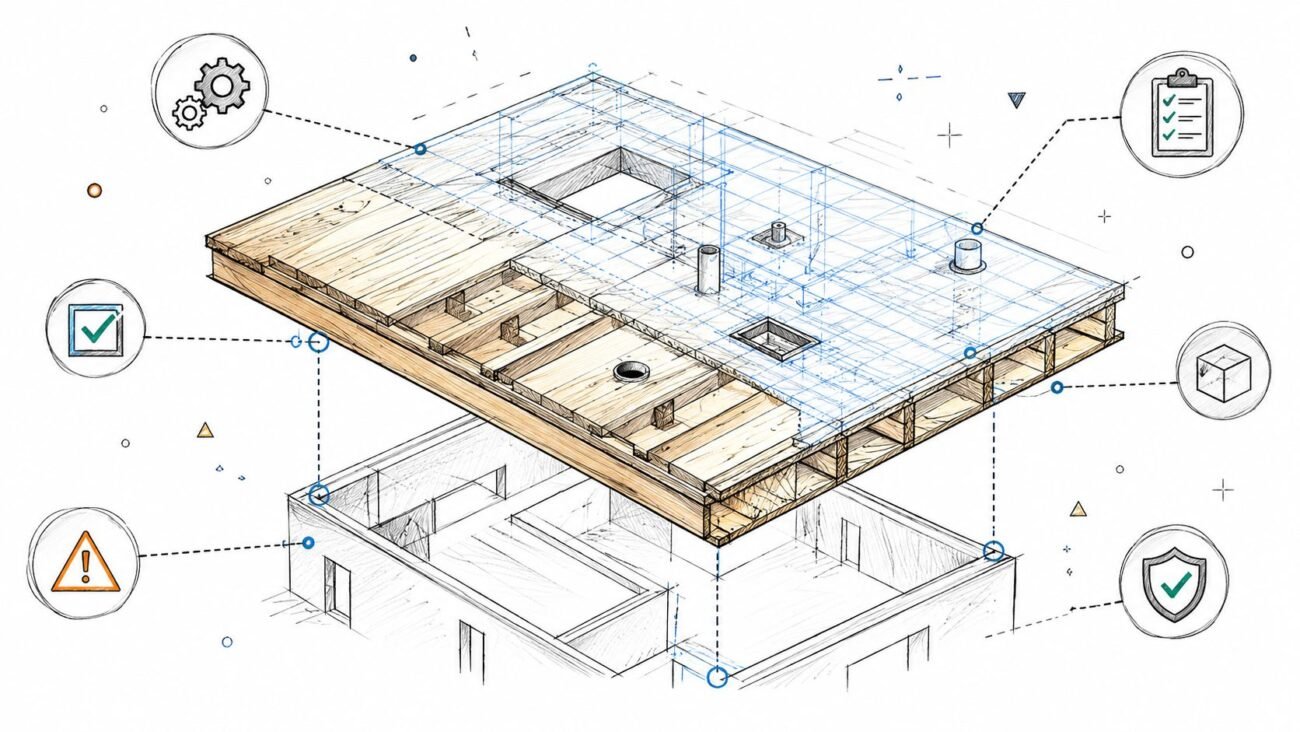
- Hold Regular BIM Coordination Meetings: Get your architectural, structural, and MEP teams together weekly. Use a federated 3D model as the single source of truth to resolve conflicts on the spot.
- Use Clash Detection Proactively: Run clash detection software like Navisworks before creating sheets. Finding a clash in the model costs next to nothing. Finding it on-site costs thousands. This is where BIM coordination services provide a framework for predictable delivery.
- Establish Clear Graphic Standards: Your office standards must dictate how engineering information shows up on architectural sheets. Leave zero room for ambiguity.
When you submit a permit set that clearly shows how every system works together, you deliver proof that your team has done the hard work of resolving complex issues upfront. That’s exactly what a plan reviewer needs to see. To avoid rejections, your permit set must strictly adhere to all regulations, including details covered in resources for understanding The BCA.
Your Path to First-Pass Permit Approval
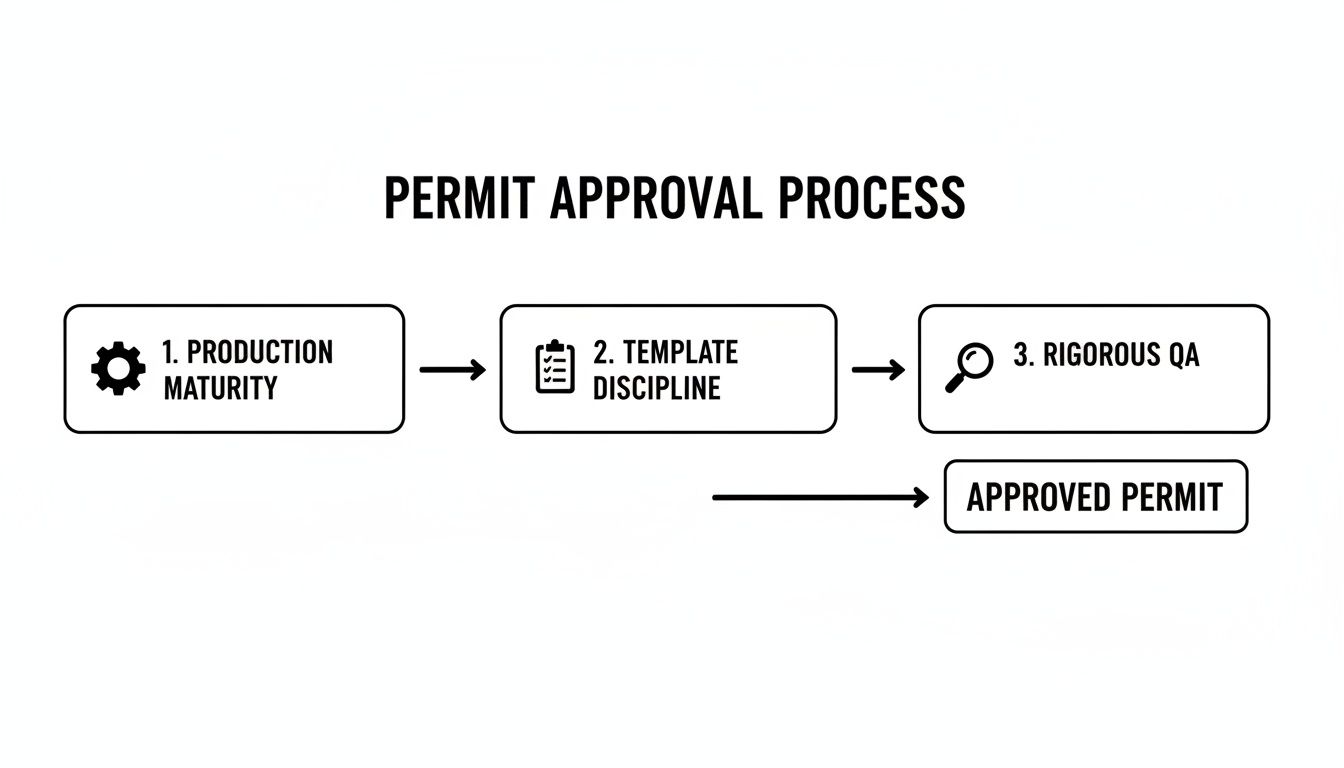
The five reasons for permit rejections all point back to a single root cause: a lack of clarity. By focusing on production maturity, template discipline, and rigorous QA processes, you can stop creating questions and start providing answers. When you treat the permit set as the critical communication deliverable it is, you protect project margins and build predictability into your operations. To get ahead, understanding specific local regulations, like those in a detailed guide to sign permit requirements, is a simple, proactive step. For firms specializing in retrofits, embedding precise scan-to-BIM models has led to 99% first-pass approval rates, a stark contrast to the industry norm. You can discover more insights about BIM-driven approvals and how this workflow raises the bar.
At BIM Heroes, we help firms build the production systems that turn frustrating resubmission cycles into predictable, first-pass approvals. If your team is ready to move from reacting to rejections to preventing them, download our Permit-Ready Drawing Checklist. It’s a practical QA framework you can implement today to start delivering clarity and protecting your margins. Explore our Permit Set services.