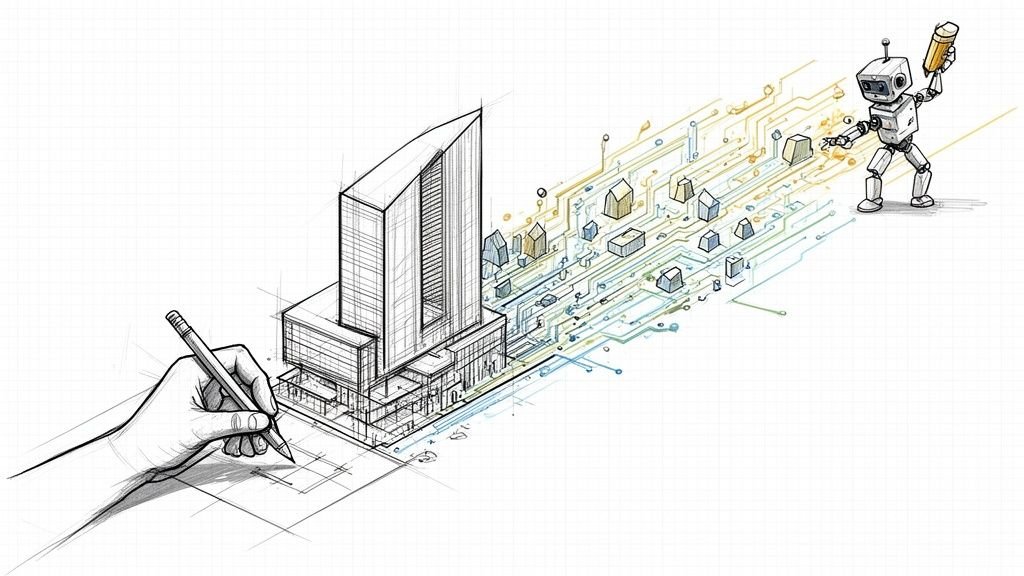
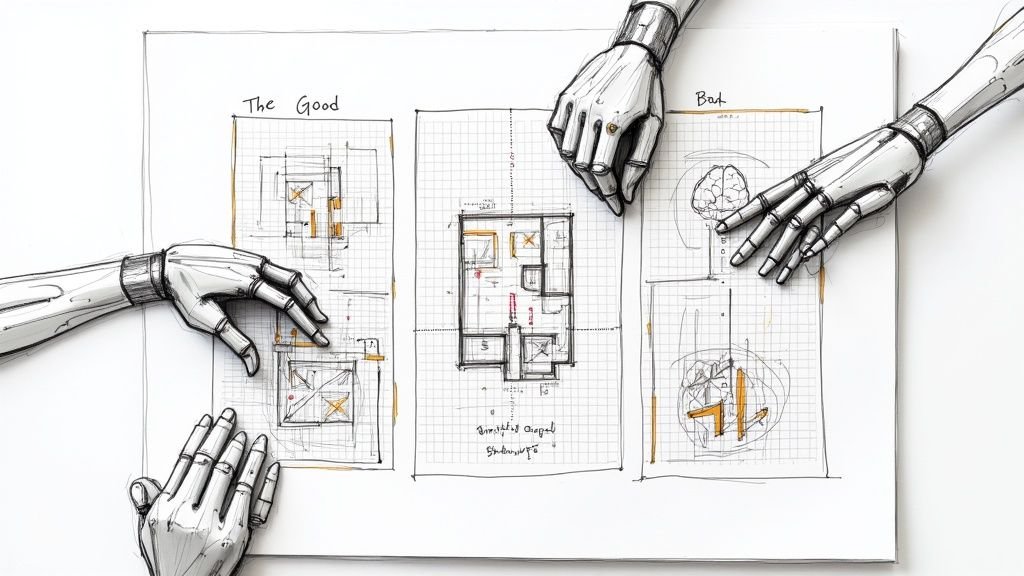
Let's cut through the industry hype: Revit Generative Design is not an AI architect. It doesn’t replace design intuition or professional judgment. Think of it as an incredibly fast decision-support tool for exploring design options within a set of rules you define. It exists to help your team make better, more informed decisions, faster—protecting margins and project predictability in the process.
What Is Revit Generative Design, Really?

At its core, Revit Generative Design is a feature that automatically generates and evaluates thousands of design alternatives based on your inputs. You feed it goals (like maximizing views or minimizing travel distances) and constraints (like adhering to code setbacks or maintaining minimum room sizes). The tool then churns out a spectrum of possible solutions that fit those rules, allowing for rapid scenario comparison.
It’s an extension of computational design, where logic and algorithms drive form exploration. Instead of your team manually modeling a dozen options, you define the problem with discipline, and the system explores hundreds or even thousands of variations for you. This approach is gaining traction, with the global generative design market projected to grow significantly, as detailed in analysis from Fortune Business Insights.
A Tool for Option Exploration, Not Production
The most important lesson learned in the field is that this tool is for decision support, not design replacement. Its real power lies in the early stages—conceptualization and schematic design—where the big, project-defining choices are made and operational consistency is established.
We’ve seen generative design deliver value only when it’s tightly scoped and treated as an exploration step, not a shortcut to documentation. It’s perfect for answering constrained questions like:
- What's the most efficient layout for these 200 apartment units given our specific mix?
- How can we arrange office furniture to maximize daylight for every desk?
- Which massing option gives us the highest gross floor area while respecting zoning envelopes?
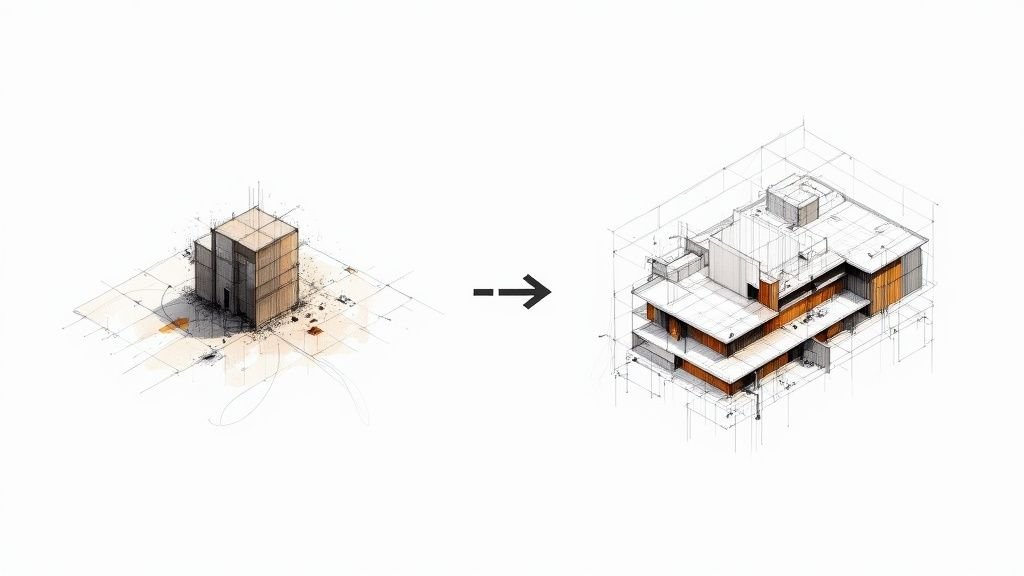
The outputs are not final, buildable solutions. They are data-driven starting points that inform the next stage of design development, preventing costly RFIs down the line by validating concepts early.
Generative Design in Revit: Reality vs. Expectation
| What It Is (A Decision-Support Tool) | What It Is Not (An Automated Designer) |
|---|---|
| Explores thousands of options within defined rules. | Makes creative or aesthetic judgments. |
| Optimizes specific, measurable goals (e.g., cost, area). | Solves ambiguous problems like "make it better." |
| Provides data-driven insights to inform your decisions. | Replaces the need for an experienced architect. |
| A powerful calculator for complex design problems. | A "magic button" for instant, perfect designs. |
| Best for early-stage conceptual and schematic design. | A shortcut for creating detailed construction documents. |
Ultimately, it’s a powerful assistant, but you're still the architect in the driver's seat.
The Foundation Still Matters
Success with generative design in Revit has less to do with the tool itself and more to do with the quality of your inputs. A generative study built on a messy, undisciplined Revit model with inconsistent parameters will only produce messy, unusable results. Garbage in, garbage out.
This is where many firms stumble. They expect a magic button but don't realize the system’s logic depends entirely on a clean, well-structured BIM foundation and rigorous template discipline. Most failures come from weak base models and unclear objectives, not from the tool itself. For a deeper understanding of this, our guide on parametric modeling fundamentals is a great place to start.
How Generative Design Fits into Your BIM Workflow
Let's be clear: generative design isn’t a magic box you plug in to fix a messy process. It’s a powerful feature that bolts onto your existing production environment, and it absolutely depends on a clean, disciplined BIM workflow to function predictably. Thinking it’s a shortcut around fundamentals is a recipe for frustration.
The system is a three-legged stool: your Revit model provides the geometric and data foundation, a Dynamo script defines the problem-solving logic, and the Generative Design interface runs the study and displays the options. If any one of those legs is wobbly, the entire process falls apart. This is the single most misunderstood part of bringing generative design in Revit into a firm.
Asking generative design to solve a problem with a sloppy Revit model is like entering the wrong numbers into a calculator and expecting the right answer. The output will be technically "correct" based on the flawed input, but it'll be completely useless for your project.
The Non-Negotiable BIM Prerequisites
Before you even dream of running a study, your foundational BIM practices have to be locked in. These aren’t aspirational standards; they are the practical, bare-minimum requirements for the software to work reliably.
- Well-Structured Families: The families you’re using must be parametric and built with discipline. If a family breaks when you flex its parameters in the editor, it will absolutely break the study.
- Consistent Data and Parameters: The tool is a machine that runs on data. If one room uses "Area" and another uses "SqFt" for the same value, the script has no idea how to evaluate them. Data consistency is the bedrock of reliable generative design in BIM.
- A Clearly Defined Problem: The tool can’t read your mind. You have to give it a clear, measurable goal, like "maximize the number of units with southern-facing windows," not something vague like "make the layout better."
The most common point of failure isn’t the generative algorithm; it’s the model underneath it all. When the base model lacks parametric discipline or the project goals are fuzzy, the study spits out garbage results that erode team confidence and burn billable hours.
The Role of Dynamo in Your Workflow
Dynamo is the engine that makes Revit generative design work. It’s the bridge connecting your Revit model to the optimization process. Someone on your team needs a practical grasp of how to build or tweak scripts that define the logic for your specific problem.
The Dynamo script is where you translate architectural goals into computational rules. It’s how you tell the Generative Design tool:
- What to change (Variables): The inputs it can play with, like room dimensions or window locations.
- What to obey (Constraints): The hard limits it cannot break, like minimum corridor widths.
- What to aim for (Goals): The metrics it needs to optimize, like maximizing sellable area.
This is where real architectural thinking comes in. The script becomes a direct expression of your design priorities. For firms looking to build this capability, our guide on mastering Dynamo scripts for Revit is a solid starting point.
Integrating computational design for architects is less about adopting a new tool and more about dialing in your existing processes. It forces a level of rigor that benefits the entire project, protecting your margins by ensuring early-phase decisions are data-driven and defensible.
Practical Use Cases That Deliver Real ROI
Let's move past the theory. The real value of Revit generative design isn't about futuristic concepts; it's about solving the repetitive, tedious problems that chew up team time and eat into project margins. It shines brightest when goals are clear, constraints are non-negotiable, and you need to compare dozens of data-driven options to find the best path forward.
We’ve seen firms get fantastic results by aiming this technology at real-world production challenges. These are targeted applications of computational design for architects that unblock everyday bottlenecks.
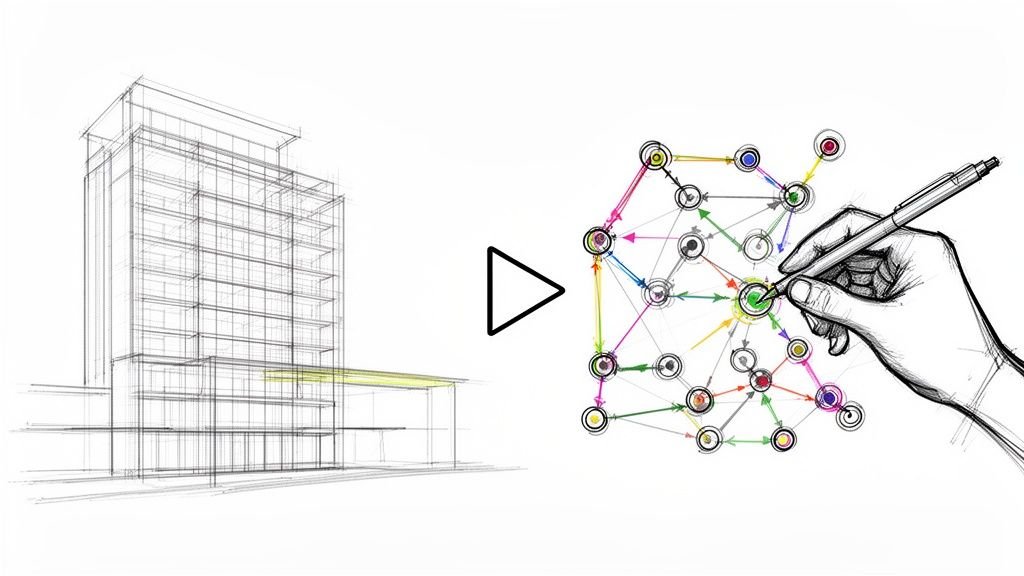
The process follows a straightforward logic: it all starts with a clean BIM model, feeds into a Dynamo script, and spits out a range of optimized options for analysis.

It’s a linear flow. A clean model feeds the script, which powers the study. This drives home the point that a messy model at the start will only ever give you junk at the end.
Here’s a look at some of the most valuable use cases we've seen deliver measurable results for AEC firms.
High-Value Use Cases for Revit Generative Design
| Use Case | Problem Solved | Typical Outcome |
|---|---|---|
| High-Density Layouts | Manually iterating unit mixes in residential or office projects to maximize sellable area. | Rapidly generate hundreds of code-compliant layouts; increase Net Sellable Area (NSA) by 3-5%. |
| Sightline Analysis | Ensuring optimal views in stadiums, theaters, or auditoriums is a complex geometric puzzle. | Automate seat layout optimization; guarantee unobstructed views and improve the end-user experience. |
| Early-Stage Massing | Exploring site feasibility and massing options within strict zoning rules is slow and manual. | Instantly generate thousands of compliant massing options; de-risk pre-design and accelerate developer decisions. |
| Facade Optimization | Balancing aesthetics, daylighting, and thermal performance for building envelopes. | Find the optimal glazing-to-wall ratio to reduce energy consumption while meeting daylighting goals. |
| Structural Framing | Finding the most efficient grid layout to minimize material use and cost. | Compare hundreds of framing options to reduce steel tonnage or concrete volume, directly cutting project costs. |
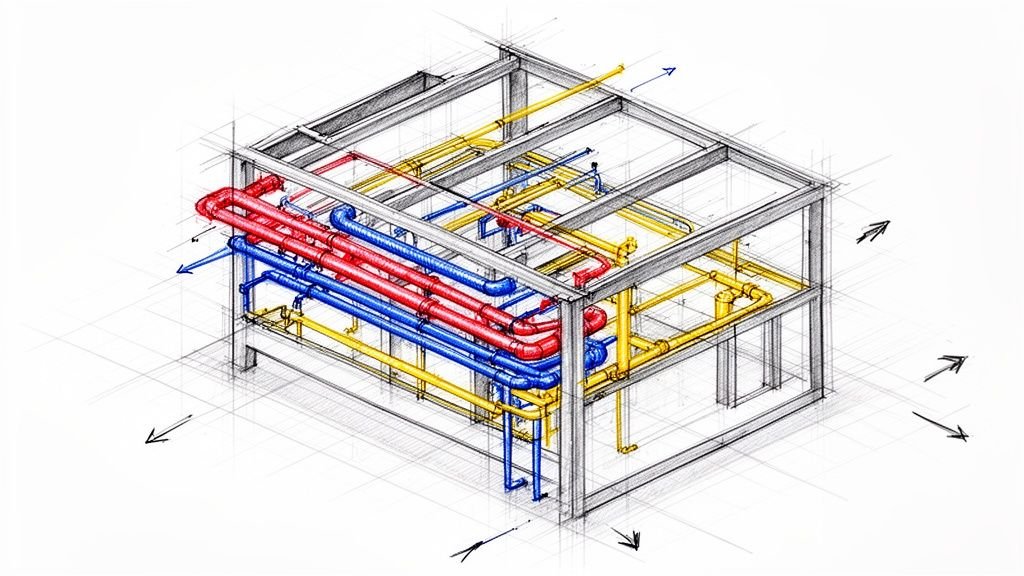
| MEP Route Optimization | Manually routing complex ductwork and piping runs through tight plenums is prone to clashes. | Automate routing to find the shortest, most efficient paths, minimizing material and avoiding clashes. |
These examples show how generative design moves beyond "cool" technology and becomes a practical tool for solving expensive, time-consuming problems.
Optimizing High-Density Layouts
One of the quickest wins is space planning for multi-family residential, hospitality, or commercial office projects. Manually tweaking apartment unit mixes or office layouts to squeeze out every last square foot of sellable area is a grind.
Revit generative design turns this into an automated study. You set the rules.
- Goals: Maximize the number of two-bedroom units, maximize units with southern exposure, or minimize shared walls to cut down on soundproofing costs.
- Constraints: Stick to a strict unit mix (like 40% one-bedroom, 60% two-bedroom), maintain minimum hallway widths, and ensure no unit falls below a certain square footage.
The system then cranks out hundreds of valid layouts, each with its own data set. This lets your team make a decision backed by hard numbers, protecting project revenue right from the start.
Sightline and Seating Arrangement Studies
For auditoriums, theaters, or stadiums, getting the sightlines right for every single seat is a massive geometric headache. The old way involves tedious section cuts and manual calculations.
With generative design, it becomes an optimization problem. Define each seat as an element and the stage as a target, then run a study to rank layouts based on view quality. You could aim to maximize seats with perfect views or ensure a minimum viewing angle for everyone. This helps prevent expensive rework and leads to a much better audience experience.
Early-Stage Massing and Feasibility
Before you even touch a floor plan, generative design is a beast for site feasibility studies. Give it a site boundary and a set of zoning rules—setbacks, height limits, FAR—and it will explore thousands of massing options to find the ones that maximize gross floor area.
We’ve seen generative design deliver value only when it’s tightly scoped and treated as an exploration step, not a shortcut to documentation. Its strength lies in answering what-if questions with speed and data.
This de-risks the pre-design phase. Instead of your team spending days modeling three or four massing ideas, the system can generate a spectrum of compliant options in hours. This speeds up decision-making for developers and helps lock down a predictable project scope before you commit serious resources, which is critical for permitting prep.
In every one of these cases, the theme is the same: the tool isn’t designing for you. It’s rapidly exploring a universe of possibilities that you define, automating the grunt work of iteration. This frees up your team to do what they do best: apply their judgment and make smart, strategic decisions.
Why Most Generative Design Initiatives Fail
Let's have the conversation most software vendors avoid. When a firm’s first attempt at Revit generative design crashes and burns, the tool itself is rarely the problem. The failure almost always comes down to a painful gap between exciting marketing promises and the technical discipline required to make it work.
Teams see the potential for automated option exploration and get hooked. But they quickly stumble when they hit the reality: generative design is an amplifier. It magnifies solid BIM practices into incredible insights, and it magnifies sloppy modeling habits into a pile of digital junk.
Most initiatives are doomed before the first study even runs, typically falling into one of three common traps. We’ve seen these play out in the field time and again.
Unrealistic Expectations and the "Design Button" Myth
The number one reason for failure is a basic misunderstanding of what the tool is supposed to do. Teams, and especially firm leaders, often expect a "design button"—a magic wand that will bypass the hard work of architectural problem-solving. They see slick visuals and assume the output is ready for a construction set.
This mindset is a recipe for disappointment. When the results come back looking like abstract diagrams or conceptual masses that can’t be documented, team enthusiasm evaporates. They were looking for a shortcut to production, but generative design in Revit is a tool for exploration, not a substitute for it.
We’ve seen generative design deliver value only when it’s tightly scoped and treated as an early-stage exploration tool. Its job is to inform decisions, not make them for you.
Success hinges on positioning it correctly from day one. Treat it as a decision-support system for navigating complex, early-stage problems. Its purpose is to rapidly compare thousands of constrained options, not produce a final, buildable design.
The Problem of Weak Foundational Models
Here’s a hard truth: generative design has zero tolerance for a messy Revit model. It needs clean, parametric, and consistent data to function. If the underlying model is a house of cards—a common result of CAD-to-BIM evolution without strong QA processes—the entire workflow will collapse.
We see this happen constantly:
- Inconsistent Parameters: The script needs to read specific data points. If families use different parameter names for the same thing (like "Width" vs. "W"), the study is dead on arrival.
- Broken Families: Every family has to be built with robust parametric logic. If a family breaks when you flex its dimensions manually, it will absolutely shatter a generative design study.
- Lack of Model Discipline: The study requires a structured, predictable environment. A model cluttered with in-place families, ungrouped elements, and manual overrides offers no reliable data for the algorithm to work with.
When the base model lacks this basic discipline, the study spits out unusable results. It's a classic case of garbage in, garbage out. The failure isn't with the generative design in BIM process; it’s a symptom of deeper problems in a firm's modeling standards. For more on this, our analysis on why BIM standards often fail offers practical insights.
Vaguely Defined Goals and Constraints
The third major killer is a lack of clarity. A generative study can't operate on fuzzy goals like "make a better layout" or "improve the building." The machine has no concept of "better." It only understands measurable, quantifiable objectives.
A successful computational design for architects initiative starts by translating architectural intent into a set of machine-readable rules at a decision checkpoint.
- Weak Goal: "Optimize the floor plan for efficiency."
- Strong Goal: "Maximize Net Sellable Area while ensuring no corridor is less than 5 feet wide and all units meet a minimum daylight factor of 2%."
Without this specificity, the tool has no direction. It will churn through thousands of random options, none of which solve a real-world problem. This kind of failure comes from skipping the most important step: defining the problem with absolute clarity before you even open the software.
Defining Your Constraints and Evaluation Criteria
A generative design study is only as smart as the rules you give it. This is where your architectural expertise truly shines—translating a complex design problem into a set of instructions the machine can understand. It’s a process that demands clarity, discipline, and a deep grasp of the project's priorities.
The success of any Revit generative design study boils down to how well you define three core pillars: the variables it can change, the constraints it must obey, and the goals it should aim for. This isn't just a technical setup; it's an act of architectural judgment.

This methodical approach ensures the options you get aren't random noise. Instead, they’re directly relevant to solving your design challenge, protecting your margins by preventing wasted time on unusable outputs.
Defining Your Variables
Think of variables as the "dials" the algorithm is allowed to turn. These are the elements within your Revit model that you give the study permission to change. Defining them correctly is all about identifying the key design drivers that have some wiggle room.
For instance, in a study to optimize residential unit layouts, your variables might include:
- Unit Width and Depth: The fundamental dimensions of each apartment.
- Window Positions: Where glazing can be placed along an exterior wall.
- Room Adjacencies: Which rooms must be located next to each other.
The trick is to give the tool enough freedom to explore interesting solutions without creating pure chaos. Limit the variables to only the most impactful elements to keep the study focused and the results meaningful.
Establishing Unbreakable Constraints
Constraints are the hard-and-fast rules the algorithm absolutely cannot break. These are your non-negotiables—the project requirements that reflect building codes, client demands, and basic constructability. This is where you bake real-world limitations into the generative design in BIM workflow, stopping the tool from producing fantasy solutions.
We've seen generative design deliver value only when it’s tightly scoped and treated as an exploration step, not a shortcut to documentation. The constraints you set are what ground the study in reality.
Effective constraints are specific and measurable. They are the digital version of your project's rulebook.
- Code Compliance: Minimum corridor widths (e.g., >= 5 feet), maximum travel distances to an exit, or ADA clearance requirements.
- Programmatic Needs: A specific unit mix (e.g., 40% 1-beds, 60% 2-beds), or ensuring a certain number of offices have access to natural light.
- Structural and Site Limits: Staying on the structural grid, respecting building setbacks, or adhering to height restrictions.
Failing to define these constraints with rigor is one of the main reasons studies fail. Without them, the algorithm will happily generate "optimal" layouts that are completely illegal or impossible to build.
Setting Clear Evaluation Criteria
Finally, you have to define your goals, also known as evaluation criteria. This is how you tell the generative design algorithm what "good" looks like. It’s how the system scores and ranks the thousands of options it churns out, allowing you to filter and compare the results effectively.
Just like constraints, goals must be quantifiable. Vague objectives like "a better layout" are useless. Instead, you need to be specific:
- Maximize: Net Sellable Area, the number of units with southern exposure, or occupant access to views.
- Minimize: Total corridor length, construction cost, or solar heat gain on the west facade.
You can—and often should—set multiple competing goals. For example, you might want to maximize sellable area while simultaneously minimizing construction cost. The resulting scatterplot of options allows you to see the trade-offs and make an informed decision that lines up with the project’s business objectives.
The growing adoption of computational design for architects is part of a larger industry shift. The global generative AI in construction market, as detailed in reports like this one from Precedence Research, shows how critical data-driven decision-making is becoming for staying competitive.
Ultimately, framing the problem through these three pillars—variables, constraints, and goals—is the core intellectual work. The Revit generative design tool doesn’t replace this thinking; it simply accelerates the exploration phase once the thinking is done.
From Study Results to Documentable Design
So, you’ve run a successful generative design study. You’re now staring at a scatterplot peppered with hundreds—sometimes thousands—of design options. This is where the real architectural work resumes.
The most common mistake teams make is treating these results like finished solutions. They aren’t. The output of a Revit generative design study is a data-rich starting point, not a shortcut to construction documents. This transition from a field of conceptual options to a single, buildable design is a critical and very human step. It takes an architect’s judgment to sift through the noise, select the most promising options, and integrate the chosen design back into the master Revit model.
Bridging the Gap to Production
Once you’ve landed on a preferred option, the refinement begins. Your team has to take the generated geometry and layer on all the detail, intelligence, and constructability that an algorithm can't handle. This always involves manual work.
This is the phase where your team needs to:
- Rationalize Geometry: Clean up the conceptual forms and rebuild them as proper, buildable elements using the right families and materials.
- Address Code and Constructability: Apply your deep knowledge of building codes, structural logic, and assembly details—things the generative process is blind to.
- Begin Coordination: Kick off the rigorous process of coordinating the design with structural, MEP, and other disciplines.
We’ve seen generative design deliver value only when it’s treated as an exploration step, not a shortcut to documentation. Its purpose is to inform your decision, not to produce a final, coordinated model.
The Limits of Automation
Let's be clear: generative design in Revit does not handle coordination, detailing, or professional liability. The algorithm has no clue what an RFI, a permit review, or a subcontractor’s workflow even is. The responsibility for the final, documented design remains squarely with the architect of record.
The tool is a powerful assistant for making informed decisions before the heavy lifting of design development and documentation begins. Market trends from firms like Industry Research point toward features that will make exploring these options even more fluid. Communicating these generated designs also demands strong visualization skills, similar to how other software integrates rendering, as seen in 3D Architectural Visualization.
Ultimately, the process connects the abstract world of computational design for architects with the grounded reality of getting a project built. The tool supercharges your early-phase option analysis, but it’s your team’s expertise that turns a promising concept into a real building.
Does Generative Design Replace the Architect?
Not a chance. Think of it as a decision-support tool, not a replacement for a designer. Its real job is to rapidly explore and evaluate thousands of options based on the rules and constraints you define. The architect's expertise is still critical for framing the problem, setting the goals, interpreting the results, and refining the best option into something that can actually be built.
What's the Difference Between Generative Design and Dynamo?
This is a common point of confusion. Dynamo is the visual programming engine where you build the logic—the "recipe"—for a design study. Revit's generative design feature is the cloud-powered tool that takes your Dynamo script, runs it through thousands of different scenarios, and presents the results in a way you can easily compare. You simply can't use generative design without a Dynamo script to power it.
How Much BIM Maturity Do We Really Need to Start?
You need a high degree of production maturity. This isn't negotiable. For generative design to work, you must have clean, parametric Revit families, consistent project parameters, and a disciplined approach to modeling. Generative design is an amplifier. It will amplify well-organized workflows just as easily as it will amplify chaos. If your underlying models are a mess, the results you get back will be unusable.
Is It Only for Early-Stage Conceptual Design?
For the most part, yes. Its biggest strength is in early-stage option studies, space planning, and layout optimization—where big decisions have the most impact. It’s not built for detailed design, coordination, or construction documentation. The tool can't interpret complex building codes or figure out tricky constructability issues on its own.
We’ve seen generative design deliver value only when it’s tightly scoped and treated as an exploration step, not a shortcut to documentation. Most failures we see come from weak base models and unclear objectives, not from the tool itself.
Can It Be Used for Structural or MEP Optimization?
Yes, and this is where it gets really powerful. For engineering firms, generative tools can churn out hundreds of viable structural schemes, helping cut embodied carbon by finding more material-efficient topologies. For a deeper dive into this market, you can discover more insights about architectural software trends.
Ready to explore generative design but want to ensure your BIM foundation is solid first? A clear use-case plan is the best way to start. Download our Generative Design Readiness Checklist to see if your workflows are prepared to deliver reliable results.