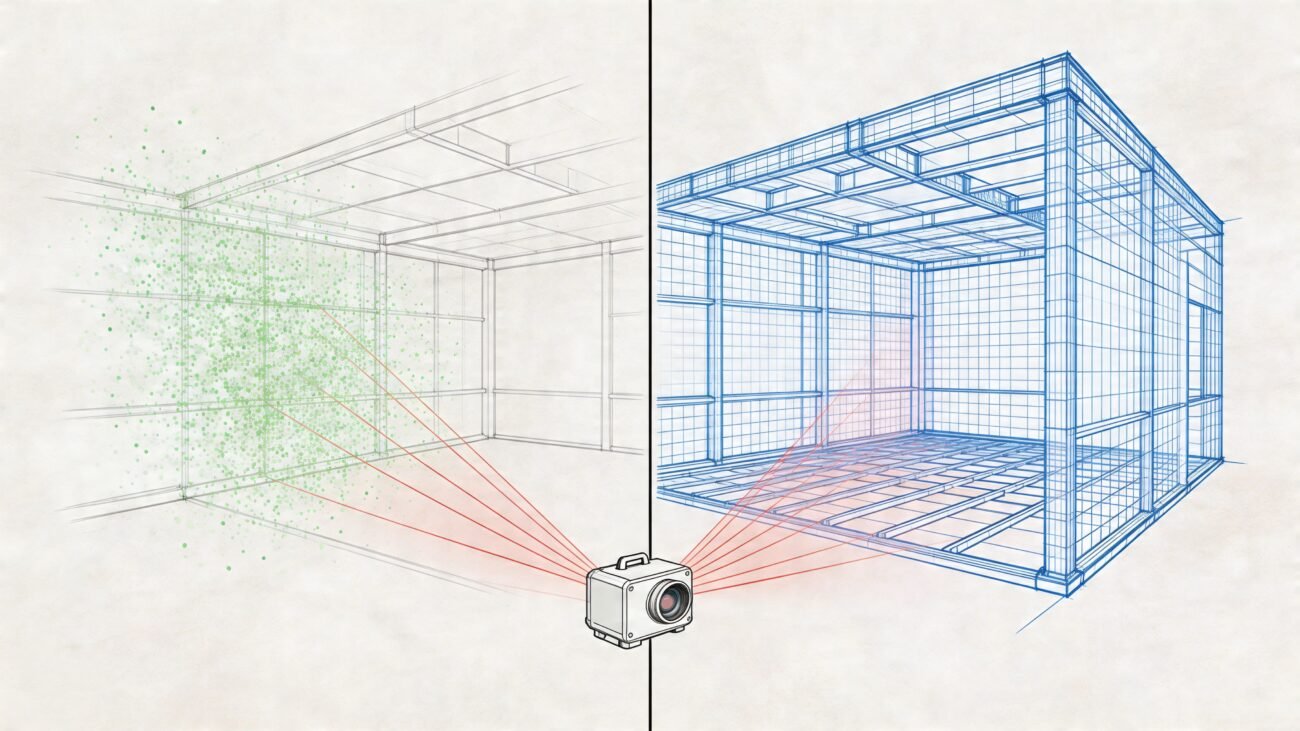
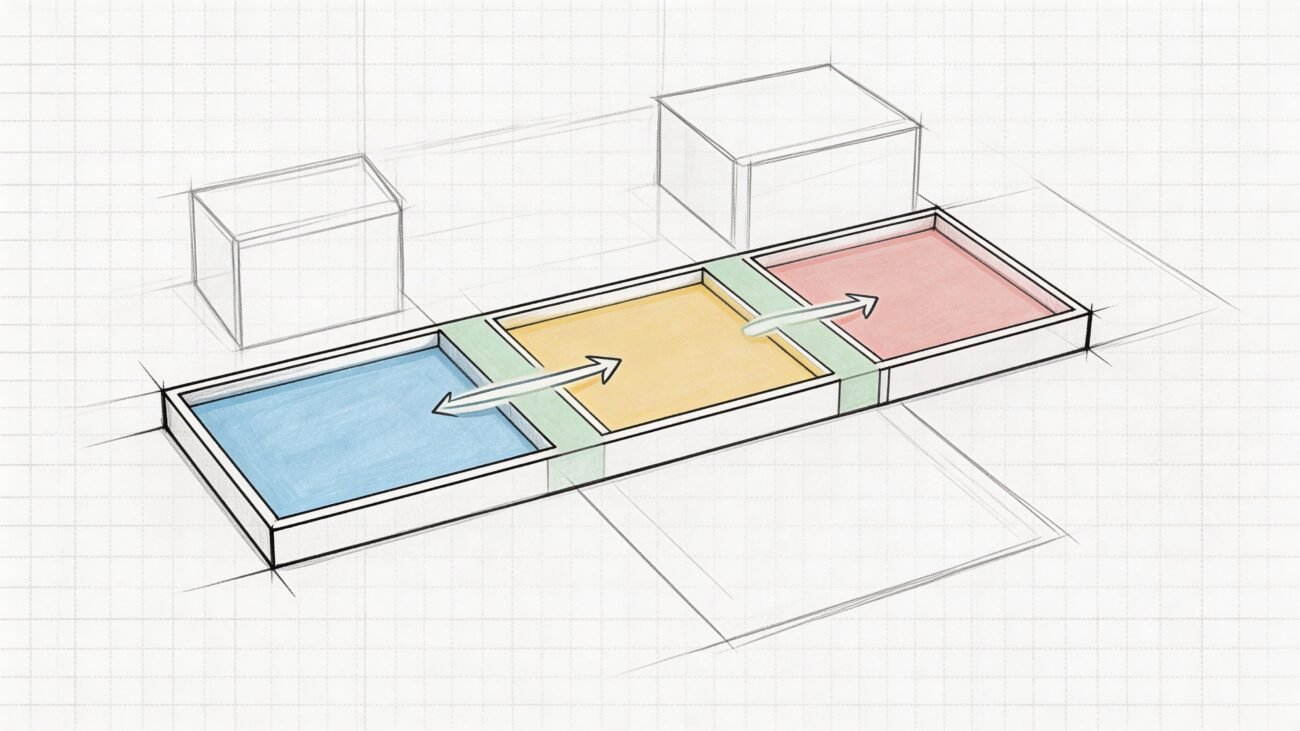
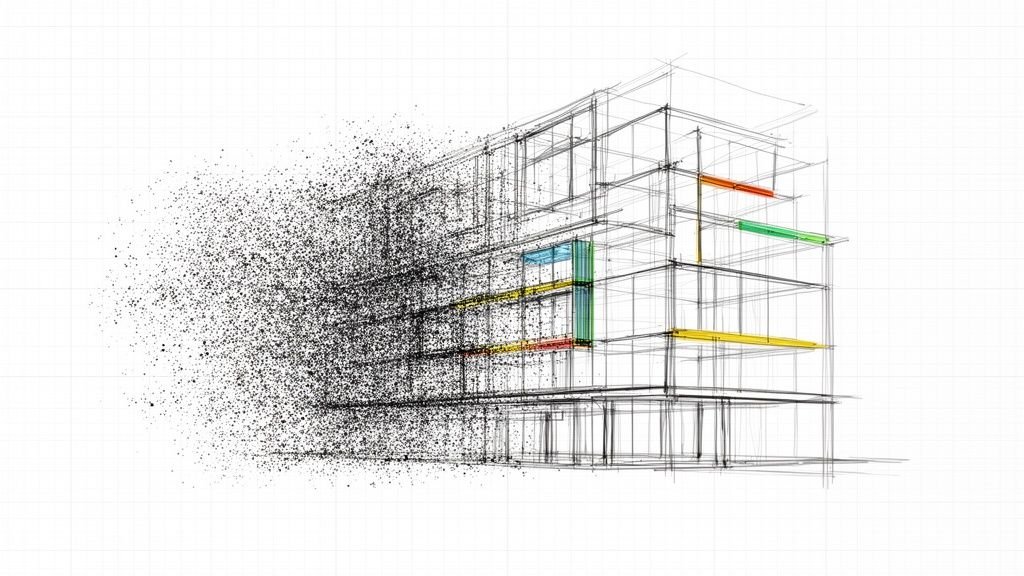
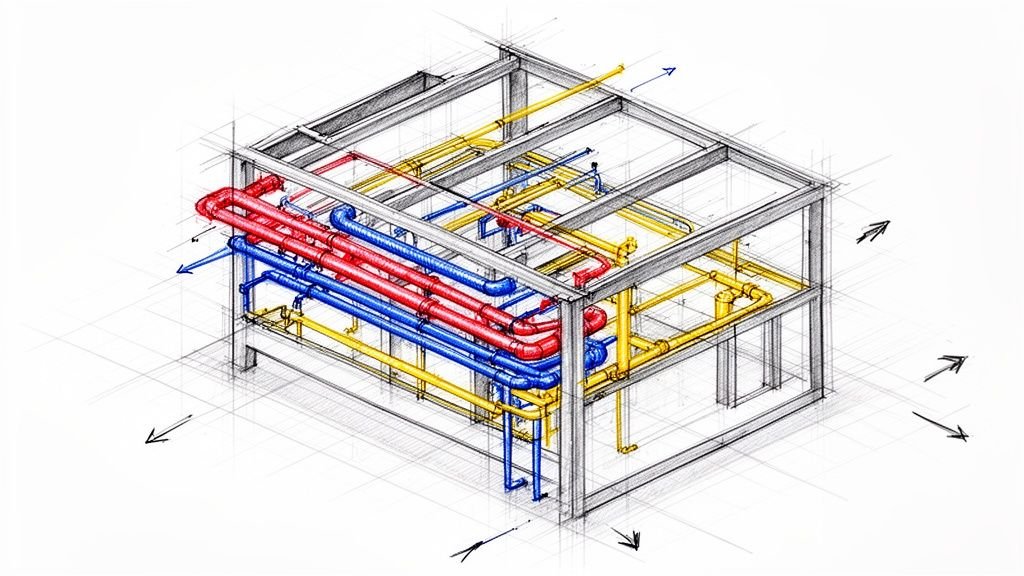
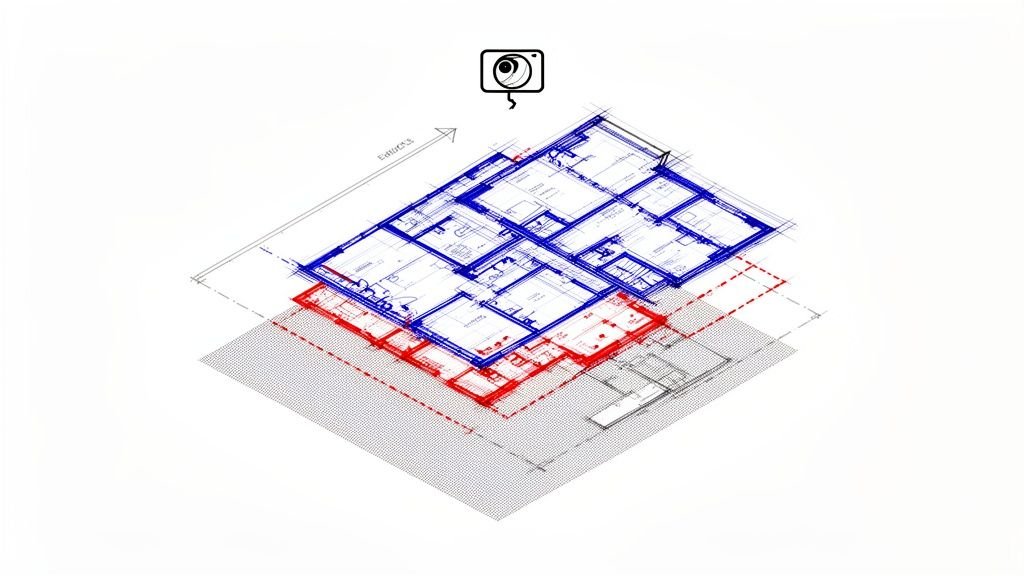
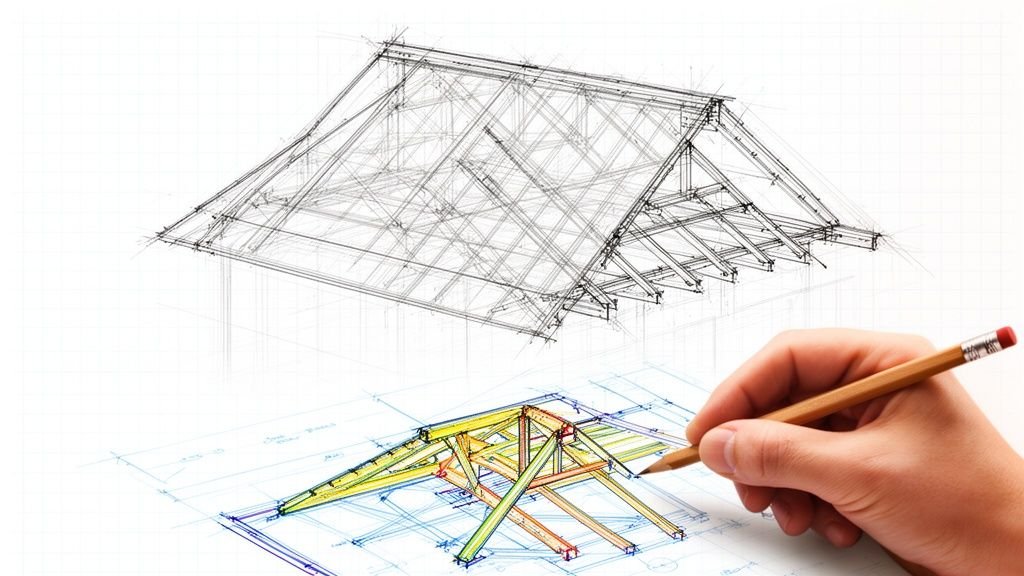
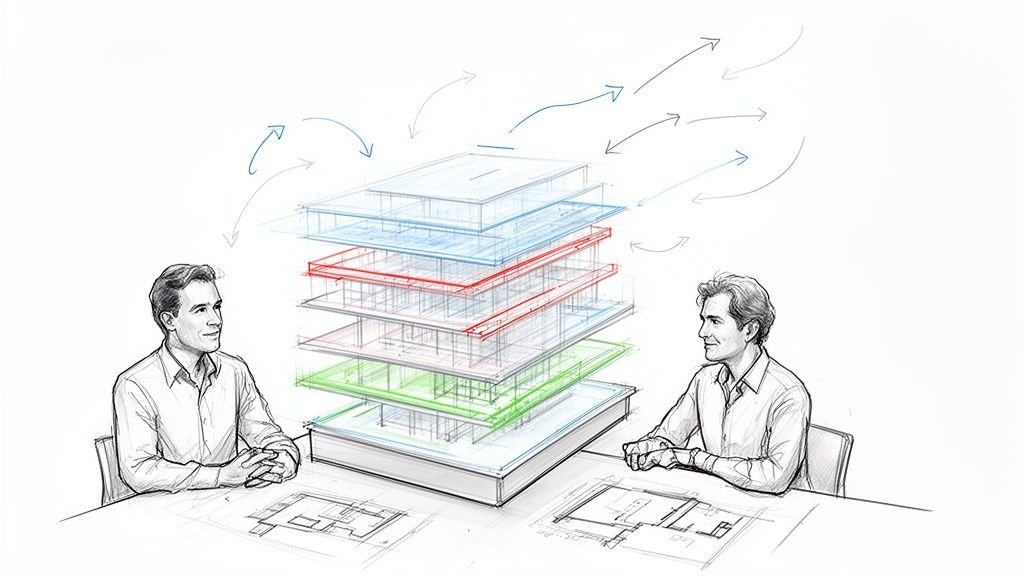
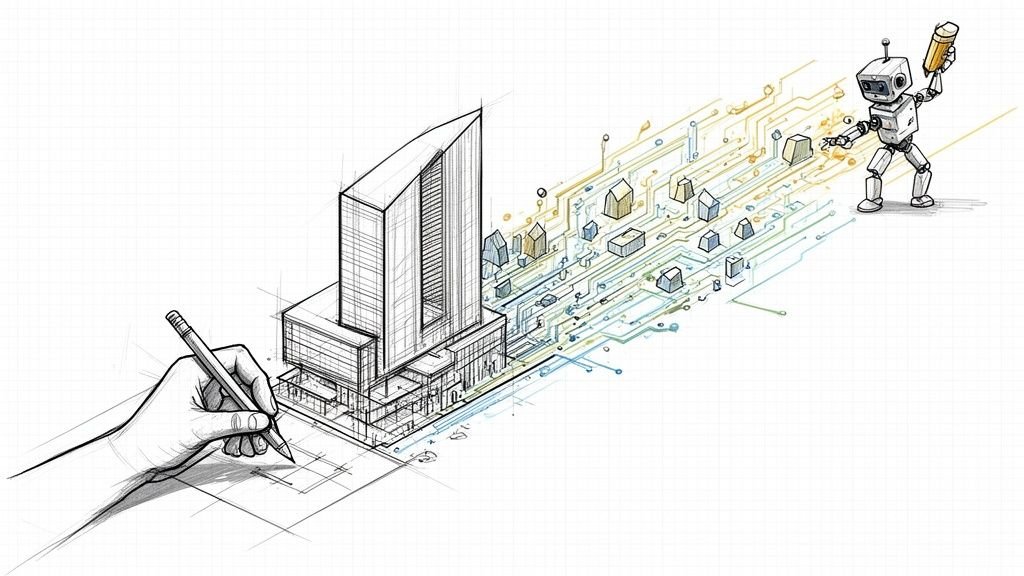
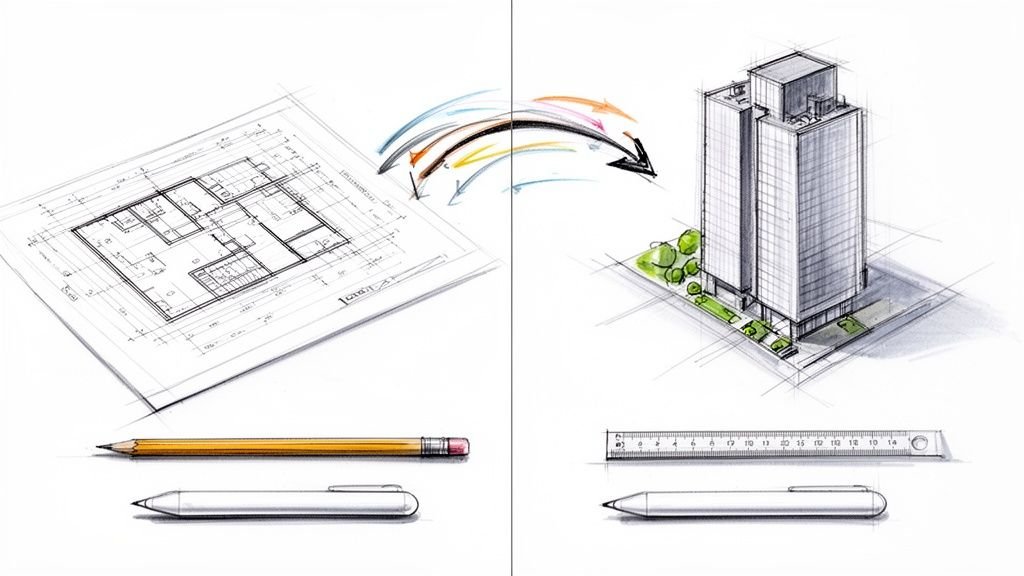
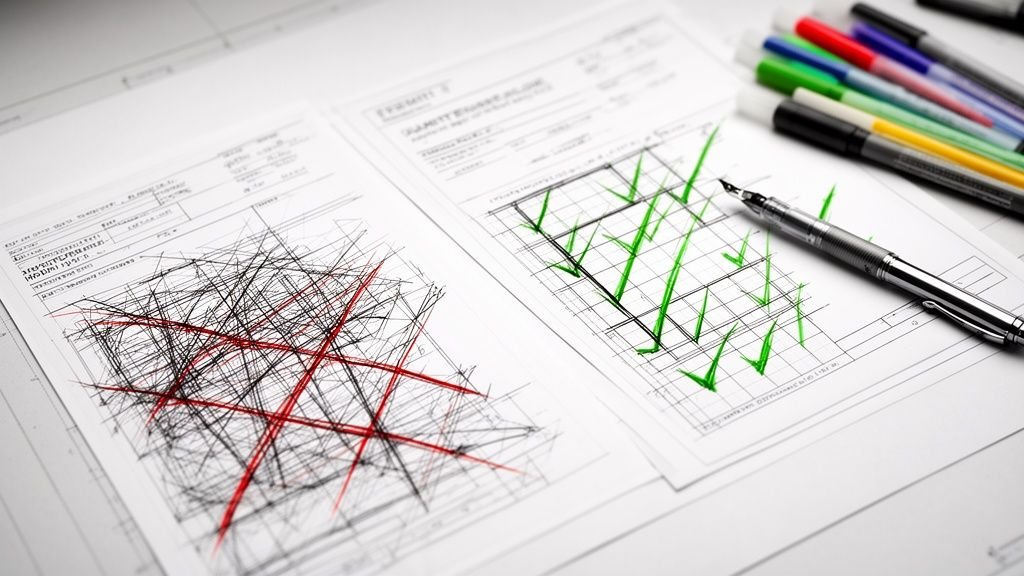
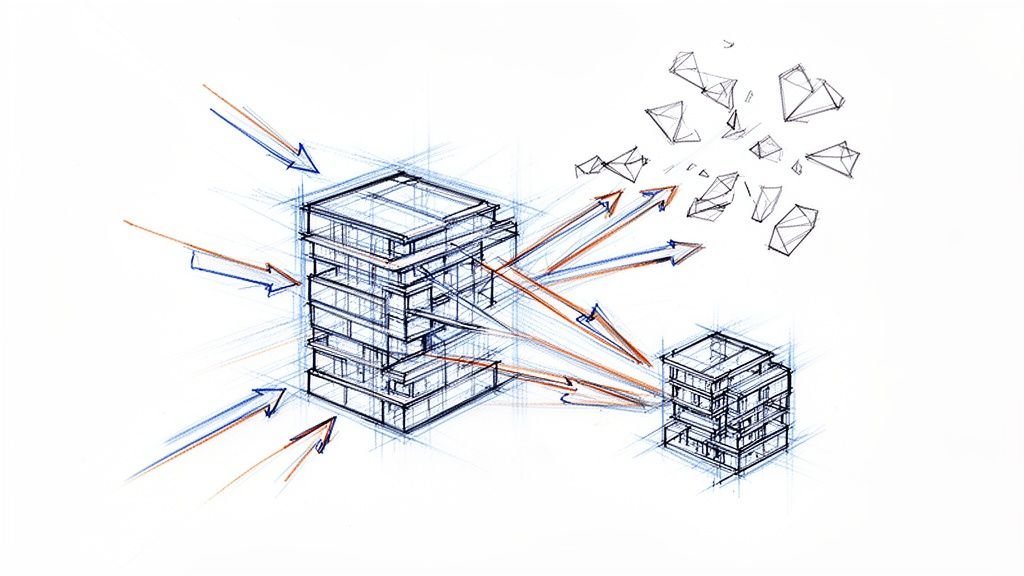
Parametric modeling isn’t about drawing static shapes—it’s about building a smart recipe for your design. Forget digital sculpting. Instead of drawing fixed lines, you define relationships between elements using parameters (like width and height) and constraints (like ‘this wall must always be vertical’). The real magic happens when you change just one variable: the entire model intelligently updates itself, protecting your project from manual errors and protecting your margins.
Defining the Rules of the Game
So, what is parametric modeling? At its core, it's a way of creating 3D models where the geometry is driven by a predefined set of rules.
It’s a lot like a simple spreadsheet. You have a column for "Cost," another for "Quantity," and a "Total" column with the formula Cost * Quantity. When you change the cost or the quantity, the total updates instantly. You don't have to pull out a calculator every time.
Parametric modeling brings that same logic to geometry. Every single element in the model—from a structural column to a window opening—is defined by its relationship to everything else around it. This fundamentally changes the design process from a series of manual, repetitive tasks into a fluid, logic-driven workflow.
The Shift from Drawing to Programming
Traditional CAD is basically a digital drafting board. You draw lines, arcs, and surfaces with fixed dimensions. If a client wants to increase a building's floor-to-ceiling height by six inches, you’re stuck manually adjusting every single related component: walls, windows, doors, and even structural elements. It's slow, an open invitation for human error, and a direct threat to your project's margins.
Parametric design, on the other hand, feels more like a form of visual programming. In a properly built parametric model, the floor-to-ceiling height isn't just a number—it's a single, controlling parameter.
By changing that one value, the entire model—from wall heights to the placement of MEP fixtures—updates automatically and correctly. This system locks in operational consistency and makes complex revisions feel predictable and safe.
Before we dive deeper, here is a quick look at how this approach compares to old-school CAD.
Parametric Modeling vs Direct Modeling At a Glance
The table below breaks down the core differences between a rule-based parametric workflow and the more traditional "direct" modeling you find in standard CAD software.
| Aspect | Parametric Modeling | Direct Modeling (Traditional CAD) |
|---|---|---|
| Workflow | History-based; changes update automatically based on predefined rules and relationships. | Geometry-based; involves manually pushing, pulling, and editing static shapes. |
| Flexibility | Highly adaptable to changes; ideal for complex designs that require frequent iteration. | Fast for simple, one-off models but becomes rigid and time-consuming when revisions are needed. |
| Design Intent | The "why" behind the design is embedded in the model through constraints and parameters. | No inherent design intent; a line is just a line, disconnected from other elements. |
| Error Potential | Lower risk of errors during revisions, as relationships are maintained automatically. | High risk of manual errors and inconsistencies when changes are made. |
| Best For | Architectural design, product engineering, and projects where design exploration is key. | Concept sketching, simple parts, and situations where design history is not required. |
As you can see, the choice isn't just about software—it's about adopting a fundamentally different, more disciplined approach to design production.
Key Characteristics of a Parametric Workflow
This shift brings a whole new level of maturity to the production process. A genuinely parametric workflow is built on a few key principles that protect project schedules and prevent those costly RFIs from ever showing up.
- Rule-Based Logic: Every design decision is captured as a rule or a relationship, creating a model that is intelligent and deeply interconnected.
- Automated Updates: Changes ripple through the model instantly, wiping out the need for tedious manual rework and slashing the risk of coordination mistakes.
- Design Intent Preservation: Critical design rules are locked in with constraints that can't be accidentally broken, which is vital for holding standards during permitting and construction.
This foundation of logic and automation is what enables highly efficient, scalable delivery pods. Instead of redrawing, teams can focus their energy on refining the design's core logic. It ensures every change is managed with total control and clarity. For a great deep dive on how this approach came to be, check out the detailed history on the Daniel Davis blog.
Understanding the Core Components of Parametric Design
To really get what parametric modeling is all about, you need to understand its three core building blocks. Think of them as the DNA of your digital model. These pieces work together to build a smart framework that holds your design intent, stops costly mistakes before they happen, and helps you scale your work from one project to the next.
This isn’t just some theoretical concept; it’s a practical approach that’s been proven for decades. The idea became a commercial reality back in 1988 when Parametric Technology Corporation (PTC) released Pro/ENGINEER, the first widely successful parametric modeling software. It introduced feature-based modeling, where designs were built from an ordered sequence of understandable steps. The real breakthrough was its ability to automatically track and update the entire model when even a single dimension was changed—a principle that still defines the workflow today.
Parameters: The Controllable Dials
Parameters are the variables—the controllable dials of your model. They are the specific inputs you can tweak to explore design options, like a column’s height, a window’s width, or the spacing of mullions in a curtain wall.
These aren't just static numbers; they are live inputs. Changing a parameter from "10 feet" to "12 feet" doesn't just stretch a line. It sets off a chain reaction of intelligent updates across every related piece of the model. This is where the magic of parametric modeling really starts to show, turning what used to be tedious manual adjustments into a simple data change.
A well-defined set of parameters is the foundation for creating disciplined templates. It ensures that every team member, from junior designers to project architects, is working from the same set of rules, which is crucial for maintaining operational consistency.
Constraints: The Non-Negotiable Rules
If parameters are the variables, constraints are the non-negotiable rules that lock in your design intent. They establish geometric laws that the model must always obey, protecting your project from accidental changes that could lead to costly RFIs or permitting delays.
Common examples in an AEC context include:
- Perpendicularity: Making sure a wall always meets a floor at a perfect 90-degree angle.
- Tangency: Ensuring a curved facade panel meets a structural beam smoothly.
- Coincidence: Forcing the center point of a light fixture to always align with the center of a ceiling tile.
Constraints are the silent guardians of your model's integrity. They give you the predictability needed to pass QA with confidence because they make it impossible for certain types of errors to even happen.
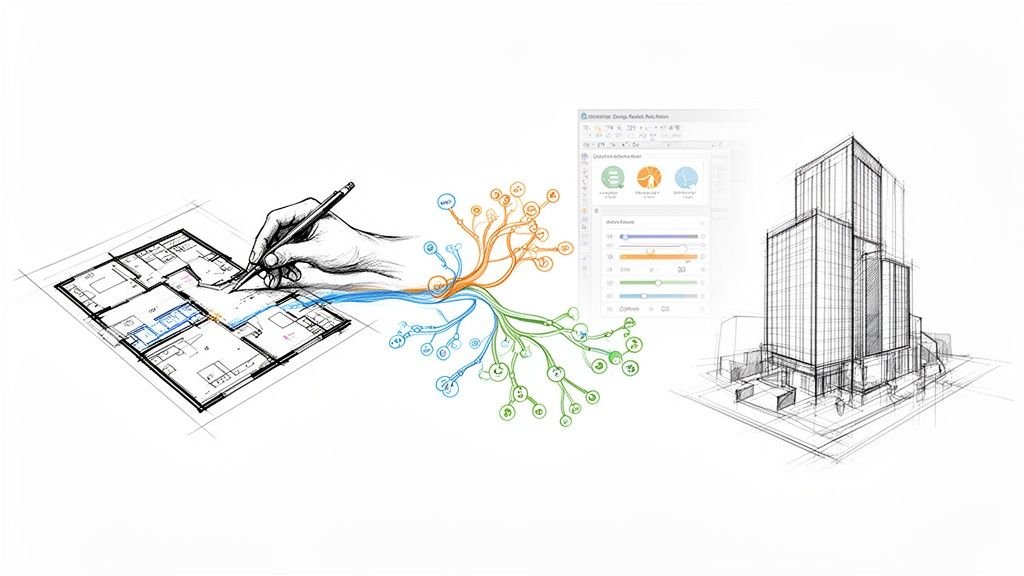
This diagram gives a simple visual of how these components connect to drive the modeling process.
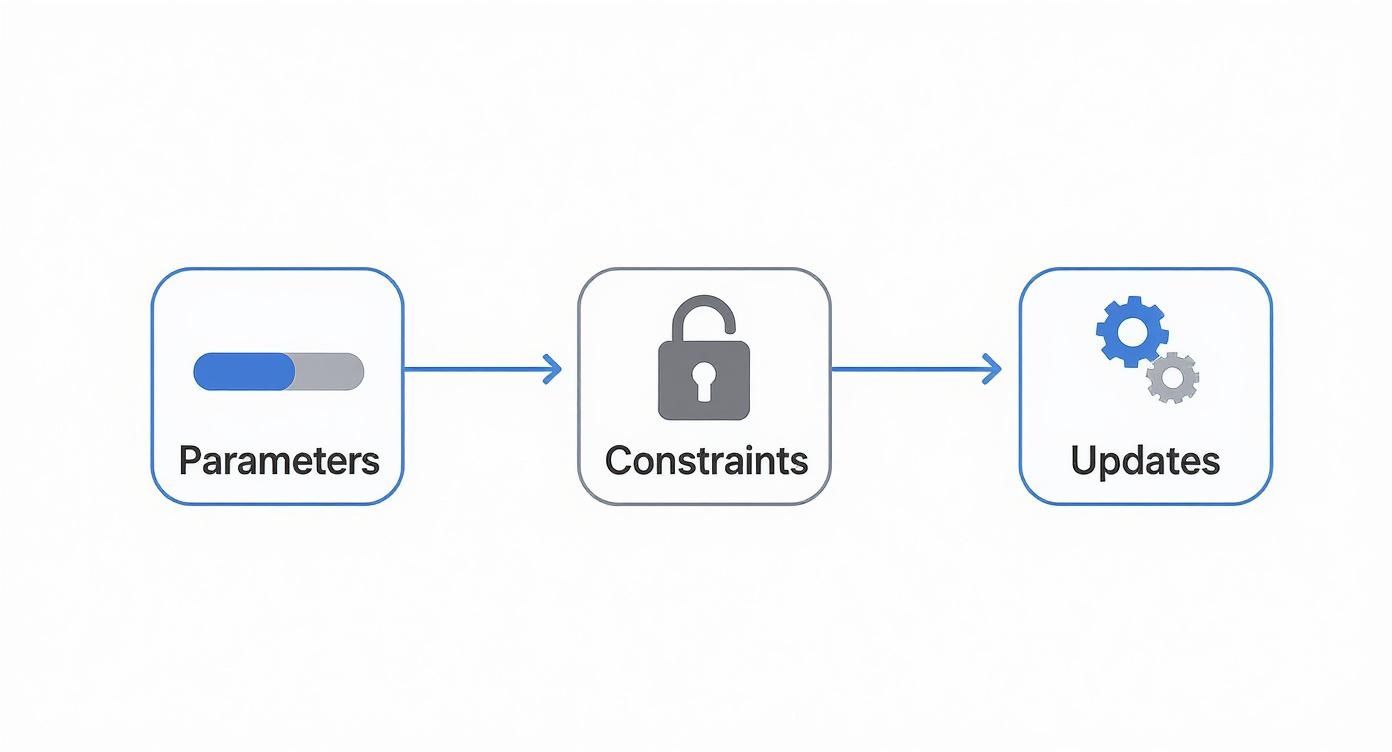
As you can see, parameters act as inputs and constraints act as rules. Together, they power the automatic updates that define a parametric workflow.
Relationships: The Logical Connections
Finally, relationships are the formulas or logical expressions that tie everything together. They define how one parameter affects another, creating an interconnected web of cause and effect throughout the entire design.
For instance, a relationship could state that the number of support brackets for a shelf is determined by its length. As you increase the length parameter, the model automatically adds more brackets according to the rule you set up. This is fundamental to creating intelligent components, often called "families" in software like Revit. To see how these are built, check out our in-depth Revit Family creation guide.
These logical links are what elevate a 3D model from a simple geometric shape to a powerful, data-rich asset. To better grasp the evolving landscape of design, it's insightful to consider how generative AI is shaping the future of 3D design, as it builds on many of these same rule-based principles. Getting a handle on parameters, constraints, and relationships is the key to unlocking true production maturity.
How Parametric Modeling Powers Modern BIM Workflows
Parametric modeling is the engine that turns a simple 3D model into an intelligent Building Information Model (BIM). If a traditional CAD file is just a collection of disconnected lines, a BIM model is a rich, interconnected database. It’s the "I" in BIM—the Information—that holds all the value, and parametric logic is what gives that information its muscle.
This connection represents a huge leap in production maturity, marking the evolution from CAD to BIM. It’s the difference between just drawing a building and creating a dynamic digital twin where every part knows how it relates to the whole. This is what separates a static blueprint from a responsive, data-rich asset ready for coordination, fabrication, and facility management. For a deeper dive into how these concepts come together, check out our guide on BIM and 3D modeling.
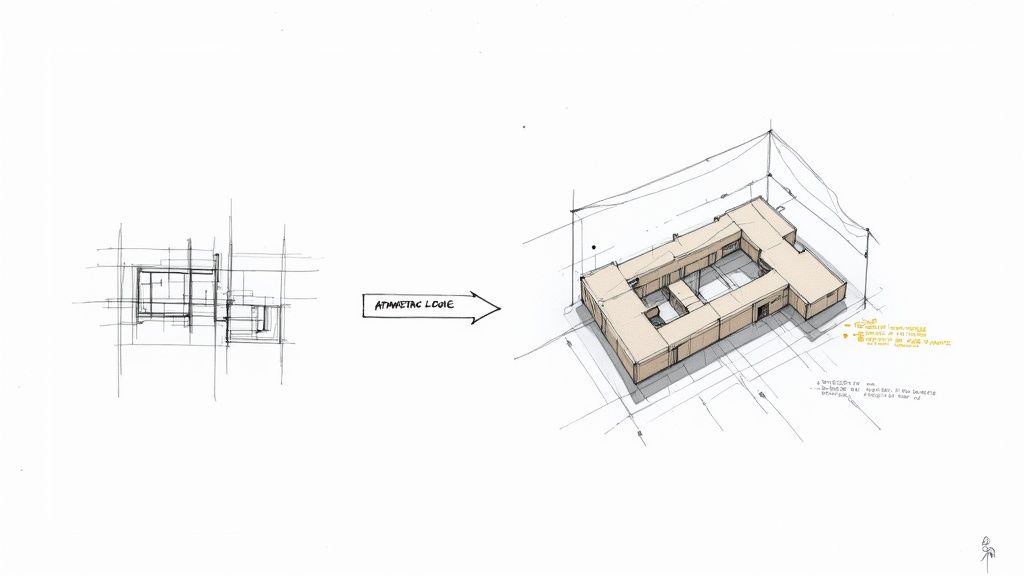
From Static CAD to Dynamic BIM
The jump from static lines to intelligent models didn't happen overnight. The ideas behind parametric design go all the way back to architects like Antoni Gaudí, who used physical models and math to make sense of incredibly complex structures. The real digital shift, though, started with systems like Ivan Sutherland's Sketchpad in the 1960s. A major milestone hit in 2004 when Gehry Technology launched Digital Project, giving architects specialized tools to control complex shapes. The evolution picked up speed when AutoCAD added parametric constraints in 2010, finally embedding rule-based relationships right into the drafting environment.
This wasn't just a software update; it was a fundamental shift in thinking.
In a traditional CAD workflow, changing a single floor plan meant you had to manually update every single corresponding elevation, section, and schedule. The risk of coordination errors was massive and a direct threat to project margins.
But in a parametric BIM workflow, that floor plan is just one view of a central model. Move a wall in the plan, and the change instantly ripples through every other view, schedule, and data output. There's no need to manually cross-check anything because there is only one source of truth.
This single-source-of-truth model is the bedrock of operational consistency. It guarantees every team member and discipline is working from the same verified information, which is non-negotiable for preventing RFIs and delivering predictable outcomes.
The Role of Intelligent Components
At the core of any parametric BIM workflow are intelligent components, often called "families" in software like Revit. These aren't just static blocks; they are pre-programmed objects with their own set of parameters and constraints baked right in.
Take a parametric door family, for instance. It doesn’t just contain geometry; it has rules:
- Dimensional Parameters: You can adjust the height, width, and thickness just by typing in new values.
- Geometric Constraints: The door panel is locked to stay within its frame, and the frame is programmed to always cut an opening in its host wall.
- Data Properties: The family also holds non-graphical information like fire rating, material finishes, and manufacturer details, which can be automatically pulled into schedules.
Building a solid, well-managed library of these components is a cornerstone of good template discipline. It ensures that every project kicks off from a standardized, quality-controlled baseline, allowing teams to execute work quickly and consistently.
Streamlining QA and Decision Checkpoints
With parametric modeling, the Quality Assurance (QA) process becomes less about hunting for manual mistakes and more about verifying the model's underlying logic. Since all the relationships are automated, you can trust that a change made in one spot will cascade correctly everywhere else.
This creates tremendous value at critical decision checkpoints. Let's say a structural engineer needs to upsize a column grid. A parametric model can show the cascading impact on architectural layouts, MEP routing, and ceiling heights almost instantly. Teams can test out different design options with speed and accuracy, making smart decisions without blowing up the project schedule.
This ability to rapidly iterate and validate is exactly how parametric workflows protect margins and bring a new level of predictability to project delivery. You stop selling hours and start selling clarity and a reliable system.
Essential Parametric Tools and Real-World Applications
Understanding parametric modeling in theory is one thing, but seeing it drive production on a real project is something else entirely. The right tools don't just enable this workflow—they enforce the discipline needed to deliver complex projects at scale. Let's shift from concepts to the actual software AEC firms use every day to protect their margins.
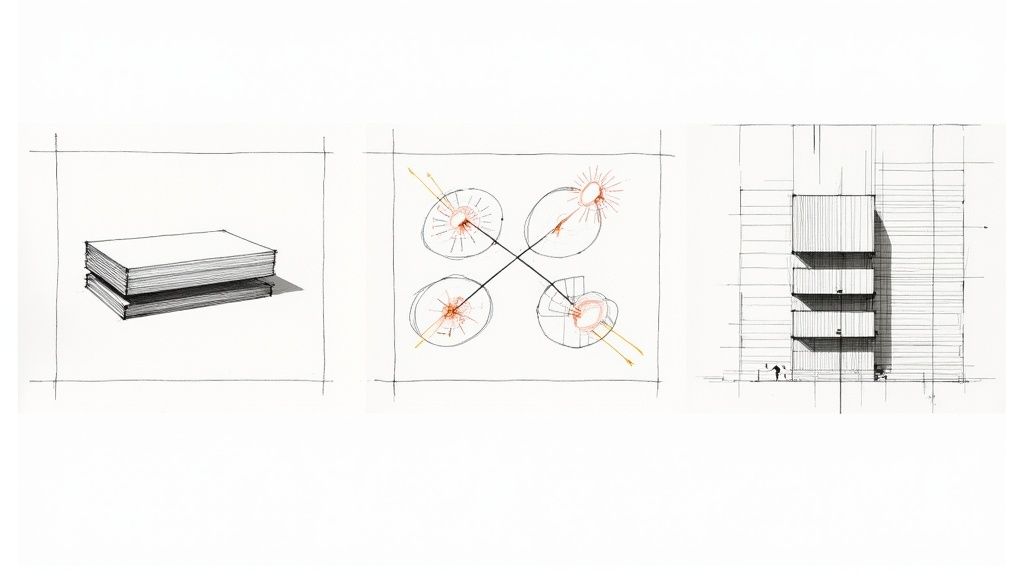
Foundational Software: The Bedrock of BIM
For most AEC firms, the journey into practical parametric design starts with foundational BIM software. These platforms are the workhorses. They embed parametric intelligence directly into the modeling environment, forming the core of any mature BIM workflow.
-
Autodesk Revit: This is the industry standard for a reason. Revit isn't just a 3D modeling tool; it's a parametric database. Every single element, from a structural column to a window, is an intelligent "family" with its own parameters and constraints. This is where discipline begins. By creating and managing a library of robust families, firms ensure project standards are met from day one.
-
Graphisoft Archicad: A powerful alternative, Archicad also uses a parametric, object-based approach. Its "GDL" (Geometric Description Language) objects are highly customizable, giving users deep parametric control over building components. Just like Revit, it provides a single-source-of-truth model where a change in one view automatically ripples through all the others.
These tools are essential because they make parametric modeling accessible. You don't need to be a programmer to define a wall's height as a parameter linked to a floor level. This core function is what stops the kind of coordination errors that lead to costly RFIs and frustrating permitting prep.
Advanced Tools for Complex Problem-Solving
While your foundational software handles the day-to-day rules of building design, sometimes you hit a wall. The problem is too complex or the task too repetitive for manual modeling. This is where visual programming languages (VPLs) come in. They open up the software's API through a graphical interface, letting you build custom logic without writing a single line of traditional code.
These tools aren't for every task, but for the right application, they deliver a massive boost in efficiency.
Think of VPLs as force multipliers. They take the parametric engine of your core BIM software and hand you the keys, letting you automate tasks, analyze complex data, and explore design options that would be impossible to model by hand.
Real-World Applications That Drive Value
This is where we see these tools translate directly into predictable outcomes and protected margins.
-
Dynamo for Revit: An open-source VPL that plugs directly into Revit, Dynamo is a game-changer for automating tedious work. Instead of manually placing hundreds of light fixtures across a complex grid, you can build a script to do it for you. The script can read ceiling data, apply spacing rules, and place the correct fixture family automatically. If the ceiling layout changes? Just rerun the script. Dive deeper into this process with our guide on mastering Dynamo scripts for Revit.
-
Grasshopper for Rhino: Often used in the early design stages, Grasshopper is a VPL for the 3D modeling tool Rhino. It truly shines when generating complex geometric forms, like performance-driven facades. For example, a script could generate facade panels, adjusting their size and angle based on real-time solar analysis data to optimize for energy efficiency. This shifts design from subjective guesswork to data-driven decision-making.
The true value of what is parametric modeling is unlocked in these applications. A Dynamo script that auto-generates and tags room layouts from a spreadsheet saves hundreds of hours and virtually eliminates human error. A Grasshopper definition that rationalizes a complex curved roof for fabrication prevents costly rework on site. These aren't just theories; they are field-tested systems for delivering better buildings, faster, and with far less risk.
The Business Case for Parametric Modeling in AEC
For any production-focused firm, adopting a disciplined parametric approach isn’t some academic exercise—it’s about protecting the bottom line. The technical benefits are cool, sure, but their real value is in the tangible business outcomes they create. Moving to a parametric workflow is a strategic decision, one that builds a more resilient, predictable, and profitable operation.
This shift directly impacts your firm’s financial health. It’s about moving away from a model that simply bills for hours and toward one where you sell clarity, systems, and reliable delivery. At its core, the business case for what is parametric modeling is all about one thing: risk reduction.
Driving Margin Protection and Predictability
The most immediate win from a mature parametric process is significant margin protection. Let’s face it, errors and rework are margin killers. A parametric model, built on a foundation of rules and constraints, drastically cuts down the potential for human error that plagues traditional 2D workflows. When a change is made, it ripples through the model logically, not manually.
This automation creates a powerful sense of predictability. Timelines become more reliable because design revisions that once took days now take hours. This system allows your teams to meet deadlines with greater confidence, which goes a long way in strengthening client relationships and your firm’s reputation.
This data-driven principle extends beyond just geometry. For instance, parametric estimating applies the same logic to project management, using statistical relationships and historical data to forecast costs and durations far more accurately than gut-feel methods. Unlike traditional expert judgment, it uses a mathematical model to deliver precise predictions—assuming you have good data to feed it. Organizations that get this right see a huge improvement in their forecasting, as detailed in an insightful breakdown by Productive.io.
Ensuring Operational Consistency Across Teams
One of the biggest headaches for any growing firm is maintaining quality and consistency as teams expand. Parametric modeling provides the perfect framework for operational consistency through robust template discipline.
When you have well-built project templates, complete with standardized component libraries (like Revit families), you ensure every project kicks off from a proven, quality-controlled foundation. This pays off in several ways:
- Faster Onboarding: New team members get up to speed much faster because the "rules" of the project are baked directly into the model.
- Uniform Deliverables: Every drawing set and data export sticks to the same standards, slashing the time spent on tedious QA checks.
- Scalable Delivery Pods: You can assemble and deploy teams with the confidence that they are all working from the same playbook, enabling consistent, high-quality output across the entire firm.
By systemizing design and documentation standards within the model itself, you eliminate procedural guesswork. This discipline is what allows a firm to scale its operations without sacrificing the quality of the final deliverable.
Ultimately, the business case for parametric modeling is crystal clear. It’s an investment in a system that reduces errors, creates predictable timelines, and establishes a consistent standard of quality. It’s how you stop firefighting and start engineering a more profitable and reliable production process from the ground up, making sure every project is set up for success before the first line is even drawn.
Implementing a Disciplined Parametric Workflow
Switching to parametric modeling is more than a software upgrade; it's a complete overhaul of how your firm operates. You can't just hand someone a copy of Dynamo and expect magic. The real power comes from building a disciplined, repeatable system around the tools.
This isn't about one-off models created on the fly. It's about establishing a framework that makes quality the default outcome on every single project. The first step? Template discipline. A rock-solid project template is your firm’s playbook, embedding your standards for everything from data parameters to line weights right into the starting file. It’s the foundation that ensures every project kicks off on the right foot.
Establishing Rigorous Guardrails
A predictable parametric workflow is built on clear checkpoints and rigorous quality assurance. While the tools can automate many of the tedious checks we used to do by hand, human oversight is still absolutely essential. Your QA process just shifts—instead of hunting for drafting errors, you're now validating the model’s core logic and data integrity.
This means setting up formal decision gates at key project milestones. At these points, the team doesn't just review geometry. They need to validate the model against the established parametric rules to prevent small deviations from snowballing into massive problems that kill schedules and budgets.
A disciplined workflow isn't about restricting creativity; it's about building a predictable system that protects your margins. It ensures every design decision is intentional, verifiable, and aligned with project goals, preventing RFIs before they ever get written.
Avoiding Common Parametric Pitfalls
Even with the best tools and intentions, firms stumble all the time when they first jump into parametric workflows. Knowing the common traps is the best way to sidestep them.
Here are a few hard-won lessons from the field:
- Avoid Over-Constraining Models: It's tempting to lock down every single variable, but this just creates rigid, bloated models that are a nightmare to edit. Be strategic. Apply constraints to enforce critical design intent, not to micromanage every last detail. Performance matters.
- Manage Library Complexity: A classic rookie mistake is creating overly complex “super” families that try to do everything. This just leads to bloated files and confuses the heck out of your team. Instead, build a lean, well-organized library of components that are flexible but simple to use.
- Invest in Continuous Training: These tools and techniques are always evolving. A one-and-done training session just won't cut it. You have to foster a culture of continuous learning to keep your team's skills sharp and your workflows efficient.
By focusing on these practical steps—strong templates, clear QA processes, and avoiding common traps—you can build a parametric workflow that delivers consistency and clarity, project after project.
Got Questions About Parametric Modeling?
We hear a lot of the same questions when firms start exploring parametric workflows. Let's clear up some of the common points of confusion and give you straightforward answers on how this approach actually works on real projects.
Is Parametric Modeling the Same as BIM?
No, but they’re inseparable partners. Think of it this way: parametric modeling is the engine, and BIM is the car.
Parametric modeling is the method you use to build smart, rule-based components. BIM is the process of using those intelligent components and all their data to coordinate, document, and manage a building project from start to finish.
A BIM model gets its real power from parametric elements (like your everyday Revit families). Without that parametric engine humming under the hood, a 3D model is just a "dumb" shape, not a rich, data-packed Building Information Model. Making the jump from static CAD to dynamic BIM is what moves a firm up the production maturity ladder.
Is It Hard to Learn Parametric Modeling?
There's a learning curve, for sure, but it’s less about mastering complex software and more about shifting your mindset.
Coming from a direct modeling world (like basic CAD) means you have to stop thinking about just drawing lines and shapes. Instead, you have to think about design intent and the relationships between elements. The real trick is planning the logic of the model before you even start building it.
For basic stuff inside software like Revit, the learning curve is pretty manageable for most teams. But when you get into advanced visual programming with tools like Dynamo or Grasshopper, the curve gets much steeper. The payoff, though, is a massive leap in what you can automate and solve. Success really comes down to disciplined templates and consistent training.
What’s the Difference Between Parametric and Generative Design?
This is a common one. They're related, but they do very different jobs.
-
Parametric Design: You are in the driver's seat. You define the specific rules, inputs, and relationships that make up the design. Then, you manually tweak the parameters to explore different options based on the logic you created. It's a very hands-on, iterative process where you guide the outcome.
-
Generative Design: You set the high-level goals and constraints (e.g., maximize daylight, minimize structural steel, stay within this budget), and then you let an algorithm run wild. The system generates hundreds or even thousands of design options that meet your criteria, exploring possibilities you’d never have time to find on your own.
In short, parametric modeling is about creating a flexible system that you control directly. Generative design takes that system and uses it as a launchpad for automated exploration, helping your team get to data-backed decisions much faster.
Ready to build a more predictable and profitable production workflow? If you’re looking to implement the disciplined systems needed to protect margins and deliver consistent results, our team is here to help. Explore our production frameworks and templates to see how we can support your team. https://www.bimheroes.com