Meta description: Choosing between terrestrial and mobile LiDAR scanning for as-built projects affects accuracy, cost, QA, and downstream BIM use. Learn when each method makes sense and how to write a scan brief that protects project margins.
The question usually arrives at the wrong moment.
A renovation or adaptive reuse project is moving, the team needs existing conditions fast, and the scanning vendor asks whether you want terrestrial or mobile LiDAR. Most project teams don't have a clean answer ready. They defer to the vendor, and the vendor often recommends the method they already operate most efficiently.
That's where problems start. You can end up with scan data that isn't reliable enough for coordination, or with a field scope that costs more than the project needed. In some cases, the scan looks complete until the modeler starts working and discovers that the critical areas were never captured in a usable way.
That decision matters more now because adoption has expanded quickly. One industry article citing AVEVA said the laser scanning market surpassed $3 billion in 2020 and is projected to reach $16.66 billion by 2030 in this market overview. More firms are using 3D LiDAR scanning, but more usage doesn't automatically mean better production decisions.
Introduction
For as-built work, the choice isn't between two pieces of hardware. It's between two risk profiles.
When teams talk about terrestrial vs mobile LiDAR scanning, they often frame it as a technology preference. In practice, it's a production management decision. You're deciding what level of field certainty the project needs, how much post-processing risk you can tolerate, and whether the data will support permitting, coordination, and modeling without expensive follow-up verification.
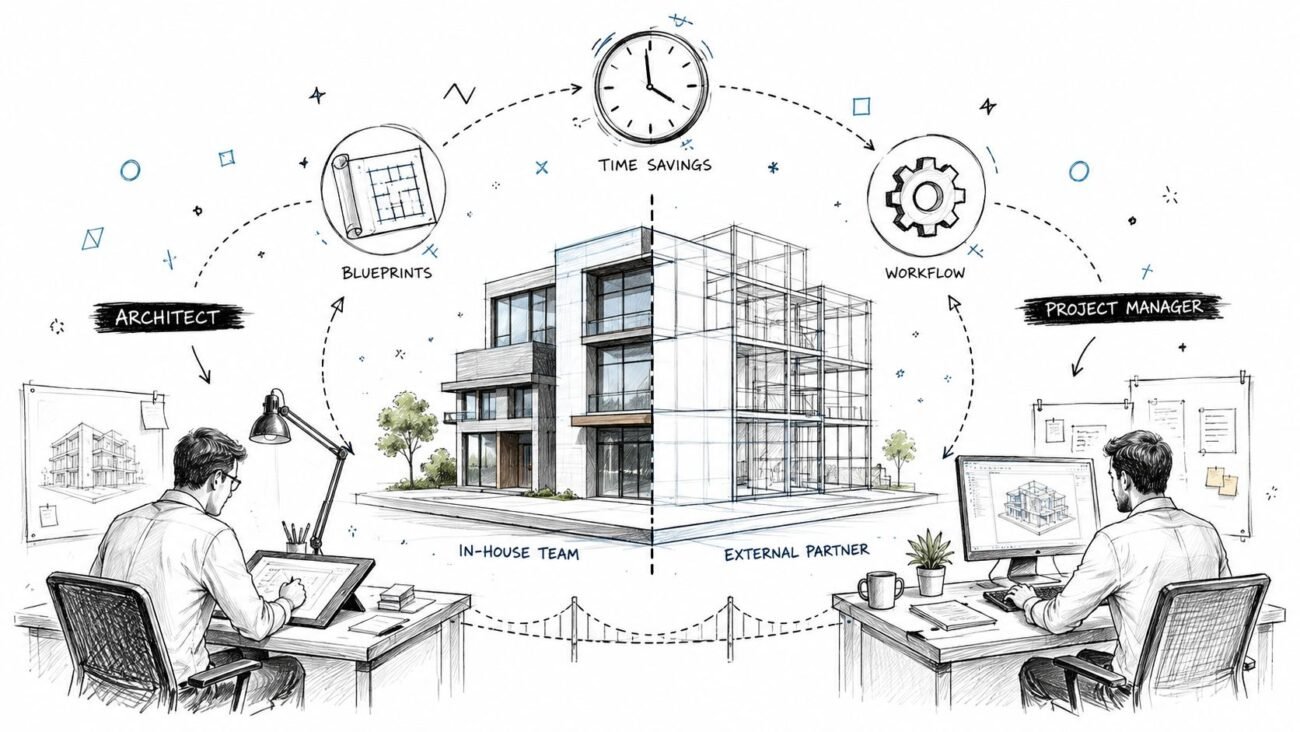
Project architects and BIM managers should own that decision, even if a scanning specialist executes the work. The scanner operator knows the equipment. Your team knows how the data will be used downstream.
A good decision starts with three questions:
- End use: Will the data drive layout, planning, fabrication, or MEP coordination?
- Tolerance: What level of dimensional confidence does the project require?
- Site reality: Is the building simple and accessible, or complex, occupied, and full of hidden conditions?
How Terrestrial LiDAR Scanning Works
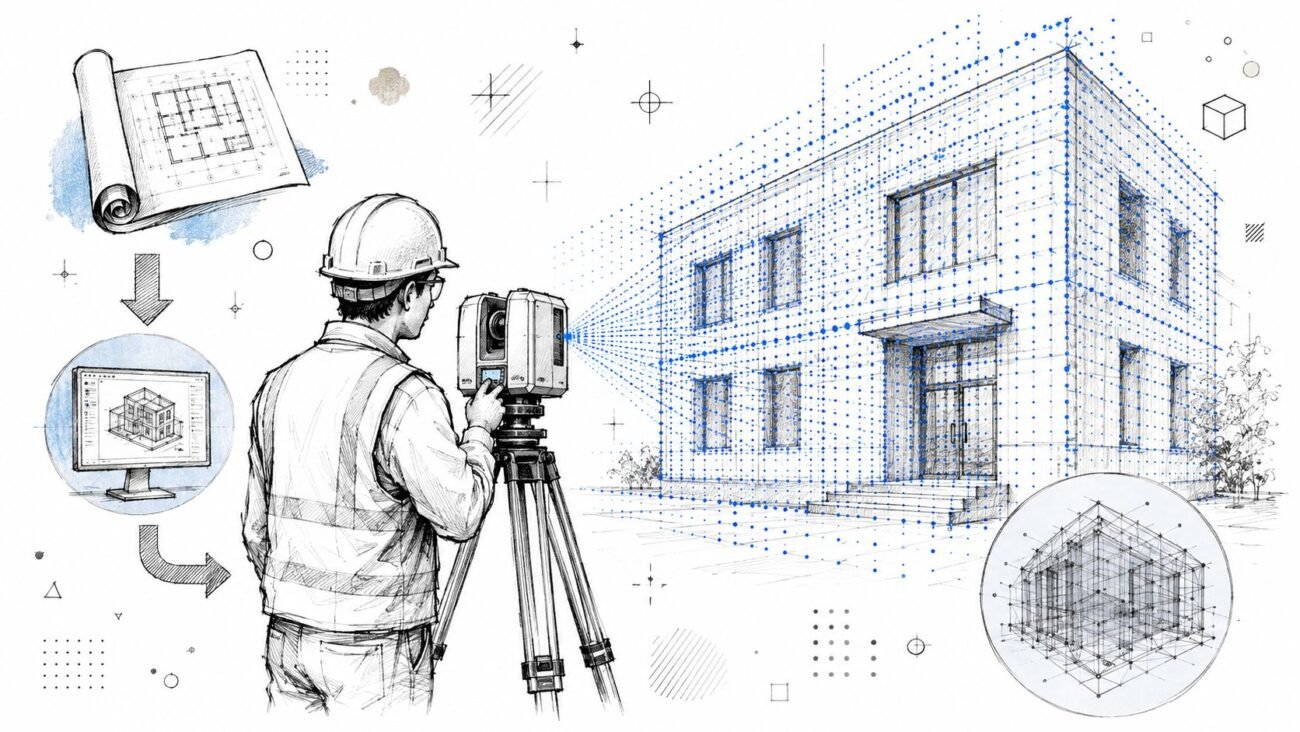
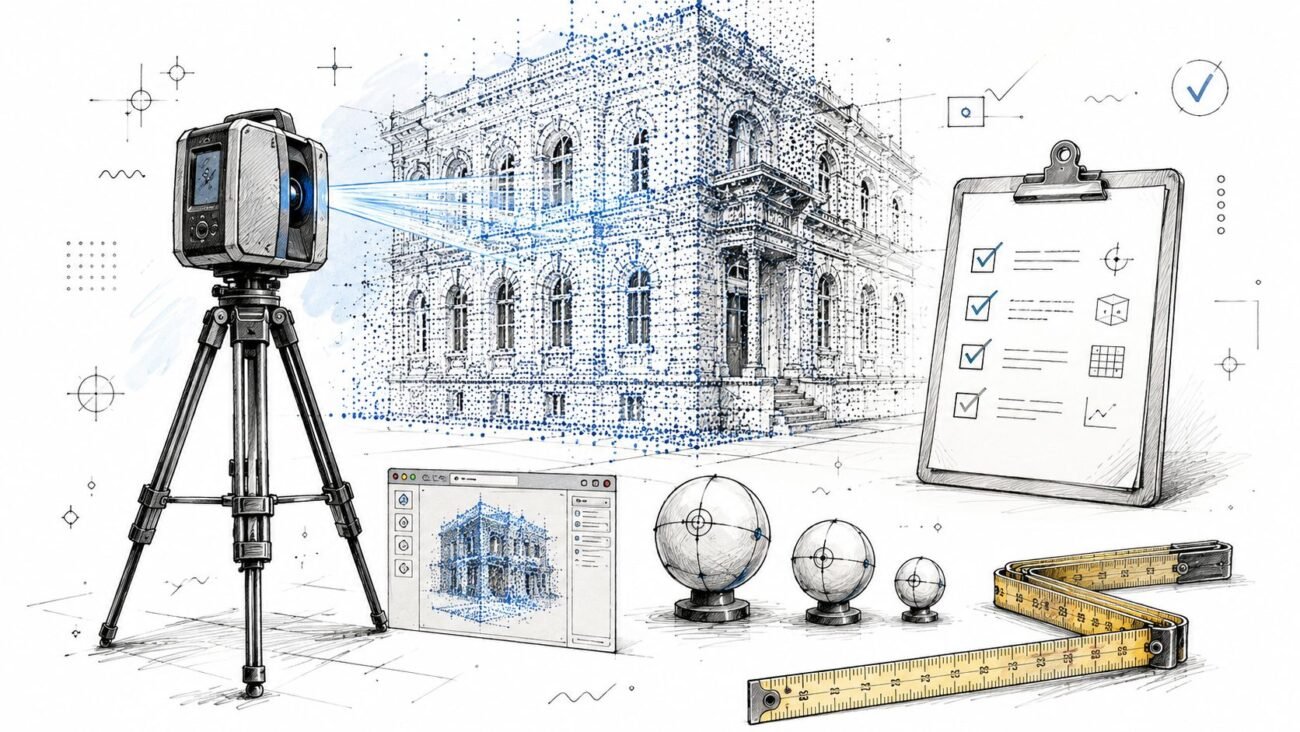
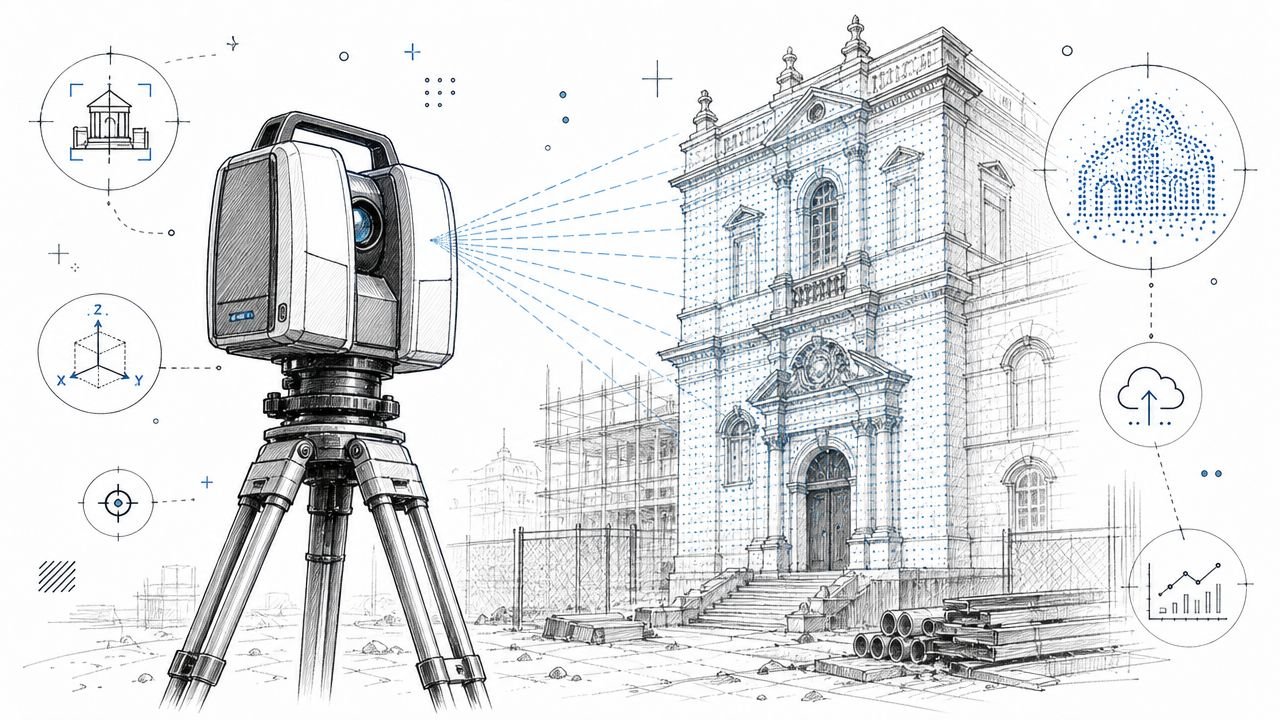
Terrestrial laser scanning is the fixed-position method. The scanner sits on a tripod, captures from one location, then gets moved to the next location until the space is covered.
Fixed setups create precision
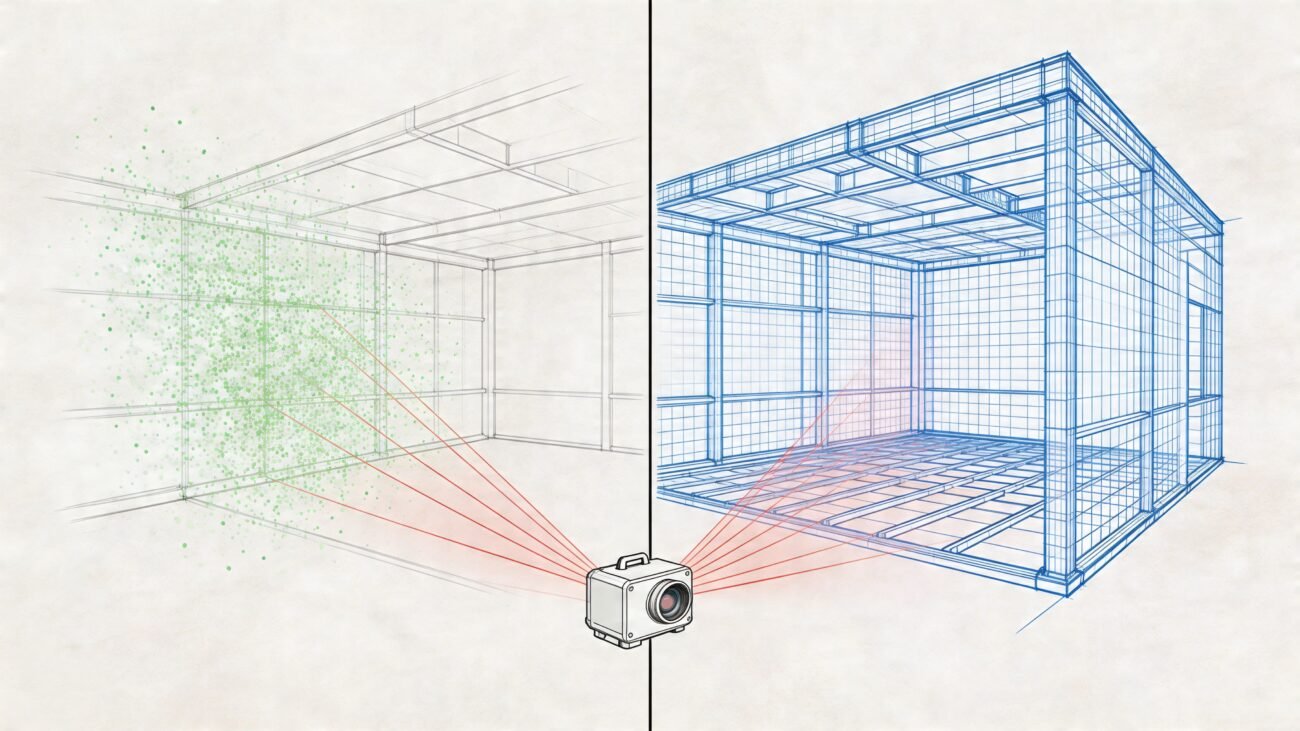
Each setup produces a dense point cloud from that position. Those individual scans are then registered into one coordinated dataset using targets or cloud-to-cloud alignment. That registration step is not an admin detail. It's part of the accuracy story.
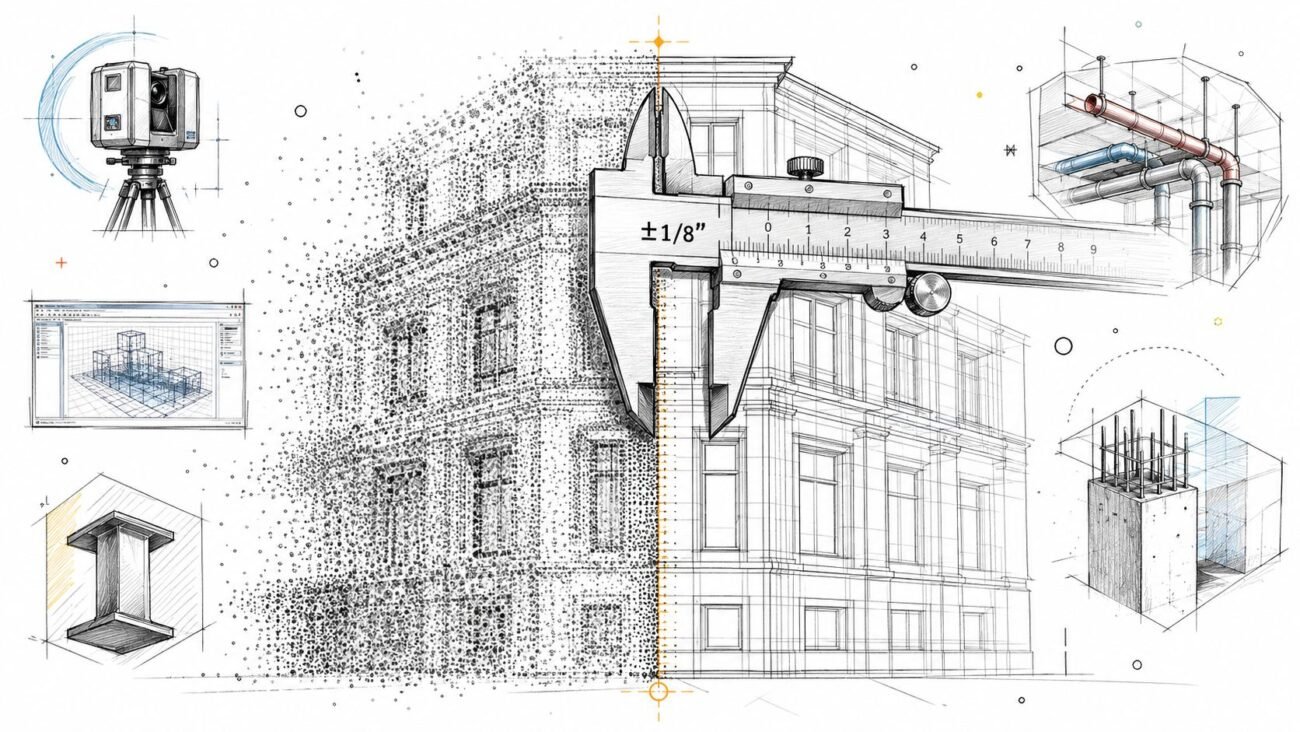
For AEC work, terrestrial LiDAR scanners typically deliver 1 to 3 mm accuracy at distances up to 100 m, with practical documentation tolerances often cited at 1 to 5 mm, according to this accuracy standards reference. That's why terrestrial scanning remains the default for façades, structural documentation, and MEP conditions where small errors turn into clash issues later.
What works well
Terrestrial scanning performs best when the project needs confidence at the element level, not just general spatial context.
That usually includes:
- Façade capture: Replacement detailing, irregular surfaces, and deformation analysis benefit from higher precision.
- Structure and shell verification: Existing column lines, slab edges, and beam conditions need dependable geometry.
- MEP-heavy areas: Plant rooms, riser zones, and congested ceilings punish vague data quickly.
- Long-life documentation: If the point cloud may support later phases, better baseline accuracy usually ages better.
Practical rule: If the model will be used to make decisions where a few millimeters matter, terrestrial scanning is usually the safer choice.
What slows it down
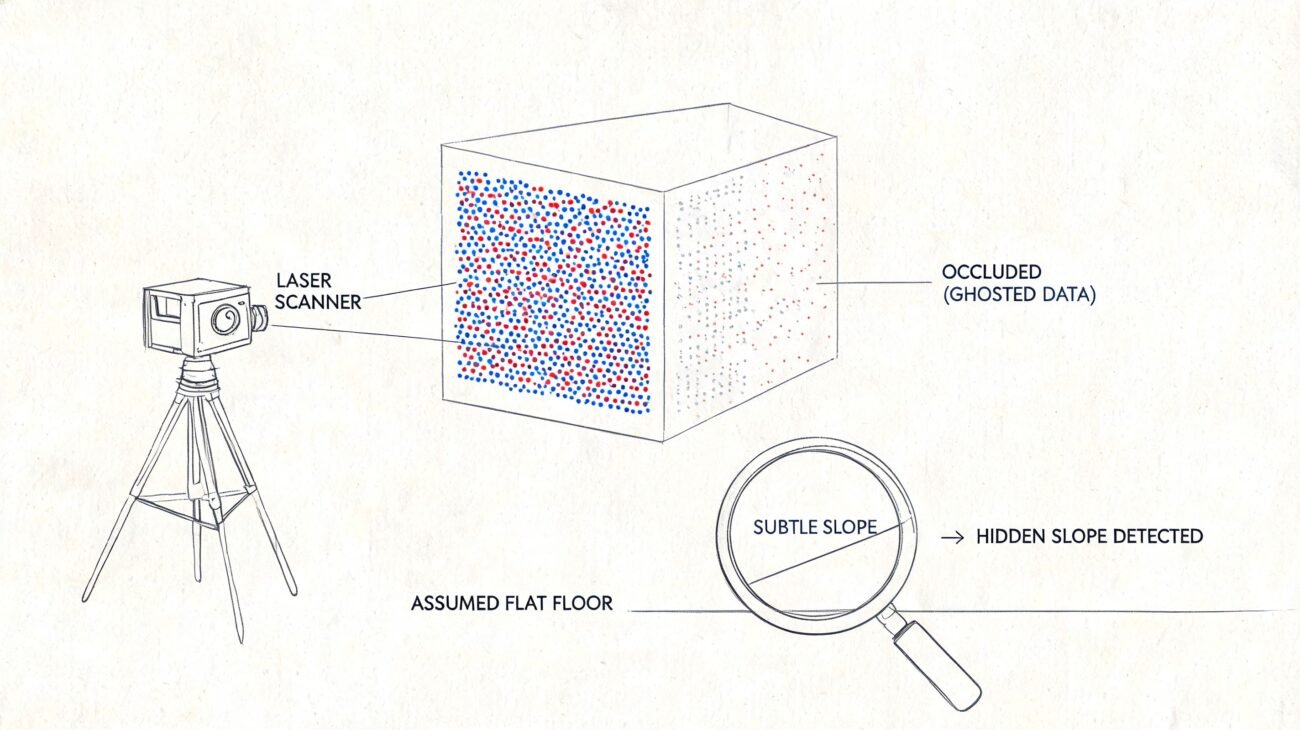
The trade-off is field tempo. The scanner has to be set up physically at each position, and every useful surface needs line of sight from one or more setups. It can't collect while moving, and it can't see through walls, above inaccessible ceilings, or behind equipment.
That matters operationally. More setups mean more field time, more registration dependencies, and more occupant coordination in active buildings. Terrestrial data is strong, but it isn't effortless.
How Mobile LiDAR Scanning Works
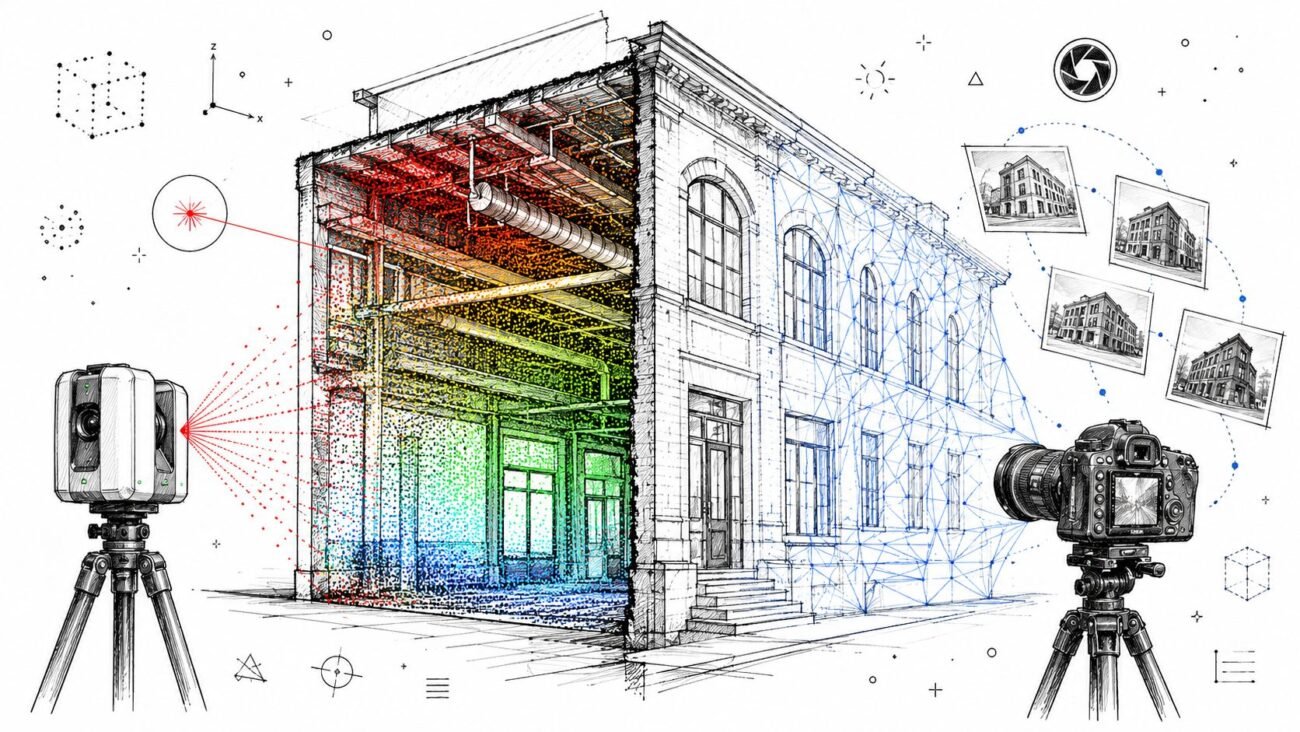
Mobile LiDAR scanning takes the opposite approach. Instead of stopping at fixed setups, the operator moves continuously through the building with a handheld unit, trolley, or backpack system.
Continuous capture changes the workflow
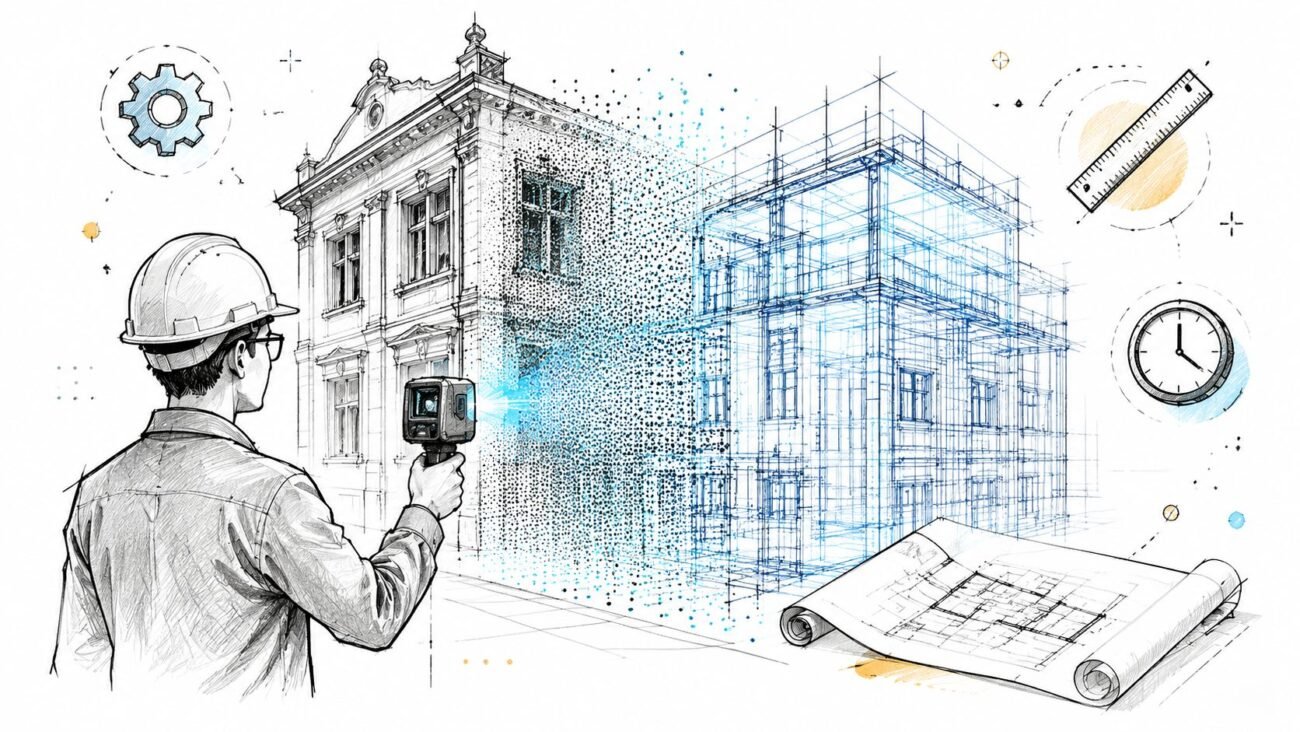
Mobile systems rely on SLAM, or simultaneous localization and mapping. The device tracks its own movement through the space while building a point cloud in motion. That makes capture much faster across large areas, especially where the goal is broad existing-condition coverage rather than tight fabrication-level control.
From a production standpoint, the biggest advantage is simple. The crew can keep moving.
That speed is useful in occupied buildings, short access windows, and large floor plates where tripod setups would create a much slower field campaign.
The real trade-off is not only field speed
A point cloud isn't just XYZ geometry. It can also include intensity, timestamp, return number, classification, and, when colorized, RGB. A single terrestrial scan position can generate 10 to 20 million points, and a full building model may exceed 500 million to several billion points, which creates a workflow need for registration, cleaning, classification, coordinate referencing, and export before the data is usable in BIM, as outlined in this point cloud guide.
That matters for mobile workflows too. Faster capture doesn't remove the need for disciplined post-processing. It shifts the production risk. You save time in the field, but you may spend more effort validating drift, cleaning alignment issues, and checking whether the data is reliable enough for the intended model.
Where mobile scanning fits
Mobile LiDAR scan to BIM workflows usually make sense when the team needs speed, coverage, and usable geometry rather than the highest available precision.
Good fits include:
- Large floor plates
- Program and planning studies
- Rapid existing-condition baselines
- Occupied spaces where disruption must stay low
The weak point is environmental stability. Mobile systems depend on enough visual and geometric reference information for SLAM to hold alignment. Long repetitive corridors, open featureless areas, and spaces with poor tracking cues can create drift that shows up later in the model.
Matching Accuracy Requirements to Project Type
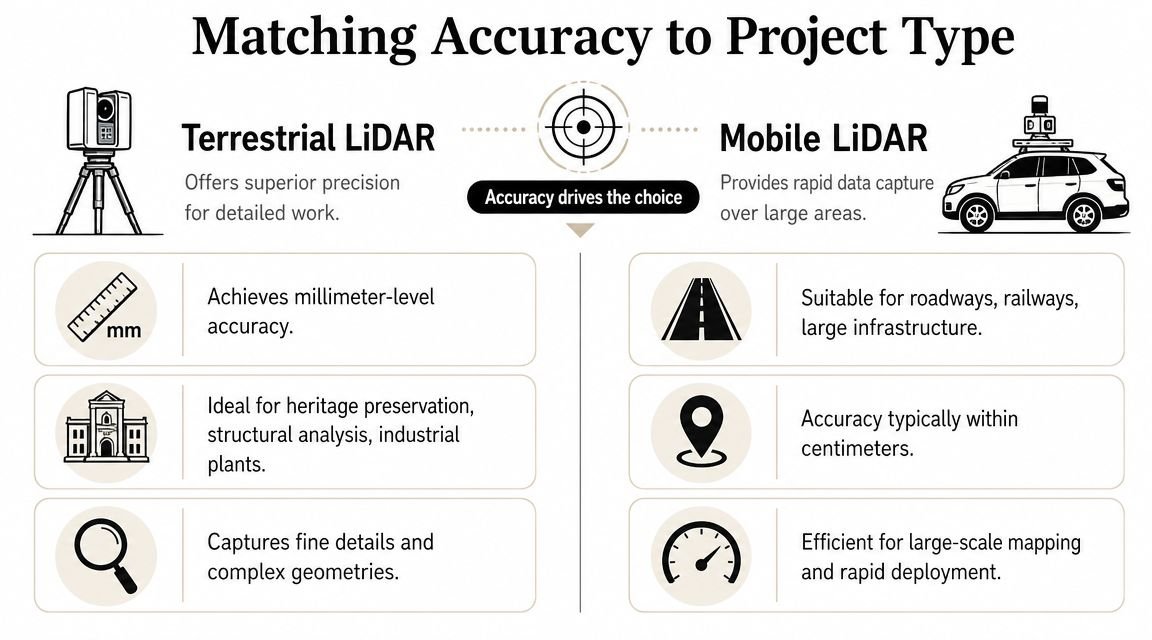
Accuracy should drive the method. Not vendor preference, not novelty, and not a blanket office standard.
When terrestrial is the right call
If the scan will support decisions where small positional errors create downstream cost, terrestrial is usually the correct specification.
That includes work such as:
- Detailed MEP coordination where pipe and duct locations need dependable placement
- Structural assessment where element positions and offsets matter
- Façade documentation tied to replacement or fabrication
- Heritage record capture where the geometry itself is part of the asset value
In these cases, “close enough” becomes expensive. The model team either has to add manual verification, or they push uncertain geometry into Revit and hand the problem to coordination later.
When mobile is sufficient
Not every as-built project needs that level of precision. Some need fast coverage, enough dimensional trust for planning, and a point cloud that supports quick floor plans, area studies, or feasibility design.
Mobile scanning often fits:
- Early renovation studies
- Space planning
- Leasing and facility layouts
- General point cloud as-built documentation where the team needs context more than fabrication-grade certainty
A simple rule helps. If the scan will drive fabrication or tight coordination, lean terrestrial. If it will support planning, layouts, or early design options, mobile can be the better business decision.
For teams building modeling workflows around cloud data, our guide to point cloud scan workflows is useful once the accuracy decision is already settled.
The expensive mistake isn't choosing the slower method. It's choosing the faster method for a scope that later needs precision.
A short decision table
| Project use | Better fit |
|---|---|
| MEP coordination in congested zones | Terrestrial |
| Floor plan production for planning | Mobile |
| Façade replacement documentation | Terrestrial |
| Early feasibility survey | Mobile |
| Heritage geometry capture | Terrestrial |
| Large open shell baseline | Mobile |
Site Conditions That Favor Each Method
Some projects are decided by tolerances. Others are decided by the building itself.
Conditions that push you toward terrestrial
Complex geometry usually favors terrestrial scanning. Irregular walls, ornate façades, vaulted ceilings, sloped structures, and dense service zones benefit from the stronger local detail and positional control that fixed setups provide.
Terrestrial is also stronger when the point cloud needs to remain useful beyond the immediate project. A high-quality baseline often supports later design revisions, deferred package work, or contractor questions that weren't obvious during initial scoping.
Conditions that push you toward mobile
Large, simple, repetitive spaces often favor mobile capture. Warehouses, open office floors, retail shells, and multi-story buildings with difficult equipment movement are common examples.
Where site access is limited, speed matters. If the team has a short shutdown window, mobile coverage can be the difference between a complete capture and a partial one.
For firms planning broader capture strategy around renovation and existing conditions, reality capture workflows are worth standardizing before each project team starts inventing its own approach.
The issue most teams under-specify
Occlusion is where many scan scopes fail. LiDAR only captures what the beam can directly reach. Walls, ceilings, concealed pipes, hidden framing, and below-slab conditions remain invisible unless there is line of sight, as noted in this discussion of 3D scanning limitations.
That matters more than most proposals admit.
- Above-ceiling work: If ceiling tiles stay in place, don't assume the plenum is documented.
- Behind equipment: Mechanical rooms can still have blind zones even with dense scanning.
- Concealed construction: Renovation risk doesn't disappear because a point cloud exists.
The practical question isn't whether LiDAR captured the room. It's what still requires manual verification before the model becomes contract-relevant.
Cost and Logistics Comparison
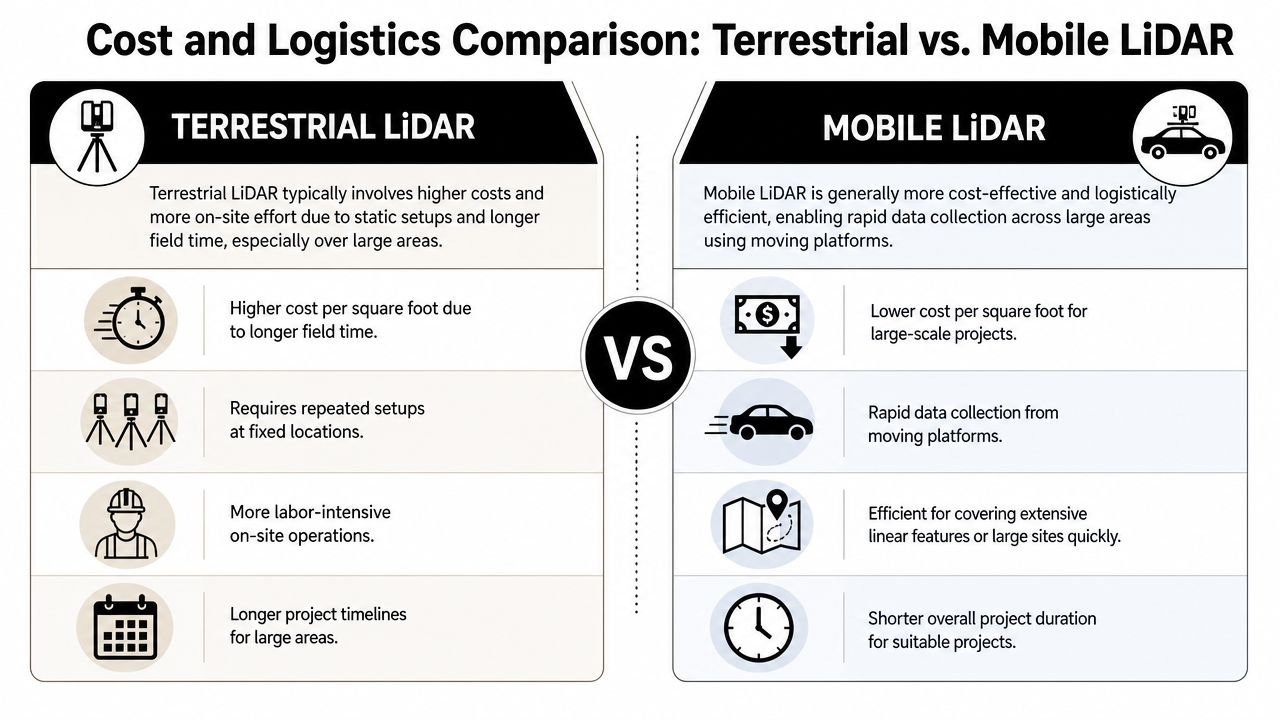
The invoice from the scanning vendor is only part of the cost story. The larger cost sits downstream in modeling, verification, RFIs, and return visits.
Why mobile often looks cheaper
Mobile systems usually cover area faster. That tends to reduce field time, simplify access coordination, and lower disruption in occupied conditions. If you're documenting a broad floor plate for planning use, that speed advantage is real.
The equipment footprint is also lighter. Crews move faster through stairs, occupied offices, and buildings where repeated tripod setups would slow everyone down.
Why terrestrial can still protect margin
The cheaper scan is not always the lower-cost project.
On larger and more complex jobs, accuracy depends heavily on registration and control. Practitioner guidance notes that the hidden cost of control, registration, and QA can outweigh the apparent speed advantage of a scanning method, especially on large or multi-floor projects where alignment drift becomes a real risk, as discussed in this practitioner forum thread on registration and control.
That's the margin issue many design teams miss. A fast scan that requires supplemental verification, selective remeasurement, or model-side guesswork can become more expensive than a slower field campaign that produced dependable geometry from the start.
Compare total project cost, not just day rate
Use this lens when reviewing proposals:
- Field duration: How long will access coordination last?
- Registration burden: What level of control is needed to trust alignment?
- Modeling impact: Will the modeler need to interpret uncertain geometry?
- Verification load: Which areas still require manual checks?
- Rework exposure: What happens if a critical area proves unusable later?
A mature team prices the whole chain, not just the scanner on site.
Leveraging Hybrid Scanning Approaches
The strongest production answer is often neither pure terrestrial nor pure mobile. It's a zone-based hybrid.
Where hybrid scopes make sense
A large office renovation is a common example. The team may need quick coverage of general floor plates for planning and demolition documentation, but also high-confidence capture in mechanical rooms, riser closets, and congested ceiling zones.
In that case, mobile scanning can handle the broader circulation and tenant areas. Terrestrial scanning can be reserved for the spaces where coordination risk is highest.
Historic work creates another version of the same logic. A detailed exterior envelope may justify terrestrial capture, while simpler interior rooms can be scanned with a faster mobile workflow if the intended use is layout and existing-condition reference.
Hybrid only works when zones are explicit
The mistake is asking for “a hybrid scan” without defining which areas belong to which method.
A workable brief should assign scanning methods by zone, linked to use case. For example:
- General office floors: Mobile for planning-level as-built geometry
- Mechanical and electrical rooms: Terrestrial for coordination-grade capture
- Selected façade areas: Terrestrial where replacement detailing is required
- Secondary support spaces: Mobile where layout is sufficient
Hybrid scanning is a management strategy, not a compromise. It works when the project team controls the boundaries.
The production benefit
Hybrid scopes align effort with risk. You don't pay for full-site high-precision capture where it isn't needed, and you don't under-document the zones most likely to trigger RFIs later.
That's usually the best answer for firms trying to protect budgets without weakening downstream BIM reliability.
What to Include in Your Scan Brief
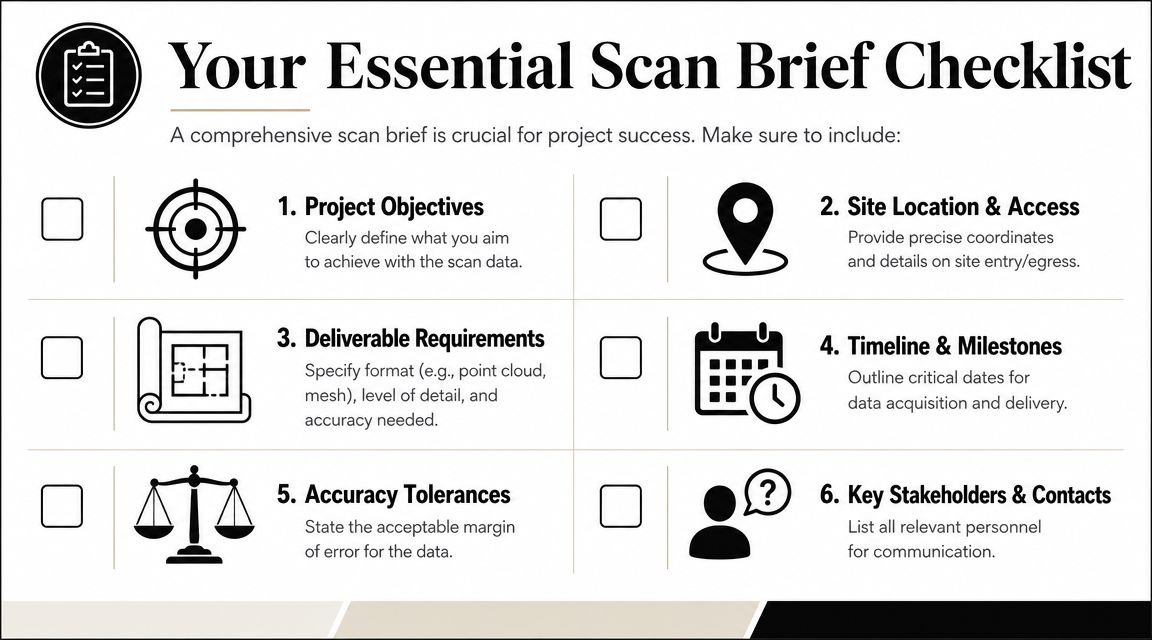
Most scanning problems start before fieldwork. They start in a vague request for “a 3D scan.”
The non-negotiables
A usable scan brief needs enough detail that proposals can be compared on scope, not guesswork.
Include these items:
- Required accuracy: State the tolerance in millimeters by area or use case.
- Scan extents: Identify floors, rooms, roofs, exteriors, and exclusions clearly.
- Above-ceiling requirements: If plenums or exposed structure matter, say so directly.
- Deliverables: Registered point cloud in formats such as RCP or E57, plus any model scope if scan to BIM is included.
- Coordinate system: State whether the dataset must align to project coordinates or external control.
- Access and sequencing: Note occupied hours, shutdown windows, and floor-by-floor restrictions.
- QA expectations: Define whether control points, spot checks, or model validation checkpoints are required.
- Decision owner: Name who will answer field questions when conditions differ from plan.
What a vague brief causes
When those items are missing, vendors fill the gaps themselves. One may assume mobile coverage with planning-level output. Another may price terrestrial control in only selected zones. Both proposals can look comparable until the modeling team starts work.
That's where cost predictability breaks down.
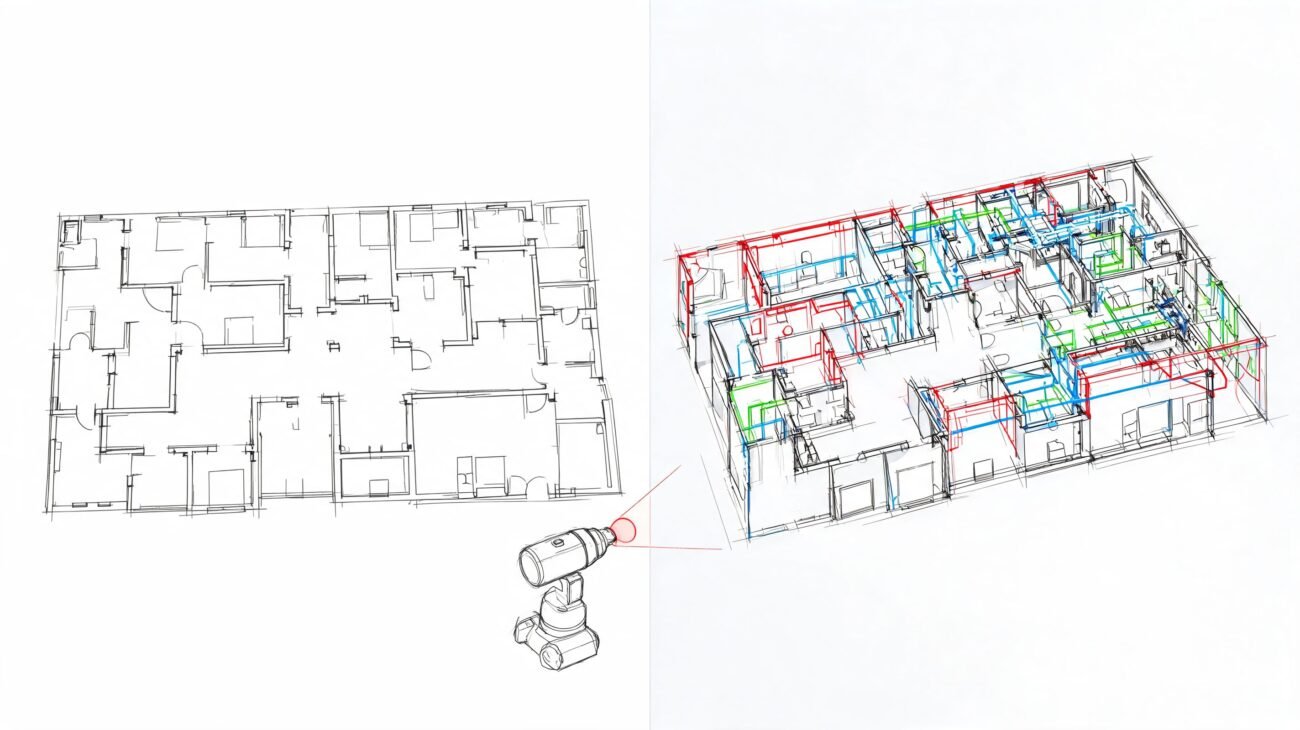
If the point cloud will feed Revit production, our guide on how to convert point cloud data to BIM models helps connect scan requirements to actual modeling decisions.
Keep the brief tied to downstream use
The brief shouldn't describe technology first. It should describe intended decisions.
If the data will support permit drawings, note that. If it will support MEP clash review, note that. If it will only support existing floor plans and area checks, note that too.
A clear scan brief prevents overbuying, under-scoping, and false confidence.
Conclusion Making the Right Call
The core issue in terrestrial vs mobile LiDAR scanning isn't which tool sounds more advanced. It's whether the scan supports the decisions your project has to make without creating hidden QA and verification work later.
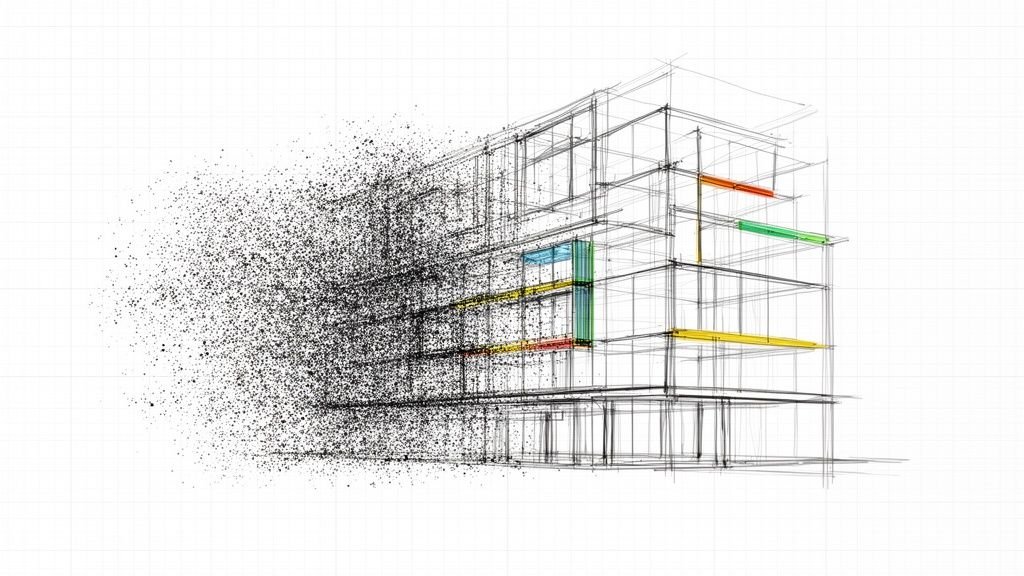
Terrestrial scanning gives you stronger precision and usually better protection for coordination-heavy or fabrication-sensitive scopes. Mobile scanning gives you speed and coverage that can be the smarter choice for planning, early design, and broad existing-condition capture. Hybrid strategies often produce the best balance when project zones have different risk profiles.
The project architect or BIM manager should define that choice, then lock it into the scan brief. That's how you protect margin, reduce avoidable RFIs, and keep scan-to-BIM production predictable.
If your team needs help turning point clouds into reliable models, BIM Heroes supports Scan to BIM production with a workflow-first approach. If you're evaluating an upcoming as-built project, you can also reach out through their Scan to BIM services page for help tightening the scan brief, defining accuracy by zone, and setting up a cleaner handoff from field capture to BIM delivery.