Meta description: Why point cloud to BIM is now standard for US renovation projects, how it reduces risk, what it captures, and what to specify before procurement.
Old drawings rarely fail all at once. They fail one assumption at a time.
A renovation team starts with the archive set. The plans look usable. Someone marks them “for reference only,” but the project still moves forward with them because design has to start somewhere. A site walk fills a few gaps. Ceiling heights get checked in representative areas. A few field dimensions get confirmed. The team proceeds.
Then construction begins and the hidden cost of bad existing conditions shows up everywhere. Walls aren’t where the plans say they are. Plenums are tighter than expected. Structural members interrupt routing. The dimensions that looked close enough in design stop being close enough in coordination, permitting, fabrication, and installation.
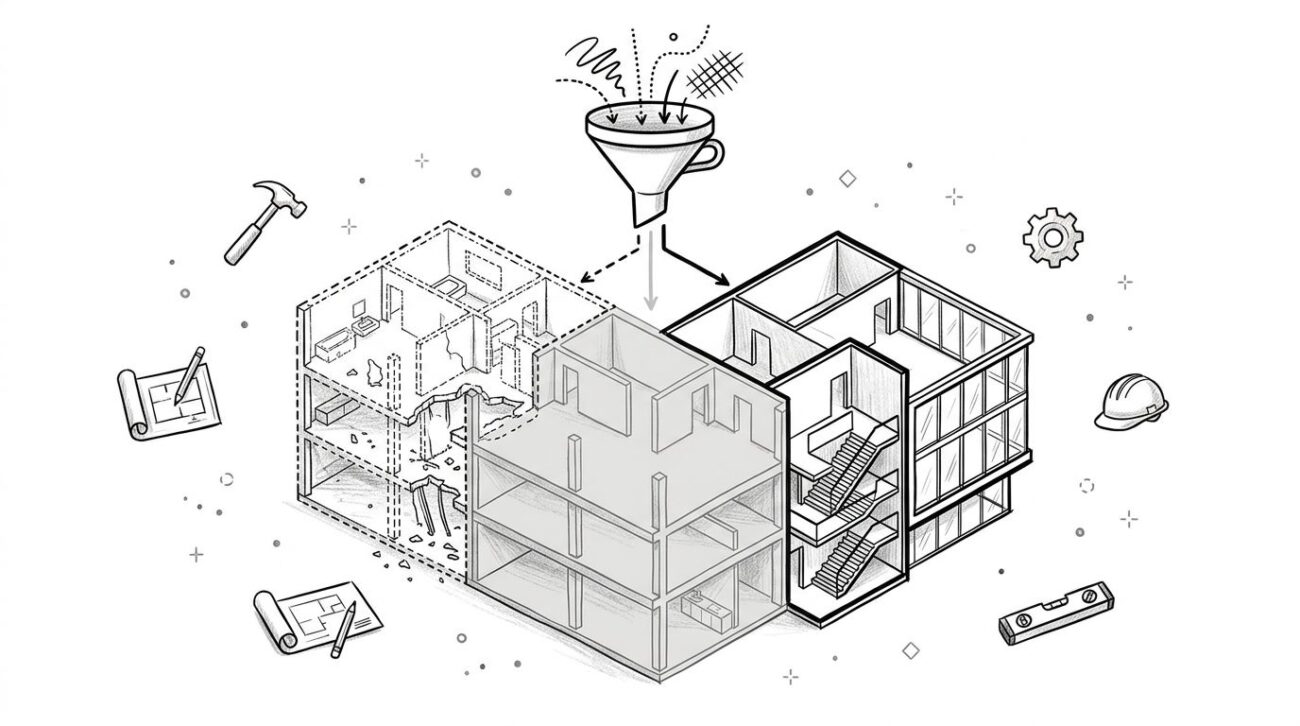
That’s why point cloud to BIM has moved from specialist scope to standard renovation workflow. This shift wasn’t driven by technology enthusiasm. It happened because too many teams learned the same lesson the hard way. If the base geometry is unreliable, every downstream decision carries unnecessary risk.
For architects, project managers, and owners’ reps working on adaptive reuse, retrofit, and existing building work, point cloud to BIM services now sit in the same category as other basic risk controls. You define scope early, verify conditions early, and stop building design decisions on inherited uncertainty.
The Renovation Project That Goes Wrong from Day One
The project usually looks normal at kickoff.
A building owner has an existing facility with archived drawings from decades ago. The design team receives PDFs that appear complete enough to get started. Maybe there’s an old CAD background. Maybe someone says the set was updated during a past fit-out. Nobody fully trusts it, but everyone uses it because the schedule won’t wait.
Where the drift begins
The first problem isn’t dramatic. A corridor width is slightly different in the field. Then a column line doesn’t quite align with the reflected ceiling plan. Then the demolition crew opens a ceiling and finds duct routing that was never documented.
At that point, the job starts paying for assumptions made weeks earlier.
A renovation team can absorb one mismatch. It struggles when those mismatches stack across architecture, structure, and MEP. The architect revises layouts. The engineer shifts routing. The contractor submits RFIs. The owner gets a schedule conversation nobody wanted to have.
Bad existing conditions data doesn’t create one big surprise. It creates a chain of smaller corrections that consume time, fee, and trust.
Why this keeps happening
This isn’t a rare breakdown. It’s the predictable result of relying on documentation methods that were built for simpler renovation work.
Older projects could tolerate more ambiguity. Today’s renovation work usually can’t. Accessibility upgrades, energy improvements, tighter MEP coordination, phased occupancy, and permit expectations all demand a more reliable starting point. When teams begin from partial field verification and outdated backgrounds, they’re not managing uncertainty. They’re distributing it forward into design and construction.
That’s why point cloud to BIM has become standard on serious renovation work in the US. It gives the team a verified geometric record before design decisions harden.
The shift matters because renovation risk is front-loaded. If the project starts on weak information, every later phase becomes more expensive to stabilize.
How We Used to Document Existing Conditions
The old workflow was familiar, and for a long time, it was good enough.
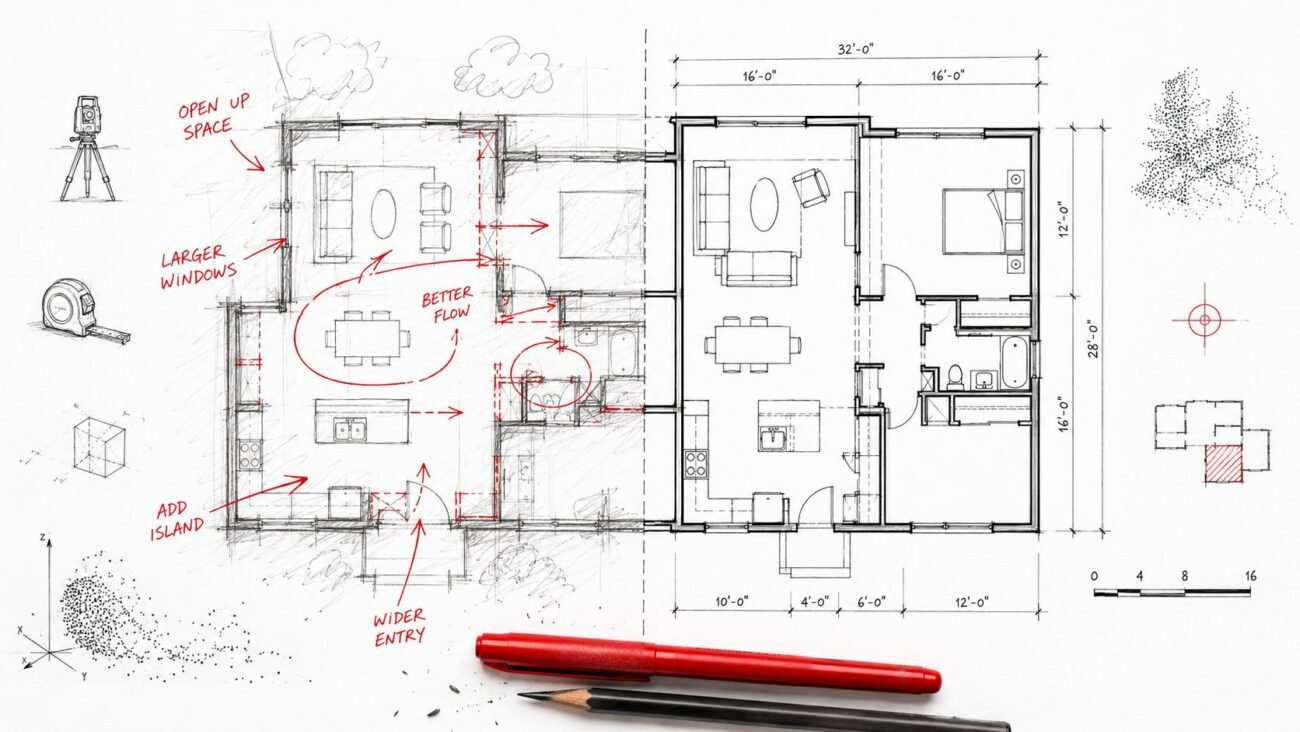
You pulled whatever drawings existed. If you were lucky, there was a CAD file. If not, someone worked from scans of old sheets. A junior team member or survey crew visited the site with a tape measure, a laser disto, a camera, and a red pen. Key rooms were measured. Major walls were checked. Ceiling heights were sampled. The rest got inferred from experience.
The method wasn’t foolish. It was limited
For light interior alterations, that approach often worked. If the scope was contained and tolerances were loose, teams could fill gaps with judgment. A door shifts a little. A soffit isn’t exactly where expected. You solve it in the field.
That method breaks down when the building systems are dense, the renovation is phased, or multiple disciplines need to coordinate precisely from the start.
A manual survey gives you selected dimensions. It does not give you full spatial context. It usually won’t capture plumb variation across long walls, slab variation across a floor plate, irregular structure above ceilings, or the exact relationship between existing services and proposed work.
What the traditional workflow really produced
It produced a drawing set with islands of certainty inside a sea of assumptions.
- Documented rooms: A few spaces were carefully verified because they affected code, fit-out, or furniture.
- Estimated continuity: The team assumed adjacent geometry followed the same logic unless the field notes said otherwise.
- Hidden systems risk: Above-ceiling and behind-wall conditions stayed largely unresolved until demolition or intrusive investigation.
- Discipline gaps: Architecture, structure, and MEP often started from different interpretations of the same incomplete base.
That uncertainty used to be accepted as part of renovation practice. Now it’s harder to justify.
Why it no longer fits the way projects are delivered
Most renovation projects now move through BIM-based coordination whether the original team planned for it or not. Contractors, fabricators, and consultants expect a more reliable base model. Permitting packages also benefit from cleaner, better-resolved existing conditions. The old process didn’t fail because teams were careless. It failed because project complexity outgrew it.
That’s the key distinction. The industry didn’t abandon manual existing conditions workflows because they were primitive. It moved on because they stopped matching the production demands of modern renovation delivery.
What Changed to Make Scan to BIM Standard Practice
The market didn’t move because one software release made everything easy. It moved because several practical conditions lined up at the same time.
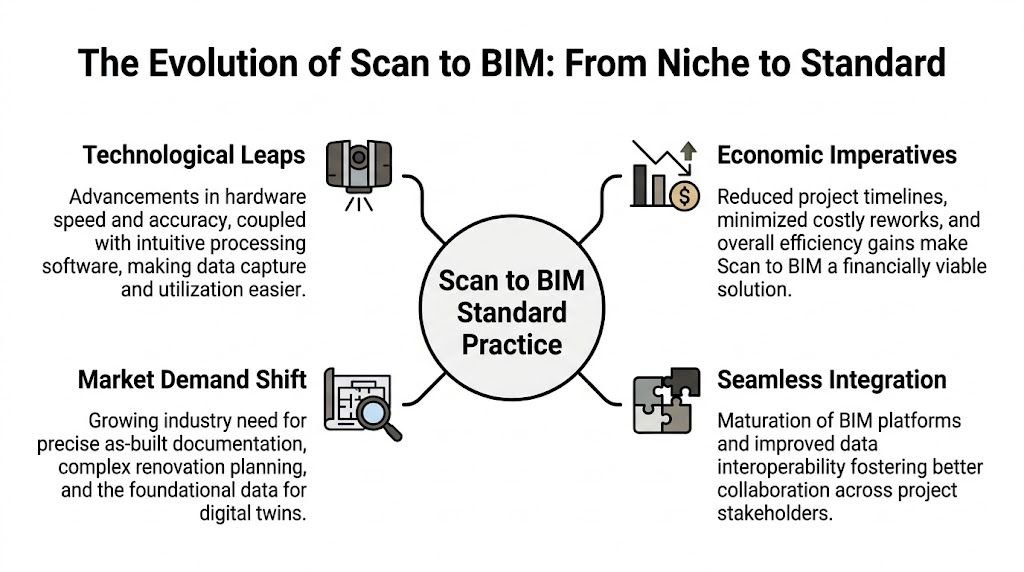
Hardware became accessible through service providers
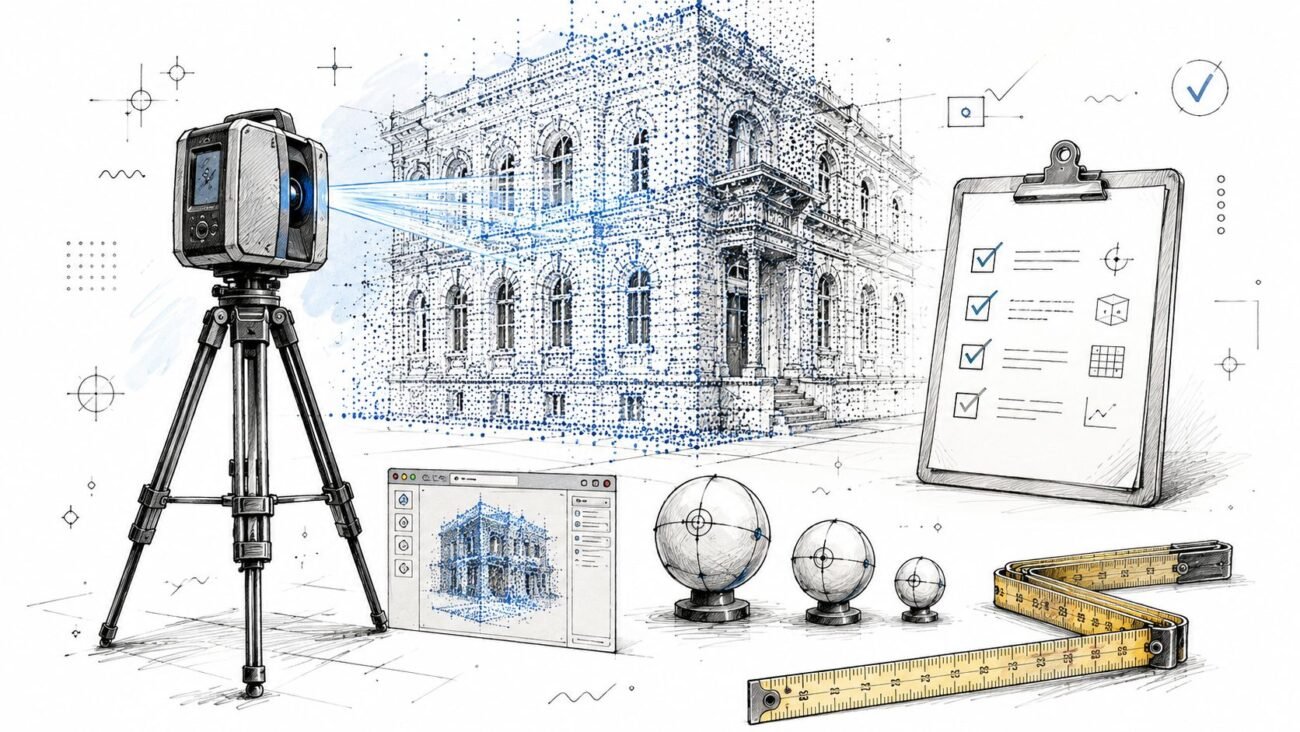
A decade ago, reality capture often felt like specialist scope reserved for unusual projects. Today, many firms don’t need to own the hardware to use the workflow. They can procure scanning through dedicated providers and fold it into pre-design planning.
That matters because it removed a major adoption barrier. Teams no longer had to build an in-house scanning operation before using point cloud to BIM on renovation work. They could buy the outcome they needed.
Software got better where it counts
The significant improvement wasn’t just capture. It was processing, registration, and model usability.
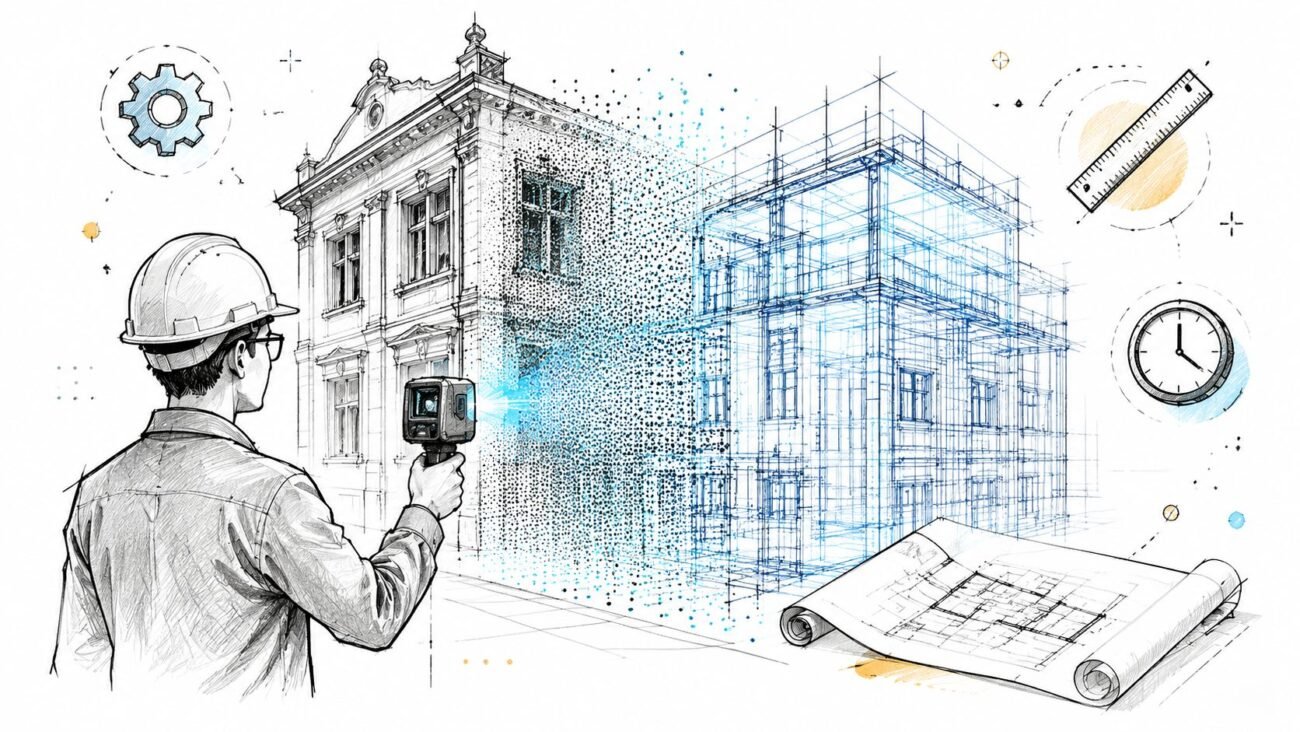
Point cloud data became easier to register, clean, and bring into production workflows. Revit support for point cloud reference data, better registration tools, and more disciplined modeling standards made it practical to convert scans into deliverables teams could use.
If you’re reviewing the software side of that workflow, this overview of point cloud software options is a useful reference point for how teams structure the handoff from capture to model production.
The market signaled that this wasn’t niche anymore
The strongest indicator is simple. The market is established. The global Scan-to-BIM service market reached $1.2 billion in 2024, and North America held about 38% of total market share, which points to mature demand and delivery infrastructure across the US, according to Market Intelo’s Scan-to-BIM service market analysis.
That scale matters because it reflects a practical decision made across the industry. Owners, architects, engineers, and contractors increasingly treat verified existing conditions as standard project infrastructure, not optional enhancement.
Project complexity raised the cost of being wrong
Renovation work now carries tighter coordination pressure than many legacy documentation methods were built to support.
Consider what’s common on current projects:
- MEP-heavy upgrades: Existing systems have to remain operational, be rerouted, or be expanded within tight space.
- Accessibility and code work: Small dimensional errors can trigger larger redesign consequences.
- Adaptive reuse: New programs often push old structures in ways the original documentation never anticipated.
- Phased occupancy: Teams need clearer planning because field discovery during construction has a higher operational cost.
The industry didn’t standardize scan to BIM because scanners became interesting. It standardized it because working from bad existing conditions became too expensive.
Owners and lenders started asking better questions
Discerning owners want a clearer view of what they are buying, renovating, or repositioning. Lenders and project executives also want due diligence to rest on something stronger than partial field notes and inherited PDFs.
That’s a big shift. Once existing conditions became part of risk management rather than a drafting exercise, point cloud to BIM services moved into normal project scoping.
What a Point Cloud Model Captures That a Tape Measure Misses
A tape measure gives you selected answers. A point cloud gives you context.
That distinction changes how design teams make decisions. On renovation work, many of the most expensive mistakes come from the space between measured points. A room dimension may be correct while the wall is out of plumb, the slab varies across the bay, and the ceiling space pinches exactly where new services need to pass.
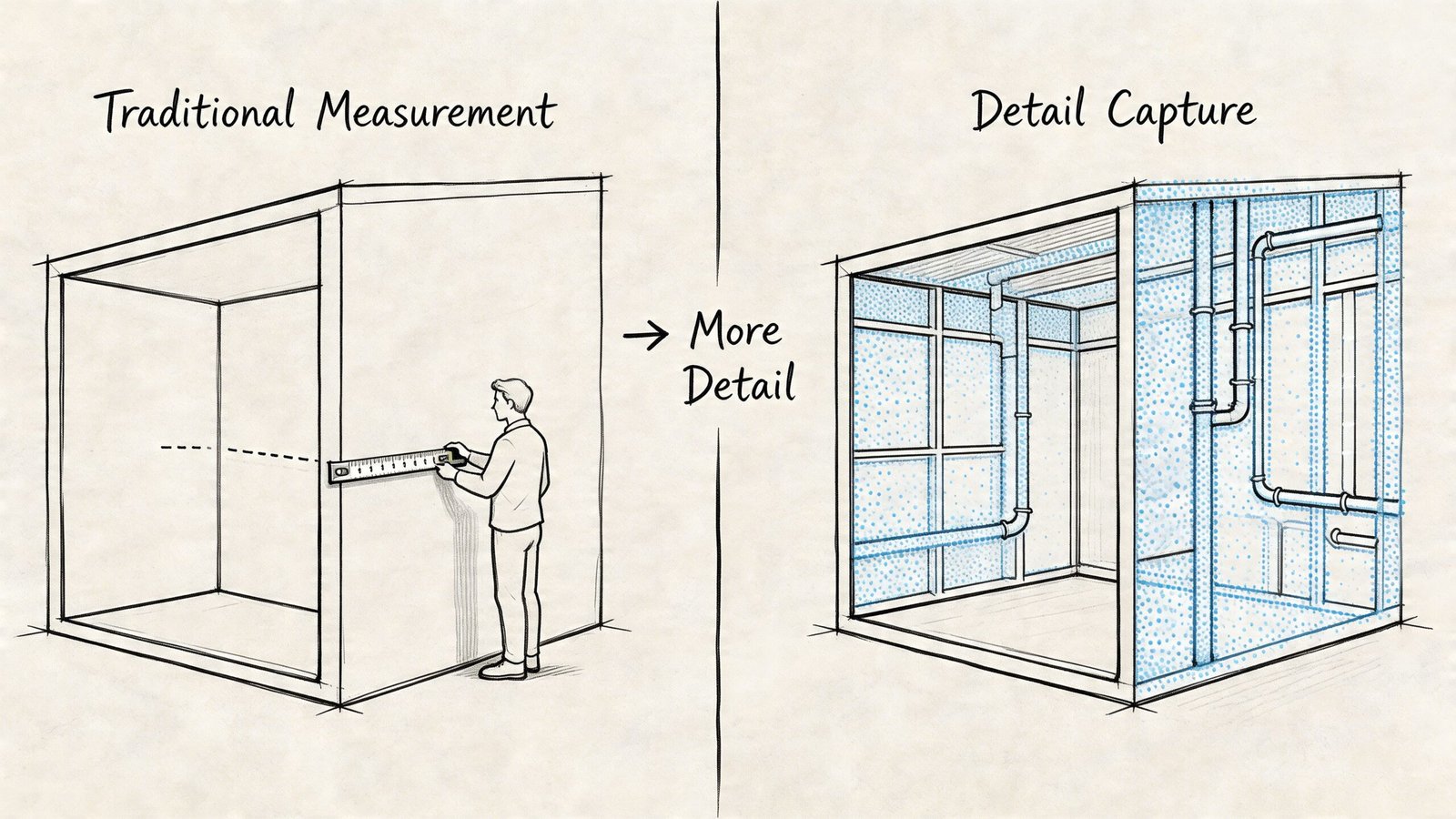
What teams actually gain
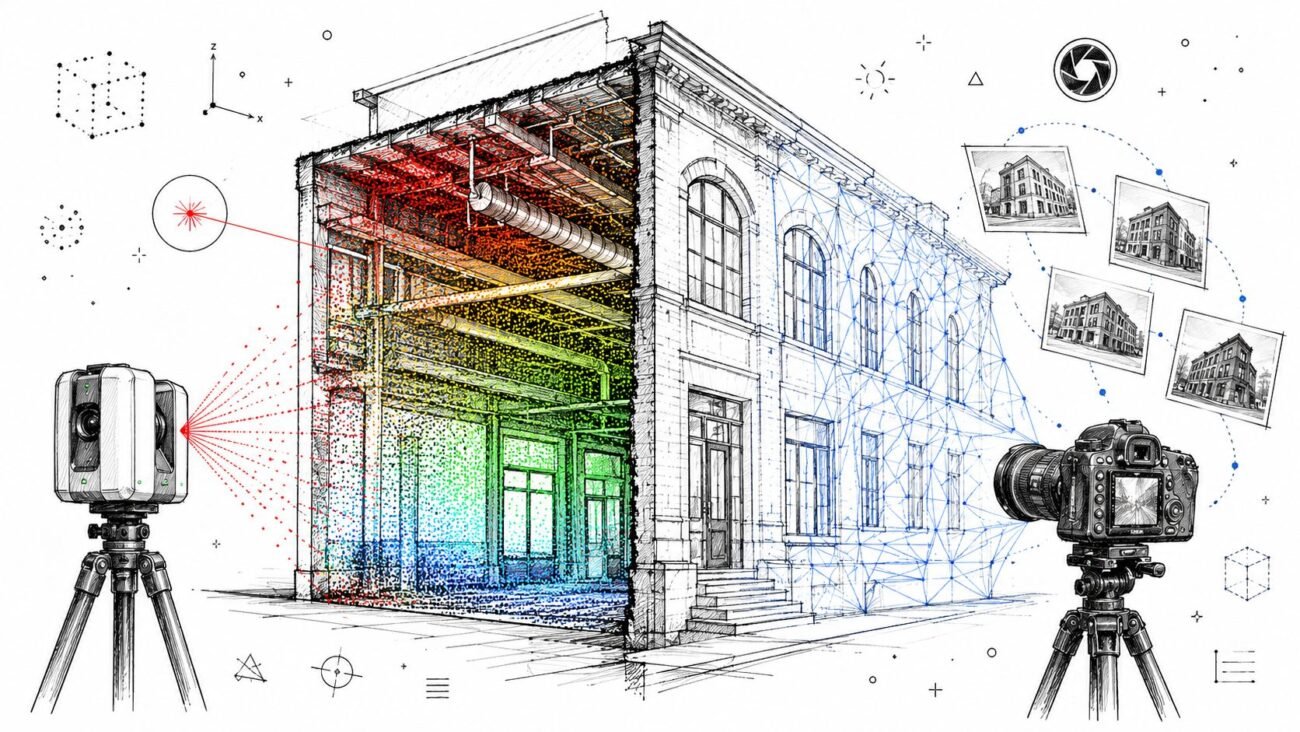
A useful point cloud modeling workflow doesn’t just recreate rooms in 3D. It captures the conditions that drive coordination risk.
| Existing condition issue | Manual verification often gives you | Point cloud to BIM gives you |
|---|---|---|
| Wall geometry | Select dimensions between faces | Actual wall location, thickness, bow, and out-of-plumb behavior |
| Ceiling conditions | Spot heights in sampled locations | Broad visibility into height changes, soffits, and uneven plenum conditions |
| MEP congestion | Notes from limited ceiling access | Traceable routing context for ducts, pipes, conduit, and major equipment |
| Structure | Approximate member locations from old drawings | Observable beam, column, and deck relationships in accessible areas |
| Floors | A few level checks | A fuller picture of variation that affects finishes and accessibility planning |
| Building alignment | Discipline-specific backgrounds | One coordinated geometric base tied to a shared reference |
The field impact is straightforward
When a team uses laser scanning existing conditions, it can see where the building departs from the idealized drawing. That matters most in older buildings, where accumulated modifications create a geometry that no archived plan fully reflects.
A few examples show the difference:
- Walls and partitions: Existing walls may drift enough to affect corridor clearances, casework, glazing, and millwork alignment.
- Ceilings and plenums: What looked like a uniform overhead zone on paper may vary from bay to bay.
- Structure: A beam depth or offset that wasn’t properly documented can change routing strategy and clear height decisions.
- Floor variation: Level changes influence finish transitions, restroom detailing, and ADA-sensitive areas.
Why this improves design validation
Once the scan is integrated into BIM, the team can compare proposed design against registered existing geometry much earlier. According to ProtoTech’s guide to point cloud to BIM for AEC professionals, integrating point cloud data into BIM enables clash detection with up to 99% accuracy in design validation, and teams can identify discrepancies as small as 5 mm.
That matters in practice because renovation clashes are rarely theoretical. They affect routing, sequencing, shop drawings, and installation confidence.
A good existing conditions model doesn’t eliminate every field question. It eliminates the avoidable ones.
What traditional methods still do well
Manual measurement still has a place. Small tenant improvements, targeted verification, and quick feasibility checks may not require full point cloud capture.
But on projects where multiple disciplines are making decisions from the same base, BIM existing buildings workflows are stronger when they start from a full geometric record instead of selective spot checks. That’s the operational advantage. The team spends less time defending assumptions and more time resolving real design constraints.
Project Types Demanding Point Cloud to BIM Services
Some project types still treat scanning as optional. The list gets shorter every year.
On the projects below, point cloud to BIM services are increasingly viewed as basic risk control. The common factor isn’t novelty. It’s the cost of getting existing conditions wrong.
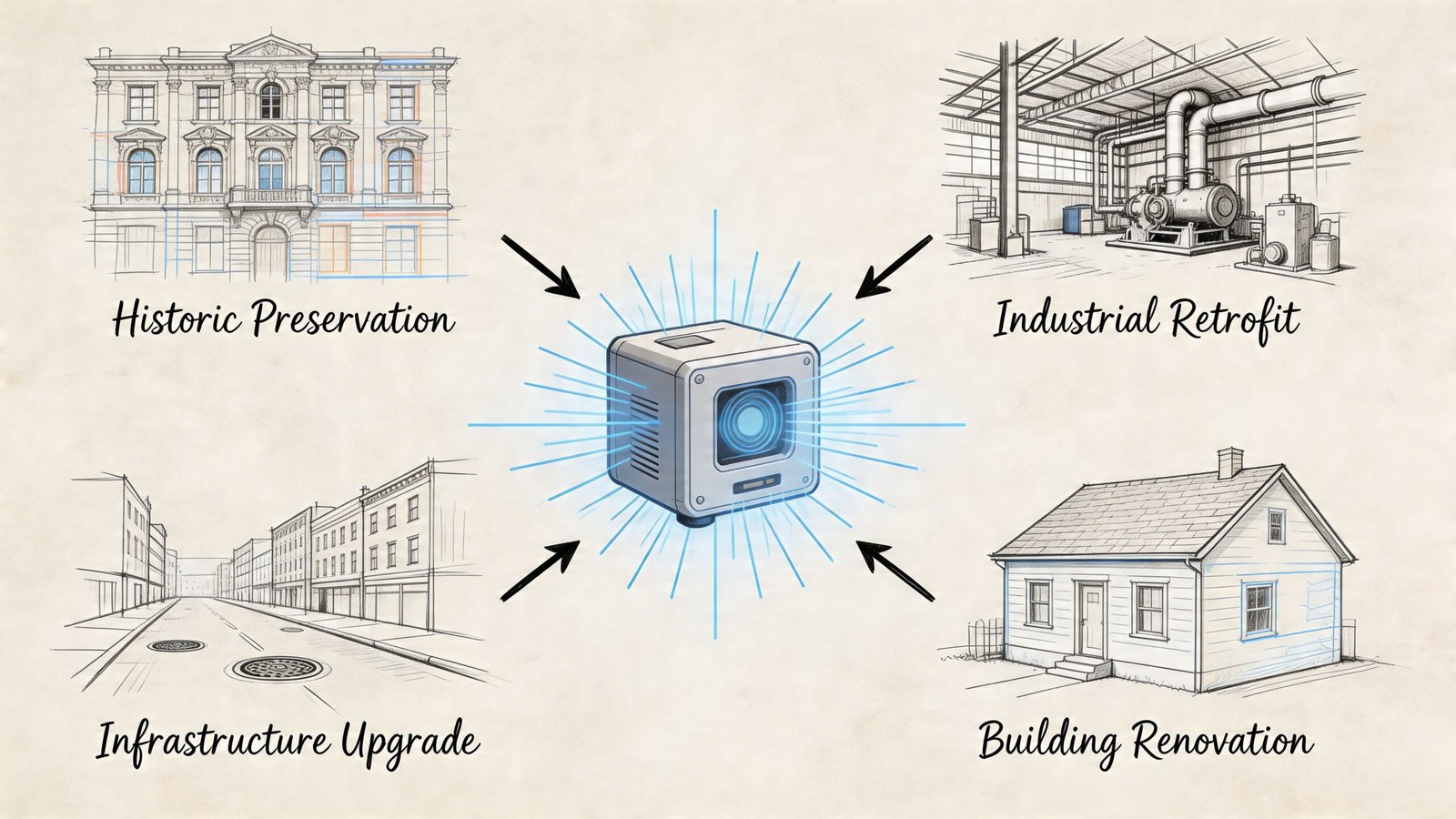
Historic preservation and adaptive reuse
Historic buildings rarely behave like their archived drawings. Walls drift. Floors settle. Additions blur the original logic. Existing fabric also matters in a way it doesn’t on ordinary tenant work. Teams need to document what is there before deciding what can change.
Adaptive reuse adds another layer. New occupancy demands often push structure, egress, MEP, and accessibility upgrades into already constrained geometry. That’s where a verified existing conditions model becomes the baseline for every serious design decision.
Healthcare renovation
Healthcare projects punish loose documentation.
Ceiling spaces are crowded, phasing is sensitive, and shutdowns are limited. Existing MEP conditions often determine whether an upgrade is straightforward or disruptive. In occupied facilities, teams need better pre-planning because field discovery has operational consequences beyond cost.
Commercial repositioning
Office-to-residential conversions, hospitality upgrades, retail retrofits, and major lobby or amenity renovations all depend on understanding the shell you have, not the shell the archive set suggests.
These projects usually involve major system reconsideration. The design team may be reevaluating floor-to-floor constraints, riser capacity, façade relationships, egress paths, and unit planning all at once. That’s not a workflow that benefits from approximate geometry.
Institutional buildings
Universities, schools, and public facilities often have deep drawing archives with uneven reliability. Renovation teams may inherit scans of old sheets, consultant markups, and records from multiple eras of construction.
That’s where scanning starts paying off quickly. In one campus retrofit project using point cloud scans for HVAC and electrical upgrades, the team achieved a 40% reduction in turnaround time through better pre-planning and coordination in BIM, as documented in Matterport’s point cloud to BIM case discussion.
Industrial and manufacturing facilities
Industrial spaces combine dense equipment, structure, and building services in ways that make partial field verification risky.
A conventional survey might confirm access ways and major dimensions. It won’t reliably document all the interdependencies needed for routing, equipment replacement, structural modifications, or clearance planning. In these environments, scan to BIM renovation workflows support planning because they give engineers and contractors a clearer picture of the actual constraints before shutdown windows begin.
How a Scan to BIM Workflow Reshapes Project Delivery
The biggest change isn’t visual. It’s procedural.
Once a team uses a proper renovation BIM workflow, existing conditions stop being an evolving assumption inside design. They become a defined pre-design deliverable. That single shift improves production discipline across the rest of the project.
Existing conditions move to the front of the schedule
On many renovation projects, the old pattern looked like this: start design with archive drawings, verify as questions arise, then correct the base as new information appears.
A scan-based workflow flips that.
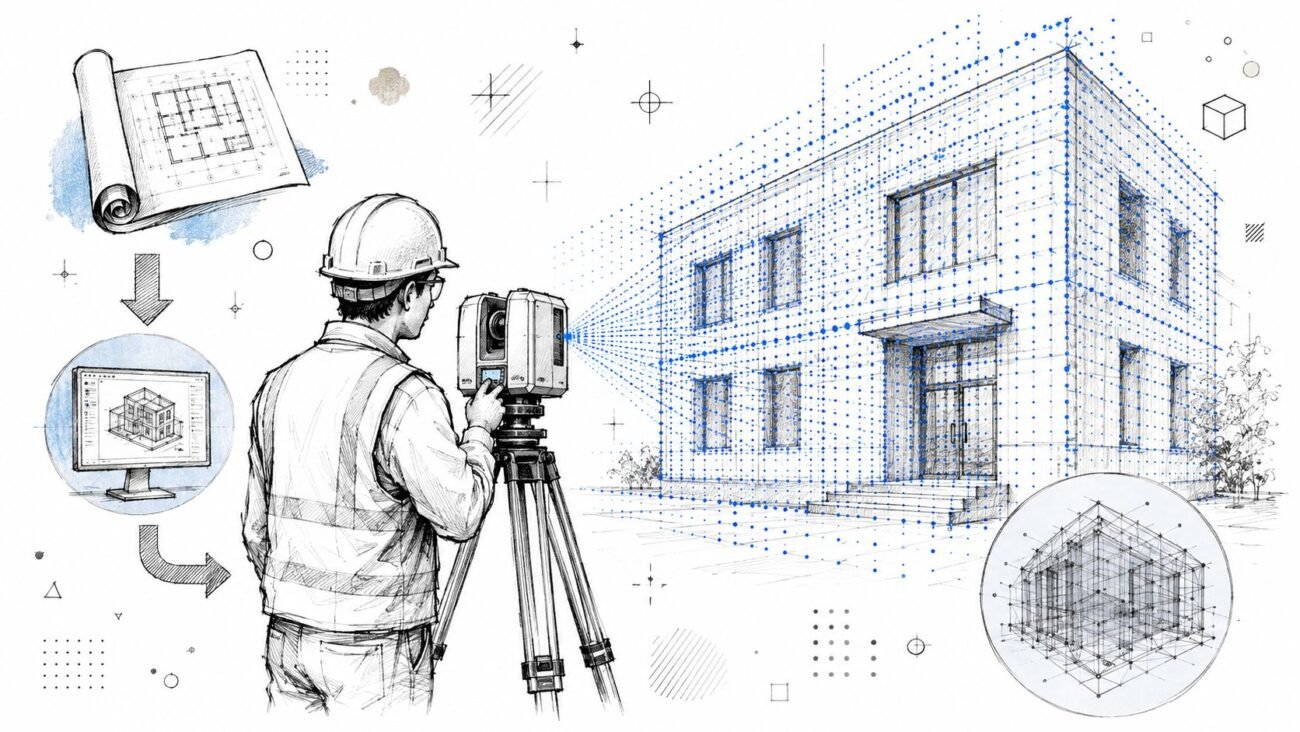
The team captures and registers existing conditions first. Then modeling converts that information into a usable project base. Design starts later, but it starts cleaner. That usually protects the overall schedule because fewer downstream decisions need to be revisited.
Coordination starts from one shared geometric truth
Here, the workflow earns its keep.
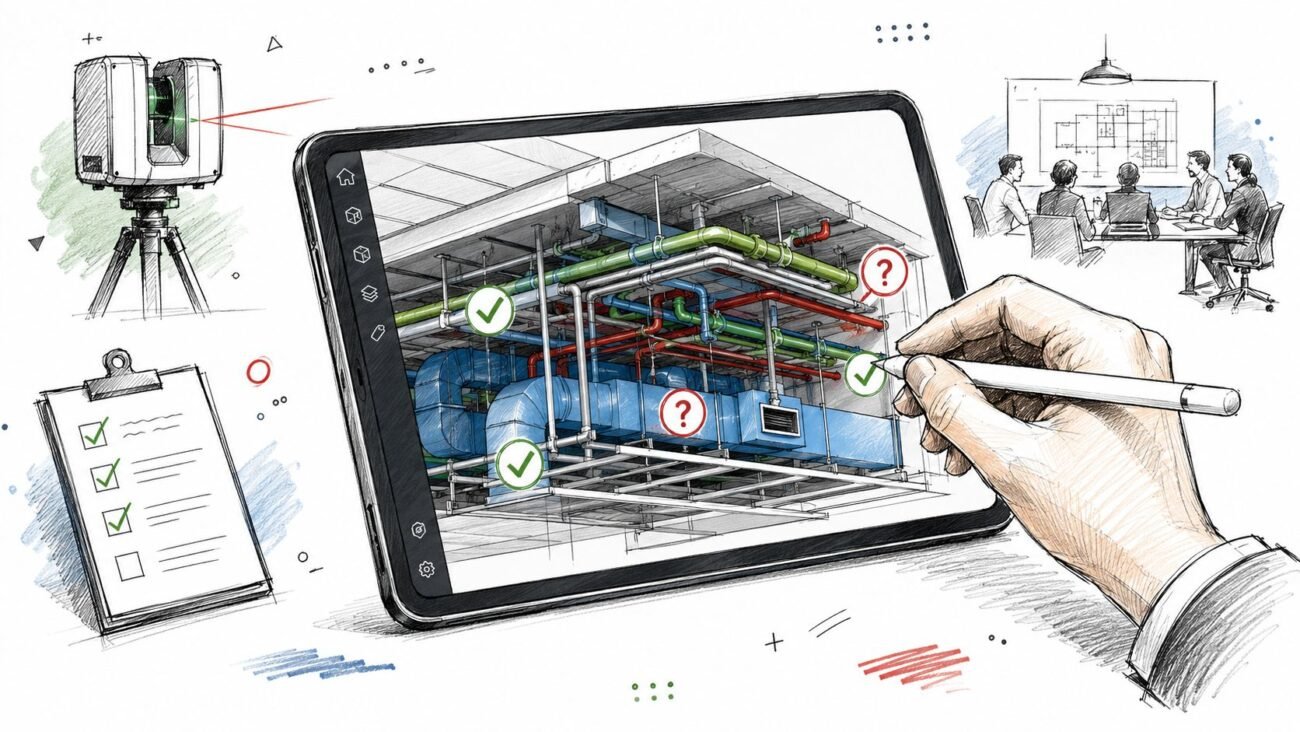
Architecture, structure, and MEP no longer begin from parallel interpretations of a legacy background. They coordinate from the same verified source. That doesn’t eliminate judgment. It reduces disagreement about what the existing building is.
For teams formalizing this process, a documented reality capture workflow helps align scanning, registration, model setup, QA, and discipline handoff before the project gets busy.
The production gains are practical
Real-world project data shows why teams keep moving this direction. Case studies cited by Matterport show overall field-to-finish time reduced by 50%, with scanning reducing measurement time by 60% and Revit modeling becoming 40% faster. I’m stating that qualitatively here because the source was already cited earlier in the article.
Those gains matter less as talking points than as workflow consequences:
- Design development starts from verified geometry
- Coordination meetings focus on actual conflicts
- Permit drawings need fewer existing-condition corrections
- Contractors inherit a more dependable base for planning
- Contingency can be aimed at true unknowns instead of broad uncertainty
The strongest argument for scan to BIM isn’t that it creates a better model. It creates a better sequence of decisions.
RFIs don’t disappear, but the avoidable ones drop
No existing building is fully knowable from non-destructive capture alone. Hidden conditions still exist. Demolition still reveals surprises.
But the nature of project questions changes. Instead of spending time on preventable dimensional conflicts and misaligned backgrounds, the team can focus on actual unknowns that require design judgment or site confirmation.
That’s a healthier project. It protects fee, reduces churn, and gives owners a more credible sense of what contingency is really for.
What to Know Before Specifying Point Cloud to BIM Services
Buying point cloud to BIM services well requires more than asking for a scan and a Revit model. Teams get the best results when they define intent, model scope, and validation rules before anyone mobilizes.
Scanning scope and modeling scope are not the same thing
This is the first place buyers get tripped up.
A scanning provider may capture the building accurately, but that doesn’t tell you what will be modeled, how elements will be classified, or what decisions the resulting model is meant to support. The scan is raw reality capture. The model is an interpretation of that data for a specific use.
Ask for both scopes in writing:
- Capture scope: Areas included, access assumptions, exclusions, control requirements, and file formats.
- Model scope: Disciplines, modeled elements, intended uses, deliverables, and tolerance expectations.
Specify the right LOD for the job
Over-modeling is expensive and usually unnecessary. Under-modeling creates disappointment because the team assumes the model will answer questions it wasn’t built to answer.
Here’s a practical guide.
| LOD | What It Models | Best For |
|---|---|---|
| LOD 200 | Major building elements in approximate form and location | Early planning, feasibility, basic design intent |
| LOD 300 | More defined geometry suitable for coordinated design decisions | Core renovation design, consultant coordination, permit development |
| LOD 350 | Added detail where interfaces and connections matter more directly | Tight coordination zones, complex MEP areas, install-sensitive scopes |
For renovation work, many teams are best served by a selective approach. Keep most of the building lean, then increase detail only in decision-critical zones.
Don’t ask to model everything the scanner captured
This is a common mistake. A scan records far more than a project needs in modeled form.
You usually do not need every surface irregularity, minor hanger, or incidental object turned into BIM geometry. You need the elements that affect decisions. That often means architectural envelope, structural system, primary MEP distribution, critical equipment, major access zones, and selected code-sensitive areas.
Practical rule: Model what affects coordination, permitting, fabrication, or operations. Leave the rest as scan context.
Define accuracy the right way
Scanner accuracy and delivered model accuracy are not interchangeable.
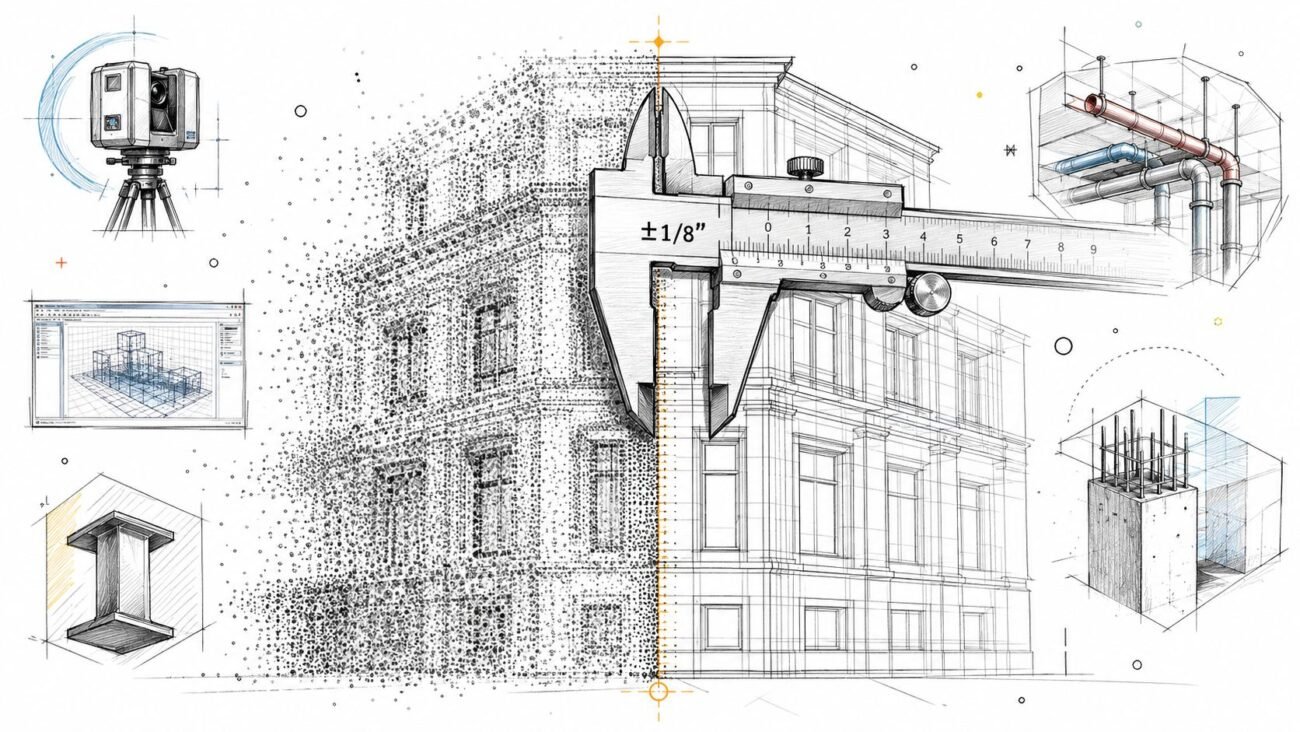
In the conversion workflow, registration quality matters because errors propagate into the model. According to this step-by-step guide to converting point cloud data to BIM, teams target RMS error below 3 to 6 mm for structural elements in point cloud to BIM workflows. If registration drifts beyond that range, it can affect clash detection and shop drawing reliability.
That means procurement language should address:
- Registration tolerance
- Modeling tolerance
- Control alignment
- Validation method
- Exception reporting
If your team needs help preparing cleaner datasets before modeling begins, this guide on how to clean point cloud data for accurate models is a useful operational reference.
Budget for your own QA, not just vendor QA
Even strong providers make assumptions when geometry is ambiguous. Your architect, engineer, or owner-side PM still needs a review process before relying on the model for design decisions.
A simple QA routine usually includes:
- Spot-check critical dimensions against control areas or known field measurements.
- Review model completeness against the agreed scope, not against what would be nice to have.
- Confirm levels, grids, and shared coordinates before disciplines begin linking and building on top of the file.
- Flag ambiguity zones early so they don’t turn into design assumptions unnoticed.
In this context, production maturity is revealed. The goal isn’t to admire the model. It’s to verify whether it is fit for the decisions your team is about to make.
Stop Paying for Uncertainty Start Building on Clarity
The renovation market didn’t adopt point cloud to BIM because the industry wanted another digital layer. It adopted it because the old cost structure stopped working.
Teams used to absorb inaccurate backgrounds, partial field verification, and late discovery as normal renovation friction. That’s harder to defend now. Projects are more coordinated, more compressed, and less tolerant of inherited error. Owners also expect better due diligence. Contractors expect a better base. Design teams need a stronger starting point if they want predictable delivery.
That’s why point cloud to BIM now reads less like advanced technology and more like standard pre-design discipline.
The value is simple. You’re not just buying a scan. You’re buying a clearer sequence of decisions. You’re reducing the amount of design work built on assumption. You’re giving consultants a shared geometric reference. You’re improving the odds that RFIs, revisions, and change conversations happen for real unknowns, not preventable ones.
For renovation teams, that shift protects more than coordination. It protects margin, schedule credibility, and trust across the project group.
If you’re still starting major renovation work from old drawings plus selective field measurement, the question isn’t whether that can still work. Sometimes it can. The better question is whether the project can afford the uncertainty that comes with it.
If you’re building or refining a renovation documentation process, BIM Heroes has useful resources on BIM workflows, reality capture, and production standards that can help your team scope point cloud to BIM services more clearly before procurement.
Category: Construction Coordination & Documentation