The renovation project starts with a confident set of assumptions. The owner hands over a dusty roll of drawings from the last big remodel, maybe some CAD files from a decade ago. It seems like enough. The design team gets to work, subs are lined up, and the schedule feels solid.
Then you break ground.
A steel beam shows up where the drawings promised open space. The ceiling plenum is half the height you were told. A main plumbing stack is two feet to the left of where it was marked. Work stops. The RFIs start flying. Suddenly, that confident schedule and tight budget are anything but. This isn't a dramatic failure; it's a quiet, everyday scenario playing out on job sites everywhere, and it almost always starts with bad as-builts.
Why Outdated As-Builts Are the Default, Not the Exception
It’s easy to blame bad documentation, but the reality is that outdated as-built drawings are an incredibly common problem. Few buildings have a perfect, continuously updated record of their own history. Decades of small tenant fit-outs, system upgrades, and minor renovations are often done without formally updating the master drawings.
Original blueprints get lost, CAD files become corrupted, and building owners—often without a facilities team—simply hand over whatever they can find. The problem is systemic. We’ve normalized working from incomplete information, hoping our field teams can just "figure it out."
But "figuring it out" in the field is another way of saying "unplanned, unbudgeted rework." Relying on these documents isn't just a gamble; it’s an invitation for margin erosion and schedule chaos. The core issue is assuming that a drawing from 5, 10, or 20 years ago still represents reality. It rarely does.
The Four Real Costs of As-Built Drawing Errors
When a project is derailed by inaccurate as-builts, the costs aren't abstract. They are tangible, measurable, and they hit four key areas of your project's financial and operational health. This isn't about blaming anyone; it's about acknowledging the real-world consequences of building on a faulty foundation.
1. Rework: The Most Obvious Cost
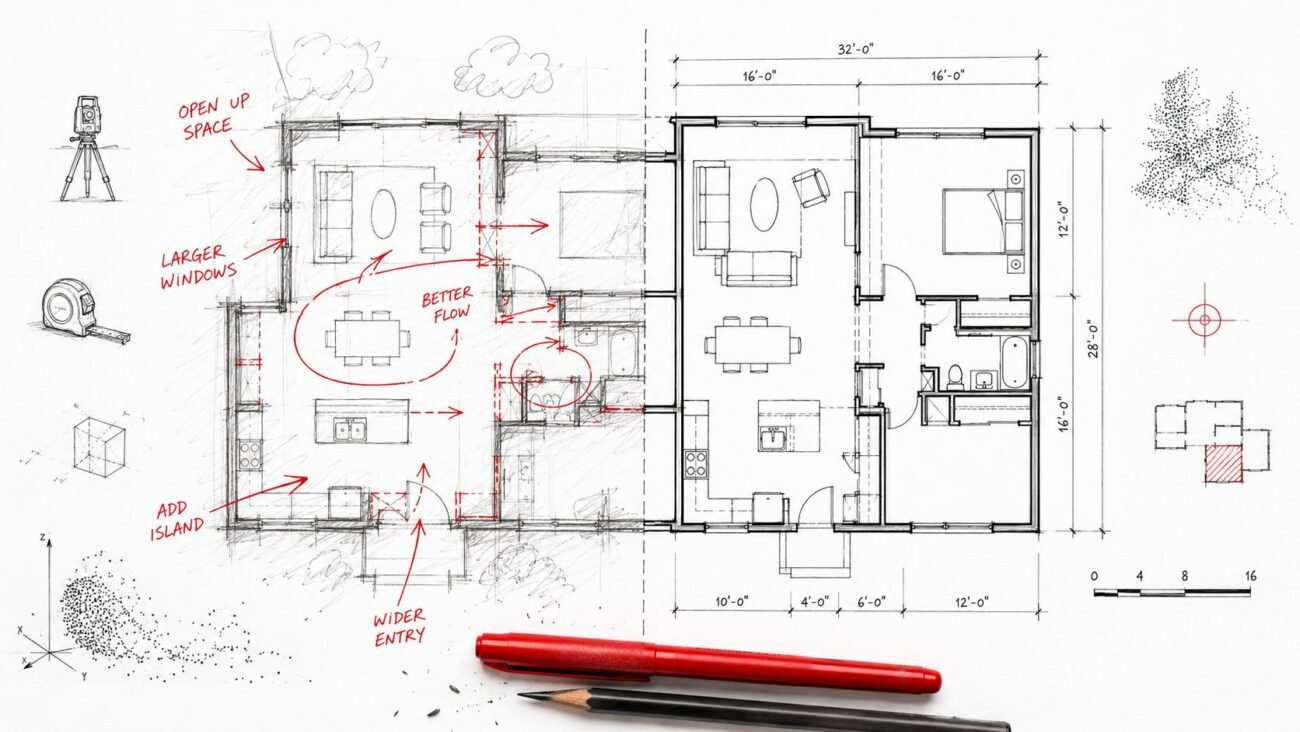
This is the most direct and painful consequence. A framer builds a wall based on the drawings, only to have to tear it down because an undocumented structural column is in the way. An MEP crew runs ductwork according to the plan, then discovers the actual ceiling height won’t accommodate it.
Every instance of construction rework costs money twice: once for the labor and materials to build it wrong, and again to demolish and rebuild it correctly. These aren't just minor hiccups; they are change orders that directly eat into your profit margin. Each one requires new material orders, crew rescheduling, and a painful conversation with the client about who pays.
2. Design Time Lost: The Hidden Budget Killer
When field conditions don’t match the drawings, the problem lands back on the architect's or designer's desk—often in a panic. The team has to stop their planned work, scramble to redesign a detail mid-construction, and issue revised drawings under extreme pressure.
This is design time that was never budgeted. These hours are either written off as a loss, reducing the firm's profitability, or billed to the client and potentially contested. It pulls senior talent off of productive design work and into reactive problem-solving, a classic example of poor production maturity. It’s expensive, inefficient, and entirely preventable.
3. Contractor Claims and Disputes: The Relationship Wreckers
When a conflict arises on site due to as-built drawing errors, the first question is always, "Who is responsible?" The GC blames the architect's drawings. The architect points to the owner-provided documents. The owner is caught in the middle.
This is fertile ground for claims and disputes. Even if it doesn't end in litigation, it forces tense negotiations, erodes trust, and can sour a client relationship for good. Time is spent in meetings debating liability instead of coordinating the work. The focus shifts from project delivery to damage control, which undermines the operational consistency every firm strives for.
4. Schedule Impact: The Domino Effect
Rework and redesign don't happen in a vacuum. A one-week delay to fix a framing conflict can have a cascading effect on the entire project schedule. The plumbing sub has to reschedule. The drywall crew is pushed back. Finishes are delayed.
These delays aren't just inconvenient; they have real financial consequences. Materials sit on-site, crews are paid for downtime, and the owner gets frustrated with a completion date that keeps slipping. For commercial projects, every day of delay can mean lost revenue for the tenant or owner, further straining relationships and damaging your firm's reputation for predictability.
What Laser Scanning Captures That Drawings Miss
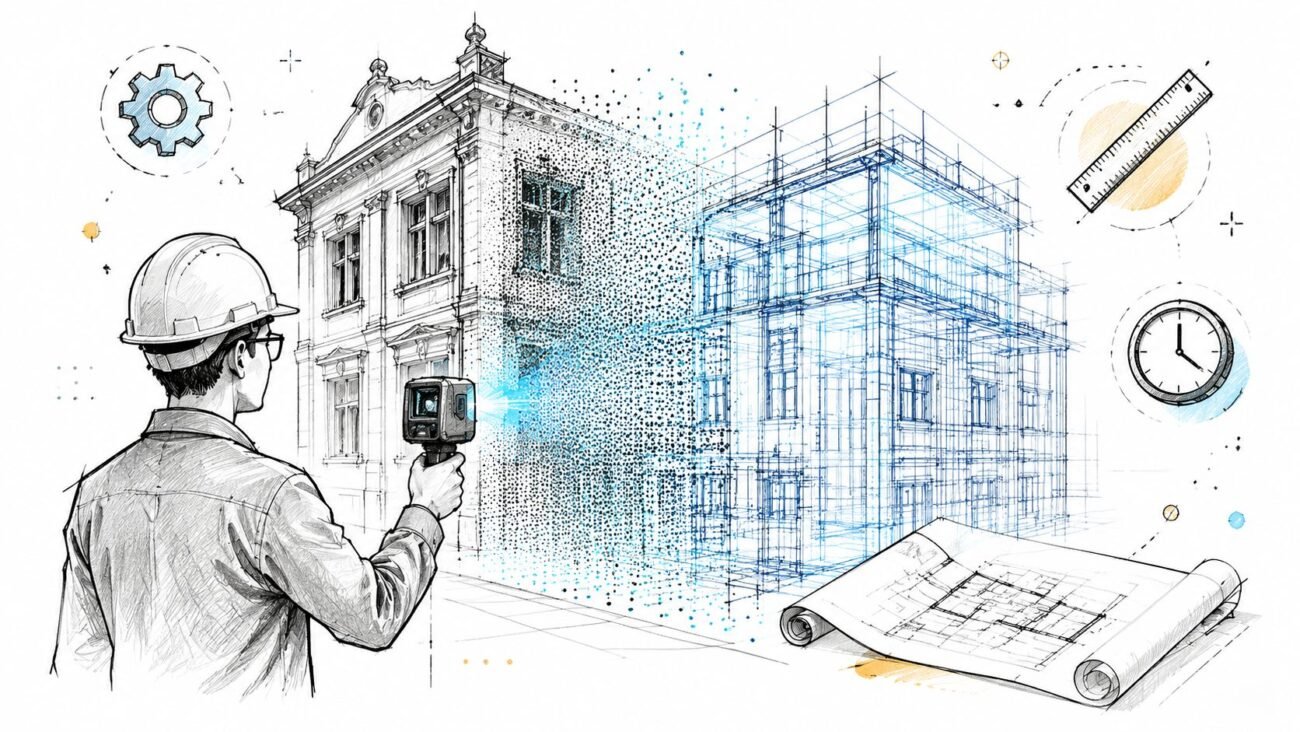
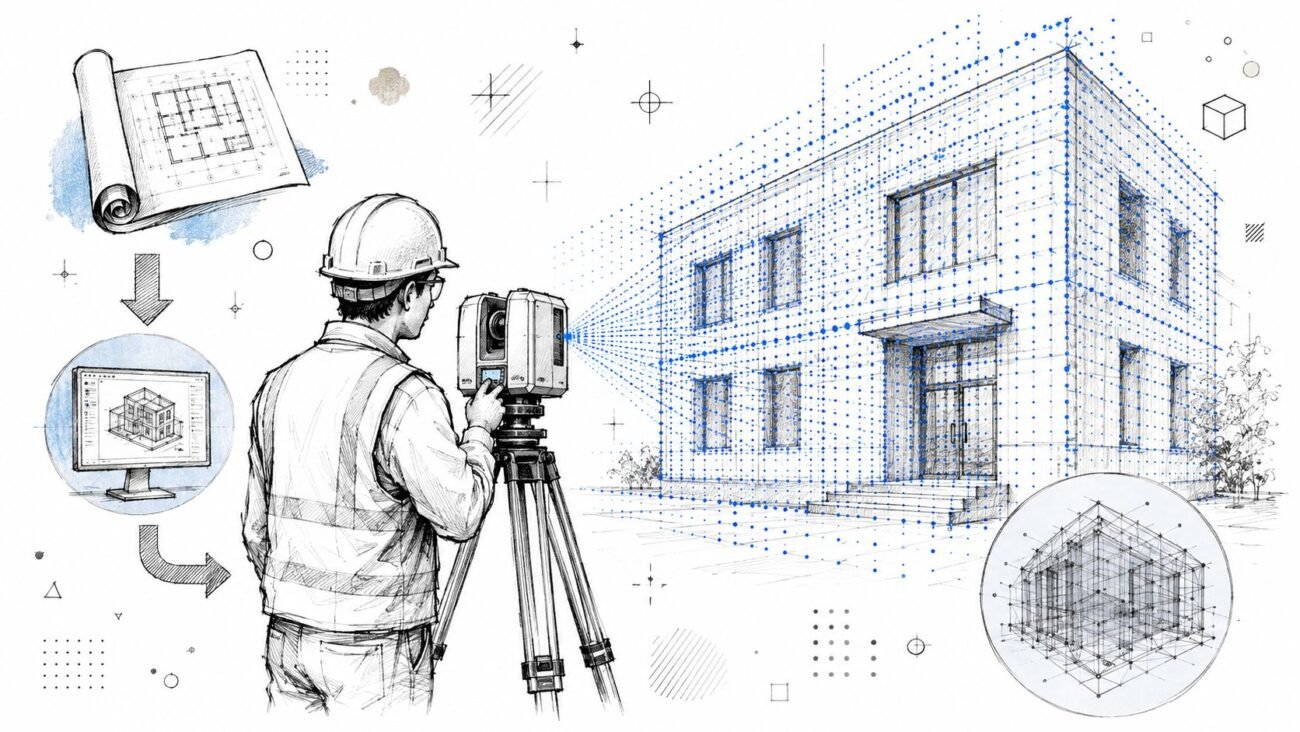
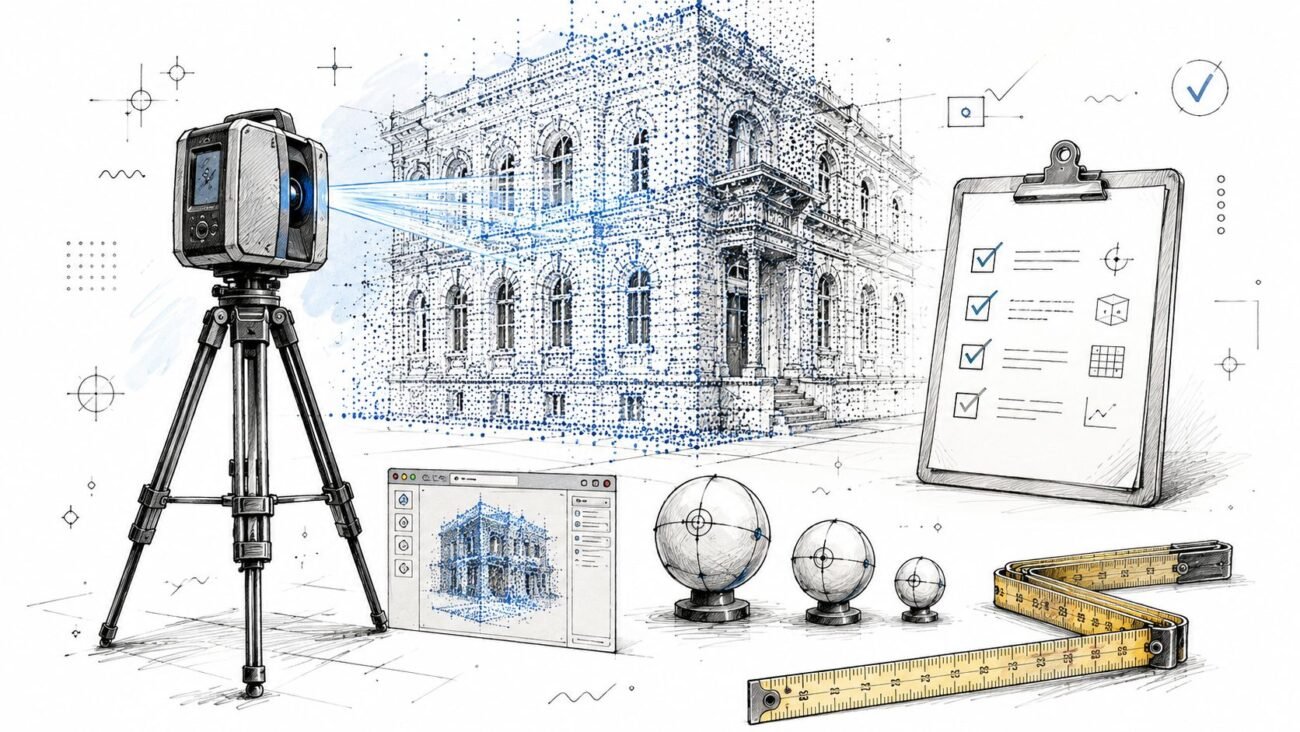
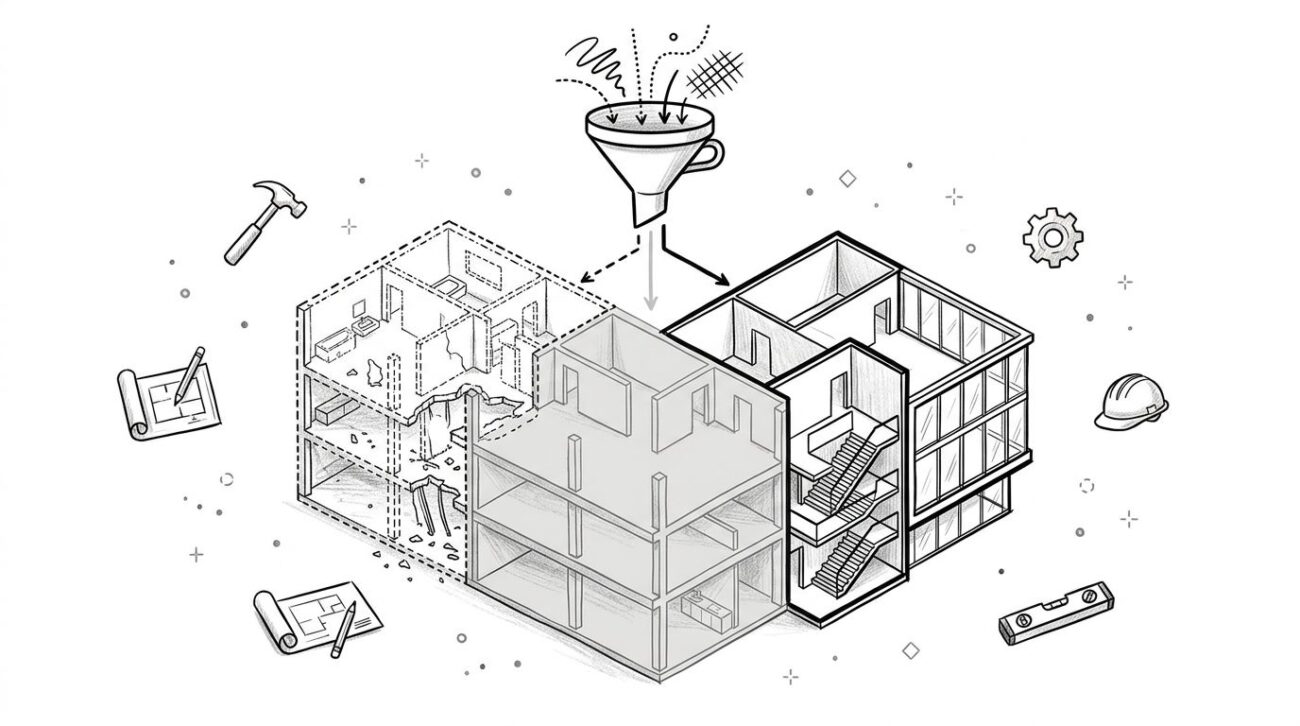
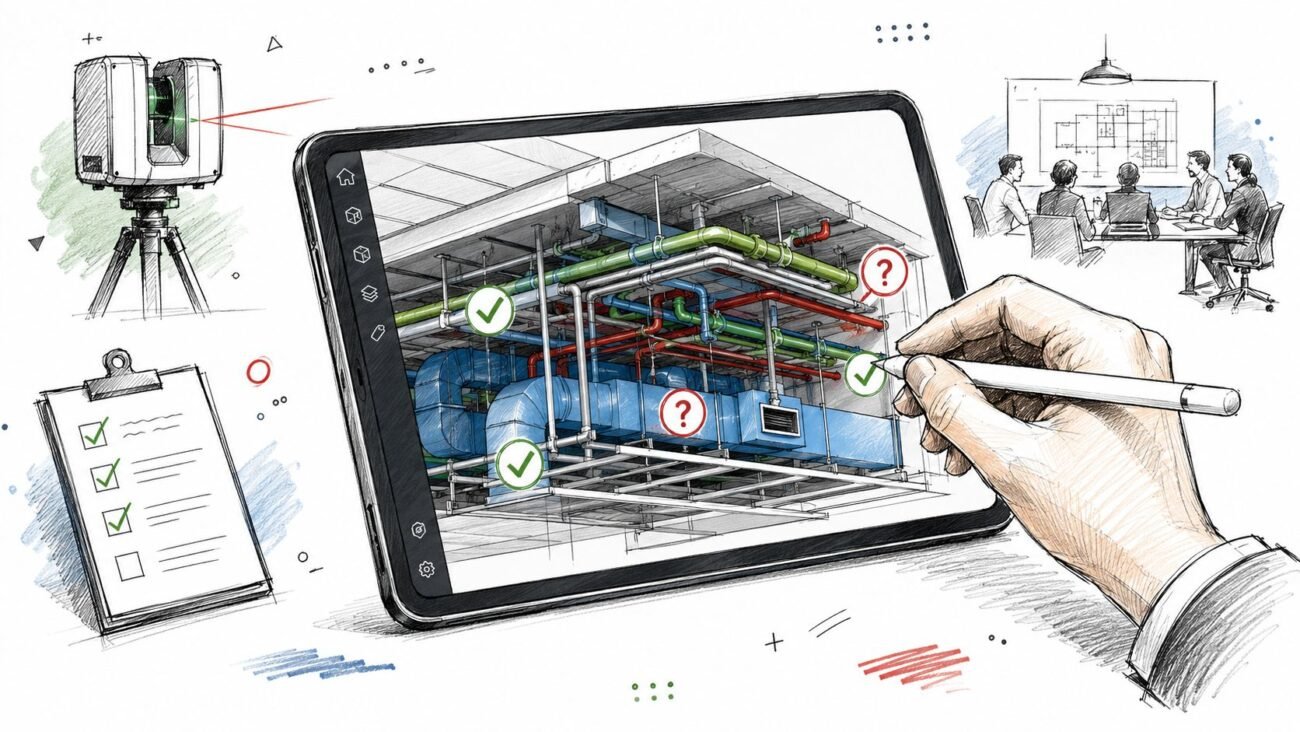
The solution to outdated drawings isn't better guessing; it's better data. This is where a Scan to BIM workflow provides clarity. It’s not about the technology itself, but about what the resulting data delivers: a geometrically precise, undeniable record of existing conditions.
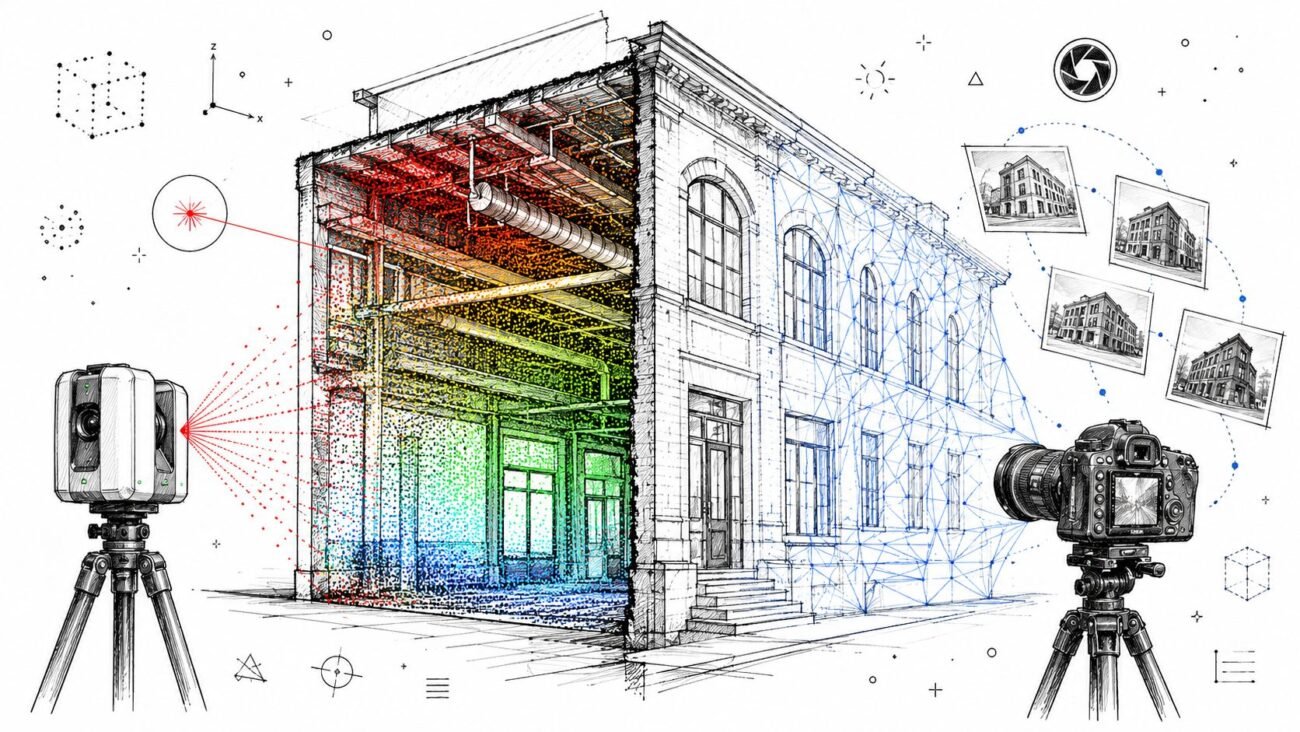
While old drawings offer simplified lines and assumed dimensions, a laser scan captures reality. This includes:
- Actual wall, column, and beam locations down to the millimeter.
- True ceiling heights and the precise geometry of bulkheads and soffits.
- Existing MEP and structural elements, even those hidden above a ceiling grid.
- Floor levelness and wall plumbness, revealing variations old survey methods would miss.
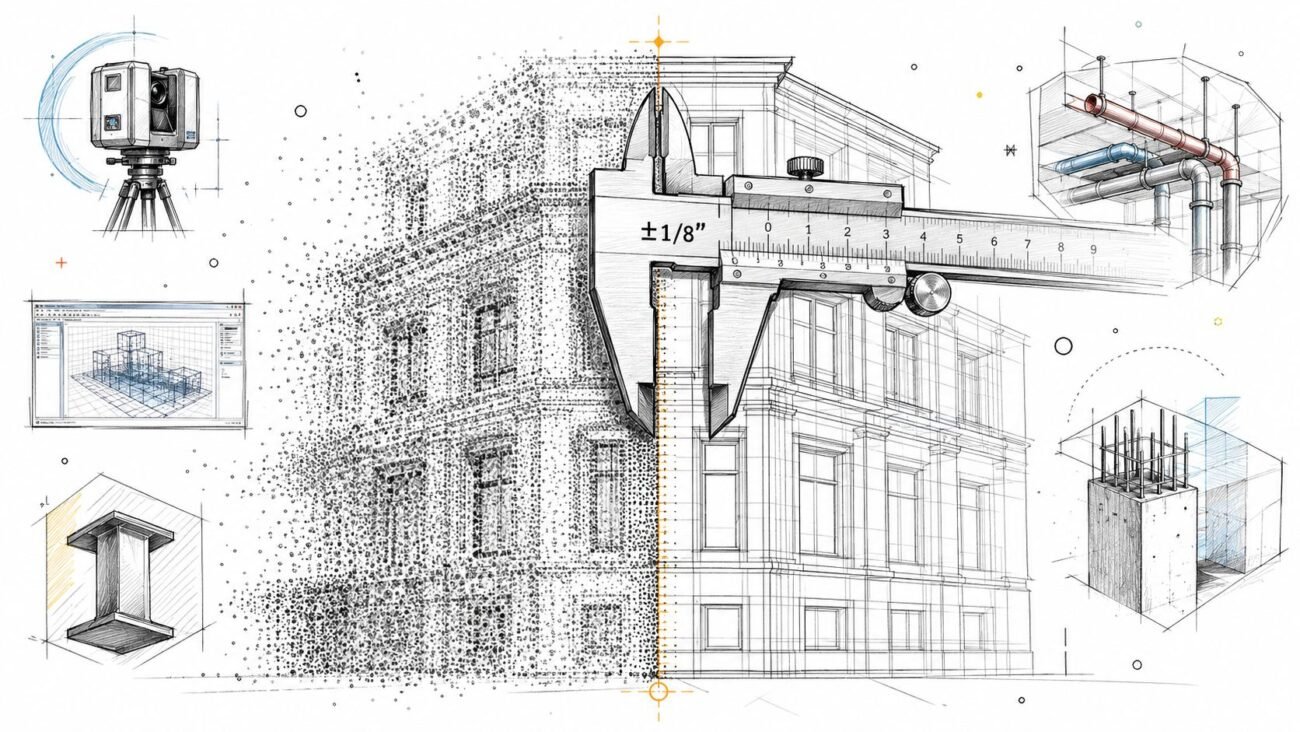
This isn’t an interpretation. It’s a direct, 3D capture of what is physically there. This point cloud data becomes the foundation for an accurate as-built BIM model—a single source of truth that eliminates the assumptions that lead to rework and disputes.
Scan to BIM Cost Savings vs. The Cost of Getting It Wrong
Let's be direct: laser scanning for renovation has an upfront cost. It requires specialized technicians and software to capture and process the data. But it's crucial to frame this cost against the alternative.
The investment in a scan and the creation of an accurate BIM model is a known, fixed number. The cost of a single significant change order born from bad as-builts is an unknown, potentially massive variable. Consider one instance of rework that costs $15,000 and delays the project by two weeks. In many cases, that single event would have paid for the entire Scan to BIM process.
The math almost always favors scanning. It's a strategic decision to trade a predictable, one-time investment for insurance against unpredictable, cascading costs. It’s a core tenet of margin protection.
When Should You Insist on Scanning?
While not every project requires a full Scan to BIM workflow, it should be a serious consideration for:
- Renovation or addition projects of any significant scale.
- Adaptive reuse or retrofits where MEP systems are complex and intertwined.
- Historic buildings where documentation is sparse and preservation is critical.
- Any project where the existing conditions are unknown, undocumented, or based on drawings you cannot trust.
The decision checkpoint is simple: if the risk of discovering a major conflict on-site is high, the value of scanning is even higher. It’s about making a disciplined choice based on risk, not just upfront cost.
Protecting Your Margin Starts with a Better Map
Ultimately, navigating a renovation with outdated as-builts is like sailing in murky waters with a faulty map. You might reach your destination, but you’re likely to hit a few rocks along the way.
The question isn't whether laser scanning costs money, but whether the financial and reputational risk of not scanning costs more. By starting with an accurate, verifiable model of existing conditions, you replace assumptions with certainty. You establish predictability, protect your margins, and build a reputation for reliable delivery—not because you have better technology, but because you have a better production workflow.
If you’re ready to move past the cycle of rework and RFIs, a disciplined approach to as-built documentation is the first step. For a framework to help you define modeling requirements clearly, our LOD Specification Checklist can provide a solid starting point.