Meta description: A practical ArchiCAD vs Revit guide for architecture firms. Learn how each platform affects consultant coordination, permit documentation, MEP workflows, outsourcing compatibility, and long-term production scalability.
Most ArchiCAD vs Revit articles start in the wrong place. They compare buttons, interfaces, and feature checklists, then act like the decision is mostly about designer preference.
That’s not how firms feel the consequences.
The actual cost shows up later, when your architect is trying to coordinate with a Revit-native MEP engineer, when a permit set starts expanding, when your template standards break under deadline pressure, or when you need outside production help and discover the market is much deeper in one platform than the other. Software choice becomes an operations issue very quickly.
For principals and project managers, ArchiCAD vs Revit is a downstream workflow decision. It affects RFIs, handoff quality, template discipline, consultant friction, staffing flexibility, and how predictable your delivery process feels when the project gets messy. If your goal is margin protection and fewer surprises, the right question isn’t which platform looks better in a demo. It’s which one creates less friction across your full delivery chain.
Introduction
The popular version of the ArchiCAD vs Revit debate asks which platform is better. That framing usually leads to shallow answers, because firms don’t win or lose on software ideology. They win or lose on whether their production system holds up under real project pressure.
A model that feels elegant in design development can become expensive if consultant exchanges turn into cleanup work. A platform that feels heavy in early setup can pay for itself later if it reduces annotation drift, coordination gaps, and repeat drafting.
This is why archicad vs revit should be evaluated the same way you’d evaluate any delivery decision. Look at permitting, external coordination, MEP complexity, staffing depth, template control, and whether you expect to scale with internal or external production teams.
Here’s the short version early.
| Workflow factor | ArchiCAD | Revit |
|---|---|---|
| Early architectural modeling | More intuitive for many architects | More structured, less forgiving at first |
| Parametric control | Capable, but less integrated for complex relationships | Stronger family-based parametric system |
| Consultant coordination in the US | Works best with aligned teams and disciplined IFC exchanges | Usually the path of least resistance |
| Permit set production | Accessible and efficient for smaller firms | Strong at scale once templates are mature |
| MEP-heavy projects | Possible, but more friction | Better fit for coordination-heavy delivery |
| Outsourcing compatibility | Narrower market | Broader production ecosystem |
Bottom line: Choose the platform that makes your downstream work simpler, not the one that makes the first week of modeling feel better.
The Core Architectural Difference That Shapes Everything
The main split between ArchiCAD and Revit is not interface preference. It is how much structure the software expects before your team can produce reliable downstream output.
ArchiCAD is architect-first. Revit is system-first. That core difference changes how your team edits the model, controls documentation, hands work to consultants, and scales production under deadline pressure.
How ArchiCAD behaves in a live project environment
ArchiCAD tends to suit teams that want to model quickly and keep design work fluid. Many architects get productive faster because the software feels closer to the way they already think about buildings. Builder Central also points to its lighter feel in day-to-day use and easier adoption curve in smaller firms in its Revit vs ArchiCAD comparison.
That usually leads to a few practical outcomes:
- Quicker ramp-up for new hires: Useful when a small studio cannot afford a long onboarding period.
- Less friction in early modeling: Design iteration moves faster when the team is still testing options.
- Efficient delivery on architect-led jobs: Especially on projects where consultant coordination is limited and the architectural model stays largely under one roof.
That upside is real. So is the trade-off.
When standards are loose, ArchiCAD can let teams move ahead before they have fully locked how information, views, and coordination packages will be managed later. On a straightforward project, that flexibility helps. On a complex job, it can push production decisions downstream, where changes cost more.
How Revit changes the production equation
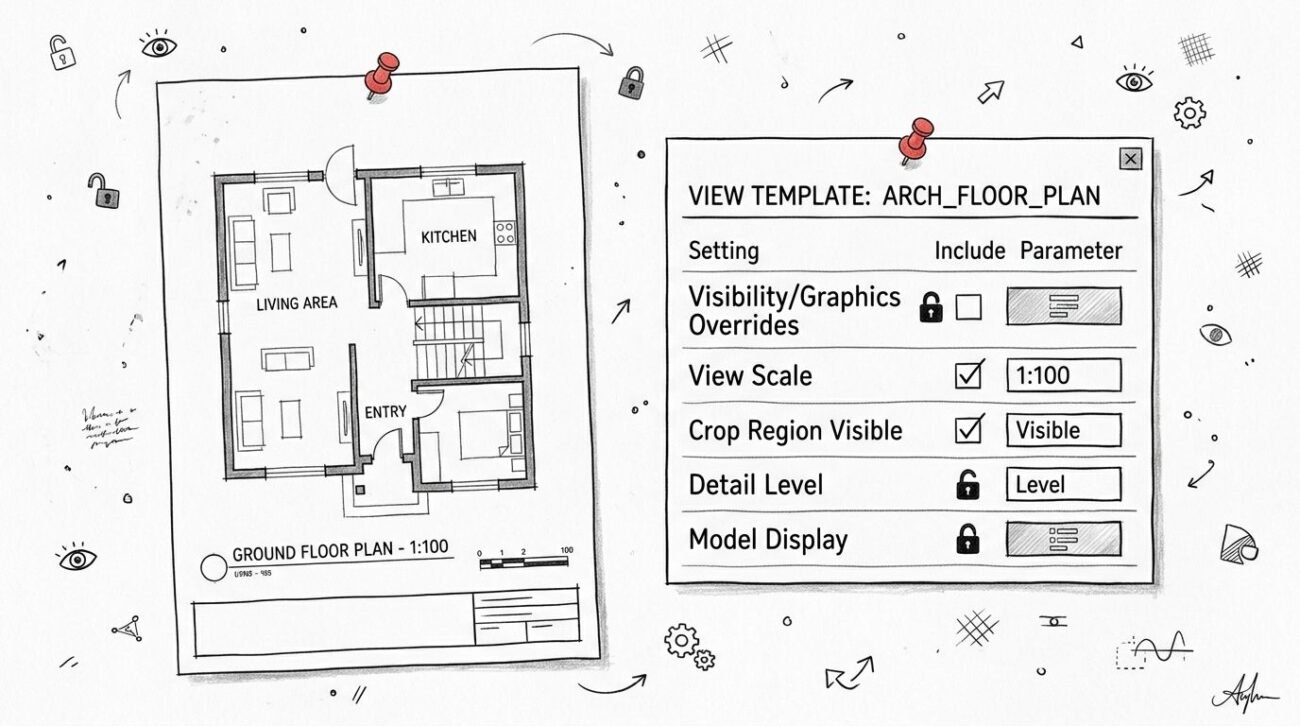
Revit asks for more discipline earlier. Families, view templates, model categories, parameters, and annotation standards need to be set up with intent. Firms often feel that burden in the first weeks of a project.
The payoff shows up later, when the job gets crowded.
Revit’s family-based parametric structure gives teams tighter control over model behavior and drawing output. That matters when multiple people are editing at once, when sheets multiply, and when the architect has to keep structure and MEP aligned without rebuilding documentation every issue cycle.
In production terms, Revit usually buys you:
- More predictable model-wide changes: Useful when a late design revision has to hit plans, sections, elevations, schedules, and details with less manual cleanup.
- Stronger standards control: Better for firms that depend on repeatable templates across teams, offices, or outside production support.
- Clearer scaling under pressure: More setup early, less improvisation later when deadlines tighten.
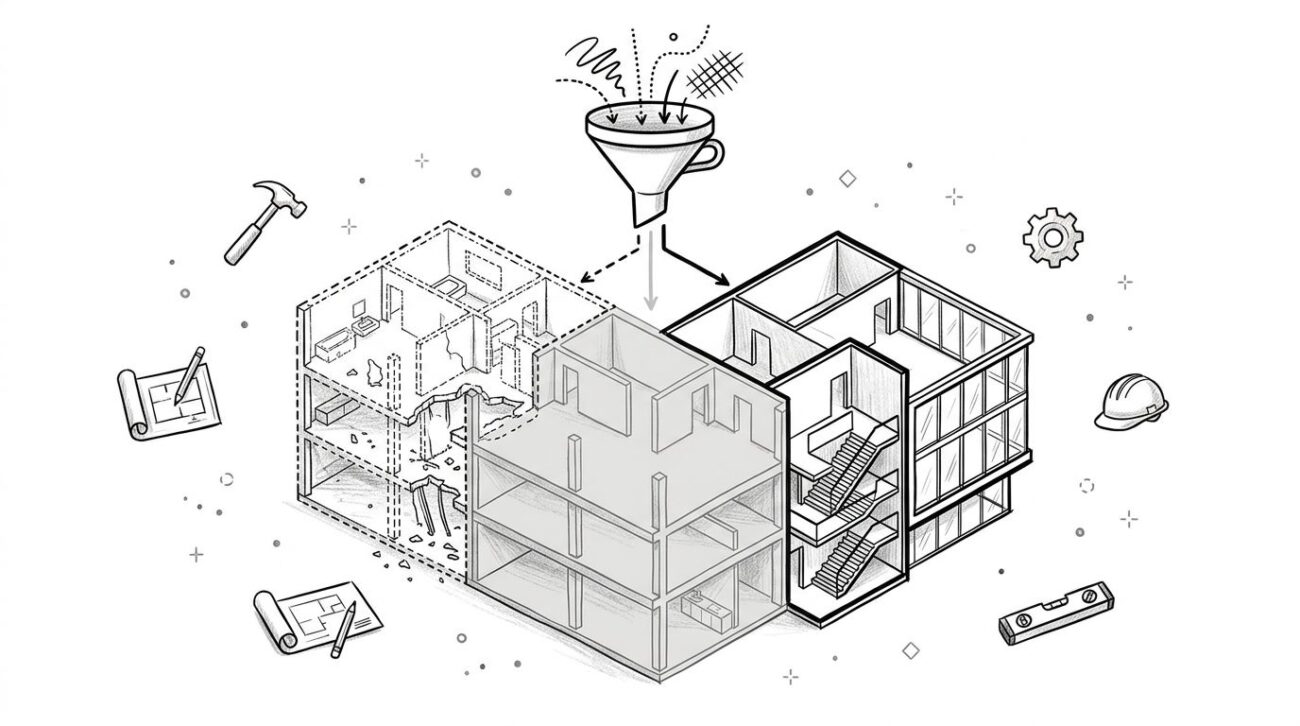
This is the business decision many principals miss. ArchiCAD often reduces friction at the front end. Revit often reduces rework at the back end.
If your firm is comparing platforms as a delivery strategy rather than a design preference, this broader Revit vs ArchiCAD workflow comparison for BIM teams is the lens that holds up better under real project pressure.
The Deciding Factor Consultant Coordination in a Revit World
For most US firms, consultant coordination decides this question before design preference ever does.
Revit dominates the US BIM market and is the default for multi-discipline workflows in North America because Autodesk built it into a broader ecosystem used by large architecture, engineering, and construction firms, according to ArchAdemia’s market overview. That reality shows up in daily coordination, not just software surveys.
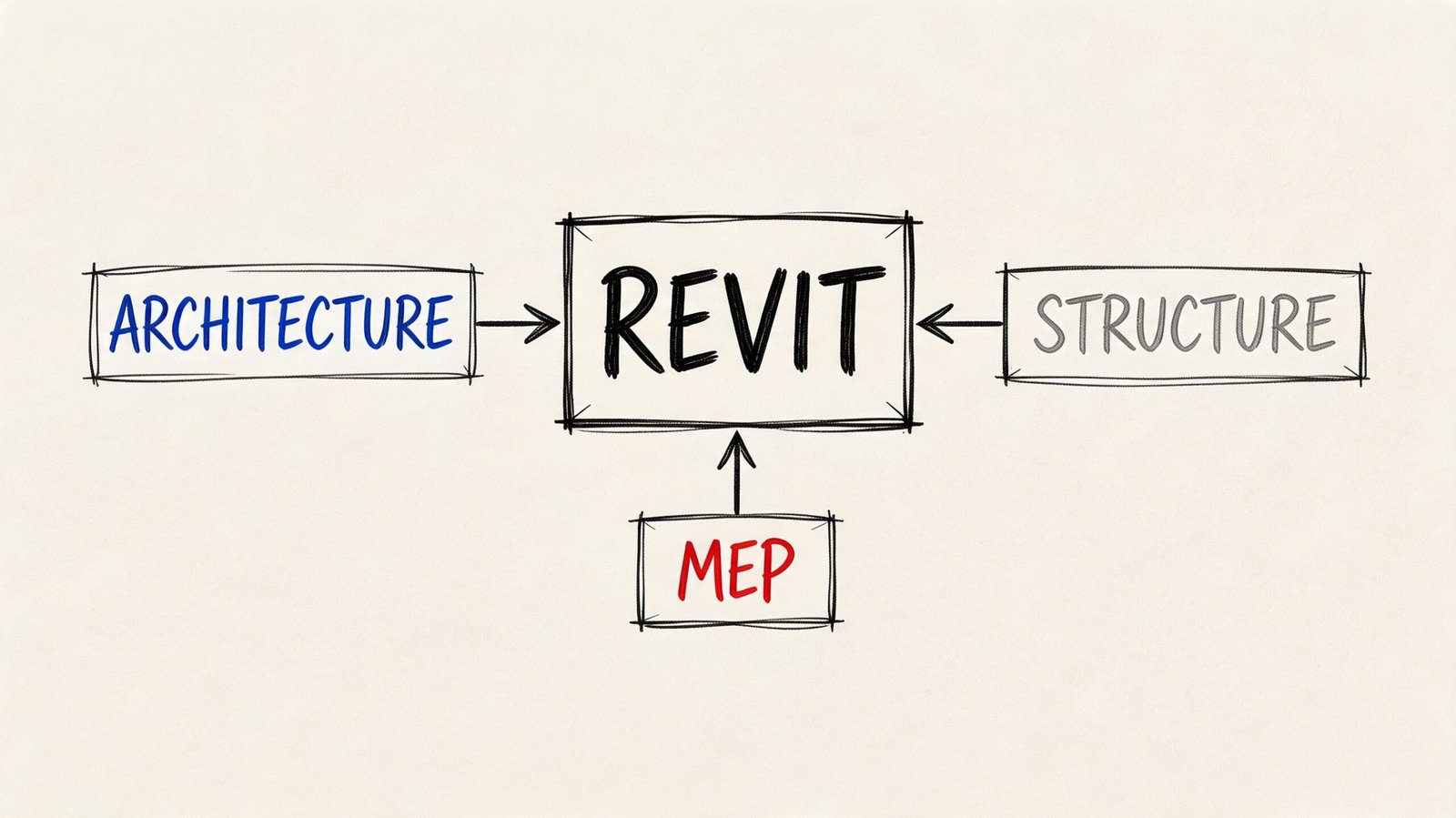
What breaks when the architect is in ArchiCAD and consultants are in Revit
An ArchiCAD-to-Revit workflow can work. It just usually requires more management.
The common problem isn’t whether files can move. They can. The problem is whether they move cleanly enough for repeated coordination cycles without forcing someone to rebuild trust in the model every week. In mixed-platform environments, teams often run into:
- IFC interpretation gaps: Geometry may come across, but object behavior and metadata don’t always land the way the receiving team expects.
- Round-trip friction: A consultant revises their model, sends it back, and the architect spends time validating what changed versus what translated oddly.
- Annotation and element mismatch: Model structure may not align with how each discipline organizes documentation and schedules.
- Extra QA burden: Someone has to check the exchange every time, and that someone is rarely cheap.
That overhead doesn’t always kill a project. It does draw down production margin.
Why Revit-to-Revit is still the easiest path
When the architect, structural engineer, and MEP engineer are all in Revit, linked models usually create a much cleaner working rhythm. Visibility controls, coordination reviews, issue tracking, and model updates still require discipline, but the exchange logic is more direct.
That reduces the amount of “translation management” your PM has to absorb. It also lowers the odds that a coordination miss turns into an RFI later.
Teams don’t suffer most from one bad model exchange. They suffer from small translation issues repeated across weeks of deadlines.
Where ArchiCAD still makes sense
ArchiCAD is still a viable choice when the delivery context supports it. That usually means one of three scenarios:
- Small project teams where consultant interaction is lighter and the architect controls most of the documentation.
- Integrated teams where engineering resources are aligned with the architect’s workflow.
- Long-term consultant relationships where everyone already knows how to exchange and verify data reliably.
If your firm depends on IFC workflows, strong standards matter more than software optimism. In this scenario, disciplined IFC drawing coordination becomes less of a technical checkbox and more of a risk-management process.
Drawing Production and Permit Documentation Workflows
Permit documentation is where software opinions usually collide with production reality.
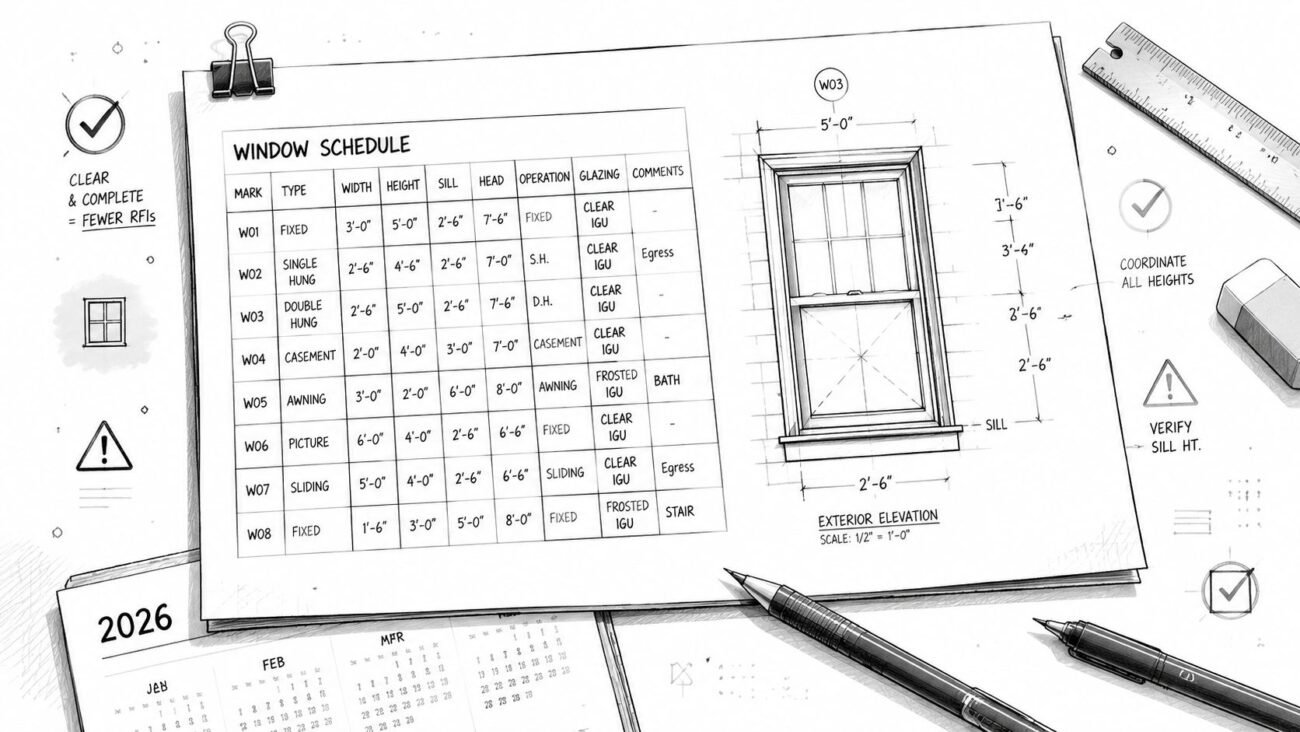
A lot of teams enjoy the modeling phase in either platform. The harder question is what happens when the set grows, revisions pile up, and a project manager needs a dependable path from model to sheets without constant cleanup.
Revit rewards template discipline
Revit’s sheet-and-view system is powerful, but it isn’t casual. If your templates, view templates, title blocks, annotation families, revision workflow, and QA standards are immature, Revit will expose that quickly.
That’s the part smaller firms sometimes dislike at first. Revit punishes weak setup early. But once a firm builds disciplined standards, it gives production managers tighter control over consistency across sheets, dependent views, notes, schedules, and revision handling.
That matters when:
- The permit set expands beyond the original scope
- Multiple people touch the same package
- You need repeatable QA across project teams
- You want fewer manual fixes after design changes
ArchiCAD is often easier to operate in lean teams
ArchiCAD’s Layout Book tends to feel more direct for many architects. For smaller firms producing straightforward drawing sets, that can be an advantage. Teams often reach a usable documentation rhythm faster, especially when the office doesn’t have a dedicated BIM manager maintaining office standards full-time.
That ease is real. It’s one reason ArchiCAD remains attractive for firms that prioritize architectural production speed over deep multi-discipline model integration.
Field lesson: Easy documentation workflows save time on simple jobs. On larger jobs, consistency usually matters more than ease.
Scale changes the answer
At this juncture, the difference becomes practical rather than philosophical.
Revit often feels heavier on a small job and stronger on a large one. ArchiCAD often feels lighter on a small job and more dependent on office discipline when project scale and consultant complexity increase.
For firms planning to outsource CD production, there’s another reality to account for. Revit is far more common across production vendors and offshore BIM teams, so staffing flexibility is usually stronger there. That doesn’t make ArchiCAD wrong. It does affect how easily you can add capacity when deadlines tighten.
Navigating MEP Coordination and Clash Detection
If your projects involve serious MEP coordination, this part of the archicad vs revit decision carries more weight than almost anything else.
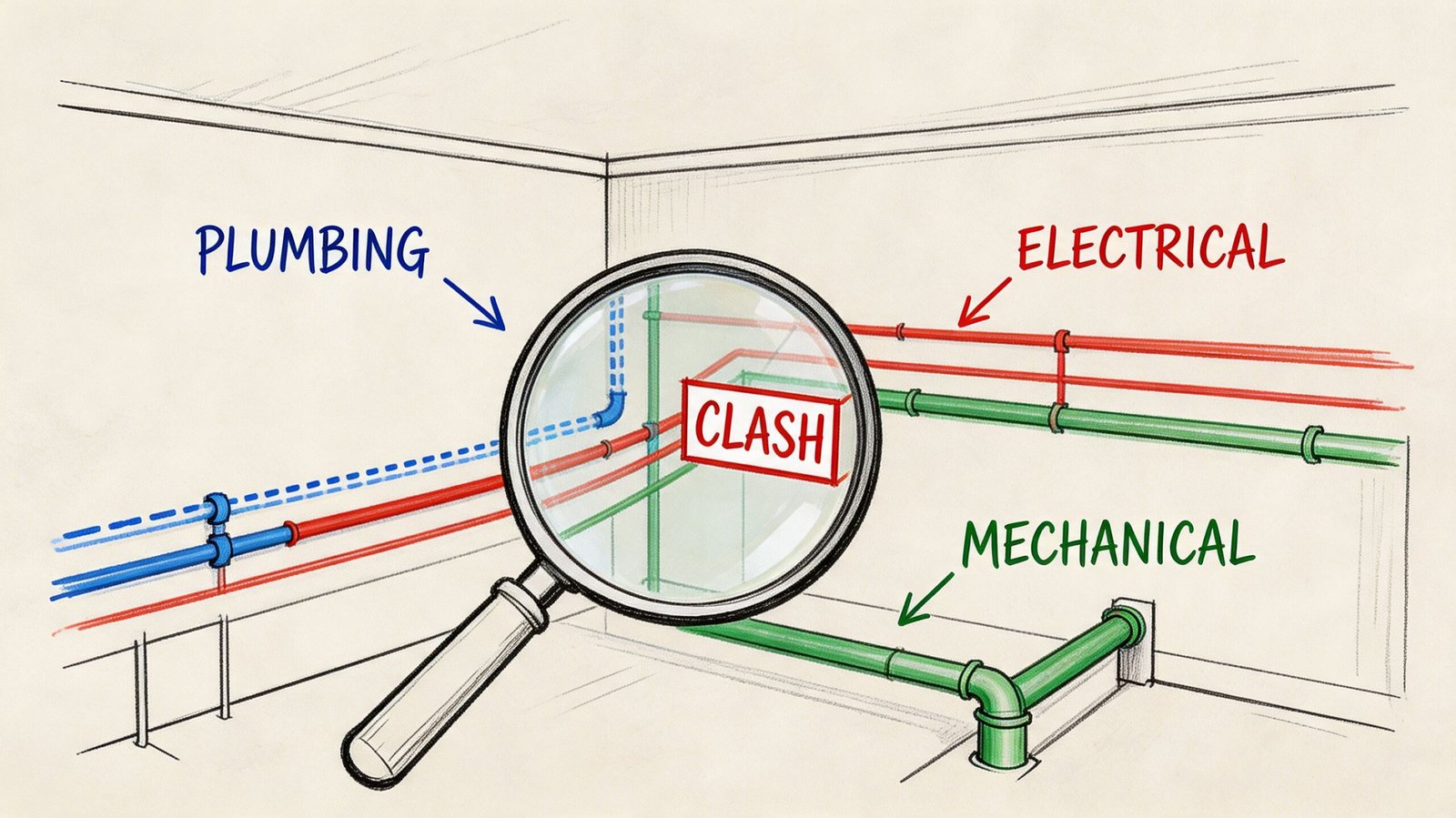
Revit’s strength is integrated multi-discipline modeling across architecture, structure, and MEP. ArchiCAD has stronger Open BIM positioning and better IFC support, but Revit is often mandated on large US projects because of its industry-standard status and more extensive engineering tools, according to Techture’s comparison of Revit and ArchiCAD.
Why Revit has the structural advantage
Most MEP engineers in the US already author in Revit. Their families, templates, workflows, and deliverables are built around it. That means an architecture model in Revit usually enters coordination in the format the engineering team expects.
That alignment matters in several places:
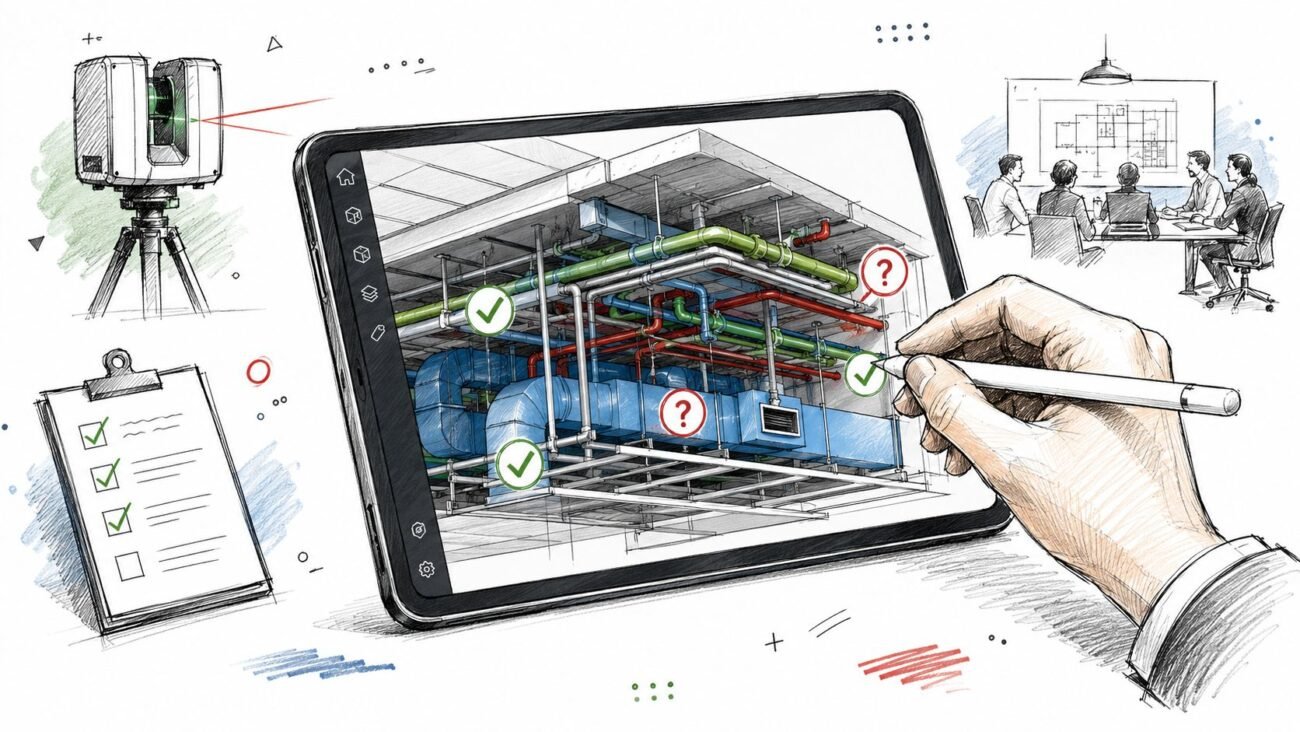
- Clash detection: The model is easier to federate with MEP content.
- Issue resolution: Teams can track and fix conflicts with less translation overhead.
- Metadata retention: Engineering information is less likely to degrade between exchanges.
- Coordination meetings: Model review stays focused on design and constructability, not file behavior.
Where ArchiCAD starts to slow the process
ArchiCAD can participate in MEP workflows, but it usually adds one more layer of checking. On coordination-heavy projects, that can be enough to create drag.
The common pain points are familiar:
- Add-on dependence for MEP capability
- Conversion overhead when exchanging with Revit-based engineering teams
- Lost or weakened metadata during exchange
- More manual validation before clashes can be trusted
If your team is using Navisworks, Autodesk Construction Cloud, or a Revit-centered coordination stack, Revit sits closer to the center of that workflow by default.
The issue isn’t whether an ArchiCAD model can join coordination. The issue is how much supervision the exchange needs before the team trusts it.
Practical recommendation
If your architectural model will spend a lot of time in coordination with external MEP engineers, Revit usually creates fewer opportunities for preventable confusion. If MEP is light, internal, or limited to smaller consultant scopes, ArchiCAD remains workable.
Team Scalability and BIM Outsourcing Compatibility
Software choice also affects how easily you can scale delivery when your internal team hits capacity.
This is one of the least discussed parts of the ArchiCAD vs Revit conversation. Firms don’t just need a platform for the current team. They need one that still works when deadlines stack up, a project lands unexpectedly, or documentation has to move faster than hiring can support.
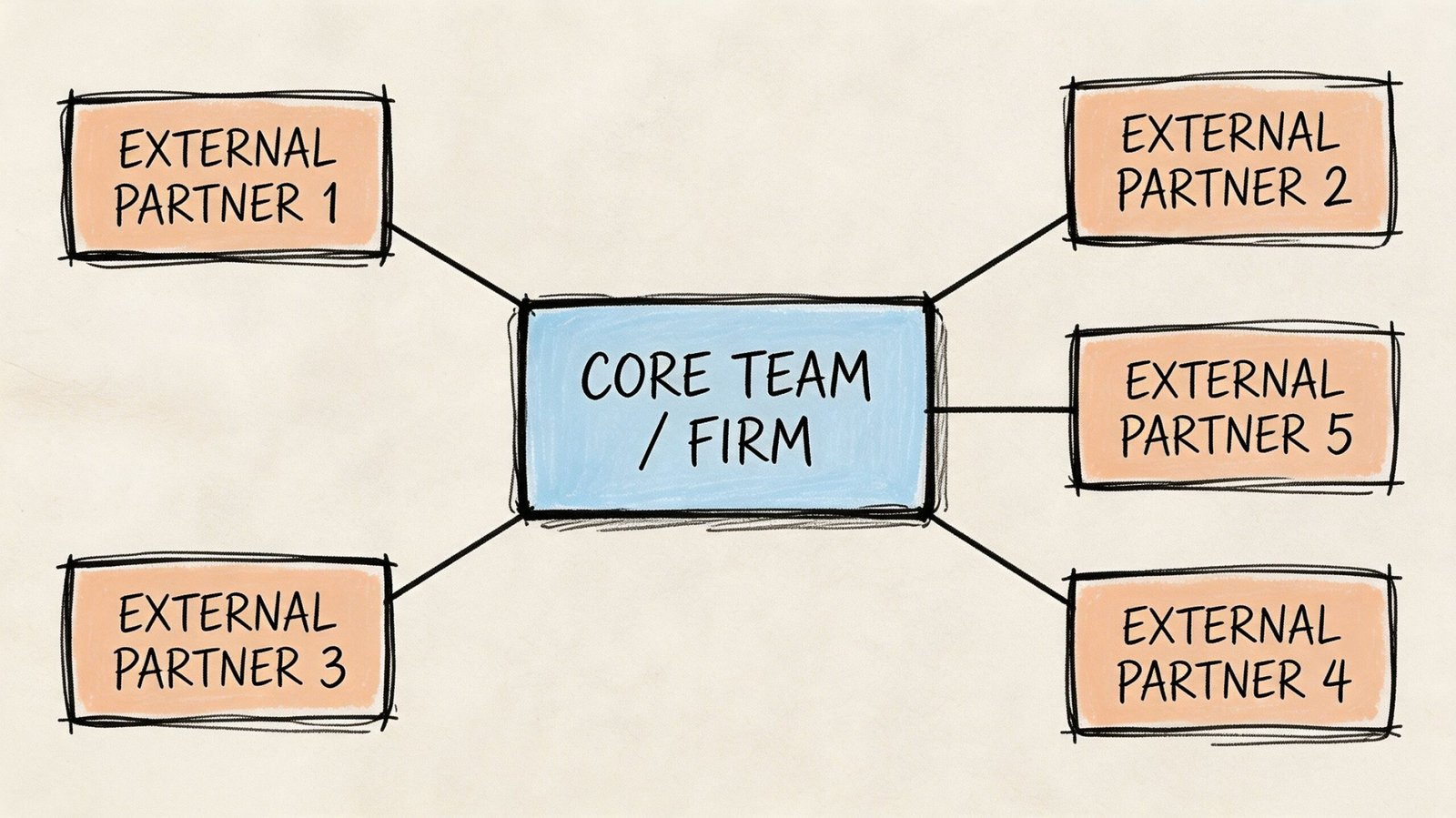
Revit has the deeper production bench
In the global production market, Revit is easier to staff around. More modelers, coordinators, and documentation teams already work in Revit because so much of the North American coordination environment depends on it.
That creates a few operational advantages:
- Faster surge staffing: It’s usually easier to find people or partners who can enter a live Revit workflow.
- Better specialization: Revit production support is easier to align by discipline, from architecture to MEP coordination.
- Lower transition friction: External teams are more likely to understand linked models, view templates, worksets, and documentation standards already.
This isn’t a quality judgment about ArchiCAD talent. It’s a market depth issue.
ArchiCAD scaling is possible, but narrower
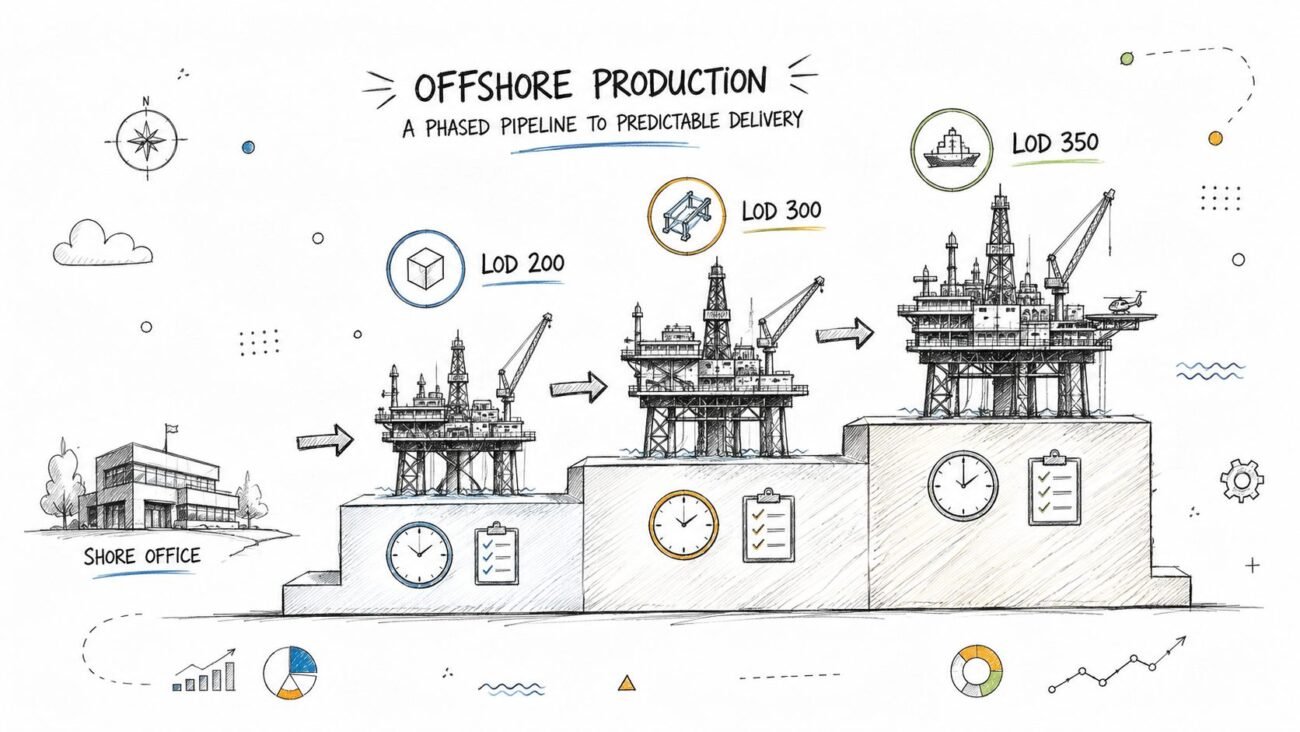
ArchiCAD outsourcing exists, and some teams do it very well. The limitation is availability, especially when the work moves beyond straightforward modeling into large CD sets, consultant-heavy packages, or production environments that need repeatable QA under compressed timelines.
That narrower vendor pool affects risk. If one resource leaves, if one partner can’t support your standards, or if you need to ramp quickly, your alternatives are fewer.
Collaboration infrastructure matters too
The software environment also shapes how external collaboration is managed.
Revit teams commonly rely on cloud worksharing through Autodesk’s ecosystem. ArchiCAD teams often use BIMcloud. Neither option is automatically right or wrong, but each creates setup, access, and process requirements that need to be sorted before outside production is live.
A principal should ask three blunt questions before committing to a platform with growth in mind:
- Can we add production capacity fast without rebuilding the workflow?
- Can external teams work inside our standards, not beside them?
- Will coordination with consultants and outsourced modelers use the same operational logic?
If the answer to those questions matters now or will matter soon, Revit often carries the safer scaling profile.
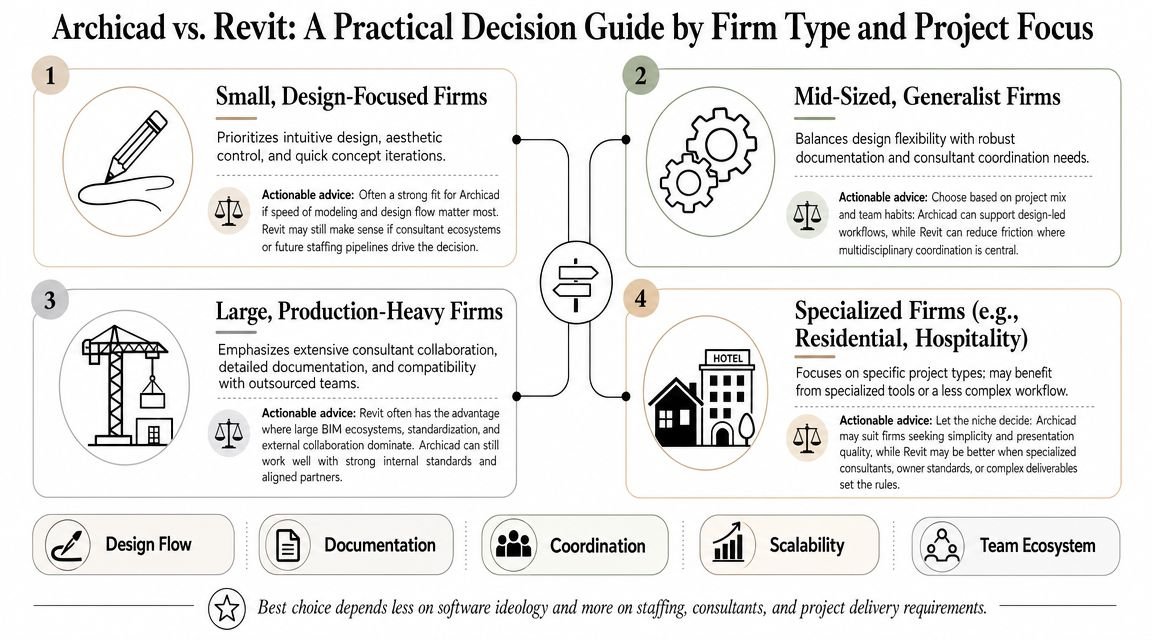
A Practical Decision Guide by Firm Type and Project Focus
Software choice shows up later, in fee burn, redline volume, consultant lag, and how easily you can add production capacity when a deadline slips.
The right archicad vs revit decision depends on the business you are running. Project type matters, but delivery conditions matter more.
Small design-focused firms
A small architectural practice doing custom residential, interiors, or light commercial work can do well in ArchiCAD, especially if the consultant roster is stable and the documentation set stays architect-led.
Its lighter feel has practical consequences. One analysis from Cademix suggests Revit can require far more RAM relative to file size than ArchiCAD in some scenarios, making ArchiCAD a potentially lighter option on standard hardware. That should not be treated as a universal benchmark, but it matches what many smaller teams experience in day-to-day production.
In business terms, that can mean lower hardware strain, easier onboarding for design staff, and fewer interruptions from performance issues during modeling and sheet development. If your projects do not depend on constant model-based exchange with a large consultant team, those gains are real.
Mid-sized generalist firms
The decision changes once the firm is juggling several PMs, repeat consultant coordination, and a mix of project scales.
At that point, Revit often becomes the safer operating system for delivery. The advantage is not taste. The advantage is consistency across documentation, model exchange, consultant review cycles, and hiring. Firms in this range usually feel the cost of friction more than the cost of software.
This is also where platform change starts to look less like retraining and more like risk management. If a switch is under consideration, an ArchiCAD to Revit transition strategy should be planned like a production changeover, with standards, content, QA, and staff ramp-up mapped in advance.
Firms with integrated engineering or recurring outsourcing
If structure or MEP is in-house, align architecture to the workflow that keeps coordination moving with the fewest handoffs and workarounds. Internal friction still burns fee.
Revit usually has the edge for firms that outsource production regularly, cover deadline spikes with external teams, or deliver consultant-heavy packages. The benefit is not abstract. It shows up in easier staffing, more predictable QA, and fewer translation problems between the core team and outside support.
A practical rule helps here. Choose the platform your firm can staff, coordinate, and quality-control repeatedly under pressure. That is the platform that protects margin.
Conclusion Choosing Your Platform for Downstream Success
The best answer to archicad vs revit isn’t ideological. It’s operational.
Choose the platform that removes friction from the full chain of delivery. That means consultant handoffs, permit documentation, MEP coordination, QA structure, staffing flexibility, and the ability to maintain standards when the project team is under pressure. Those are the places where software stops being a design tool and starts becoming a business system.
ArchiCAD can be the right call for smaller, design-led firms that value speed, lighter infrastructure, and a more intuitive architectural workflow. Revit is often the stronger long-term fit when the work depends on outside consultants, MEP-heavy coordination, larger production teams, or outsourced support capacity.
Switching platforms has real cost. Retraining, template rebuilding, content migration, and process reset all take time. That’s why this decision deserves a production-side lens, not just a software demo.
If you’re evaluating the choice seriously, map your next two years of delivery, not just your next project. The right platform is the one your team can operate with confidence when the easy part of the job is over.
If you’re working through this decision and want a production-side perspective on what your platform choice means for documentation, consultant coordination, or outsourced delivery feasibility, BIM Heroes is a useful place to start. They can help you think through what’s realistically scalable in Revit versus ArchiCAD, especially if your concern is operational consistency rather than software preference alone.