Meta description: A practical guide to architectural general notes sheet standards, including AIA-aligned structure, permit reviewer red flags, and a resilient template approach for US AEC teams.
The general notes sheet is usually the least loved page in the set and one of the most dangerous to ignore.
Most firms inherit it, copy it forward, update a few lines, and move on. That works until the code references are stale, the abbreviations don't match the sheets, or the notes describe a different building than the one being submitted. Permit reviewers notice fast. Contractors notice later, and that second discovery is usually more expensive.
If you're trying to standardize architectural general notes sheet standards, the primary goal is not prettier formatting. It's predictability. A strong notes sheet helps the reviewer understand your basis of design, helps the contractor understand your expectations, and helps your team keep the drawing set internally consistent when deadlines are tight and multiple people touch the file.
The Legal and Contractual Role of General Notes
A general notes sheet is not a decorative front-end to the set. It is part of the project record and it carries contractual weight. In architectural and structural drawings, general notes function as legally binding instructions that clarify issues geometry alone cannot resolve, according to Plan7 Architect's discussion of general notes in construction drawings.
When general notes are vague or mismatched, the damage shows up in the field. That same source states that misaligned notes cause 20 to 25% of change orders, while well-crafted notes can achieve 98% first-pass inspection approval and reduce RFIs by 35%. Those numbers should get any production lead's attention.
Three readers always matter
The same sheet is read three different ways:
- Permit reviewers look for code basis, occupancy logic, and whether your notes support compliance.
- Contractors look for scope clarification, precedence, and places where ambiguity can shift responsibility.
- Owners and legal teams look at the notes as part of the record showing how the project was documented.
Those audiences don't want the same thing, but they all punish inconsistency.
Practical rule: If a note conflicts with a plan, schedule, or spec section, assume someone will rely on the version that benefits them most.
Boilerplate is where most problems start
A boilerplate sheet can still be useful, but only if it behaves like a controlled template instead of a dumping ground. A 2019 office project notes sheet should not roll straight into a current renovation, tenant improvement, healthcare interior, or mixed-use shell package without line-by-line review.
What usually fails is not intent. It's ownership. Nobody confirms whether the adopted code edition is current for the jurisdiction, whether the abbreviations still appear in the set, or whether old “just in case” notes survived from a different building type.
A good general notes sheet protects margin because it removes avoidable confusion before the first reviewer comment and before the first contractor RFI.
Industry Standards That Govern General Notes
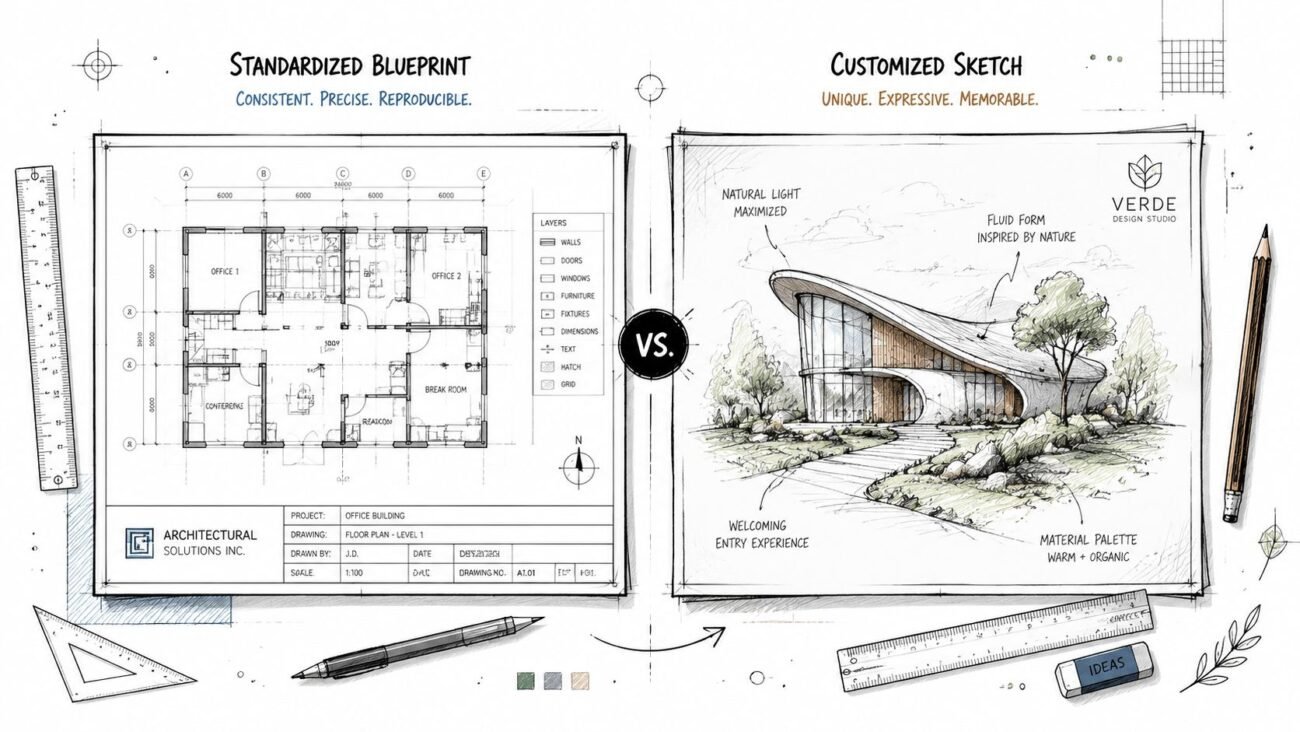
The cleanest way to think about general notes is to place them between drawing graphics and specifications. They are not a substitute for either one.
AIA-based document organization treats notes as part of coordinated contract documentation. In practice, that means your general notes must align with the rest of the set and with the project manual, not compete with them. If your sheet starts trying to carry full specification language, you've already created a coordination problem.
What belongs on the notes sheet
General notes should establish broad, project-wide conditions such as code basis, abbreviations, document conventions, and non-graphical instructions that apply across multiple sheets.
Sheet-specific notes belong on the relevant plans, elevations, sections, or details. Specification-level requirements belong in the specs. That line matters because teams often create disputes by mixing those layers.
A few common mistakes:
- Spec content on drawings: Long material requirements copied onto G sheets and never coordinated with the project manual.
- Drawing instructions in specs: Field coordination rules hidden in Division 01 where the installer never sees them during normal sheet review.
- Duplicate directives: Similar language repeated in architectural notes, structural notes, and keynotes with slight differences.
How standards help without solving everything
AIA conventions and the National CAD Standard help with placement, organization, and naming logic, but they do not rescue a weak review process. They give you structure. Your team still has to decide what is applicable.
For firms trying to tighten up sheet organization and consistency, a solid companion reference is this guide to architectural drawing standards. It's especially useful when your G sheets, code sheets, legends, and discipline notes have drifted apart over time.
The best general notes sheet is short enough to review carefully and precise enough to hold up under scrutiny.
A practical boundary test
Use this quick test before adding any note:
| Question | If yes | If no |
|---|---|---|
| Does this apply across the whole project? | Put it in general notes | Keep it off the G sheet |
| Is this specific to one condition or area? | Put it on the relevant drawing | Don't globalize it |
| Is this detailed product or execution language? | Put it in specifications | Avoid repeating it in notes |
That boundary alone removes a surprising amount of noise from permit and bid sets.
Seven Essential Categories for Your General Notes Sheet
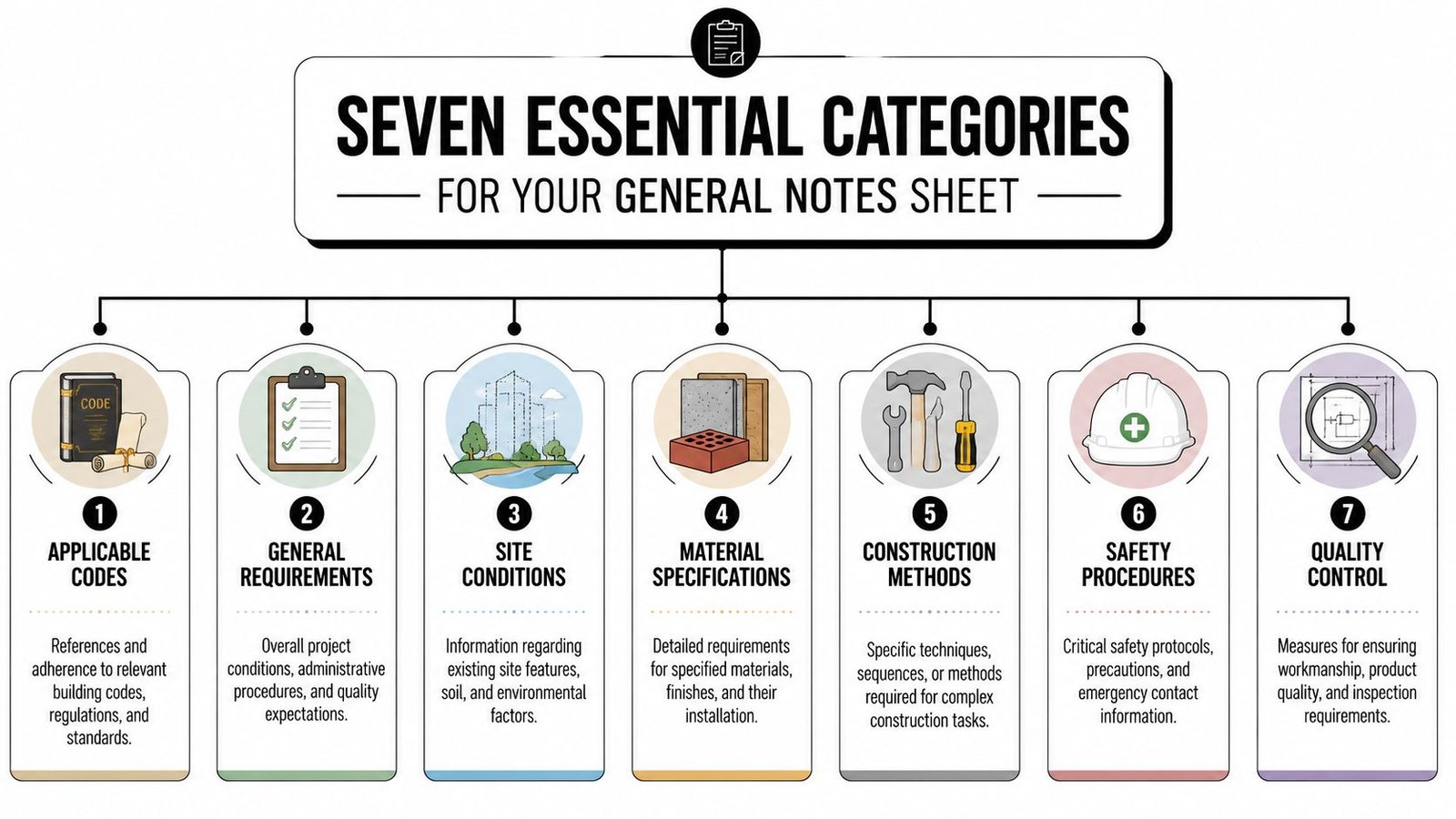
The fastest way to make general notes usable is to break them into fixed categories and review each category with a different mindset. Some items validate compliance. Others prevent coordination failures. Others exist mostly for risk control.
If you want a sheet-by-sheet view of how this page fits into the larger permit package, review this breakdown of a permit set.
Applicable codes
This is the first section most reviewers scan. If it is wrong, confidence in the rest of the set drops immediately.
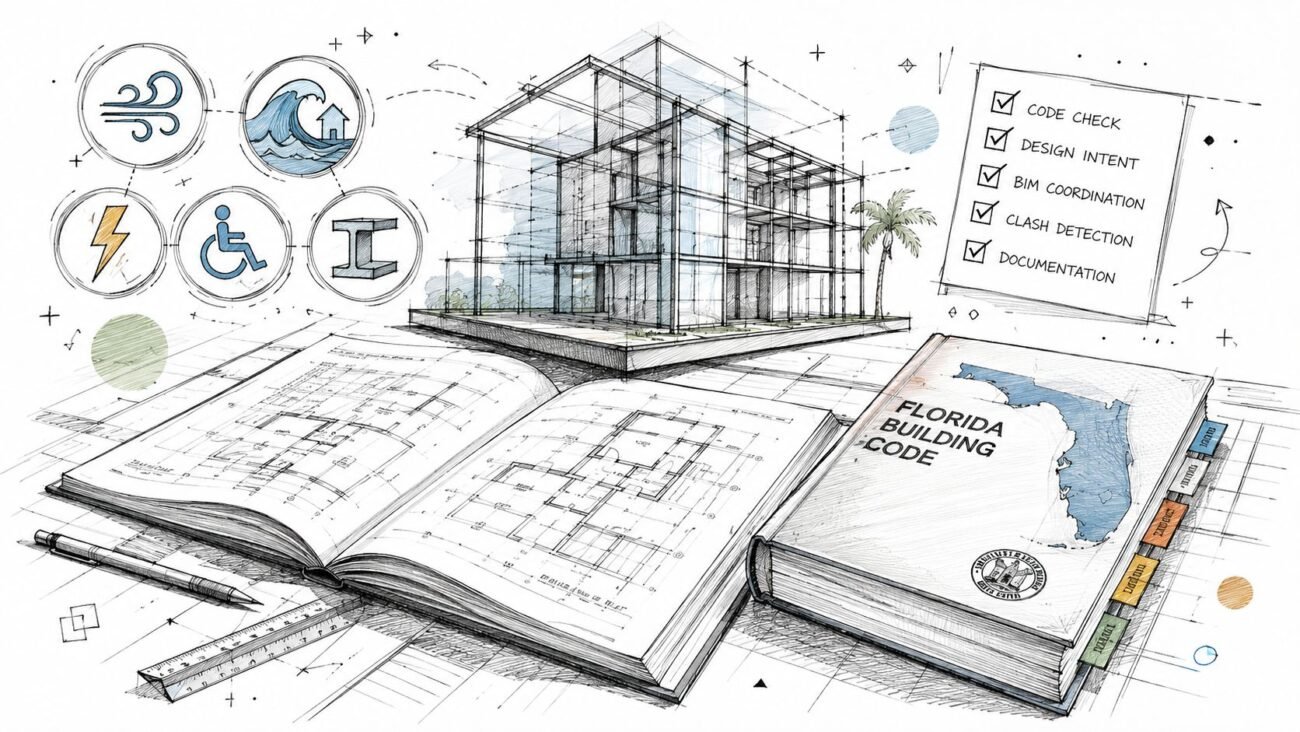
List the adopted building code and only the standards that apply to the project. Include accessibility references and energy code references where required by the jurisdiction. Be careful with “current code” language. Reviewers care about the adopted edition, not the newest edition in circulation.
The recurring mistakes are predictable:
- Outdated references left in from older projects
- Non-applicable standards pasted in to look complete
- Missing state amendments when the jurisdiction expects them to be called out explicitly
Project description and code path
This category should quickly tell the reviewer what building they are looking at.
Include project description, occupancy classification, construction type, sprinkler status, and the basic code path. If the code sheet carries some of this in more detail, the general notes should still stay aligned with it.
A mismatch here creates instant follow-up comments. If your plans read one way and your notes read another, the reviewer assumes coordination is weak everywhere else too.
Abbreviations and symbols
Generic abbreviation lists are one of the clearest signs that nobody audited the set.
Only list abbreviations used in the drawing package. The same applies to symbols. If the set uses a tag, hatch, line convention, or note shorthand, it needs a clear home. If it doesn't appear in the set, remove it.
A bloated abbreviations list doesn't make a drawing set look thorough. It makes it look copied.
Dimensional and tolerance standards
This section often gets skipped because teams assume dimensions are self-explanatory. They aren't.
Clarify dimension hierarchy, reference large-scale details where necessary, and state how field verification interacts with the documents. The point is to reduce the gray area around layout, existing conditions, and what governs when dimensions appear to compete.
Short, direct notes work better than legalistic paragraphs here. Production teams and field teams both need to understand them quickly.
Material and finish notes
Keep this category disciplined. Establish the standard. Don't rewrite the specifications.
This is the right place for broad material references, finish abbreviation logic, and schedule references. It is not the right place for a miniature Division 03, 04, 05, 06, or 09 manual. If you overpack this section, it becomes hard to maintain and easy to contradict.
Contractor responsibilities
Here, many firms under-document or overreach.
You need enough language to state field verification responsibility, existing conditions limits, coordination obligations, and submittal expectations. But you should avoid stepping into means and methods. The contractor needs direction on coordination, not a rewritten construction management plan.
In civil work, project-specific notes can also override standard specs and materially improve coordination. TxDOT guidance notes that general notes should include project-specific items such as material gradation, density targets, and erosion control measures, and that this level of detail reduces contractor queries by 30 to 40%, according to the TxDOT PS&E Manual section on general notes.
Drawing precedence and conflict handling
This is one of the most useful and least polished parts of many sheets.
State how the team expects conflicts to be handled. Clarify whether specifications govern over drawings, whether large-scale details govern over smaller-scale plans, and that figured dimensions take precedence over scaled ones. Also require notification before proceeding when a conflict is found.
A short precedence section does two things well. It gives the contractor a process, and it removes the excuse that the conflict was handled unilaterally in the field.
A compact review checklist
Before issue, check these seven categories in this order:
- Codes are adopted and applicable.
- Project description matches code sheets and plans.
- Abbreviations match actual usage.
- Dimensional rules are stated clearly.
- Material notes reference rather than duplicate specs.
- Contractor responsibilities are clear but limited.
- Precedence language is unambiguous.
Common Rejection Triggers from Permit Reviewers
Permit reviewers are not reading the general notes sheet for style. They are looking for signals that the submission is coordinated, current, and complete.
The first red flag is almost always an outdated or incomplete code basis. If the code edition is stale or the local amendment path is not stated the way the jurisdiction expects, the set starts in a hole. Reviewers see that as a document control problem, not just a typo.
The flags that appear again and again
- Code references that don't match the jurisdiction
- Occupancy or use descriptions that conflict with plans
- Energy code references missing from the sheet
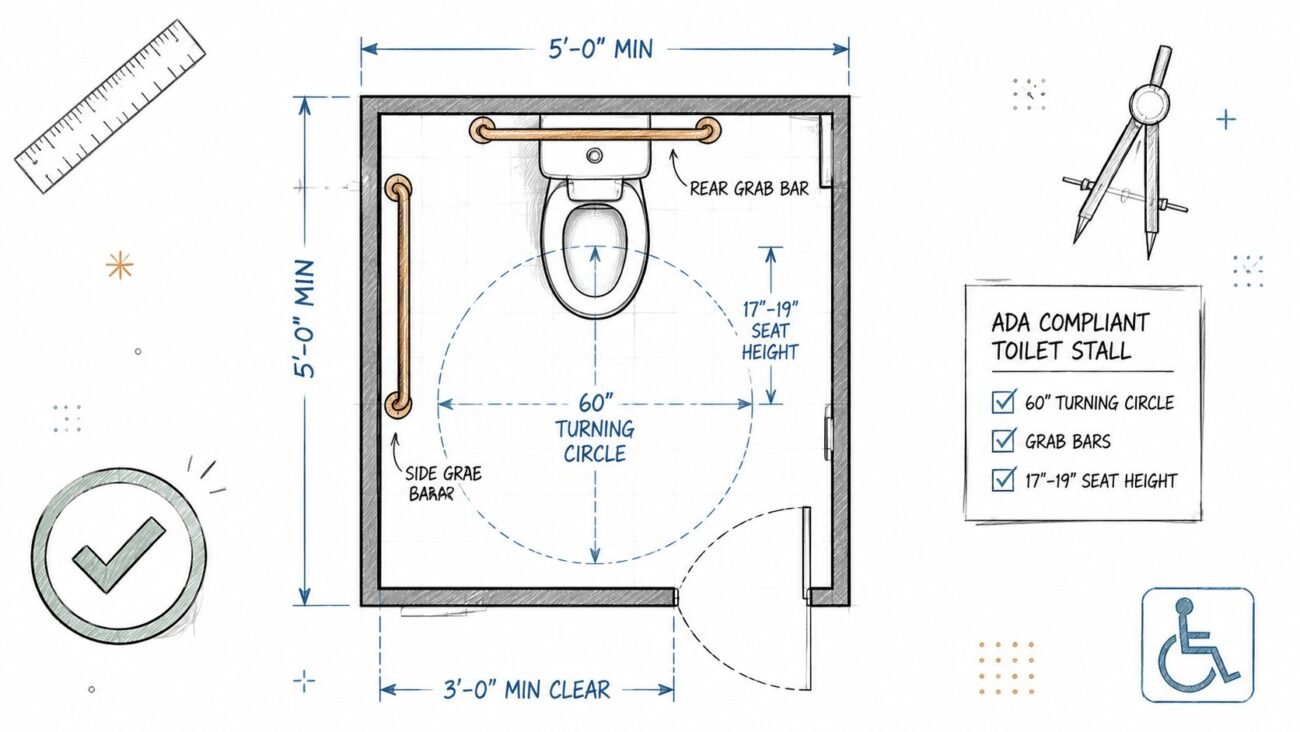
- Accessibility language that is absent or too vague
- Abbreviations used in the set but not defined
- Boilerplate notes from the wrong project type
A notable blind spot is accessibility documentation. General notes often omit explicit callouts for ADA compliance, universal design principles, or considerations for underserved populations, despite growing attention to equity and compliance. That gap is described in this municipal grading document context discussing the absence of such guidance in common note practice.
Why reviewers react quickly
Reviewers use the general notes sheet as a proxy for production discipline. If the first administrative sheet looks careless, they assume similar problems may exist in code analysis, life safety, and technical coordination.
That's why a permit-focused QA pass should start on the notes sheet, not end there. For teams managing frequent submissions, a dedicated permit drawings workflow is usually where that discipline becomes visible.
If a reviewer has to guess what standard you're using, the submission is not ready.
Local variation still matters. A city reviewer, a county reviewer, and a state-linked review process may each expect slightly different wording, references, or placement. That local diligence cannot be automated by a generic template.
Building a Resilient General Notes Template
The right template is not a static sheet. It is a maintained system.
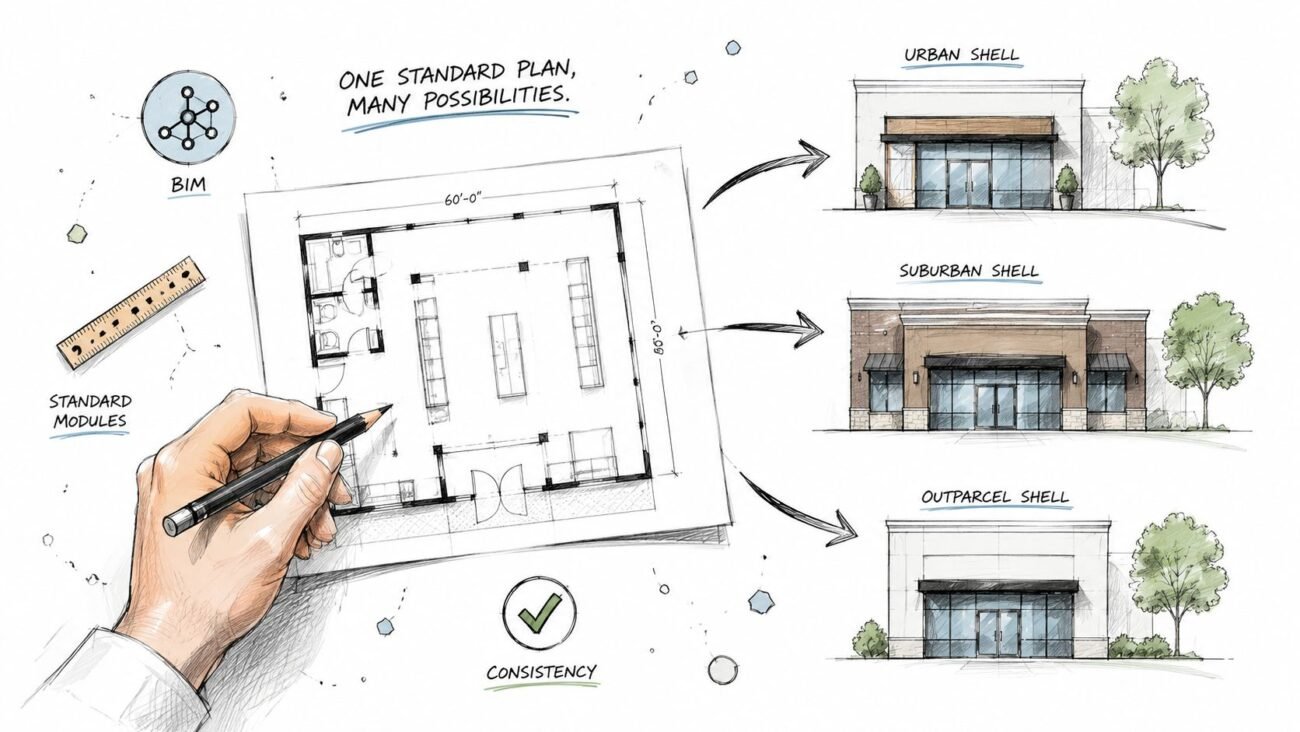
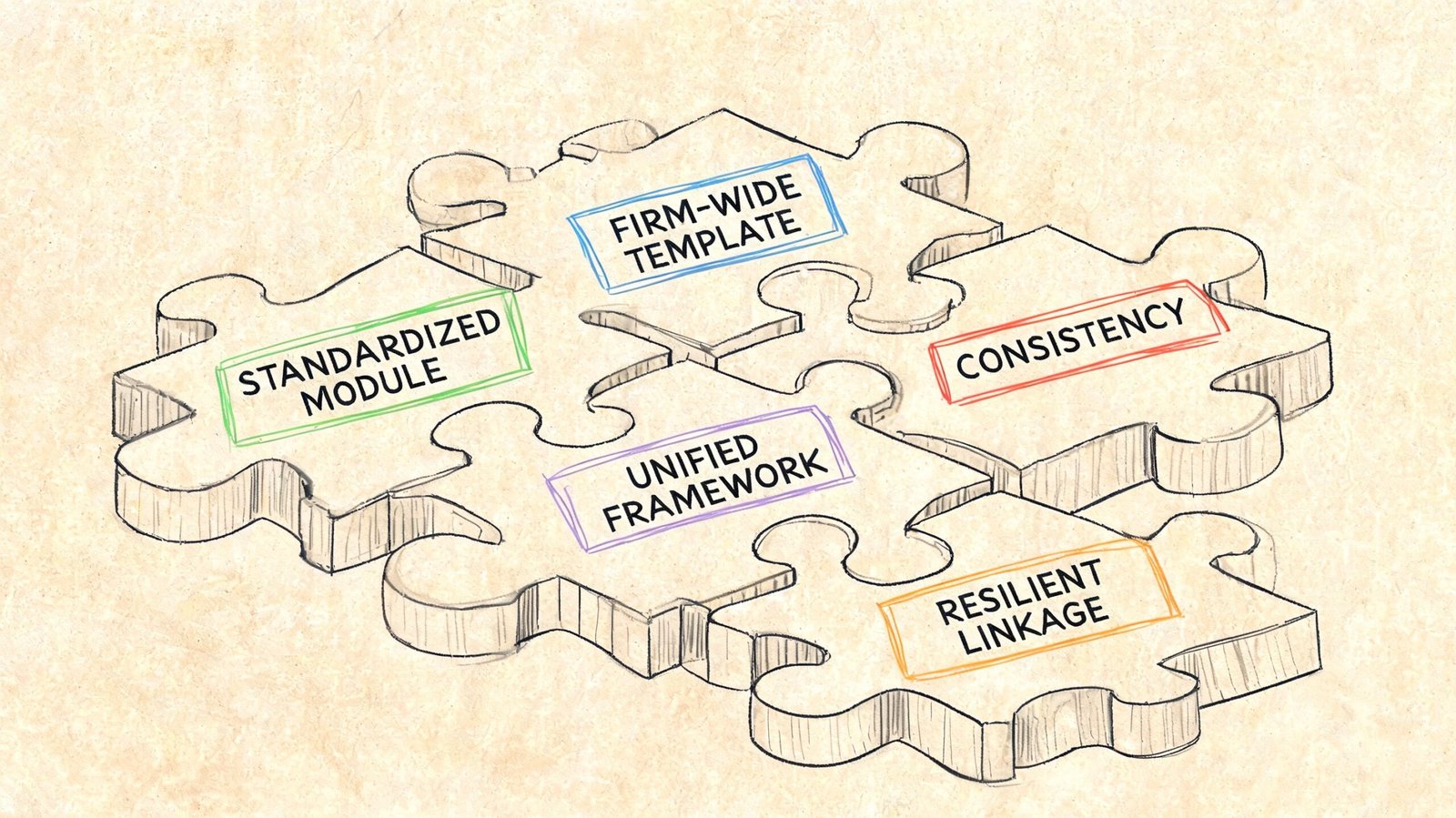
Most general notes failures come from template drift. The file exists, everyone uses it, nobody owns it, and each project leaves behind small edits that later become contradictions. That is why resilient templates need structure, ownership, and revision logic.
Build it like production infrastructure
At minimum, a strong template system should include:
- Section-based modules so code references, abbreviations, contractor notes, and precedence rules can be reviewed independently
- Conditional content tags such as renovation only, sprinklered only, residential only, or jurisdiction-specific
- Version control with issue dates and ownership
- A scheduled review cycle tied to code adoption and internal standards updates
There is also a broader BIM problem behind this. Industry guidance is still weak on how to structure and standardize general notes inside BIM workflows, especially for IFC integration, Revit parameters, and collaborative model-based delivery. That standardization gap is described in Minnesota DOT documentation used here as evidence of the broader digital gap.
Revit and template discipline
In Revit, the most reliable setups usually treat general notes as controlled drafting views or managed annotation content instead of freehand text blocks copied from project to project. Some firms also centralize repeatable values through shared parameters or schedules where that makes sense.
The exact implementation can vary. The mandatory part is this: someone has to own the update logic.
A template without an owner is just old risk stored in a file.
If one BIM manager, production director, or standards lead is responsible for annual review and pre-submission validation, the sheet stays alive. If everybody owns it, nobody does.
Coordinating General Notes Across Your Document Set
A perfect general notes sheet can still fail if it disagrees with the rest of the documents.
The most important coordination check is between the architectural G sheet and the code compliance material. Occupancy description, construction type, and code basis need to read as one story. When those differ, reviewers question the whole submission.
Where coordination usually breaks
Architectural notes also need to stay aligned with structural and MEP notes. If the architectural sheet implies one material standard and the structural general notes on S001 imply another, the set creates its own RFI. The same goes for duplicated coordination language between architectural and MEP sheets.
Use a final cross-discipline review that checks these pairings:
| Pairing | What must match |
|---|---|
| G sheets and code sheets | Occupancy, construction type, code basis |
| Architectural and structural notes | Shared material references and non-graphical standards |
| Architectural and MEP notes | Coordination responsibilities without duplication |
| Notes and specifications | Every referenced standard should have supporting spec coverage |
Revision management matters just as much. When a note changes during addendum, permit response, or bulletin work, every related schedule, keynote, and cross-reference should be checked at the same time.
A disciplined general notes process pays back across every project. Fewer permit comments. Fewer avoidable RFIs. Fewer contradictions that get expensive once procurement or field work starts.
If your team needs help tightening construction document production, BIM Heroes supports AEC firms with architectural production and BIM workflows built for consistency, permitting readiness, and scalable delivery. If you're standardizing your notes sheet, cleaning up a drifting Revit template, or trying to reduce review comments across repeat project types, it's worth reaching out for support.