Meta description: A builder-focused guide to custom vs standard log cabin kits, covering permit drawings, timber frame BIM coordination, MEP conflicts, and what changes in production.
A standard kit looks simple until the first real deviation hits. The owner wants a different foundation, the site slopes harder than expected, the mechanical room moves, or the jurisdiction asks for details the manufacturer never intended to provide. That's where a lot of builders learn the hard way that log cabins homes kits are assembly packages, not complete production packages.
On a repeatable standard build, you can absorb some of that friction with field judgment and a good superintendent. On a custom timber frame or modified log home, that same approach starts burning margin. The drawing set gets rebuilt midstream, subs rough in from assumptions, and plan check turns into a back-and-forth between the building department, the engineer, and the manufacturer.
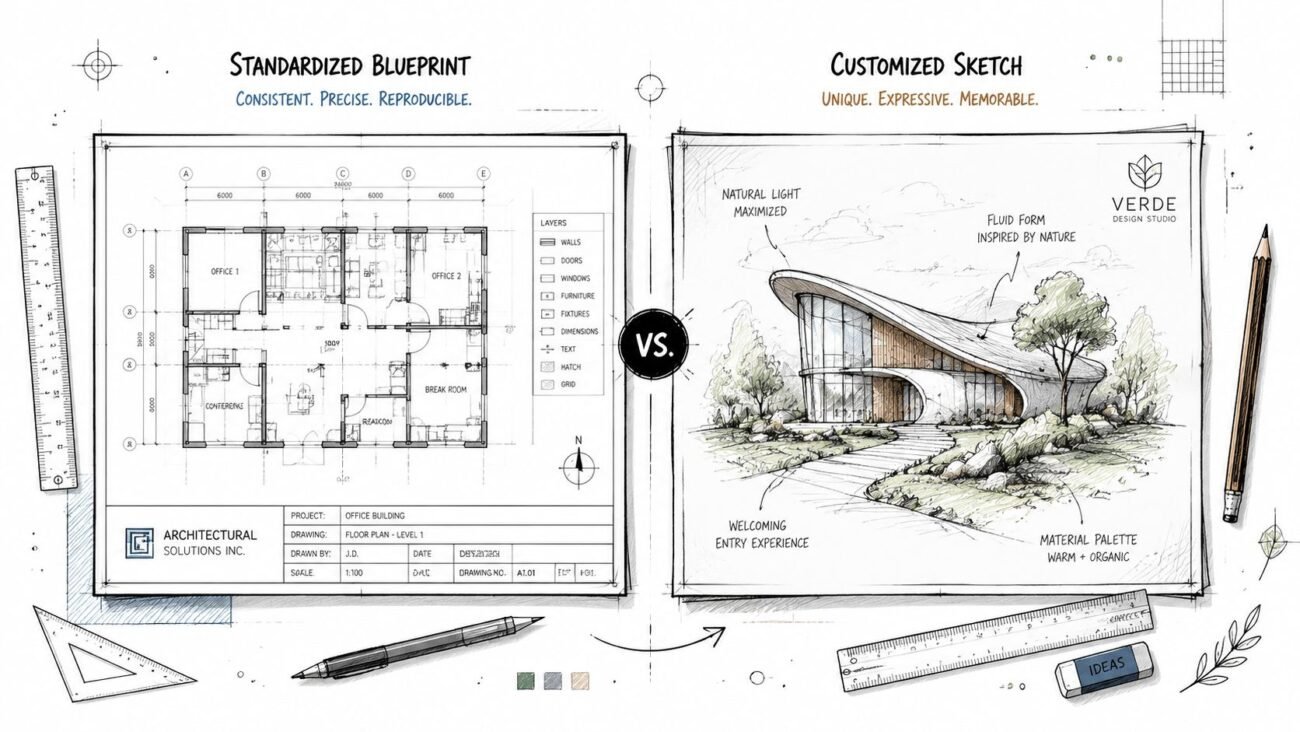
The difference between standard and custom isn't just design freedom. It's a different coordination burden, a different permit burden, and a different preconstruction workflow.
What a Standard Log Cabin Kit Actually Includes
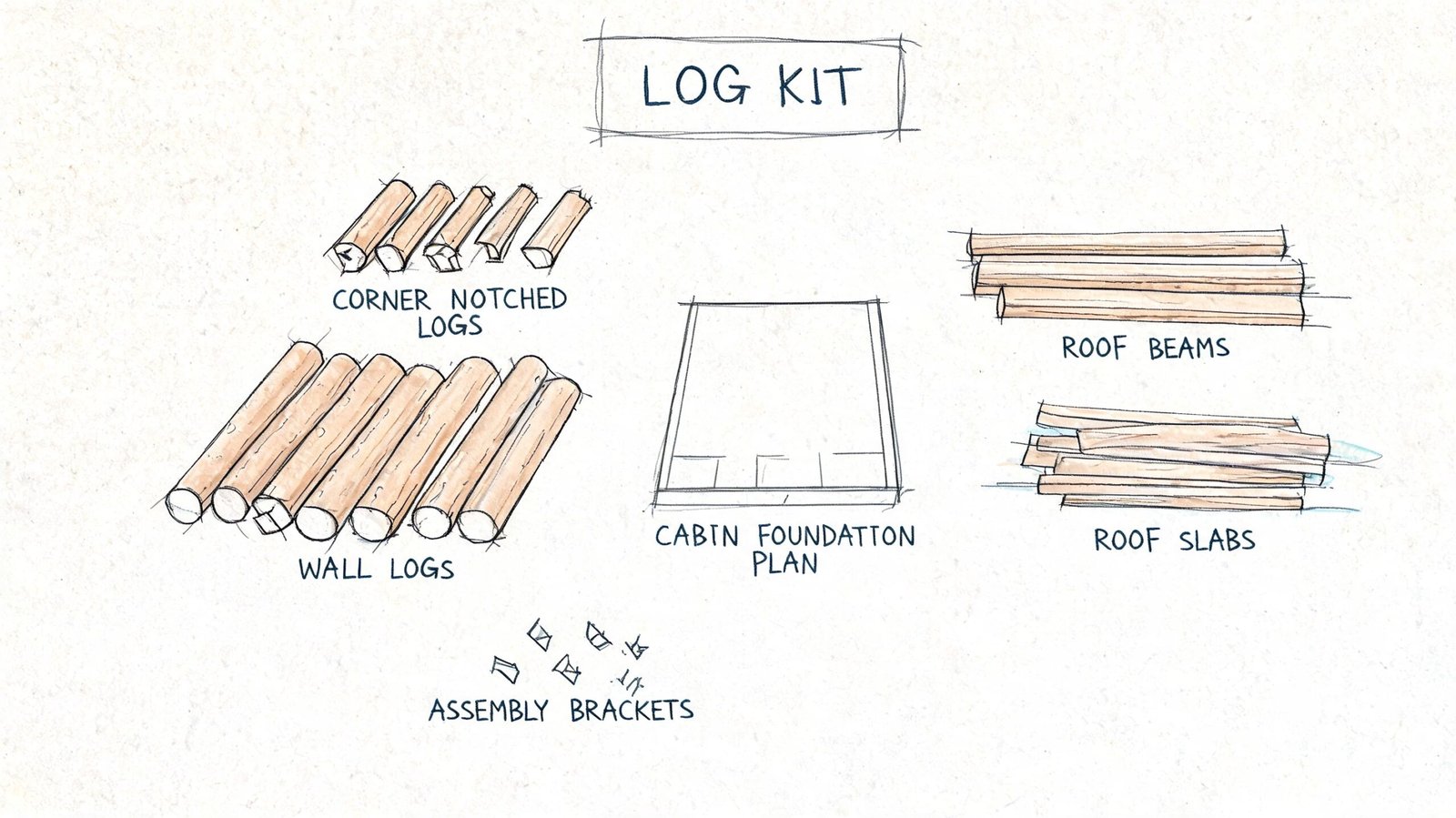
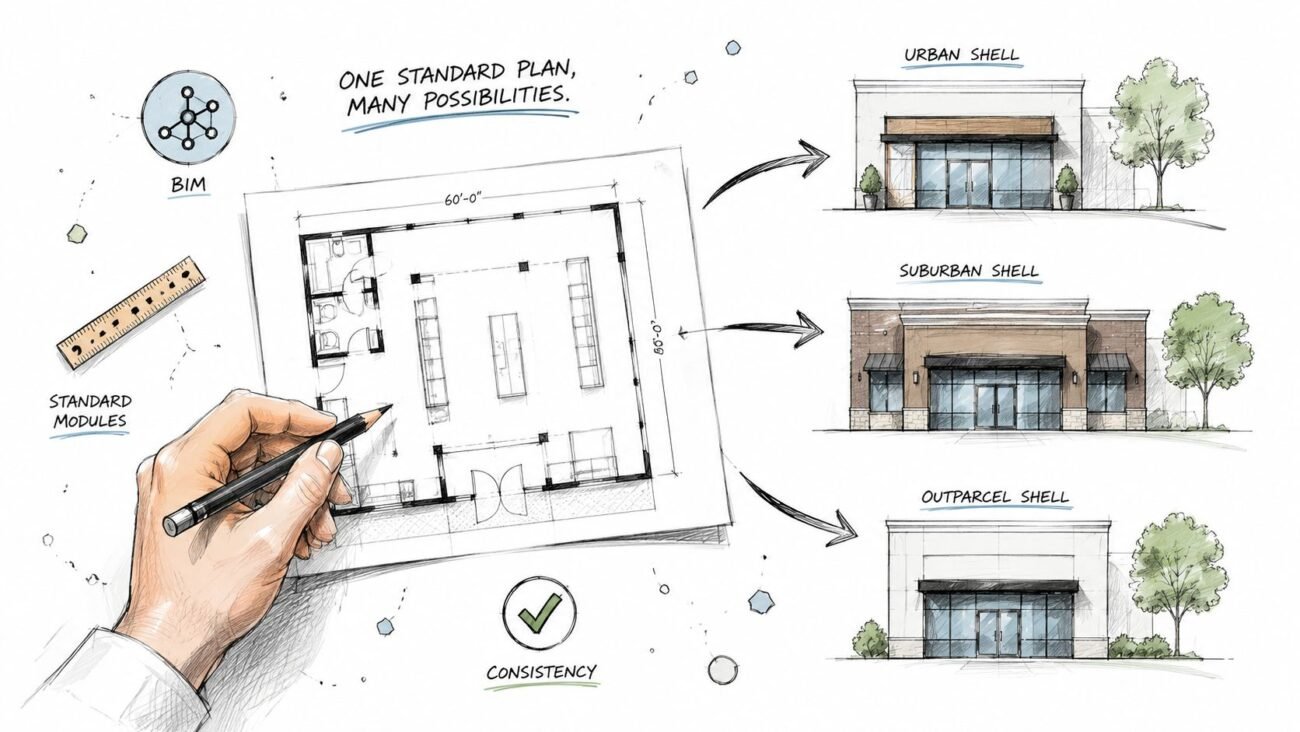
A standard kit usually gets marketed like a near-complete house. In practice, it's closer to a coordinated material package with basic assembly information.
The market is large enough that many builders assume the process must be standardized by now. The National Association of Home Builders notes that one manufacturer source puts the U.S. market at over 500,000 log cabin kits, and that contemporary kits typically include log walls, roof, windows, and doors while excluding essentials like foundations, plumbing, electrical, insulation, and interior finishes. That's also why the kit may account for only about 40% of the final budget.
What usually arrives from the manufacturer
Most standard packages include enough information to fabricate and assemble the shell. That commonly means:
- Pre-cut wall components sized to the manufacturer's plan
- Basic plan sheets showing layout, wall stacking, and roof geometry
- Window and door package information tied to the shell
- Roof framing or assembly guidance for the package being sold
That's useful. It just isn't the same thing as a permit set.
What the builder still has to produce
Builders frequently get caught at this stage. The building department isn't reviewing a sales package. It's reviewing a project for a specific parcel, code cycle, foundation condition, and utility layout.
A workable permit package usually still needs:
- Site-specific foundation information
- Site plan and utility coordination
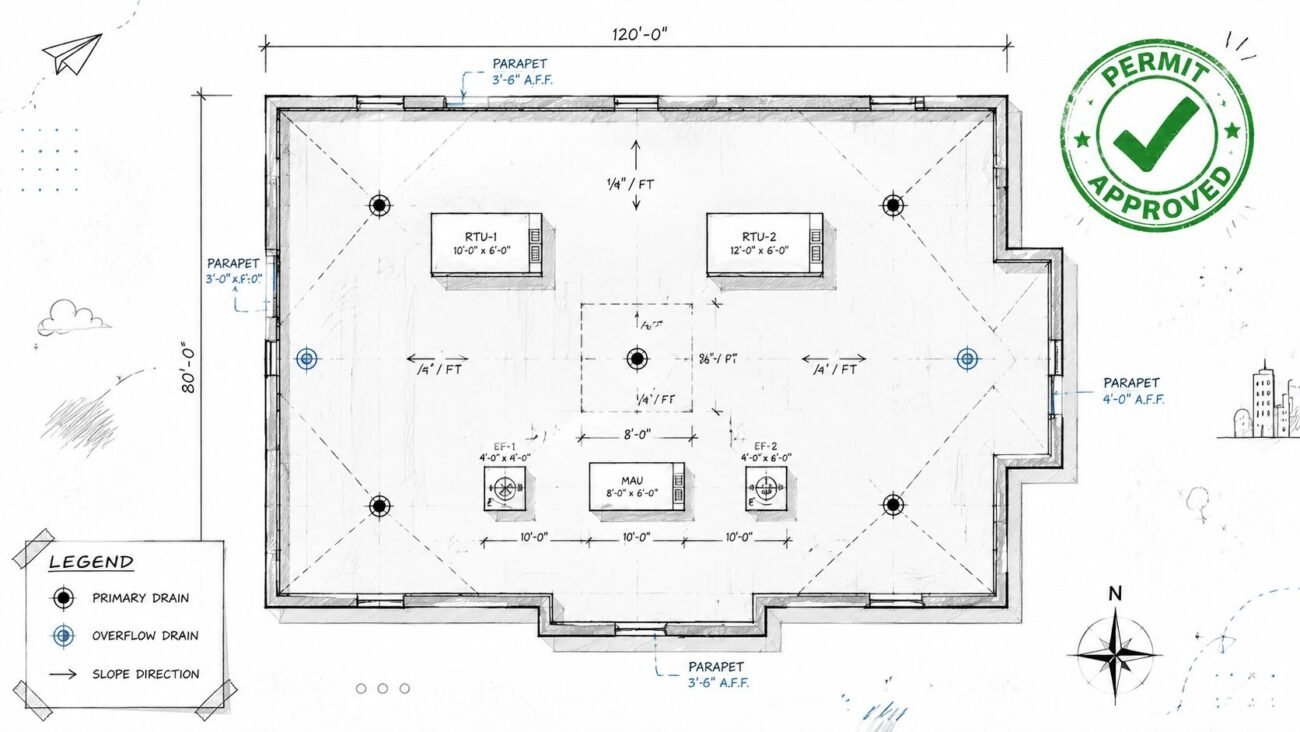
- MEP drawings for rough-in and permit review
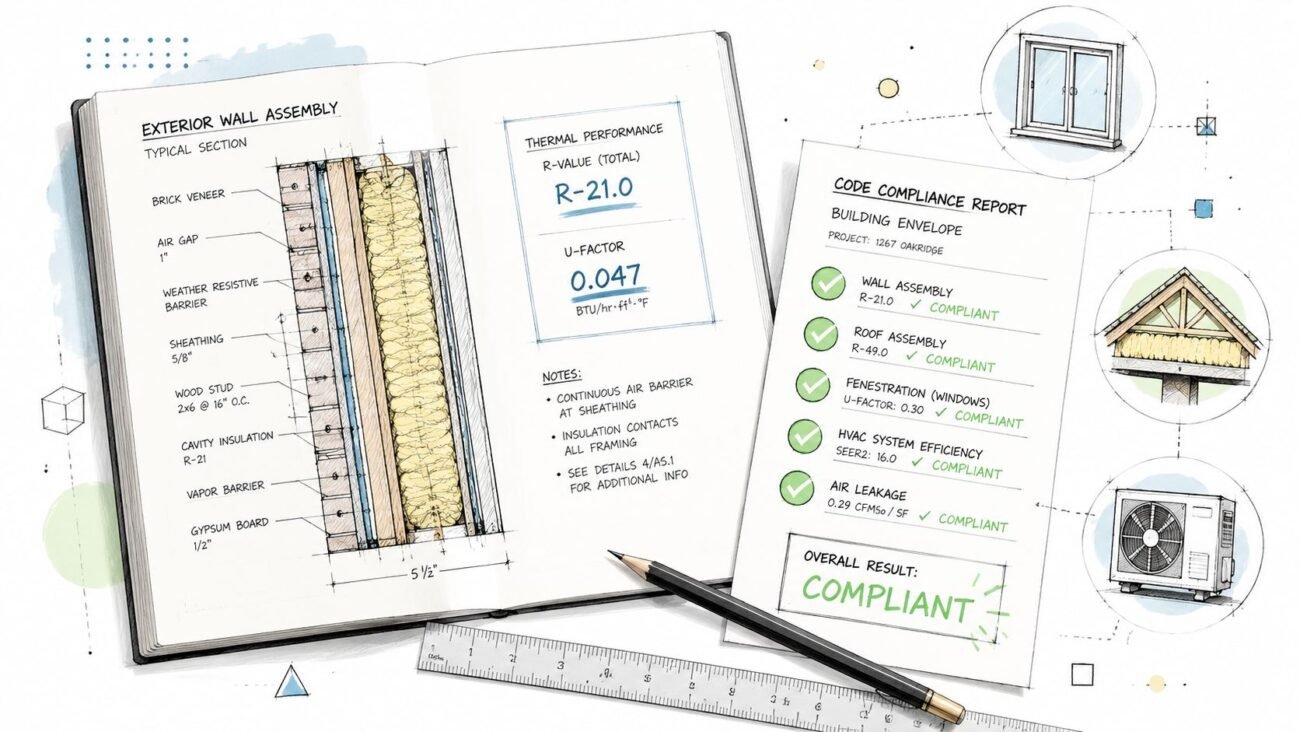
- Energy compliance documentation
- Jurisdiction notes, code references, and sheet organization
- Sections, details, schedules, and annotations that inspectors can build from
Field reality: The manufacturer delivers a component package. The jurisdiction asks for a building package.
The assumption gap that hurts builders
On standard work, many teams assume the kit drawings are close enough and the rest can be filled in later. Sometimes that works in low-scrutiny jurisdictions. Sometimes it doesn't.
What breaks first is usually accountability. The manufacturer says their documents cover the kit. The engineer says the site-specific items are outside their scope. The GC is left stitching together foundation, energy, and rough-in decisions under schedule pressure.
That's the baseline problem with log cabins homes kits. They're rarely plug-and-play from a permitting standpoint, even before the project becomes custom.
What Changes on a Custom Log Cabin Build
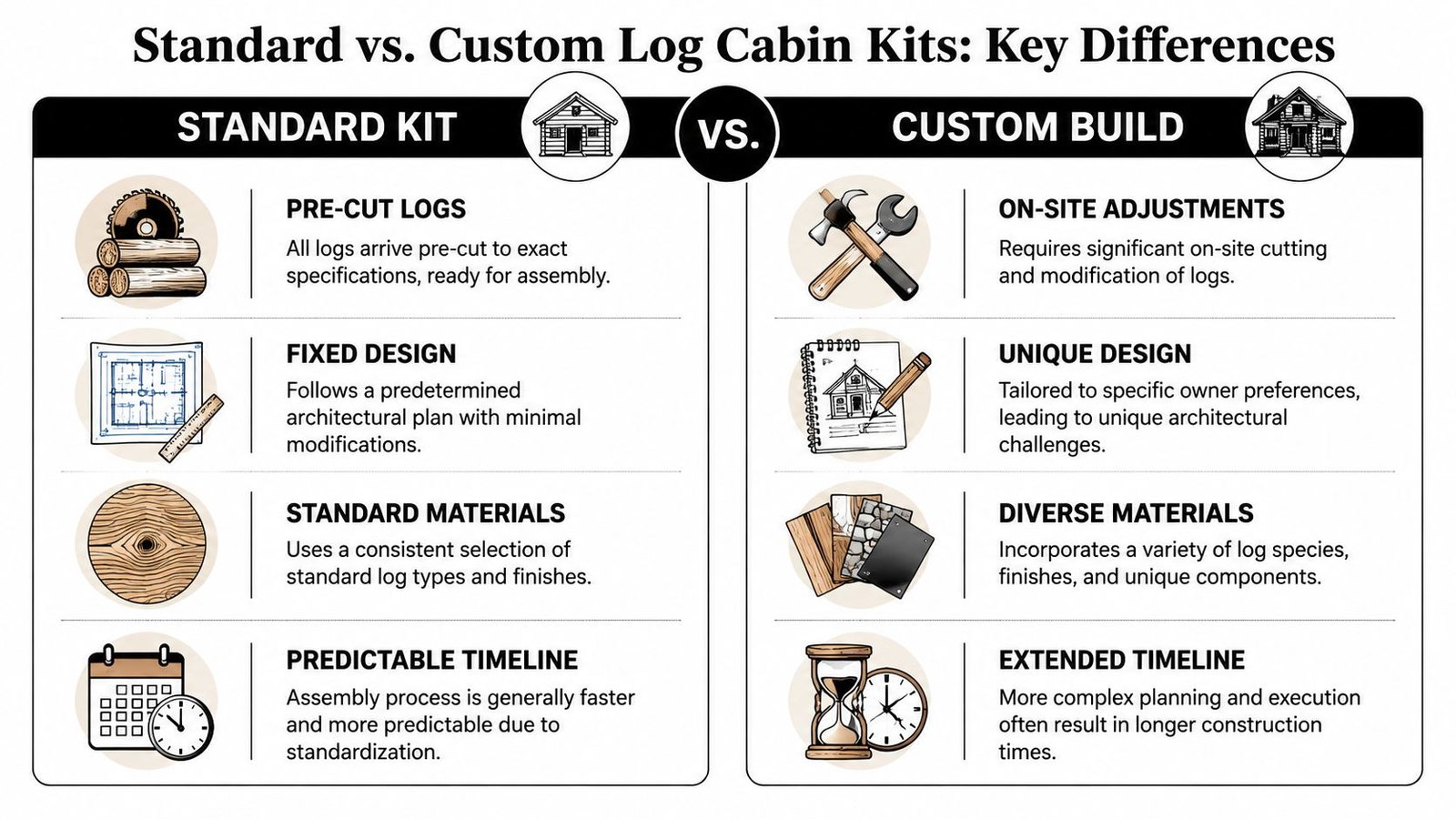
Custom work changes the job from assembly management to full production management. That shift is where a lot of builders underestimate effort.
Industry guidance from log-home builders says the kit often represents about 30% to 40% of total project cost, and a common budgeting rule is to multiply the kit price by 2.5 to 3 times to estimate the finished home, as outlined in this log cabin kit cost breakdown. That matters because site prep, foundation, MEP systems, and finish coordination often drive the actual scope long after the shell is priced.
Structure stops being fixed
A standard kit is built around repeatable geometry. The wall package, roof shape, openings, and bearing logic are already defined.
Custom changes break that predictability fast:
- Roof forms get more complex with valleys, offsets, lofts, and mixed pitches
- Connection logic changes when spans, post spacing, or beam conditions move
- Engineering involvement increases because the stock structural logic no longer applies cleanly
Once you modify the geometry, you're no longer just erecting a kit. You're coordinating a one-off building.
Foundations become a coordination problem
A flat-site crawlspace is one thing. A sloped lot, basement walkout, pier condition, or engineered fill condition is something else entirely.
The foundation has to line up with the timber or log bearing points. Anchor bolts, hold-down locations, and concentrated loads all need to match the structural layout. If the frame designer and foundation designer aren't looking at the same geometry, the field pays for it.
That's also where envelope details get exposed. A change in wall base, slab edge, or window sill condition can force detailing revisions later. Teams dealing with those interface issues often run into the same concerns covered in this guide to window installation in log walls.
MEP rough-in gets harder than most teams expect
Standard plans are repetitive. Rough-in locations stay familiar, and experienced subs can work from prior jobs.
Custom layouts remove that safety net. Kitchens move. Baths stack differently. The electrical panel lands on an exposed wall where nobody wants conduit. The duct route that worked in a standard model now collides with a beam or loft edge.
A plumbing stack that misses in a stick-framed house becomes a nuisance. In a timber frame, it can become a redesign.
Recurring trouble spots show up in the same places:
| Build area | What usually goes wrong |
|---|---|
| Lofts and knee walls | Duct routes lose clearance or force awkward drops |
| Timber floor systems | Plumbing penetrations conflict with structural members |
| Exposed exterior walls | Electrical routing creates visible compromises |
| Mechanical rooms | Equipment placement works on plan but not with actual framing depth |
Energy and permit review tighten up
Custom homes also trigger more scrutiny. Once wall assemblies, glazing choices, and orientation shift, the energy path often has to be reworked. Permit review gets stricter too, especially when the jurisdiction expects site-adapted structural and energy documentation rather than a manufacturer packet.
That is the definitive dividing line. A custom log home isn't a standard kit with upgraded finishes. It's a different workflow with different failure points.
The Production Workflow Gap
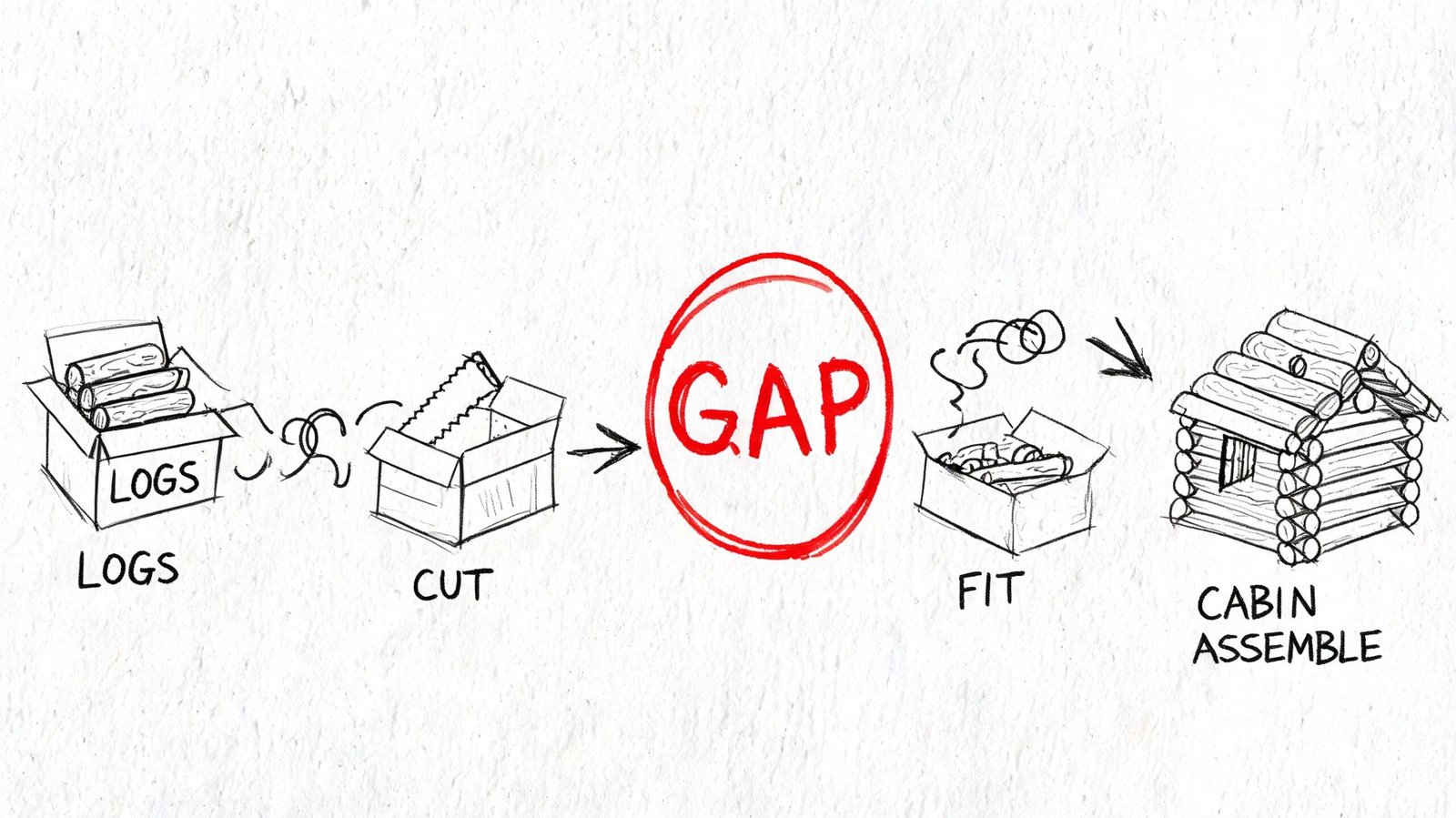
Most builders don't lose control on these projects because they can't build them. They lose control because the handoff from manufacturer documents to permit documents is weaker than expected.
That gap has been stated plainly in this overview of log home packages and kits. Kit completeness is not the same as permit readiness. Code review is local, and jurisdictions routinely require project-specific structural and energy documentation that most kit sellers don't directly solve.
Why manufacturer drawings don't drop into permit workflow
Timber frame and log manufacturers often model for fabrication first. Their files are built to cut material, issue shop information, and support package assembly. That's not the same as building a permit-ready construction set for a U.S. jurisdiction.
The handoff usually comes in one of these forms:
- PDF package that's readable but static
- DWG export that gives linework without model behavior
- IFC file that carries geometry but often loses the intelligence needed for production documentation
A builder sees a model and assumes the hard part is done. It usually isn't.
IFC and DWG are not the finish line
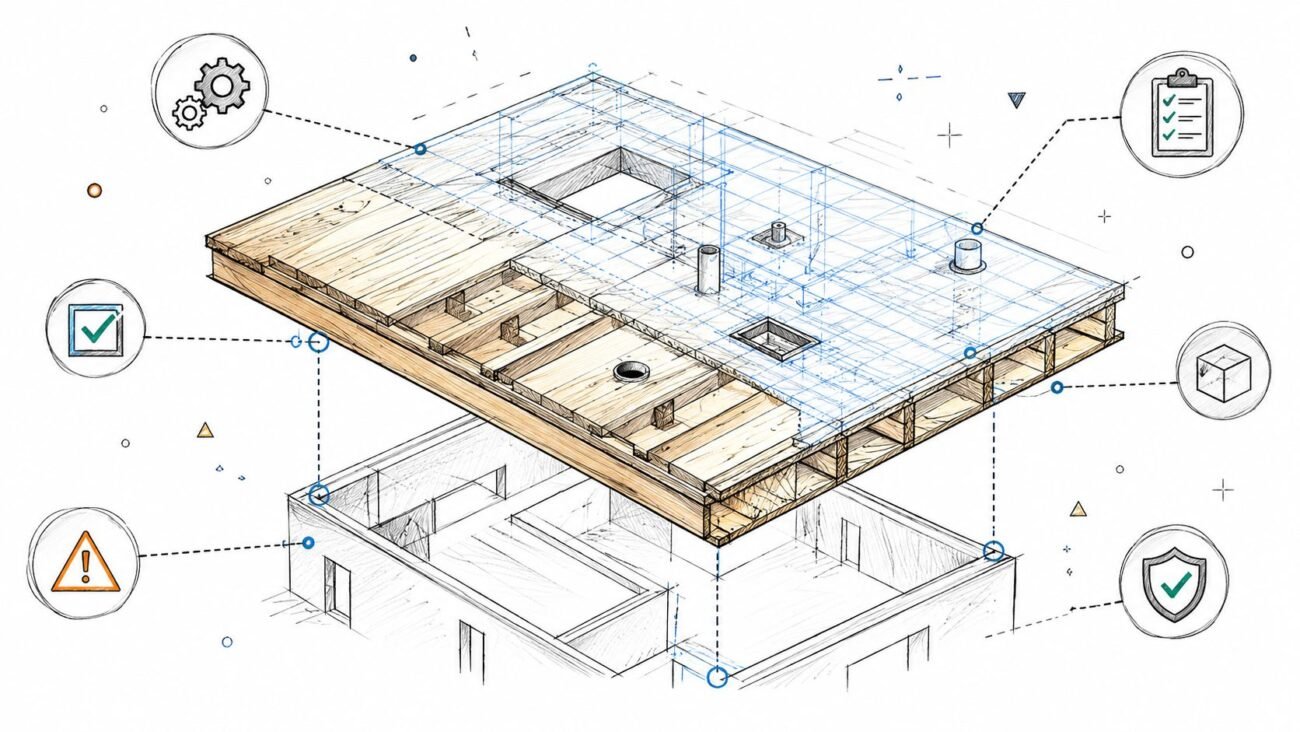
IFC is useful for transfer. It's not automatically a clean production model. Imported objects may look right in 3D but behave poorly when you try to tag, schedule, section, or coordinate them against MEP and permit sheets.
DWG is even more limited for this use. It can help as an underlay, but it doesn't give you a native BIM workflow. At that point, the team is tracing and rebuilding, not coordinating.
Practical rule: If the file can't support dimensions, sections, schedules, and coordinated rough-in decisions, it's not production-ready.
What builders should budget for
The missing step is model conversion and document rebuilding. Someone has to turn the manufacturer's output into a usable model and then turn that into a permit package the architect, engineer, builder, and subs can all work from.
That step affects schedule before a single footing is dug. If it isn't planned early, the project gets squeezed between fabrication lead times and permit deadlines. That's where RFIs start before framing even begins.
BIM Coordination on Timber Frame New Builds
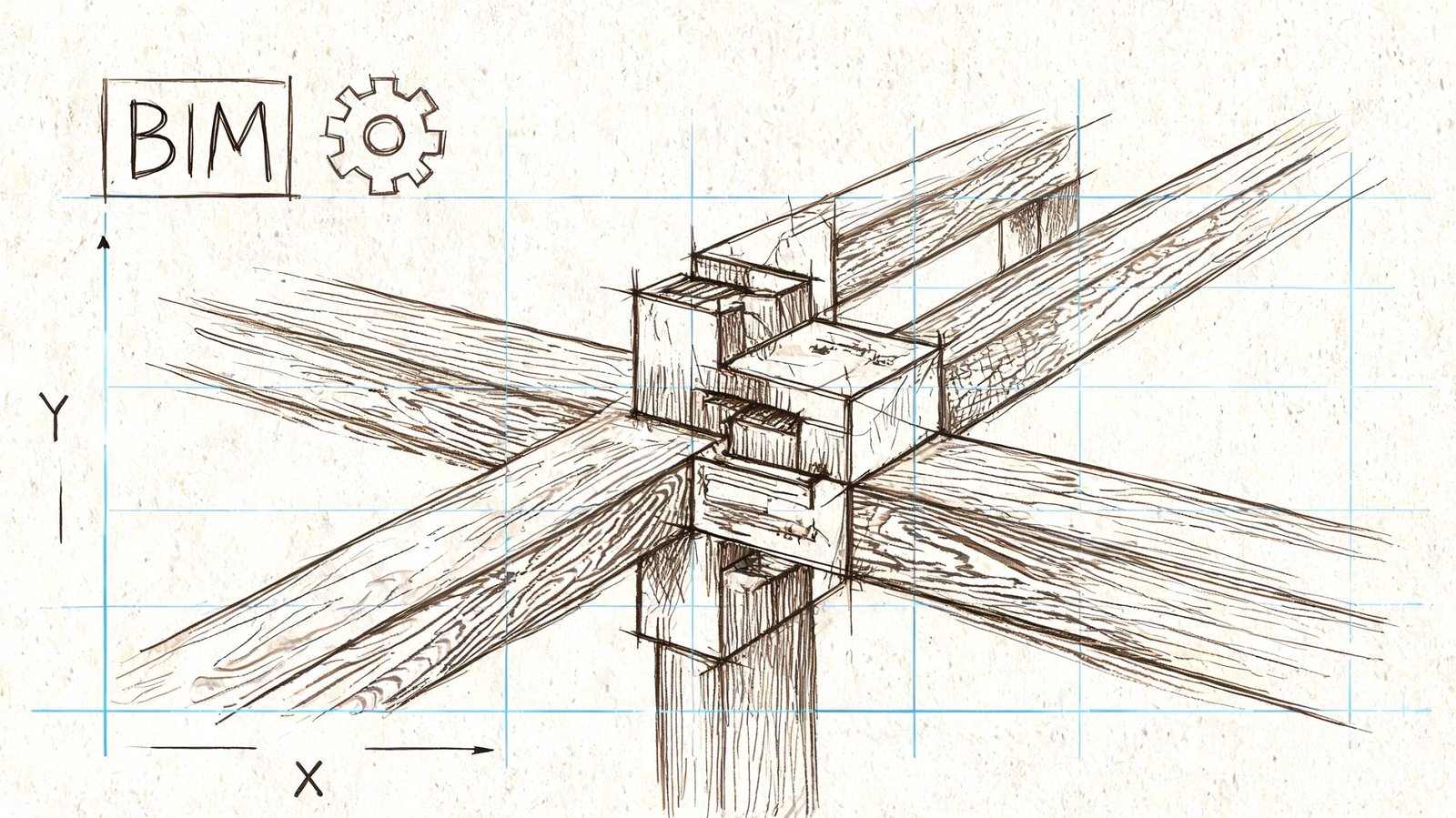
Timber frame coordination isn't just “do clash detection earlier.” It's a different risk profile because the structure is exposed and the member layout is part of the finished product.
A key issue in kit marketing is long-term performance. Yellowstone Log Homes points out in its discussion of log-home considerations that success depends heavily on detailing at wall-to-roof transitions, penetrations, and envelope interfaces, and that stronger as-built documentation plus thermal and air-barrier coordination can reduce rework and make the home perform beyond the brochure promise.
Why timber frame projects need earlier coordination
In conventional framing, crews can often absorb small changes in the field. In timber frame and log work, that flexibility narrows fast.
Posts, beams, and rafters are visible. Their locations aren't just structural decisions. They affect finish appearance, equipment placement, trim, penetrations, and access. If MEP gets coordinated after the package is cut, the job is already behind.
The software divide also matters. Many builders run into this when files move between platforms. The practical issues become clearer once you compare how modeling environments behave in articles like Revit vs ArchiCAD, especially when one team is designing for fabrication and another is trying to produce permit and coordination drawings.
The clashes that matter on these jobs
Not all clashes are equal. On timber frame work, three categories matter:
Hard clashes
A duct, pipe, or conduit passes through a structural member or occupies the same physical space.Soft clashes
The route technically fits, but clearances for insulation, finish build-up, or access become unrealistic.Workflow clashes
The installation can happen, but only by creating field conditions nobody wants, like visible soffits, awkward access panels, or exposed conduit on a finished timber wall.
The useful deliverable isn't a pile of clash screenshots. It's a model and drawing package crews can rough in from without guessing.
What a buildable coordination model needs
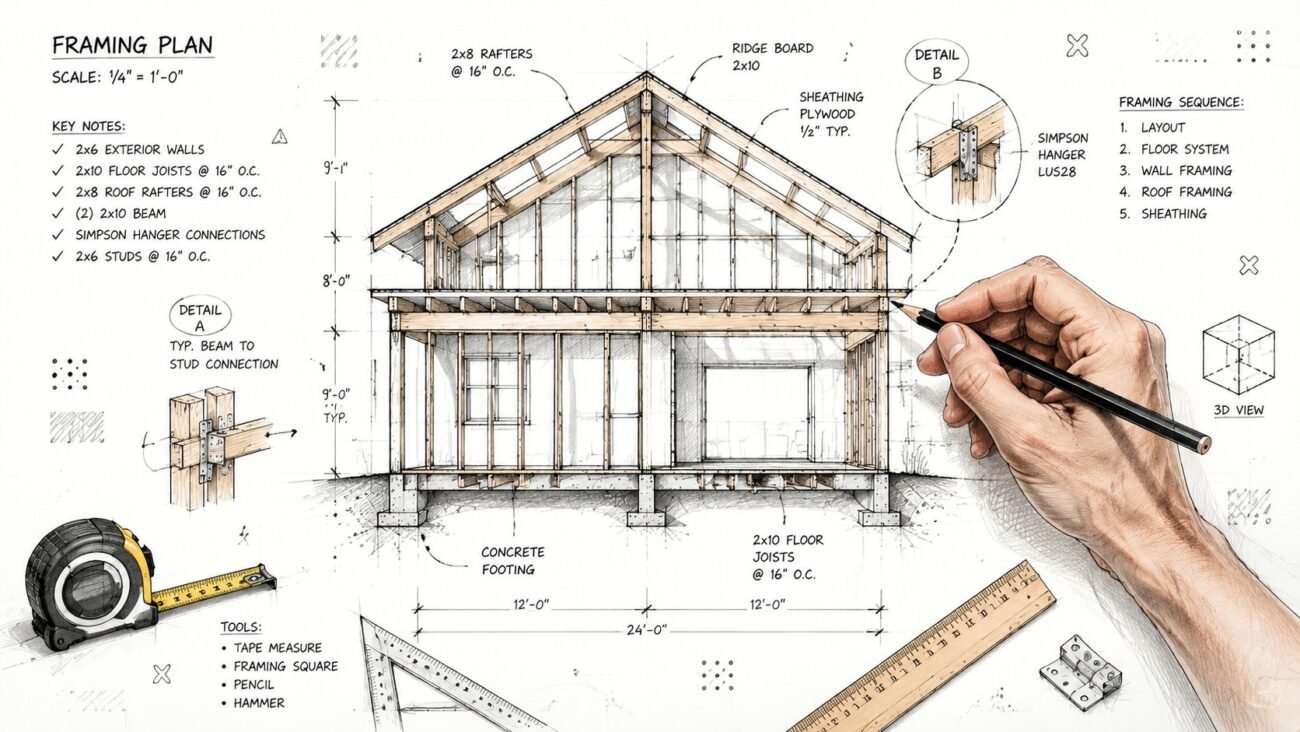
For custom timber frame homes, the coordination model has to show more than shell geometry. It should include the structural frame at accurate locations, foundation alignment, rough-in paths, equipment space, and envelope-sensitive penetrations.
That's what protects margin. Good coordination doesn't eliminate every field adjustment. It eliminates the expensive ones.
What a Complete CD Set Looks Like for a Custom Log Home
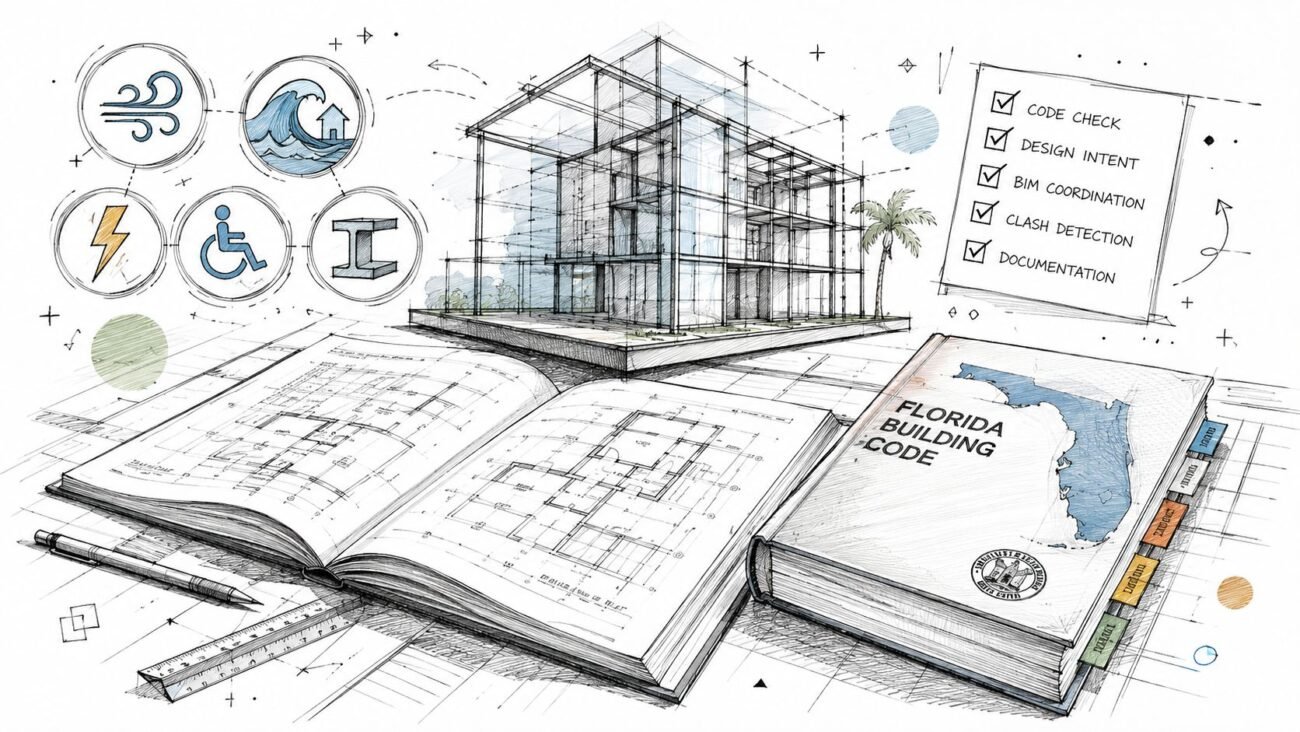
A custom log home permit package should read like a construction tool, not a sales packet. If the set can't answer inspector questions, guide rough-in, and support field layout, it's still incomplete.
The benchmark is simple. The set has to coordinate site conditions, structure, envelope, and rough-in in one place. Builders looking at custom work should expect that standard from anyone producing a log cabin kit construction documents package. For examples of how that documentation fits into residential production support, the log home production page shows the kind of drafting and permit-oriented output builders typically need.
Core sheets that should be in the package
At minimum, a complete set usually includes:
- Cover sheet with project data, applicable code information, contacts, and sheet index
- Site plan showing footprint, setbacks, utilities, grading relationships, and access
- Foundation plan coordinated to actual bearing points and structural layout
- Dimensioned floor plans with openings, room use, structural references, and key notes
- Exterior elevations that show grade, roof form, and opening conditions
- Building sections that explain floor-to-floor, wall, and roof relationships
Details that prevent RFIs later
The strongest sets also make the tricky conditions explicit instead of leaving them to field interpretation.
Those usually include:
- Wall sections for log or hybrid wall assemblies
- Foundation-to-wall details at base conditions
- Roof-to-wall details at thermal and weather transitions
- Window and door jamb, sill, and head details
- Schedules for doors, windows, and major components
- MEP permit drawings tied to the actual structure rather than generic backgrounds
If the framing crew, HVAC installer, and inspector would each ask different questions after reading the set, it's not coordinated enough yet.
What builders should look for before submission
Before permit submission, check three things hard.
First, the foundation plan and structural layout must agree. Second, the penetrations and equipment locations need to reflect actual framing conditions. Third, the details have to support how the home will perform over time, not just how it looks on approval day.
That's how you reduce plan check comments, protect schedule, and keep rough-in from becoming redesign.
How BIM Heroes Supports Timber Frame and Log Cabin Builders
The recurring production problem is straightforward. Manufacturers provide package information. Jurisdictions require permit information. Builders still need coordinated drawings that subs can effectively use.
One practical way to close that gap is a workflow that starts with the manufacturer files, rebuilds the project into a native production model, and then drives the permit and coordination set from there. BIM Heroes supports that process with Revit-based architectural production, construction documents, permit drawings, and BIM coordination for builders handling custom homes and kit-based projects.
Where the workflow usually starts
Input can come from several places:
- Manufacturer PDF sheets
- IFC exports from fabrication-side software
- DWG backgrounds
- Sketch revisions from the field or design team
- Existing survey or scan data on additions and hybrid projects
The key is not just importing those files. It's organizing them into a model that behaves properly for documentation and coordination.
What the production sequence looks like
A disciplined workflow usually runs like this:
- Review the incoming package for scope gaps, missing geometry, and permit risk.
- Rebuild or convert the model into a native environment suitable for U.S. permit documentation.
- Produce the CD set with sheets, sections, elevations, details, and schedules aligned to the jurisdiction.
- Coordinate MEP against structure so rough-in decisions happen before fabrication pressure takes over.
- Issue buildable outputs for plan check, field reference, and subcontractor coordination.
That sequence matters because it puts decisions at the point where they're still affordable.
What builders get from a tighter system
The genuine benefit isn't flashy modeling. It's predictability.
A better workflow gives the builder:
- Cleaner permit submissions
- Fewer late-stage coordination surprises
- Better handoff to MEP trades
- More reliable sequencing against fabrication
- Stronger QA before field crews are committed
For teams moving from standard kits into custom timber frame work, that's usually the difference between managing the job and chasing it.
If you're dealing with the gap between manufacturer drawings and a permit-ready, coordinated build package, BIM Heroes can help with construction document production and BIM coordination for timber frame and log cabin new builds. If it's useful, reach out for a practical review of your current workflow, a checklist for permit package completeness, or support turning kit drawings into something your field team and plan reviewer can both use.
Category: BIM Technology & Workflows