You're usually not shopping for a “3D modelling service” because everything is running smoothly. You're looking because a deadline is already tight, the internal team is buried in coordination, and the project still needs clean, trustworthy production output that won't blow up in review. That's the decision, whether a partner can absorb volume, protect standards, and keep the model useful after handoff, not just make it look finished.
A credible 3D modelling service sits in the production lane, not the design lane. The work traces back to early digital drafting and CAD history, including Sketchpad in 1963 and CATIA in 1977, and that legacy still shapes what buyers expect today, structured deliverables that support documentation, coordination, and downstream construction use, not presentation only, as noted in SINTEF's CAD history overview: the early CAD and CATIA milestones. In practice, that means the model has to fit your workflow, your LOD expectations, and your review process, or it turns into expensive rework.
What a 3D Modelling Service Actually Does for AEC Teams
A production partner steps in when the internal team has the design problem handled but not the bandwidth to carry the model across the line. On a hospital job, that often means the project manager is chasing CDs, the BIM lead is stuck in clash resolution, and the modelling backlog is growing faster than the team can clear it. Outsourced production takes the repeatable modelling load, so senior staff can stay on coordination, approvals, and client-facing decisions.
It Is a Production Function, Not a Design Studio
A real 3D modelling service turns drawings, markups, point clouds, survey data, and sketches into structured BIM or CAD deliverables on behalf of the AEC firm. The outside team should build to the design intent, not rewrite it, and it should never hide behind a black box when scope or assumptions change. That matters because modern buyers want models that support naming conventions, LOD expectations, coordinate systems, and downstream use, which is exactly where outsourced work can succeed or fail.
Practical rule: if the vendor can't tell you how they'll handle standards, review cycles, and acceptance criteria, you're buying output, not control.
The biggest upside is capacity without losing discipline. Good partners bring template consistency, cleaner handoffs, and predictable throughput, especially when your in-house team is stretched across multiple live projects. That's why this service is most useful when the goal is not just speed, but dependable production that keeps the rest of the project moving.
What Buyers Should Expect the Service to Protect
The service should protect three things, schedule, standards, and senior attention. It should free your leads from repetitive drafting work, but it should also leave your team with models that can be reviewed, federated, and issued without a cleanup sprint. If the handoff creates more work than it removes, the vendor hasn't solved the production problem.
Core Service Categories and Where They Fit in Your Workflow
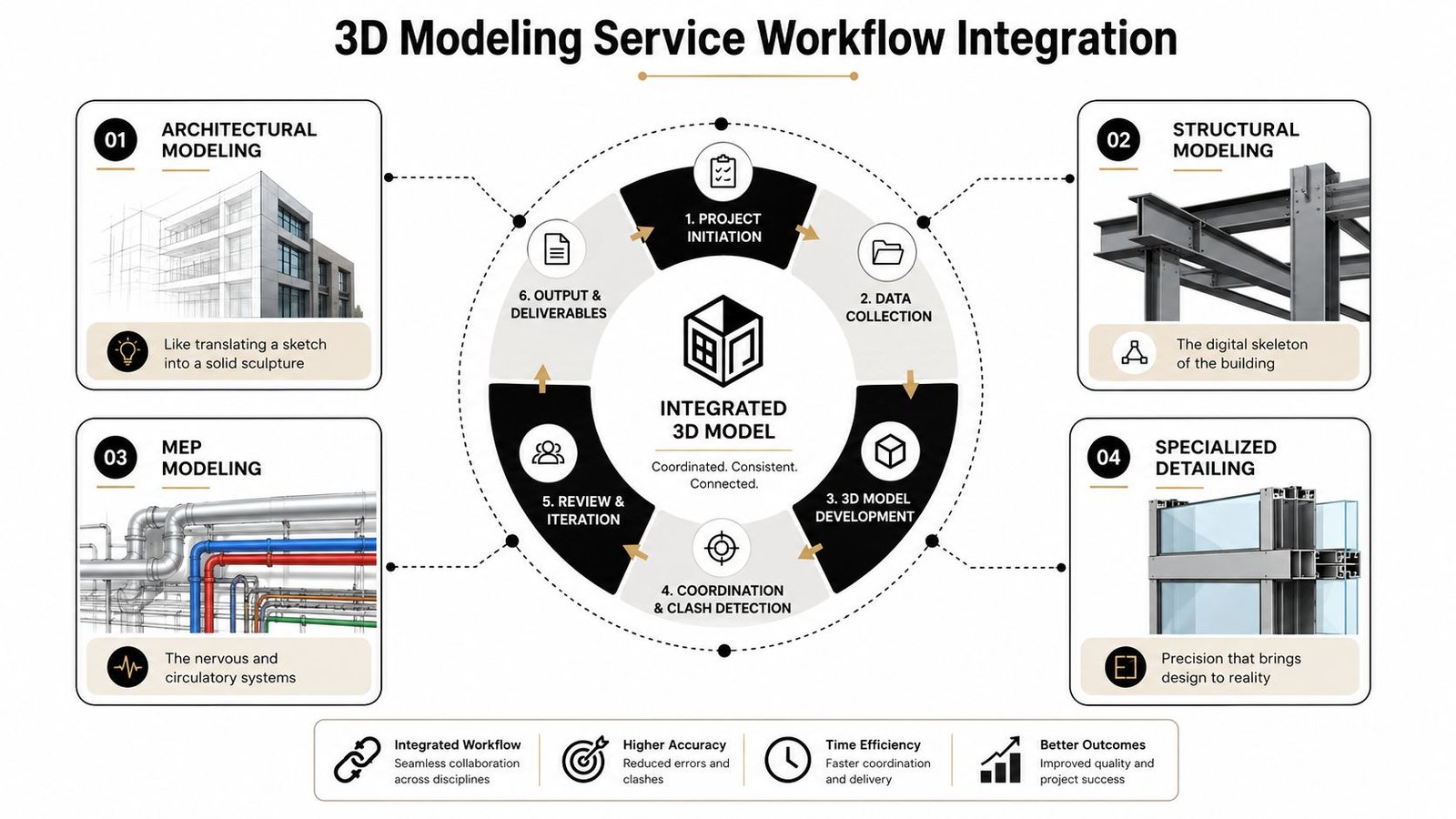
The categories inside a 3D modelling service all sit on the same backbone, disciplined templates, layered naming, shared parameters, and clean file control. The difference is what job each one solves on the project. Architectural modelling translates concept and permit information into usable building geometry, structural modelling supports the frame and load-bearing system, MEP modelling ties the services into a coordinated system, and specialized detailing handles the harder edges like facades, assemblies, and components.
Architectural, Structural, and MEP Modelling
Architectural modelling is the framing crew of the digital jobsite, it gives the project its shape and the surfaces everyone else has to work around. Structural modelling is the digital skeleton, so the steel, concrete, or framing logic can be coordinated without guesswork. MEP modelling is the nervous and circulatory system, because ductwork, piping, and electrical routes have to pass through the building without fighting the structure or each other.
For coordinated delivery, those models need to align on grids, levels, offsets, and standards. The production logic is the same even if the discipline changes, the team is still managing naming, parameter consistency, and model ownership. That's why a firm can't just judge a vendor by how polished the output looks, the question is whether the model can be merged without breaking the federation.
Scan to BIM and Specialty Work
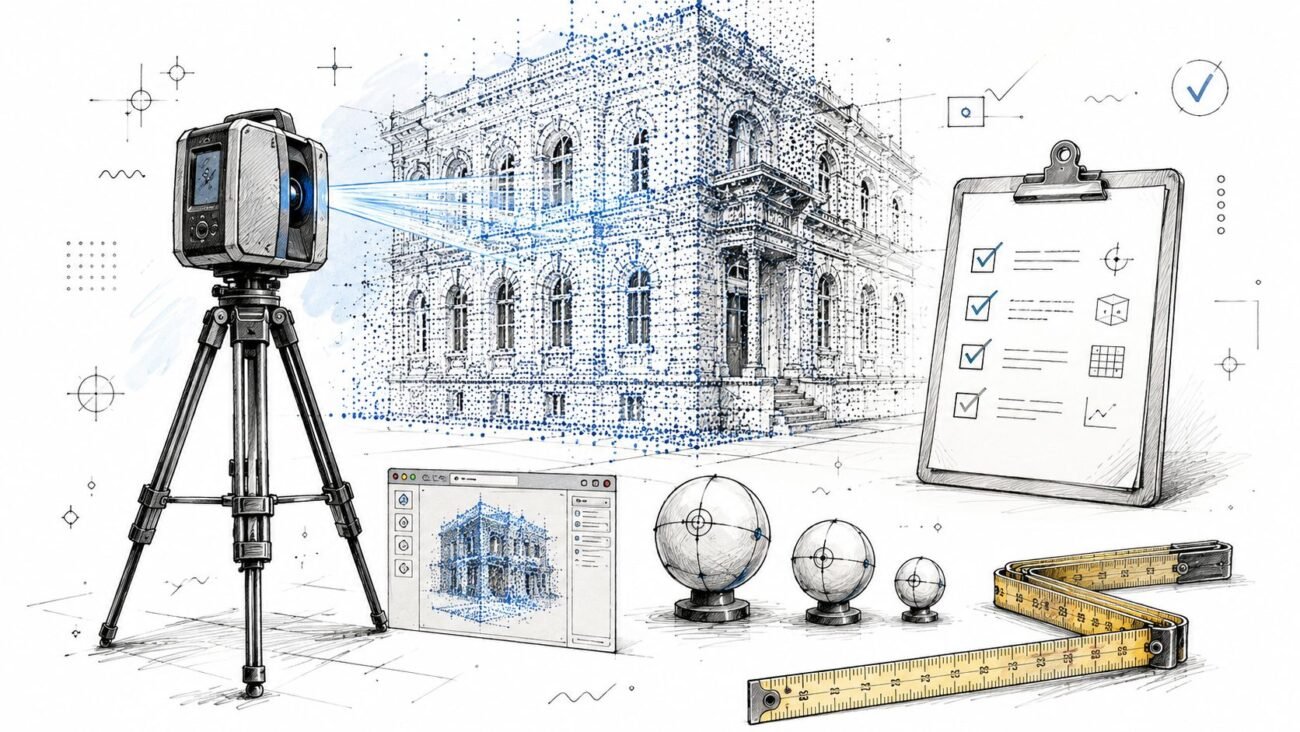
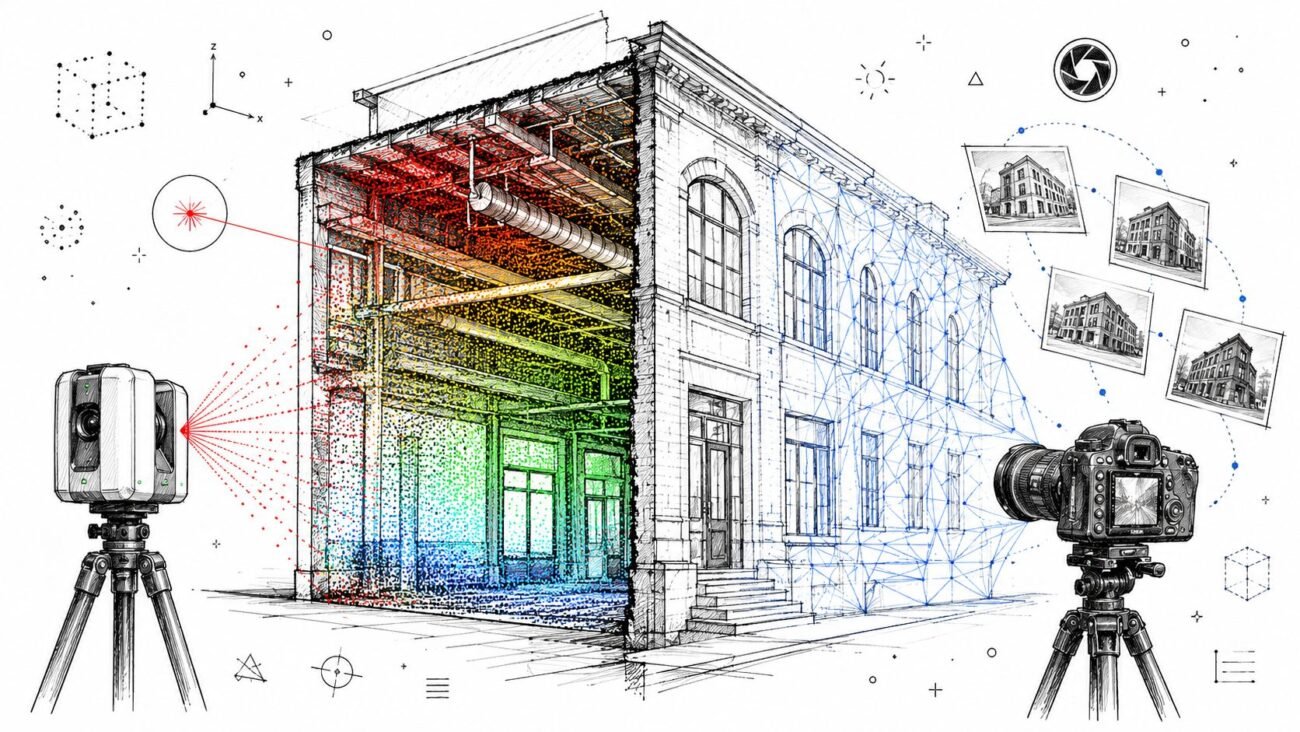
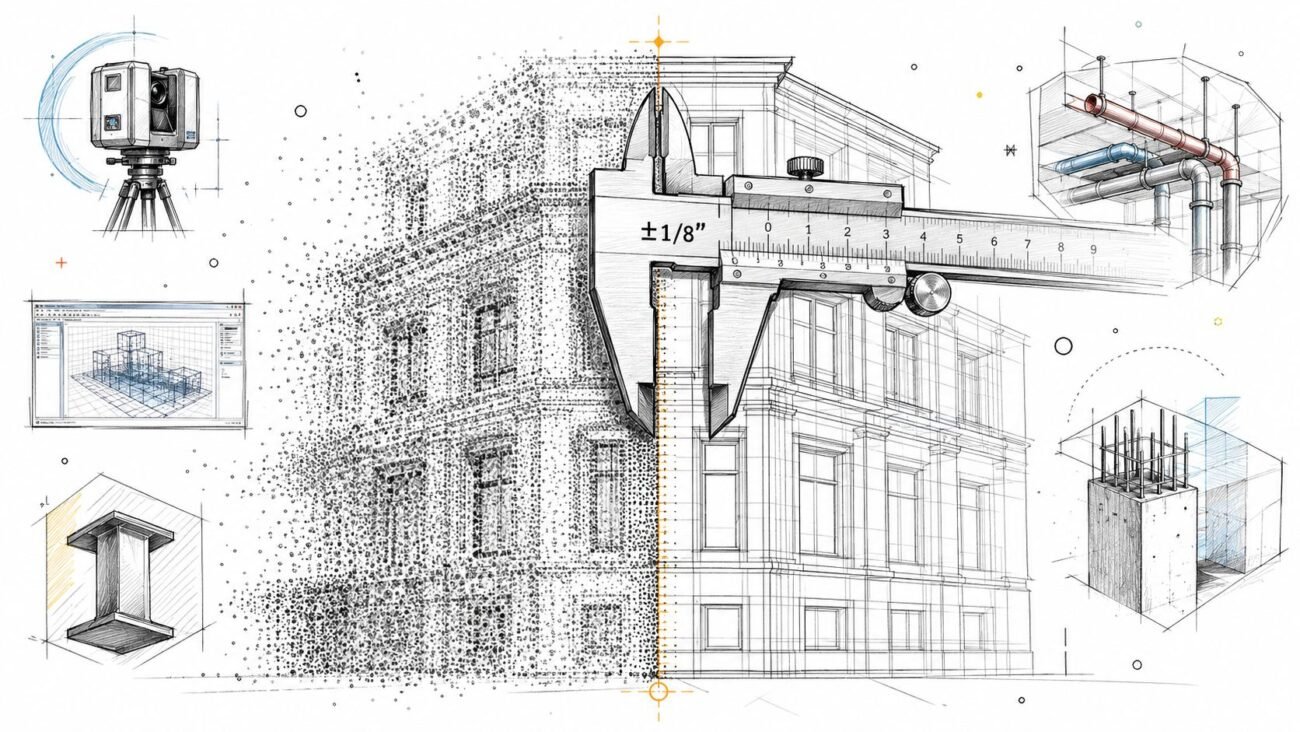
Reality-capture jobs belong in a different lane because the input is a measured existing condition, not a clean design set. For those projects, scan to BIM services become the safest way to convert point clouds into structured Revit output, especially for renovation, adaptive reuse, or as-built documentation. BIM Heroes' scan to BIM process is positioned for that use case, which is why laser-scanning companies often outsource the modeling while keeping capture in-house.
The service category changes, but the production discipline doesn't. The best teams still start with templates, scope clarity, and review checkpoints before the first model element is drawn.
Family and content creation sit in the same production ecosystem. They support repetitive components, manufacturer-specific objects, and standardized libraries, which makes later coordination cleaner. Visualization and quantity take-off work also depend on the same backbone, even if the end use is different, because the model still has to hold together under review and reporting.
Deliverables, File Formats, and Software You Should Expect
A serious vendor should tell you exactly what comes back, not just that the model is “complete.” Native files matter because they preserve editability, while interchange formats matter because they preserve coordination. If the handoff is vague, your team inherits risk the moment the model moves from production to review.
The File Stack That Should Be on the Table
For architecture, Revit (.RVT), ArchiCAD (.PLN), Tekla, and AutoCAD (.DWG) are common native deliverables. For coordination, IFC is the cleaner exchange format, and NWC or similar review files are useful when the model needs to be checked in Navisworks. Asset data often travels through COBie or a custom parameter schedule, depending on how the owner wants to consume it.
The handoff isn't just the model file. It should also include view templates, shared parameter documentation, and a QA log that says what was checked before issue. That matters because a polished model can still fail if the vendor built it in a way your team can't control later.
A useful test: if your team can't open, audit, and continue the file without reverse engineering it, the handoff isn't production-ready.
For buyer comparison, the table below is the simplest way to check whether a proposal covers the actual deliverables you'll need.
| Project Stage | Typical Deliverable | Native Format | Interchange Format |
|---|---|---|---|
| Concept or SD support | Massing or schematic model | RVT, PLN, DWG | IFC |
| DD coordination | Discipline model and linked federation | RVT, PLN, Tekla | IFC, NWC |
| Construction documentation | Sheet-ready model and extracted views | RVT, DWG | IFC, PDF exports from sheets |
| Asset or handoff | Parameter-rich model and schedules | RVT, PLN | COBie, IFC, CSV schedules |
Software matters too, but only if it supports the workflow you already use. Revit, ReCap, Leica Cyclone, FARO Scene, and Navisworks are common in AEC production, and the vendor should be able to work in the stack that supports your review environment. If you're evaluating a partner for model production, pair the file-format conversation with the LOD conversation, because the two are tied together, as noted in the BIM Forum's LOD Specification.
In-House Versus Outsourced Production and How to Choose
The wrong way to compare in-house and outsourced modelling is by hourly rate alone. The better question is which setup protects margin, keeps the schedule stable, and reduces production friction on this specific job. Internal teams usually win when the work is highly iterative, the design keeps changing, or the standards are sensitive enough that every decision needs immediate internal review.
Where Each Model Wins
In-house production is stronger when the team needs constant feedback loops. That applies to early design development, proprietary template environments, and projects where client confidentiality is unusually sensitive. It also helps when the BIM lead and modelers need to sit in the same room, because small decisions get resolved faster.
Outsourcing wins when volume spikes, holiday coverage gets thin, or the scope is specialized enough that hiring full time doesn't make sense. Scan to BIM, point-cloud coordination, and larger post-SD production runs are common examples. That's where a structured pod can absorb the work without forcing your core team into overtime.
A Hybrid Model Is Often the Safest Default
Many mid-size AEC firms land on a hybrid structure. A core internal BIM lead owns standards, client communication, and final QA, while the external pod handles the bulk modeling against a frozen BEP or scope sheet. That keeps decision authority inside the firm while still giving the production team room to scale.
| Signal | Keep In-House | Hybrid Pod Plus Internal Lead | Outsource Fully |
|---|---|---|---|
| Volume | Low and steady | Spiky but manageable | High and repeatable |
| Complexity | High design iteration | Moderate with clear standards | Well defined and rule based |
| Turnaround | Tight and changing daily | Tight with stable scope windows | Fixed milestone schedule |
| IP Sensitivity | Very high | High, but controllable | Moderate or low |
| Template Control | Fully proprietary | Shared standards possible | Vendor standards acceptable |
What the Signal Usually Means
If the project is still moving fast in design, keep the work close. If the design is stable but the output volume is high, hybrid is usually the safer margin play. If the scope is frozen and the deliverable set is clear, full outsourcing can be the cleanest option.
Pricing, Turnaround, and the Scope Details That Drive Cost
The least useful line item in a proposal is the hourly rate. The cost swings come from LOD, model complexity, revision scope, and how much QA the vendor has to perform before the file can be issued. A simple shell model and a dense MEP coordination model may both be “BIM,” but they are not remotely the same job.
What Actually Pushes the Fee
Target LOD changes the production effort immediately, especially when the model must carry more reliable geometry and more usable data. Complexity matters too, curved facades, dense MEP runs, custom joinery, and repetitive unit layouts all change how much manual modeling is required. Turnaround also matters, because rushed schedules compress review time and increase the chance that assumptions slip through.
The engagement model should fit the job. Fixed fee works well when the scope is stable, per-asset pricing suits family libraries and repeat components, monthly retainers help when a firm needs ongoing dedicated output, and milestone billing fits phased delivery. Aggressive pricing often means template liability stays with the buyer, so the cheap quote can cost more once revisions start.
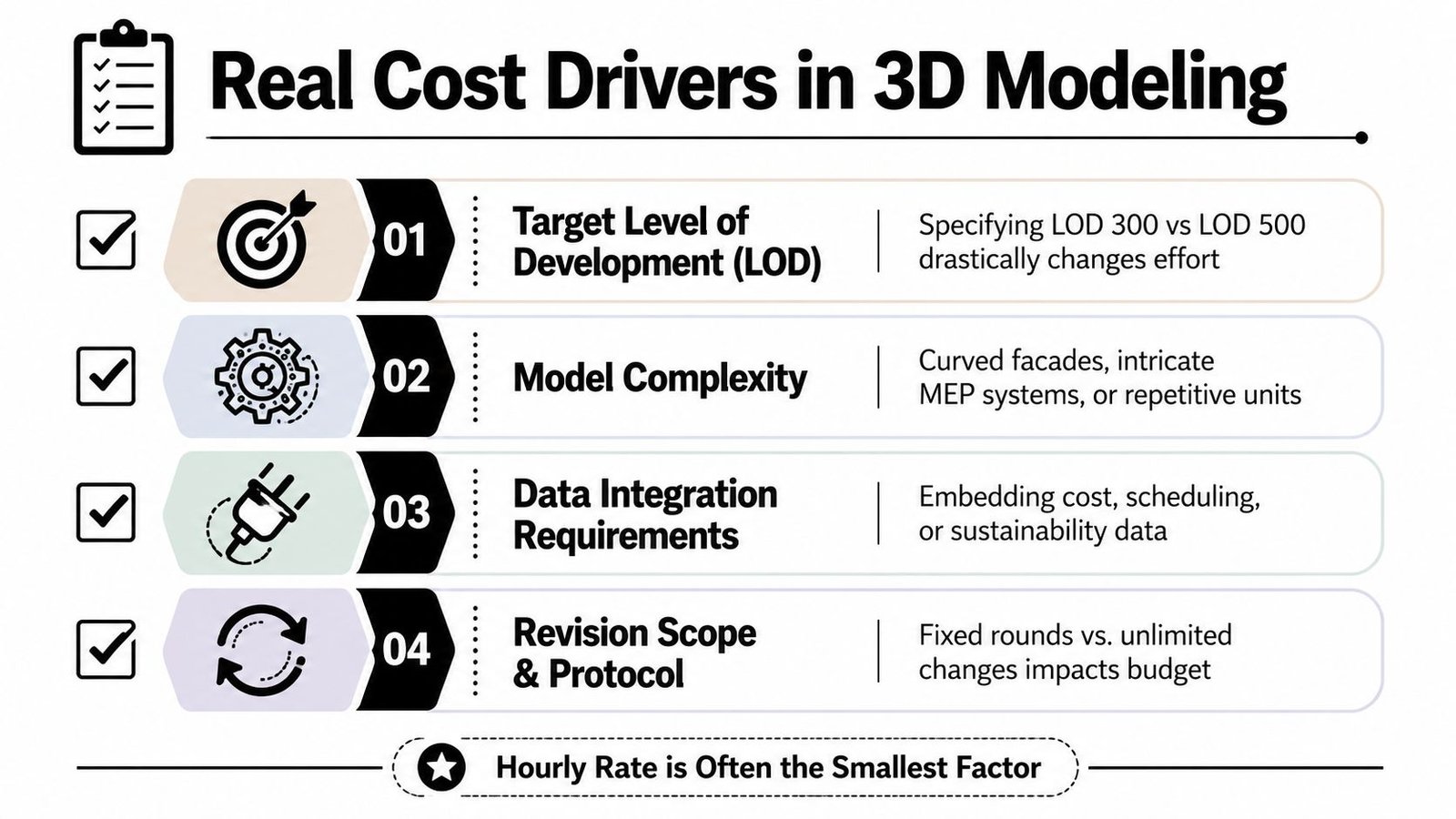
Scope rule: if the quote doesn't define revision rounds, template ownership, and QA depth, the project will probably drift into change-order territory.
A practical scope sheet should spell out discipline boundaries, LOD target, revision allowance, review checkpoints, and the exact outputs expected at issue. It should also say who handles clash checks, parameter audits, and sheet-ready validation. The point is not to eliminate change, it's to make change visible before it becomes unrecoverable.
A buyer evaluating BIM services can also use the broader BIM services scope checklist to pressure-test proposal language before award.
Vendor Selection Criteria That Protect Margin and Quality
The best vendors are usually the most boring in the right ways. They have clear standards, repeatable QA, named production leads, and a way to prove what they delivered before you sign the full contract. If the sales deck talks about speed but the operations side can't explain review gates, the risk sits with your team.
The Questions That Matter
Start with template discipline. Ask whether the vendor works in your family library and shared parameter structure, or expects you to adapt to theirs. Then check software version control, Revit coordination practices, Navisworks setup, and whether IFC exports stay healthy when the model leaves native format.
QA should be visible before delivery, not after complaints. You want to see sample audits against your BEP, parameter checks, sheet-readiness review, and a documented log of what was verified. The operational lead should be named, not hidden behind an account manager, and the team should have enough overlap with your time zone to support live coordination when issues surface.
Red Flags That Predict Rework
- Black-box pricing: if the fee is disconnected from scope, LOD, or revision limits, the quote is hard to trust.
- No pilot sample: if they refuse to share a small paid test, you're being asked to buy blind.
- Missing QA trail: if there's no documented review process, the model may arrive with avoidable defects.
- Weak staffing clarity: if one account manager is fronting a large anonymous team, accountability gets thin.
Accountability also has to be written into the agreement. IP ownership, data residency, NDAs, and rework caps should all be clear before work starts. That's not legal decoration, it's how you keep production from drifting into dispute when the model reaches the client team.
The BIM quality discussion in the ISO-indexed presentation on point-cloud and BIM metrics is useful here because it treats element classification and validation as measurable work, not guesswork: point cloud quality metrics for BIM.
A Simple Scorecard
Score each finalist on five things, template fit, QA transparency, staffing clarity, file-format compatibility, and willingness to run a pilot. The vendor with the cleanest process usually protects margin better than the one with the loudest pitch. That's been true on enough jobs to stop treating it as a theory.
Sample Project Scenarios and How to Move Forward
A 200-unit residential scan-to-BIM handback usually starts with a point cloud and a tight assumption set. The production team builds the architectural shell, floor plates, and key as-built conditions in Revit, then checks the output against scan data before issue. In this kind of job, the win is not just speed, it's getting a coordinated base model that the design team can trust without re-surveying the building.
Healthcare Retrofit With Coordinated Discipline Models
A healthcare retrofit asks for more caution because the building can't afford sloppy coordination. The inputs are often survey data, existing drawings, and site verification, then the deliverables need to reach a level where architectural and MEP models can be coordinated inside Revit without line-by-line cleanup. The important QA gates are clash review, parameter consistency, and confirmation that the model aligns with the project's naming and coordinate standards.
Commercial Fit-Out With Content-Led Coordination
A commercial fit-out is a different kind of problem. When the team has a solid family library, repeated components get modeled faster and coordination gets cleaner because the content is standardized before it enters the model. That tends to improve clash detection workflows, because the team is not wasting time on inconsistent object data or improvised families.
| Project Type | Modelling Scope | QA Gates Applied | Outcome |
|---|---|---|---|
| Residential scan to BIM | As-built architectural and structural base model | Point cloud cross-check, deviation review, naming validation | Faster handback with less cleanup at issue |
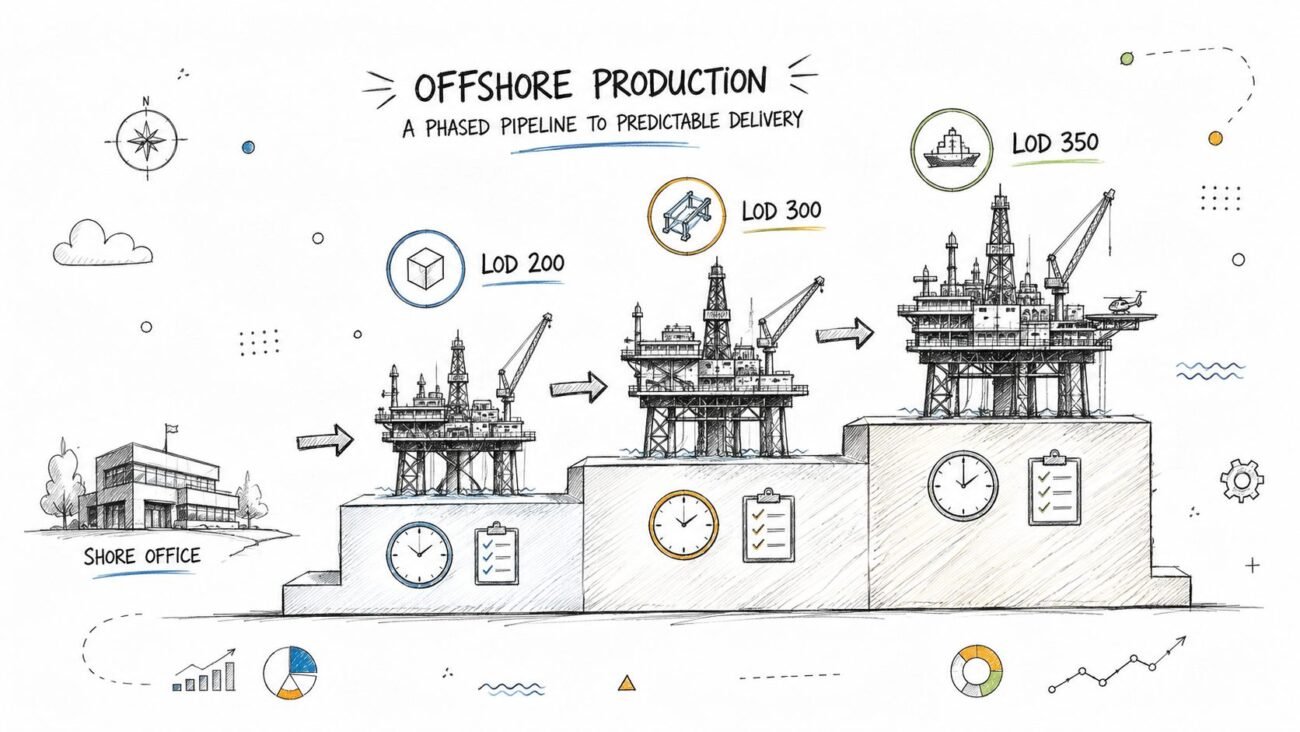
| Healthcare retrofit | Coordinated architectural and MEP LOD 350 modelling | Clash review, parameter audit, coordinate check | Cleaner coordination before construction documents |
| Commercial fit-out | Family-driven content and coordination model | Library consistency check, model federation review | Fewer reroutes and less rework in coordination |
A reliable next step is simple. Define the pilot scope, agree the LOD matrix, lock the file format and template, set the turnaround KPI, and run a paid trial before you commit to a multi-project relationship. That sequence tells you more than a sales call ever will.
If you want a production-minded partner for outsourced BIM or scan-to-BIM work, BIM Heroes can review your scope, recommend the right LOD, and help you decide whether to keep the work in-house or send it out. Start with BIM Heroes if you want a practical conversation about model inputs, file handoff, and QA before you commit to the next package.