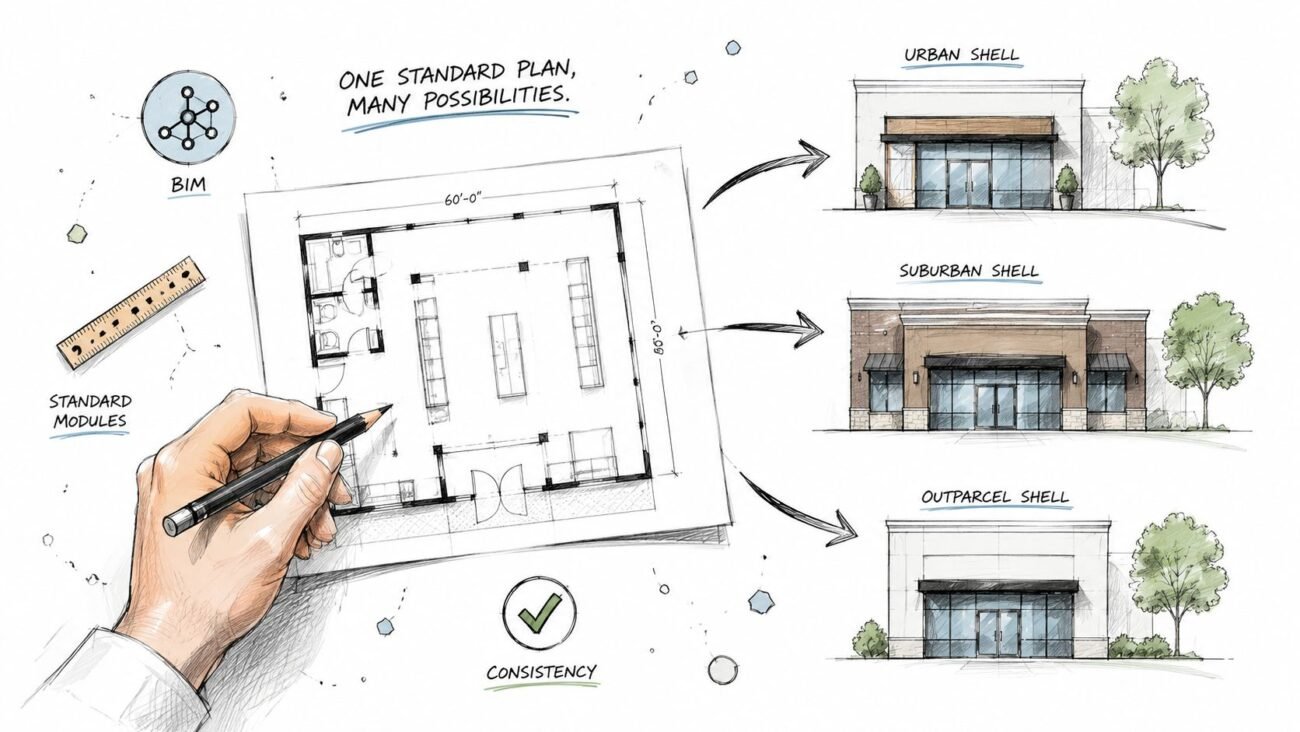
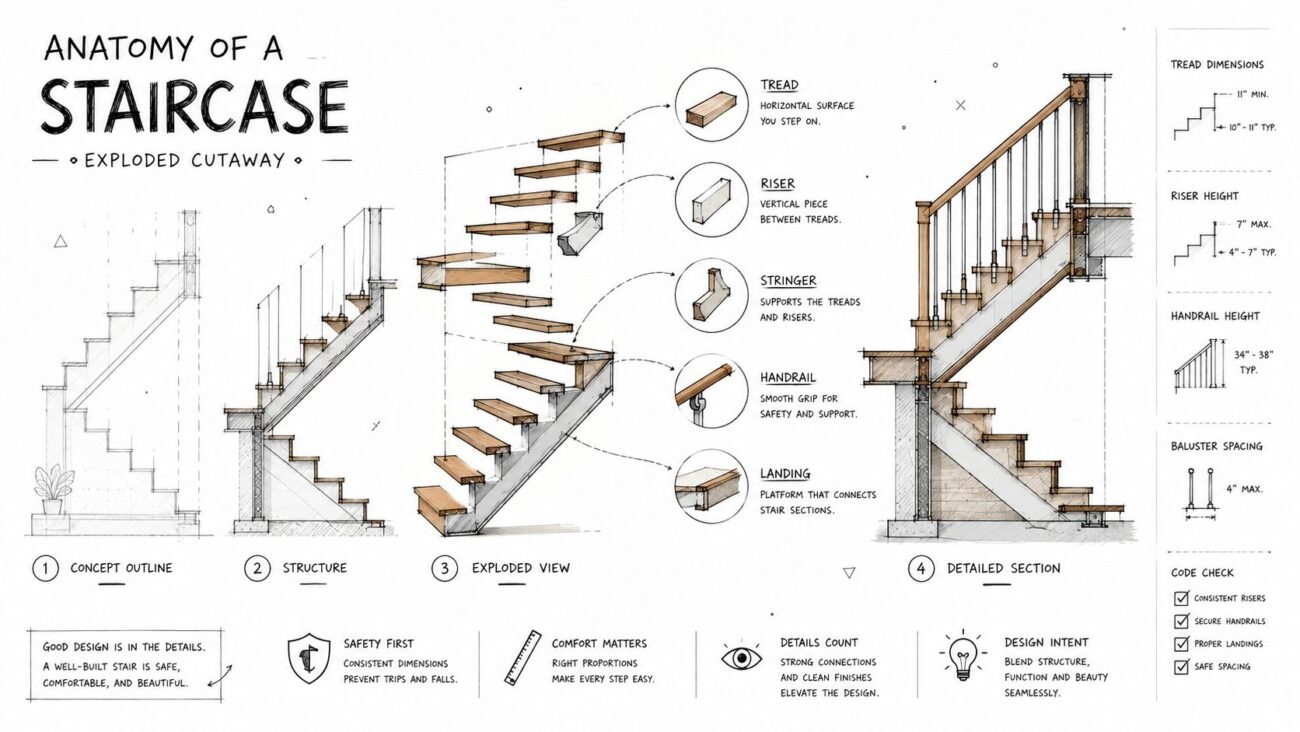
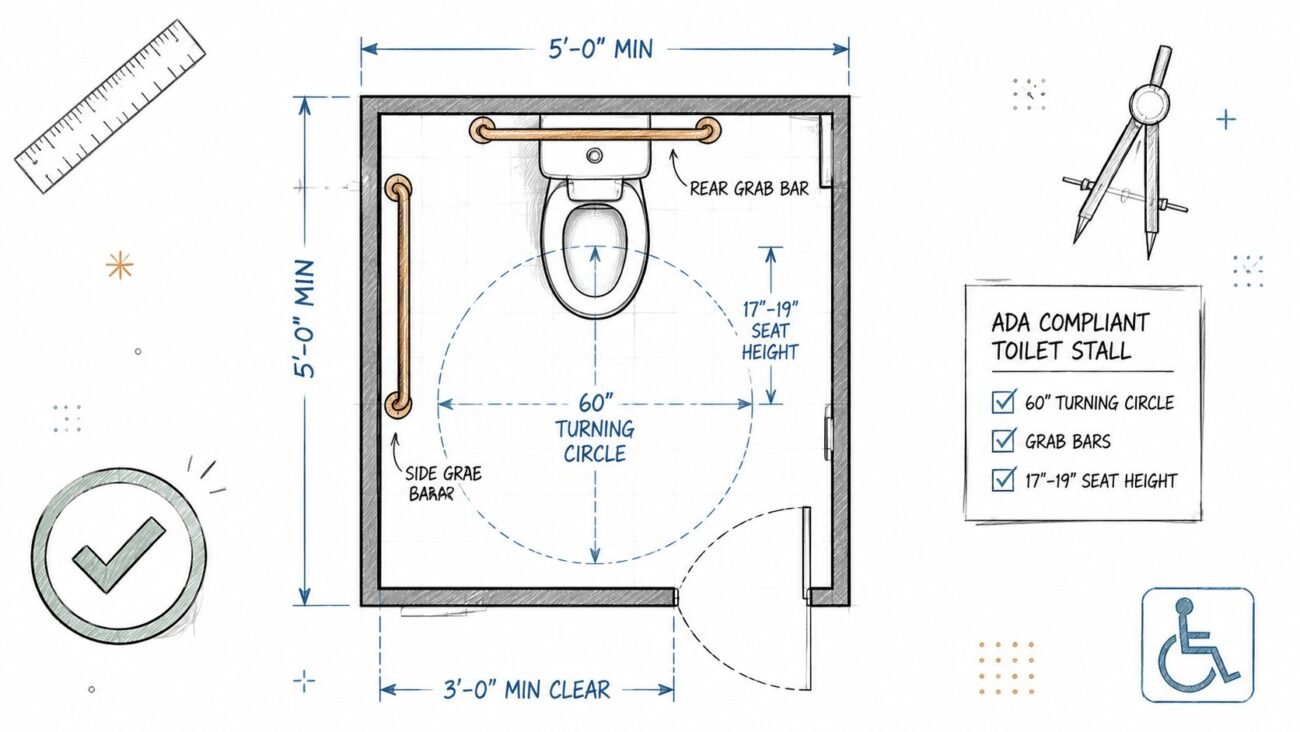
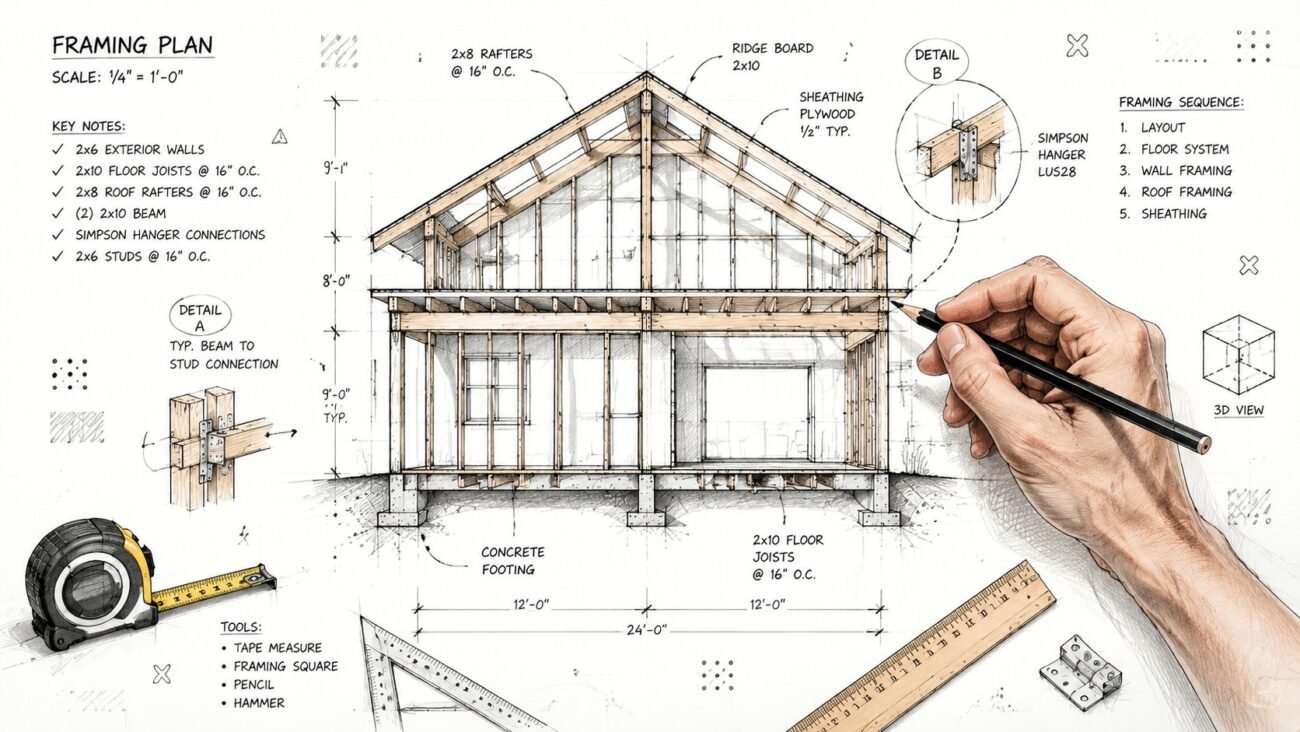
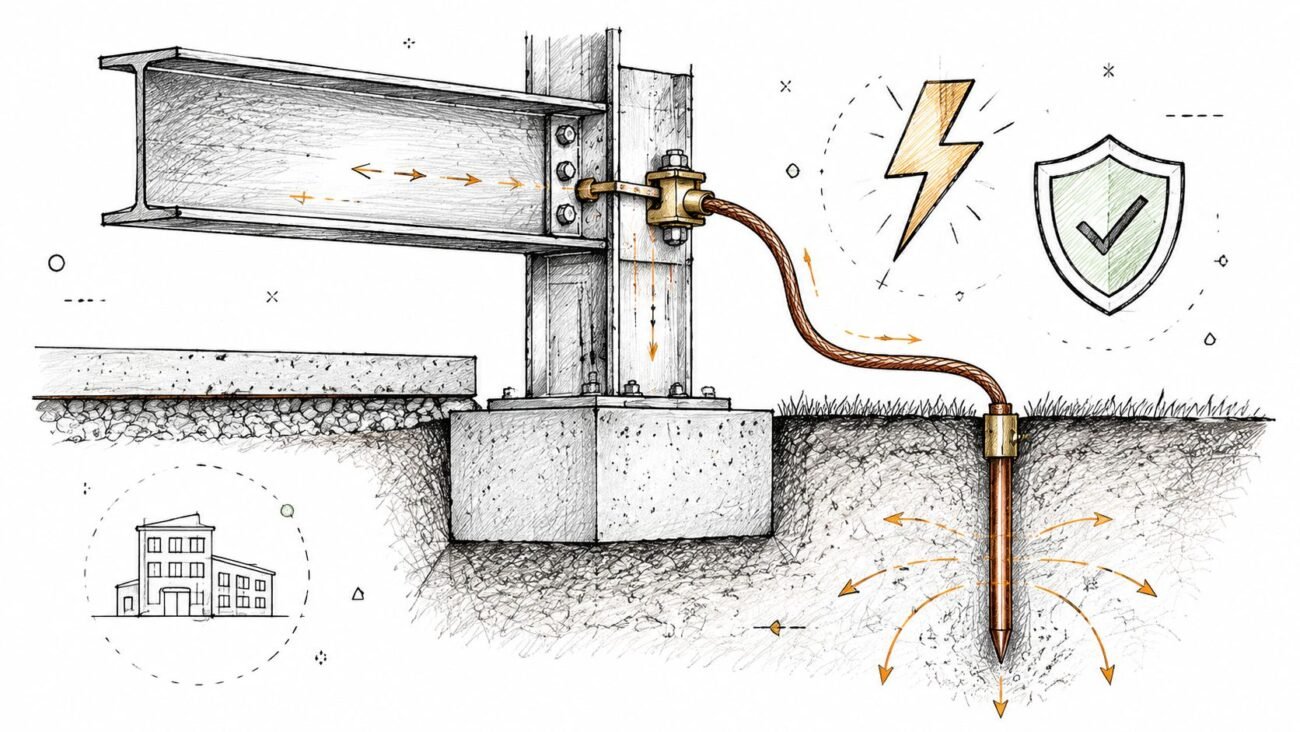
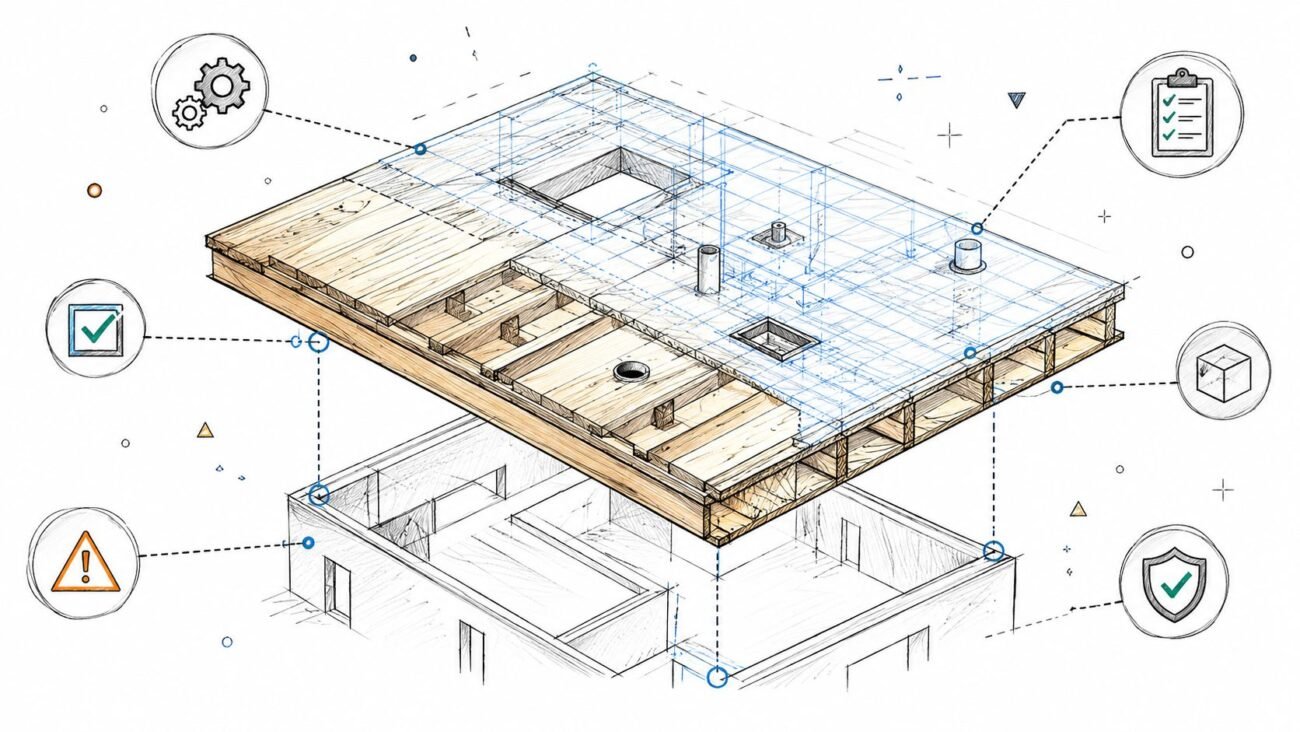
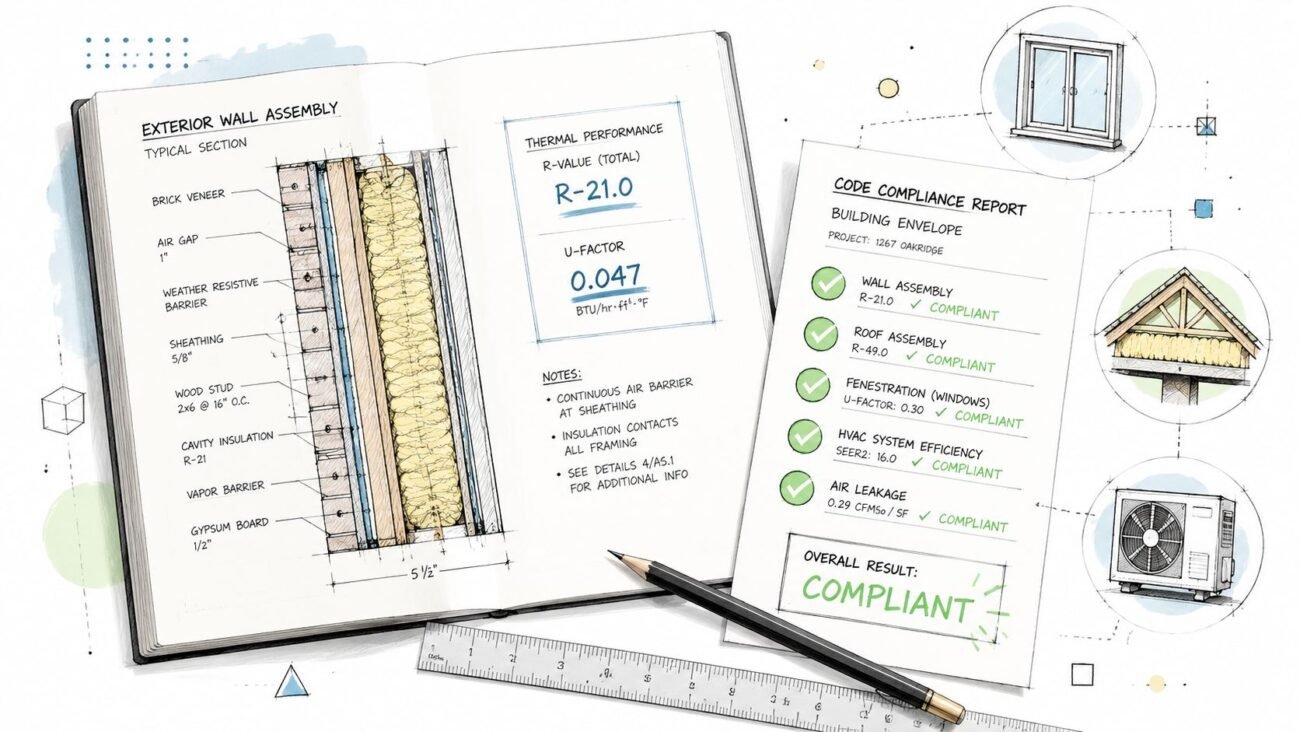
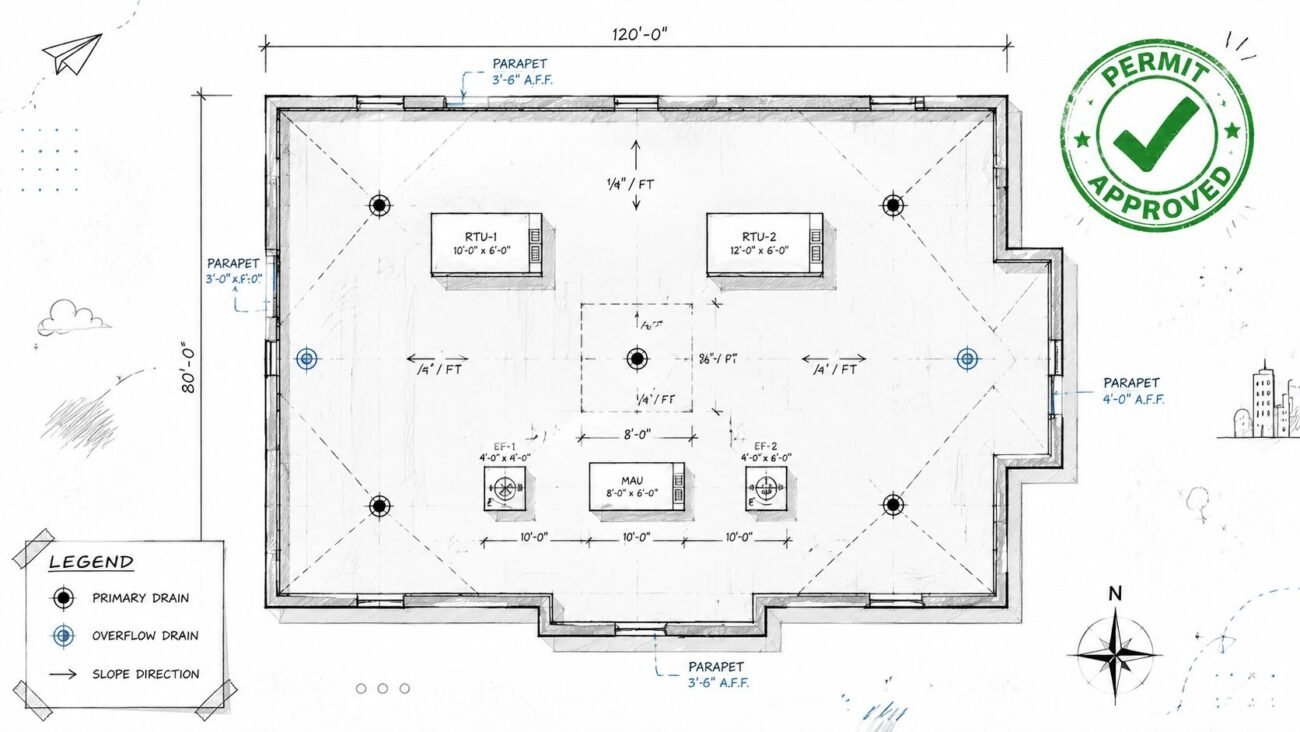
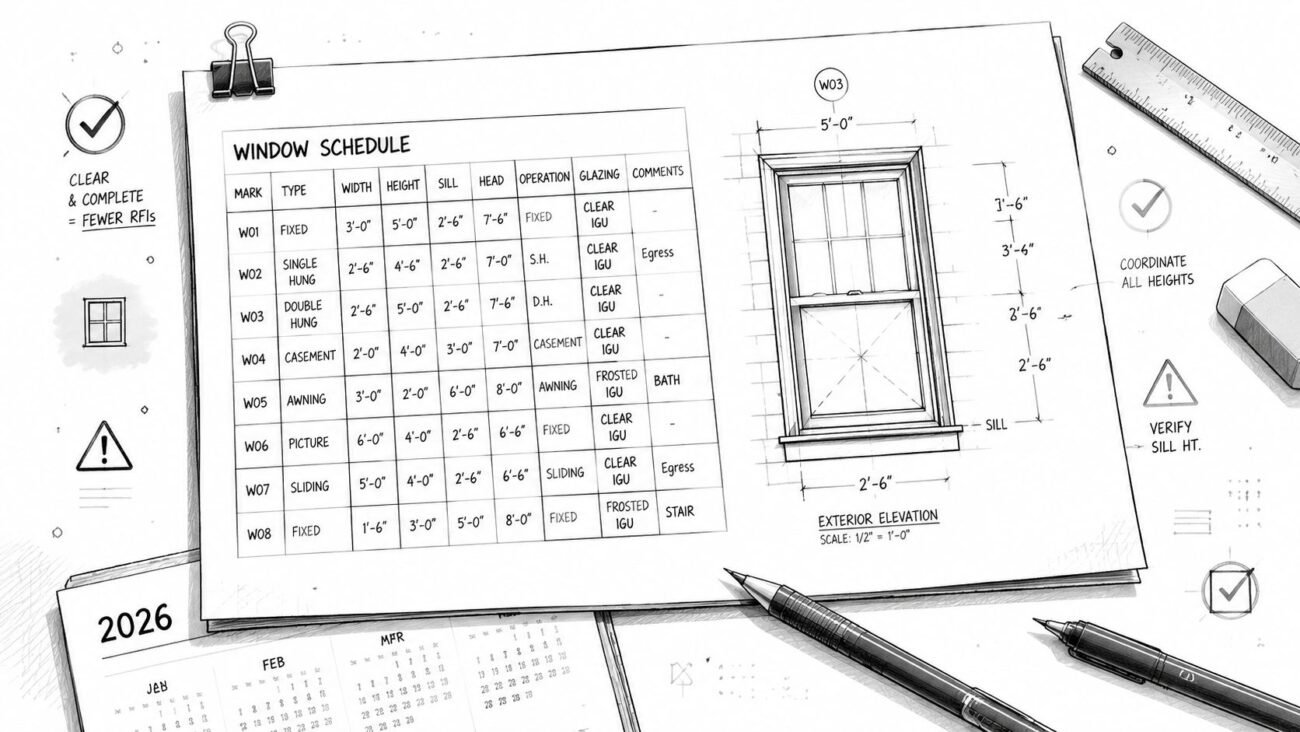
Standardization across templates, title blocks, and layer conventions recovers the most time, while customization remains necessary for client standards, unusual project types, and jurisdictional requirements. The National Park Service's Heritage Documentation Programs contain 46,361 surveys, 332,486 black-and-white photographs, 6,198 color photographs, 275,318 history pages, 72,271 measured drawing sheets, and 11,591 field-note folders, a useful reminder that architectural documents are a long-term information system, not merely a collection of drawings.
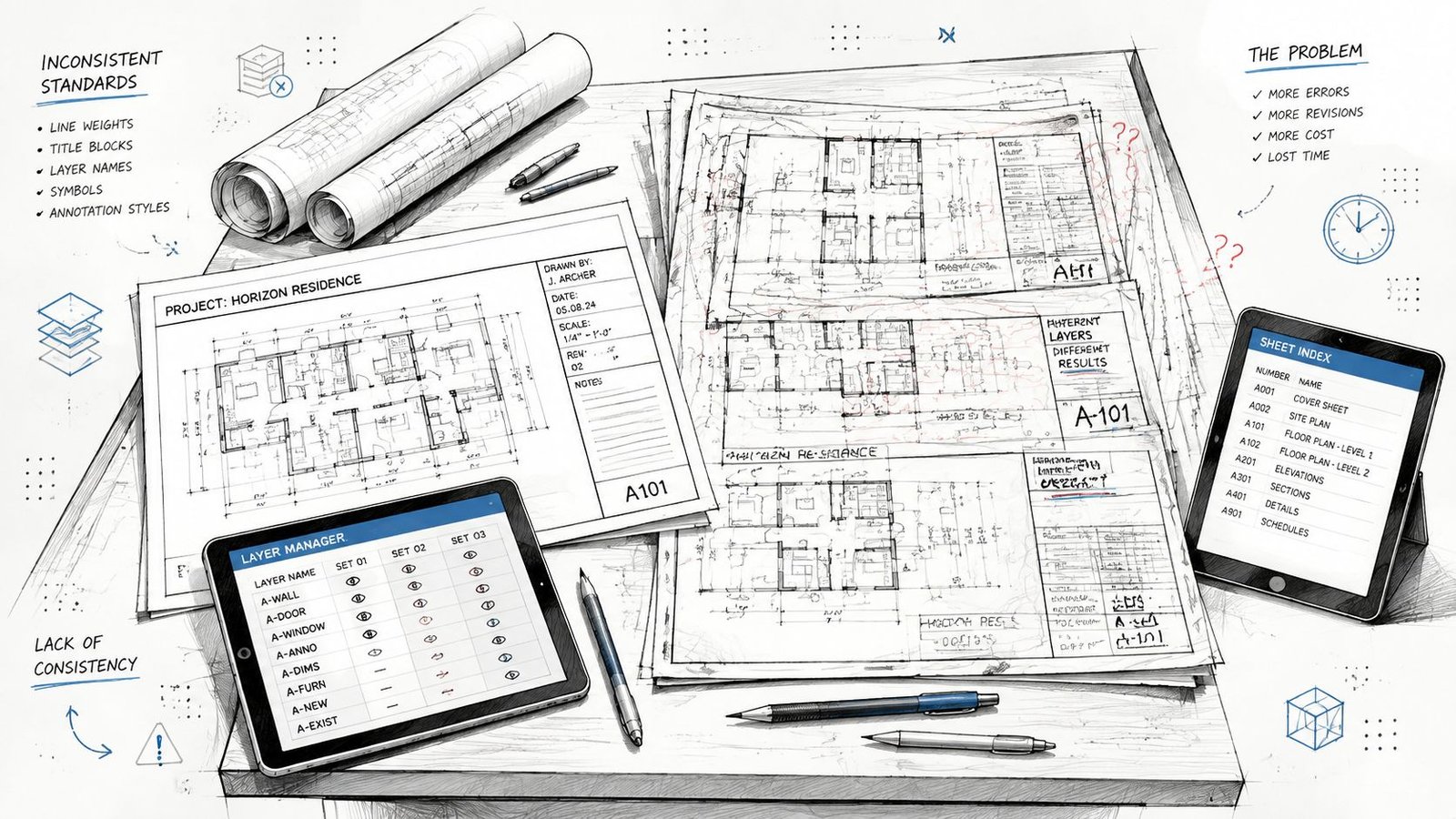
A project team can produce technically correct sheets and still lose control of the set. One discipline uses a different title block, another names layers according to an older office convention, and a third changes annotation styles from one issue to the next. The project manager then spends coordination time correcting presentation defects instead of resolving design decisions.
That situation is common when firms rely on individual habits instead of architectural drafting standards. The practical answer isn't to eliminate every project variation. It's to standardize the elements that affect QA, coordination, onboarding, and repeatable production, then make customization deliberate, documented, and limited.
The Hidden Cost of Inconsistent Document Production
A commercial permit set rarely fails because one person forgot how to draw a wall. It fails because dozens of small inconsistencies make the information harder to review. A reflected ceiling plan may use one room-tag convention, while the life-safety plans use another. Sheet numbers may appear correctly in the index but not in the title block. A detail reference may point to a sheet that was renumbered late in the issue.
Those defects consume time twice. Someone must find and correct them, and another person must verify that the correction didn't create a new mismatch elsewhere. The financial impact is difficult to isolate because the work appears as scattered cleanup, coordination calls, and late review comments rather than as a single visible line item.
Where inconsistency creates production drag
The most expensive problems usually appear at handoffs:
- Production handoff: A new team member can't tell which family, layer, view, or sheet setup is current.
- Discipline coordination: Architectural, structural, and MEP files use different naming logic, making model exchange and review less predictable.
- Permit preparation: The team discovers that the site plan, code notes, or required technical details weren't included in the expected package.
- Construction administration: Contractors interpret inconsistent references, increasing the chance of clarification requests and RFIs.
Permit documents must show the location, nature, and extent of proposed work and demonstrate conformity with applicable codes and laws, according to construction-document submittal requirements. That requirement favors coordinated, permit-ready documentation over informal sketches, even when the design itself is straightforward.
The set reveals the production system
A firm with disciplined standards doesn't necessarily make every project look identical. It ensures that the parts users depend on behave consistently. Sheet numbering, revision blocks, view naming, keynotes, line weights, and file structures should be familiar from project to project.
The construction document management workflow becomes far easier to control when those conventions are defined before production begins. Standardization reduces avoidable decisions, gives reviewers a reliable checklist, and lets project leaders focus customization on matters that affect design, code, or client outcomes.
Field rule: If a document element doesn't communicate project-specific intent, it should probably follow the office standard.
What Gets Standardized and Why It Matters
The strongest CAD standards and BIM standards don't attempt to dictate every modeling decision. They establish a dependable baseline for how information is identified, displayed, issued, and checked. That baseline supports both internal production and external collaboration.
The core document controls
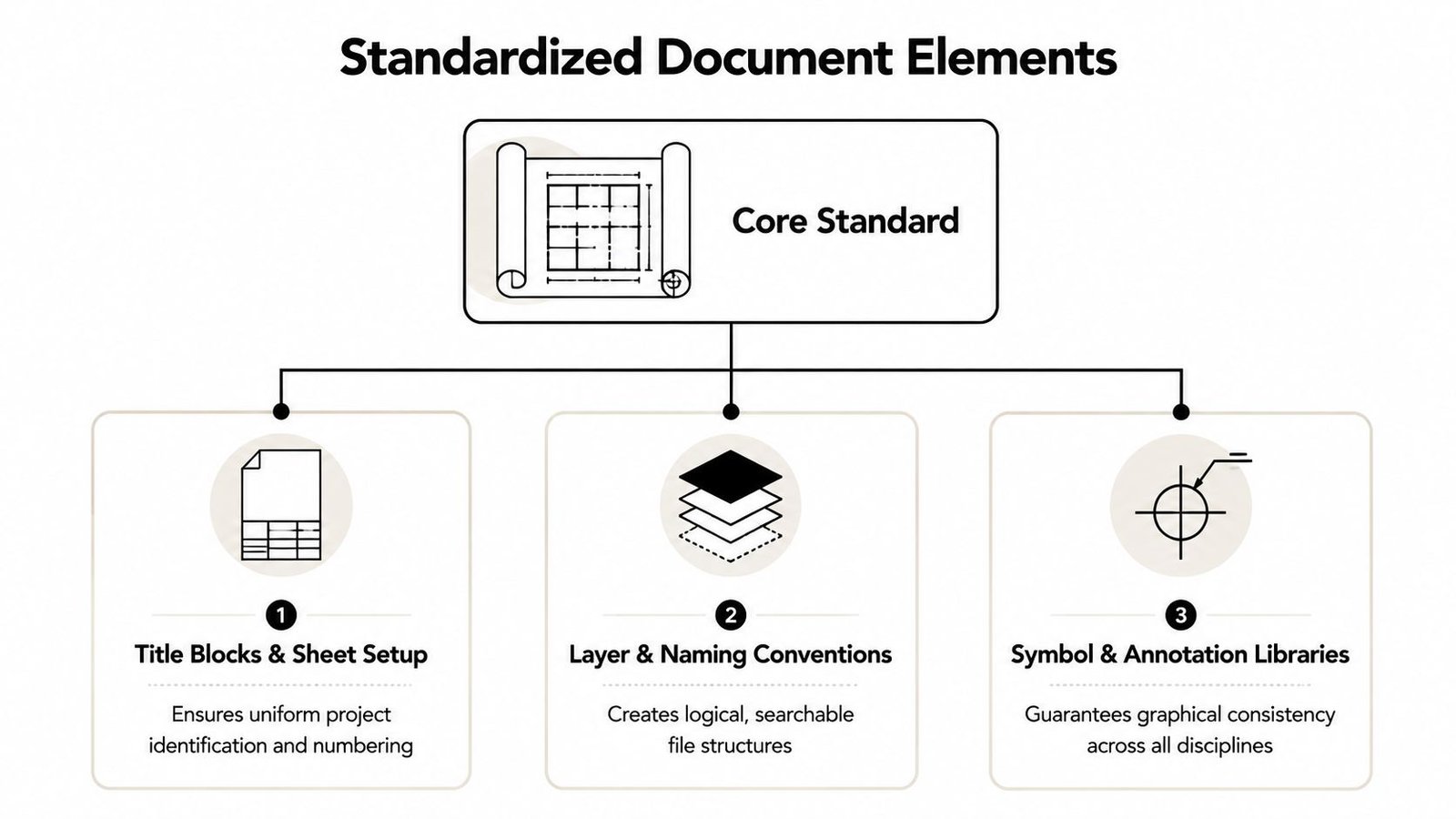
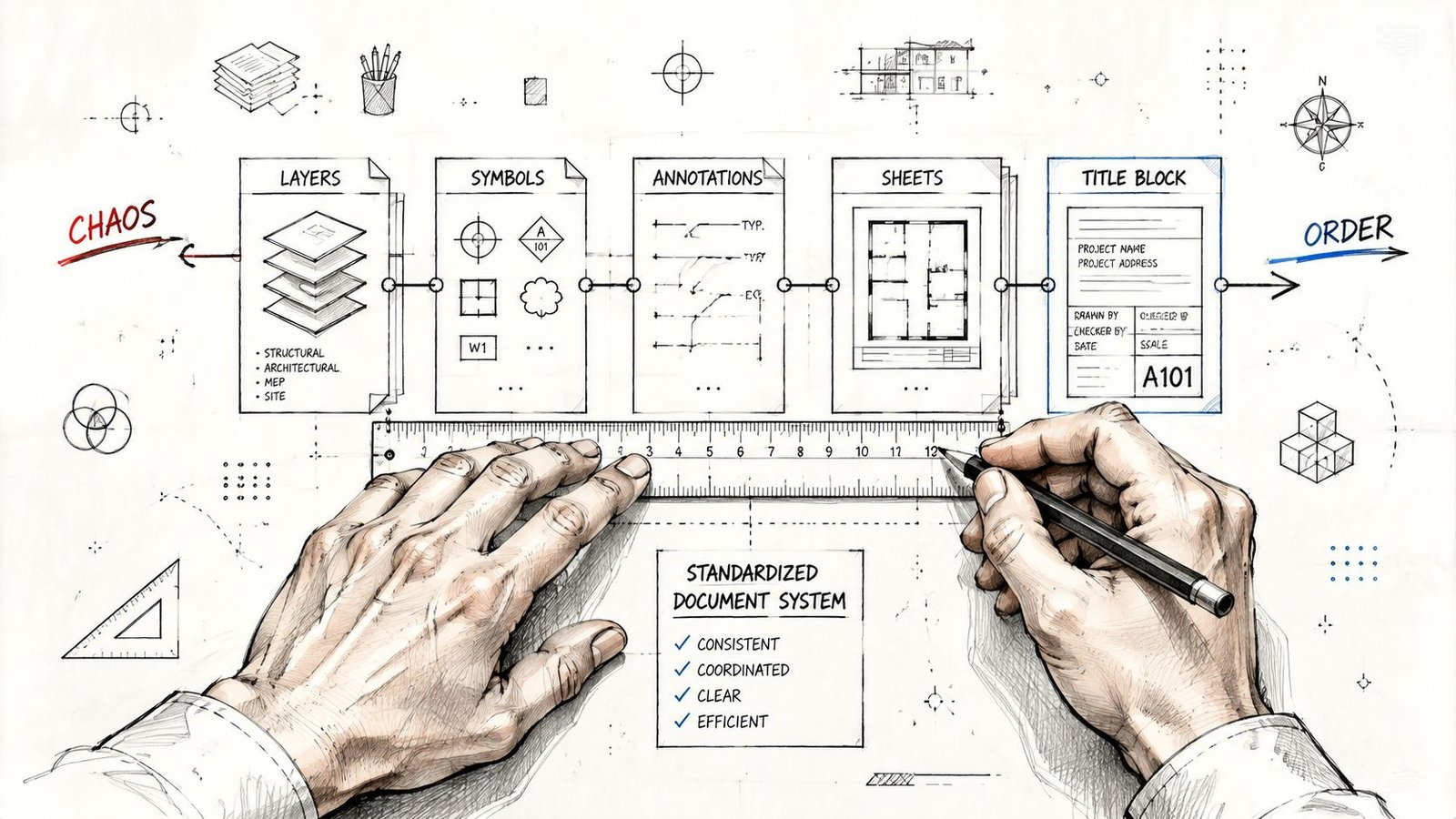
Title blocks and sheet setup should define project identification, sheet numbering, issue information, approval fields, scale behavior, and graphical hierarchy. A title block that changes subtly between projects creates review friction, especially when a client receives multiple packages from the same firm.
Layer and naming conventions should follow an intentional logic. Firms working with CAD can align their structure with the National CAD Standard and relevant AIA conventions, while BIM teams should define categories, worksets, view names, shared parameters, browser organization, and file naming. The objective isn't visual conformity alone. It's searchable, transferable information.
Annotation and dimension styles deserve the same discipline. Text heights, arrowheads, witness lines, tags, symbols, keynotes, and detail markers should come from controlled libraries rather than personal copies. Otherwise, a late change to a standard requires a manual hunt through individual views and sheets.
Sheet organization should make the set predictable. A reviewer should know where to find code information, life safety, plans, elevations, sections, details, schedules, and equipment information without learning a new filing philosophy for every project.
Why standards improve QA
A controlled Revit view template system prevents teams from manually rebuilding graphic settings across views. It also gives QA reviewers a direct question to ask: does this view use the approved template, and if not, why?
Standards help in several practical ways:
- Fewer preventable errors: Approved styles and sheet setups reduce inconsistent labels, line weights, and references.
- Faster onboarding: New staff learn one office method instead of reverse-engineering several project files.
- Cleaner coordination: Shared naming and graphic logic make federated review easier across architectural, structural, and MEP models.
- More predictable review: QA leads can inspect against known rules rather than personal preferences.
- Better reuse: Tested details, schedules, families, and notes can move between projects without extensive reformatting.
National BIM Standard, United States, treats project BIM requirements as a foundational document for defining a project's implementation strategy and connects that approach to ISO 19650 information-management concepts through its project BIM requirements guidance. The operational lesson is direct: deliverables should be mapped to their intended uses, including coordination, cost planning, commissioning, and operations, not produced as isolated permit sheets.
Where Customization Earns Its Keep
Customization is valuable when it responds to a real requirement. It becomes wasteful when it reflects a drafter's preference or a project team's reluctance to use the office standard.
A client may require a particular title block, file naming structure, issue code, or electronic submission format. A jurisdiction may have its own cover-sheet expectations, drawing index, accessibility documentation, or review workflow. Those changes belong in a controlled project configuration, not in an unofficial copy of the office template that later becomes someone else's starting point.
Compare the reason for the deviation
| Situation | Standard baseline | Justified customization |
|---|---|---|
| Client branding | Office title block and graphic hierarchy | Client-mandated logo, fields, or presentation format |
| Typical commercial project | Standard sheet order and view templates | Alternate organization required by the client or authority |
| Conventional building systems | Approved details and annotation libraries | New details for an unusual assembly or structural system |
| Routine jurisdiction | Office code-note structure | Local submittal, flood, energy, or documentation requirements |
| Repeated project type | Existing families, schedules, and workflows | Specialized healthcare, laboratory, historic, or industrial needs |
Baltimore's code example requires a permit construction-document package to include a site plan showing the size and location of new and existing structures, distances from lot lines, street and finished grades, and applicable flood-hazard information or flood-protection elevations. A firm that standardizes its architectural sheet graphics but ignores project-specific site requirements hasn't standardized the right things. The site plan content must respond to the jurisdiction and the property.
Virginia's code text similarly states that the locality determines the number of submitted sets and that documents may need structural, mechanical, plumbing, or electrical detail, including computations, stress diagrams, and protection details for floor penetrations in buildings over two stories. Those requirements belong in the project compliance checklist, even when the drawing production system remains consistent.
Customization should have an owner
Every deviation needs a reason, an approver, and a location. Store the approved variation in the project setup, record the client or jurisdictional trigger, and identify whether the change affects other disciplines.
Customization should be a controlled exception, not a second standard that nobody owns.
That distinction protects production maturity. It lets a team meet a healthcare client's documentation expectations or a local permit reviewer's requirements without allowing one unusual project to redefine the firm's baseline.
A Decision Framework for Standardization Choices
Use a simple test before changing an office standard: Does the variation affect compliance, client acceptance, project information, or design communication? If it doesn't, keep the standard. If it does, define the exception and make its downstream impact visible.
Project complexity matters, but it isn't the only factor. A simple project with strict client requirements may need more configuration than a complicated project for a familiar owner. Team experience and delivery pressure also matter because loosely defined exceptions create more risk when work is distributed across locations or assigned to an external production partner.
Standardization Decision Matrix
| Document Element | Standardize | Customize | Decision Criteria |
|---|---|---|---|
| Title block structure | Project identity fields, revision logic, sheet numbering | Client branding or authority-required fields | Change only when acceptance or compliance requires it |
| CAD layers and file names | Naming logic, discipline codes, status conventions | Client or consultant exchange requirements | Preserve interoperability and searchability |
| Revit view templates | Graphic settings, visibility rules, view naming | Unusual presentation or code-analysis views | Keep the exception named and documented |
| Annotation styles | Text, dimensions, tags, symbols, keynotes | Accessibility, client, or jurisdiction-specific content | Separate graphic variation from information requirements |
| Sheet organization | Core discipline sequence and index logic | Owner or authority submission order | Avoid reordering without a clear review benefit |
| Families and details | Common content, parameters, QA rules | Project-specific assemblies or equipment | Add reusable content when the need will recur |
| Code and permit notes | Office structure and review checklist | Local code, adopted edition, or authority language | Verify against the project jurisdiction |
| Deliverable formats | Approved RVT, IFC, DWG, NWD, or BCF workflows | Client platform or contract requirements | Confirm downstream use before export |
Apply three decision buckets
Must standardize elements that affect coordination, identification, and QA. Title block fields, file names, revision handling, layer conventions, shared parameters, and basic sheet logic usually belong here.
Standardize with variations elements that need a common structure but may change by project. View templates can have approved versions for permit, presentation, code, and coordination work. Details can follow a shared naming and review system while allowing project-specific assemblies.
Customize deliberately elements driven by code, client acceptance, unusual building systems, or site conditions. The exception should be approved before production spreads it across the set.
Use a decision checkpoint at kickoff, before the first major issue, and before outsourcing production. Confirm which standards apply, which deviations are approved, and which deliverables must support downstream coordination or operations. That small amount of governance prevents the late-stage discovery that everyone followed a different interpretation of “standard.”
How Standards Enable Scalable Production
A standards manual becomes a business asset when it lets more people produce the same type of information without constant intervention from a principal or BIM manager. That capability supports growth, distributed teams, and outsourced production because the work can be judged against a defined system rather than against someone's memory.
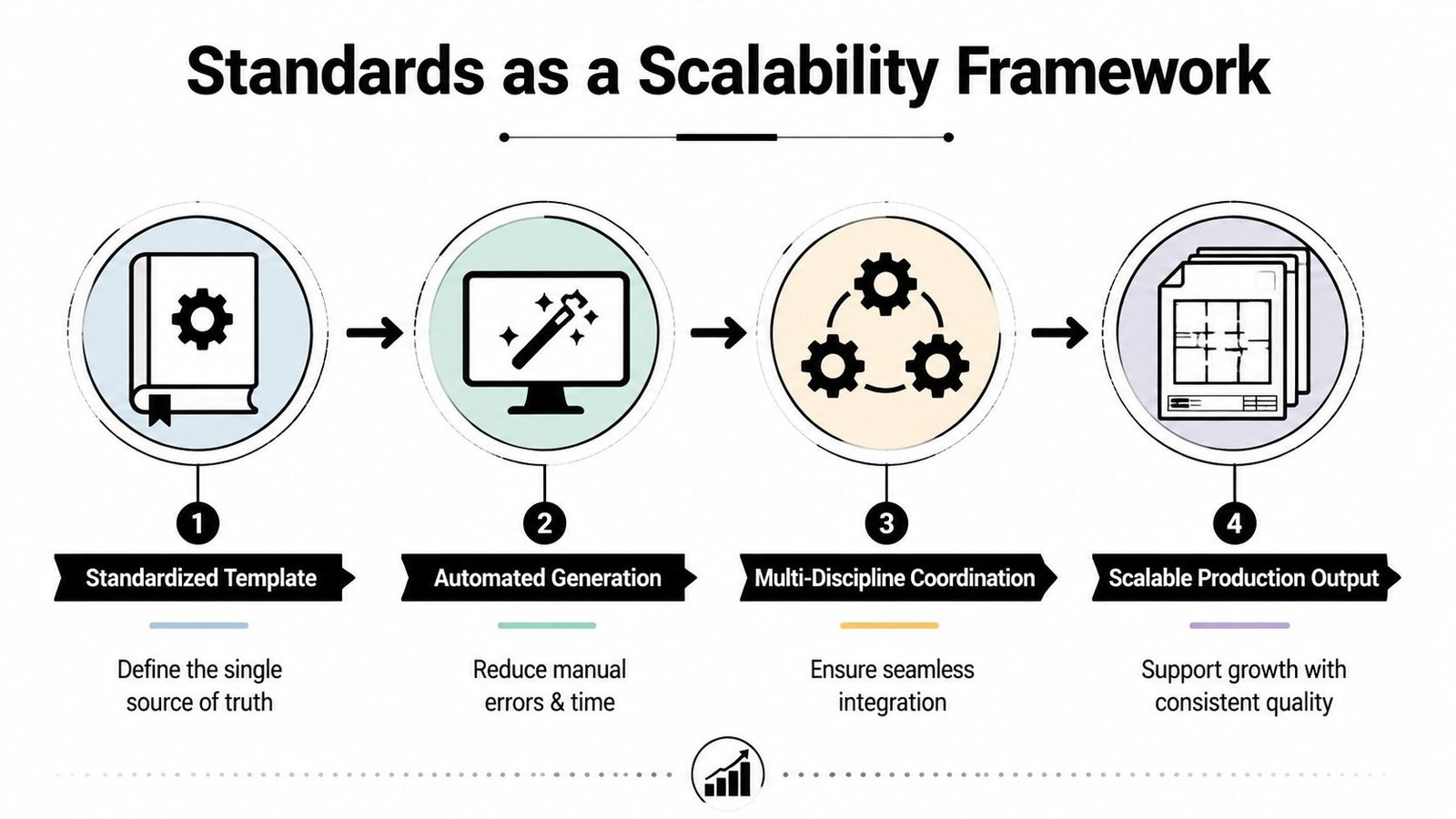
The sequence is straightforward:
- Standardized template: Establish the single source of truth for sheets, views, layers, families, symbols, and naming.
- Automated generation: Use schedules, view templates, sheet tools, and controlled libraries to reduce repetitive manual setup.
- Multi-discipline coordination: Exchange models and documents through common rules, with clear information requirements and issue procedures.
- Scalable production output: Distribute work while preserving the same review expectations and deliverable behavior.
Outsourcing exposes weak standards quickly
An internal team may compensate for weak documentation standards through informal knowledge. An external team can't reliably do that. A production partner needs the approved template, sample sheets, naming rules, LOD expectations, deliverable formats, and QA acceptance criteria before modeling or drafting begins.
That doesn't mean an offshore partner should receive a massive manual filled with contradictory rules. The useful package is shorter and more operational:
- Reference files: A clean current template, representative sheets, approved families, and sample details.
- Decision rules: What must never change, what can vary, and who approves exceptions.
- QA checks: Required review points for views, sheets, dimensions, tags, references, exports, and model health.
- Communication path: A defined location for questions, markups, RFIs, and change decisions.
- Issue protocol: File naming, revision status, cloud platform, and responsibility for final signoff.
The standards approach also aligns with the broader evolution of architectural documentation. The historical BIM timeline traces a major milestone to 1974–1975, early commercial systems to the 1980s, and the first appearance of the term Building Information Model in a 1992 paper, as summarized in the history of BIM timeline. The change matters operationally because current documents increasingly need to carry structured information across design, construction, and operations.
BIM Heroes provides architectural production, CAD drafting, construction documentation, shop drawings, and as-built drawing support as one external production option. The value of that arrangement depends less on sending work offshore than on whether the firm has a clear system the production team can follow.
Implementing Your Document Standards System
Start with an audit, not a rewrite. Collect the templates, title blocks, view templates, CAD files, sheet examples, family libraries, checklists, and client standards your teams use. Compare them against recent review comments and recurring coordination problems.
Build the smallest useful baseline
Document the rules that affect deliverable reliability first:
- File and folder structure: Define project codes, discipline identifiers, status, revision, and exchange locations.
- Template controls: Identify approved title blocks, sheet setups, view templates, layers, symbols, and annotation styles.
- Project configuration: Record client, jurisdiction, code, submission, and platform requirements.
- QA checkpoints: Assign responsibility for setup, production review, coordination review, export review, and issue release.
- Exception log: Record the reason, owner, approval, and expiry or reuse decision for every deviation.
Use a clean versioned package rather than editing a live template while projects are in production. A BIM manager or production lead should own releases, communicate changes, and test updates on representative files before broad adoption.
The BIM standards resource can help frame this work, but the implementation must reflect the firm's actual project types and contractual obligations. Over-engineered standards fail because staff bypass them. Under-specified standards fail because every project team invents its own interpretation.
Keep QA close to production
Review standards at the point where errors enter the set. Check the template and project setup before drafting begins, verify views and sheets during production, and run a final issue review against the permit, client, coordination, and export requirements.
Do not measure success by the length of the manual. Measure it by whether a new team member, another discipline, or an external production pod can produce and review work without repeated clarification.
Next Steps for Production Excellence
Standardization and customization solve different problems. Standardization controls repeatable production risk, while customization addresses requirements that change the project or its acceptance criteria.
A practical operating model has three layers:
- Office baseline: Templates, title blocks, naming, annotation, view behavior, sheet logic, and QA rules.
- Project configuration: Client requirements, jurisdictional conditions, code documentation, deliverable platforms, and project-specific assemblies.
- Controlled exceptions: Approved deviations with an owner, reason, and review impact.
This structure gives production teams enough consistency to work quickly without forcing every project into the same visual or technical mold. It also gives project managers a defensible way to explain why one requirement changed and why another did not.
Review your current sets for repeated cleanup, inconsistent references, unclear ownership, and recurring client comments. Those patterns show where a standard will recover time. Then identify the requirements that must remain flexible, and build them into the project kickoff checklist instead of leaving them to late-stage memory.
Firms that want to scale architectural document production should treat template discipline as infrastructure. Whether work stays internal or moves to an external delivery pod, reliable output starts with clear standards, practical QA, and a decision process that protects flexibility where it matters.
BIM Heroes helps architecture, engineering, construction, and reality-capture firms set up document standards and produce consistent CAD, Revit, construction-document, shop-drawing, and as-built deliverables. If you want to run production against your existing standards or need help building a usable template and QA system, visit BIM Heroes to start a conversation.