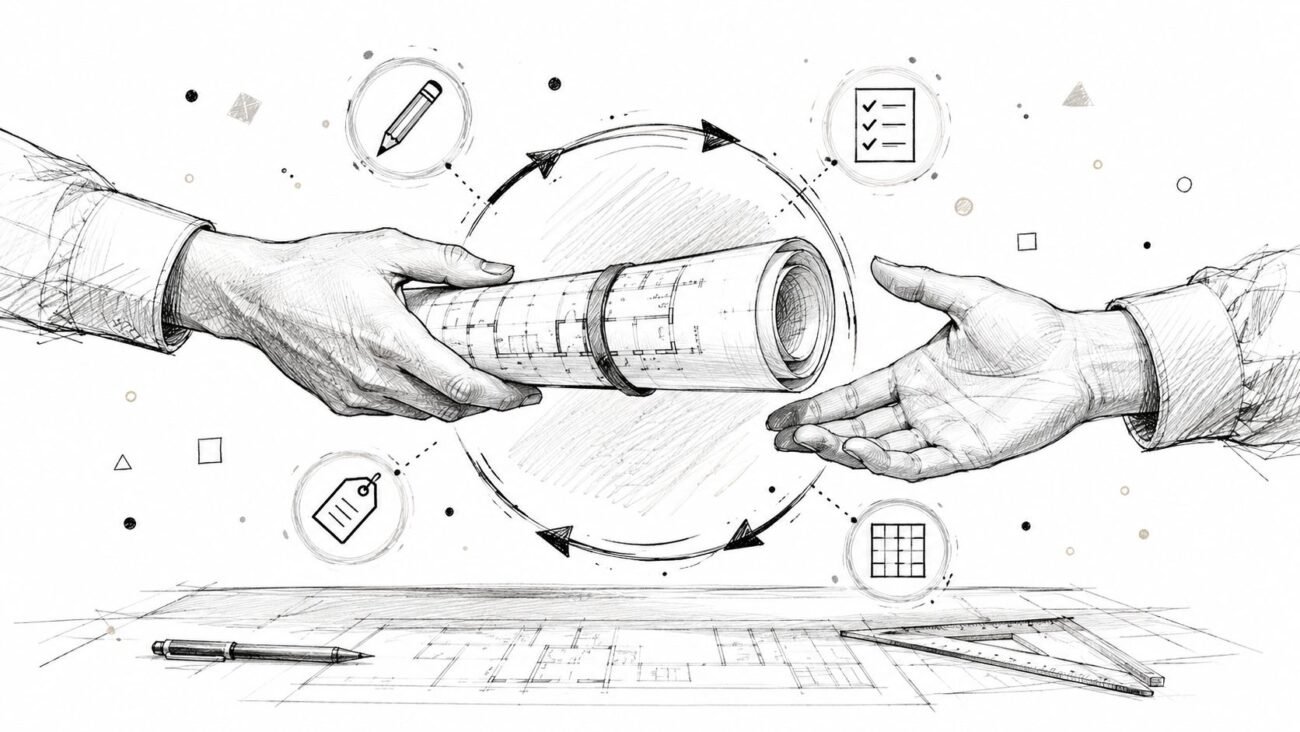
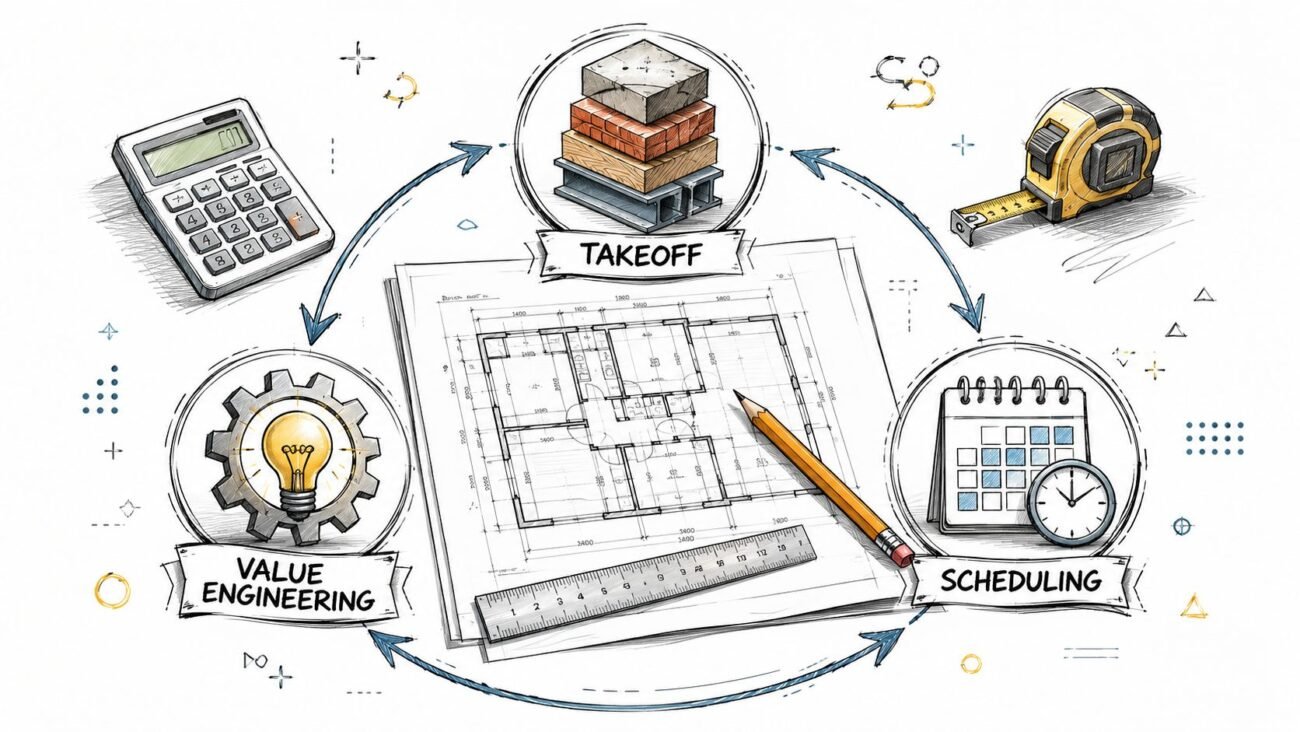
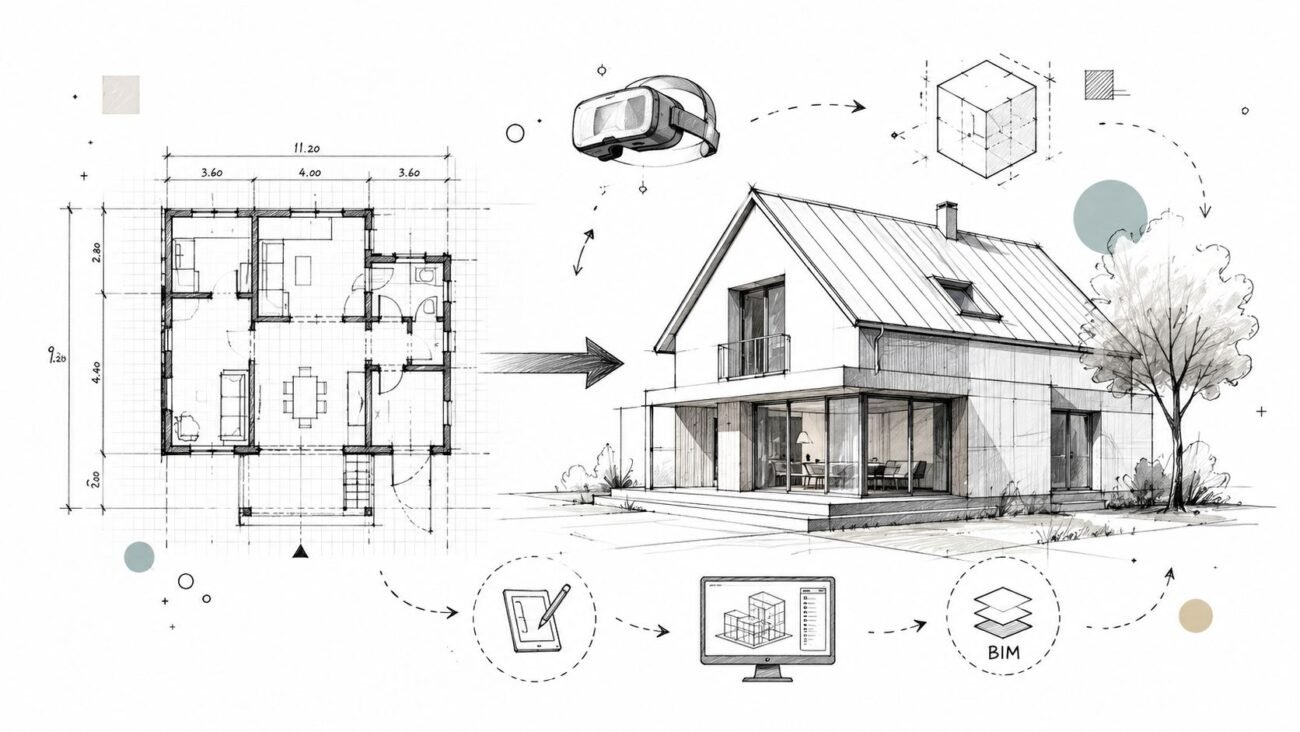
A retail prototype rollout looks simple on paper. The brand has a proven store, the merchandising works, and the details already passed one opening, but the next site is a different shell, a different landlord, and a different jurisdiction. That's where construction documents start drifting. The job is keeping the prototype intact while adapting each set to the local building, code, and lease reality, so store #40 opens with the same clarity as store #1.
The Tension Between a Proven Prototype and a New Site
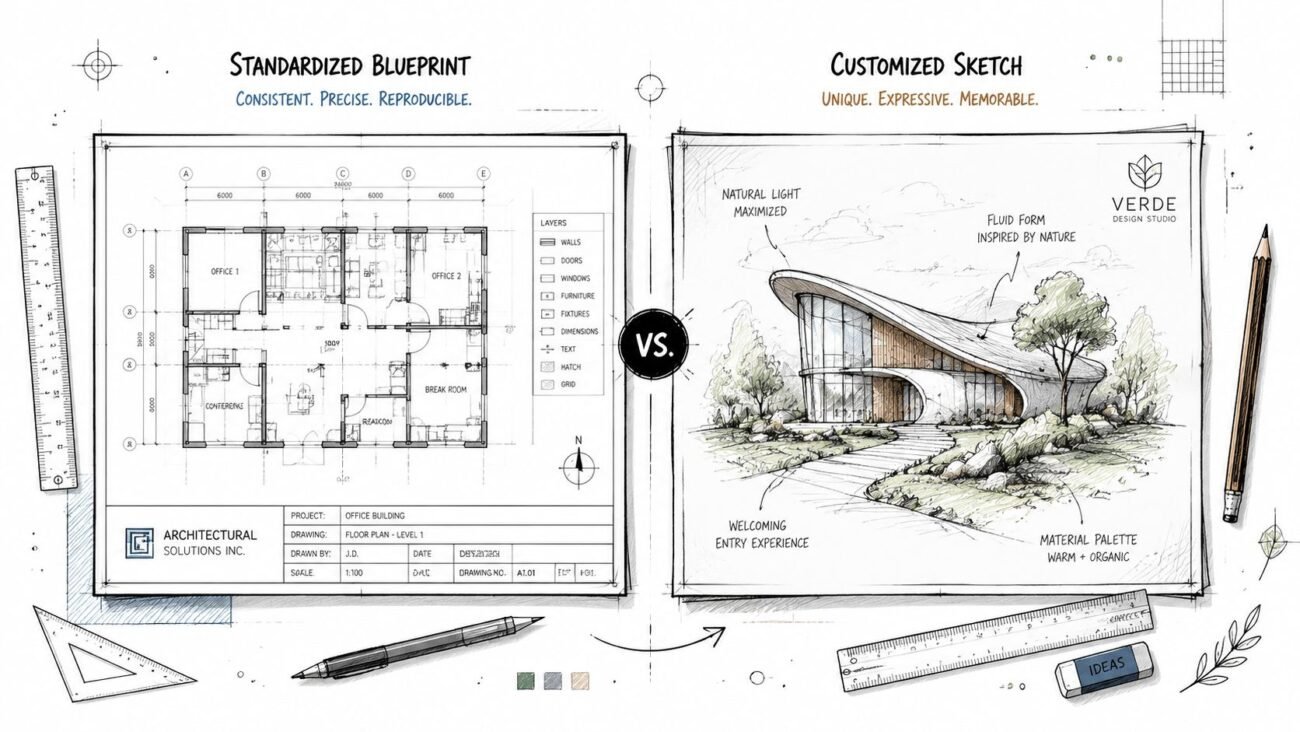
A strong prototype gives retail teams a head start, but it doesn't eliminate the mess at the site level. The minute the master set meets an old tenant improvement shell, a corner lease space, or a new jurisdiction with its own review habits, the documents need judgment calls. If those calls aren't controlled, every site becomes its own one-off package.
That's the definition of prototype rollout in practice, a standardized brand design that gets adapted site by site without losing its core logic. In retail, that matters because the market still leans heavily on physical stores, even as ecommerce keeps growing. Global retail sales are estimated at $32.4 trillion by the end of 2025, with ecommerce making up about 20% of worldwide retail sales in 2024 and projected global ecommerce revenue of $6.86 trillion in 2025 WebFX retail statistics.
For retailers running expansion or renovation programs, the prototype isn't just a design file. It's the production baseline that has to survive landlord reviews, permit comments, and repeated drafting cycles.
What a Retail Prototype Actually Is
A retail prototype is the master store model a brand uses to repeat its layout, fixtures, MEP, finishes, and signage across multiple locations. In rollout work, it's the single source of truth that tells the team what the store should look like, how it should function, and what's allowed to change.
That matters because retail growth is not happening in a vacuum. Current expansion planning cited in 2026 reporting shows 51% of retailers plan to open 1 to 50 stores through 2028, while 35% plan to remodel or renovate 26% to 50% of their fleet in the same period. The same reporting says 54% are pursuing rotating concepts such as shop-in-shops and collab drops, 43% are building product-led experiential concepts, and 38% are leaning into pop-ups Vira Insight retail reporting. Those moves only work when the prototype is repeatable enough to scale, but flexible enough to adapt.
Practical rule: if a detail can't be repeated cleanly across multiple sites, it doesn't belong in the prototype until it's been tested and locked.
A good prototype is less about pretty drawings and more about predictability. The brand experience stays consistent, the cost model becomes easier to hold, and the schedule stops depending on who interpreted the set last.
Why Site Adaptation Is the Hard Part
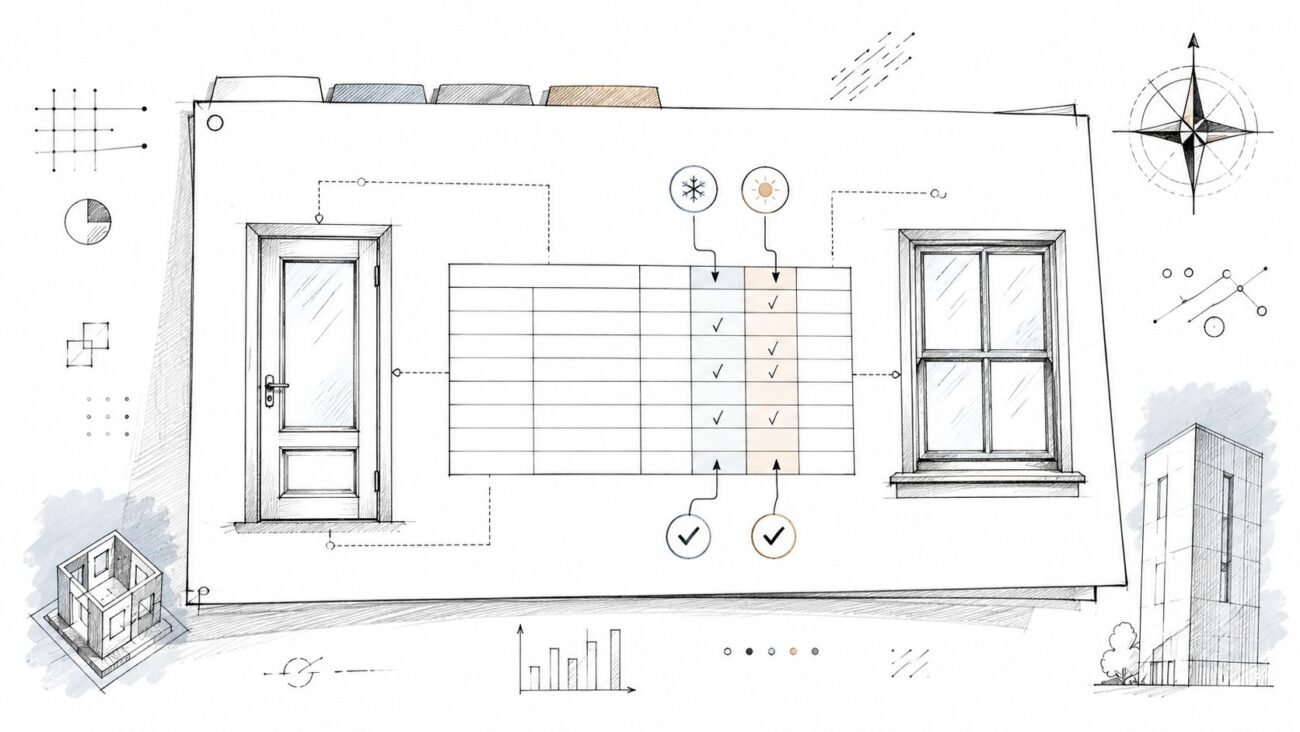
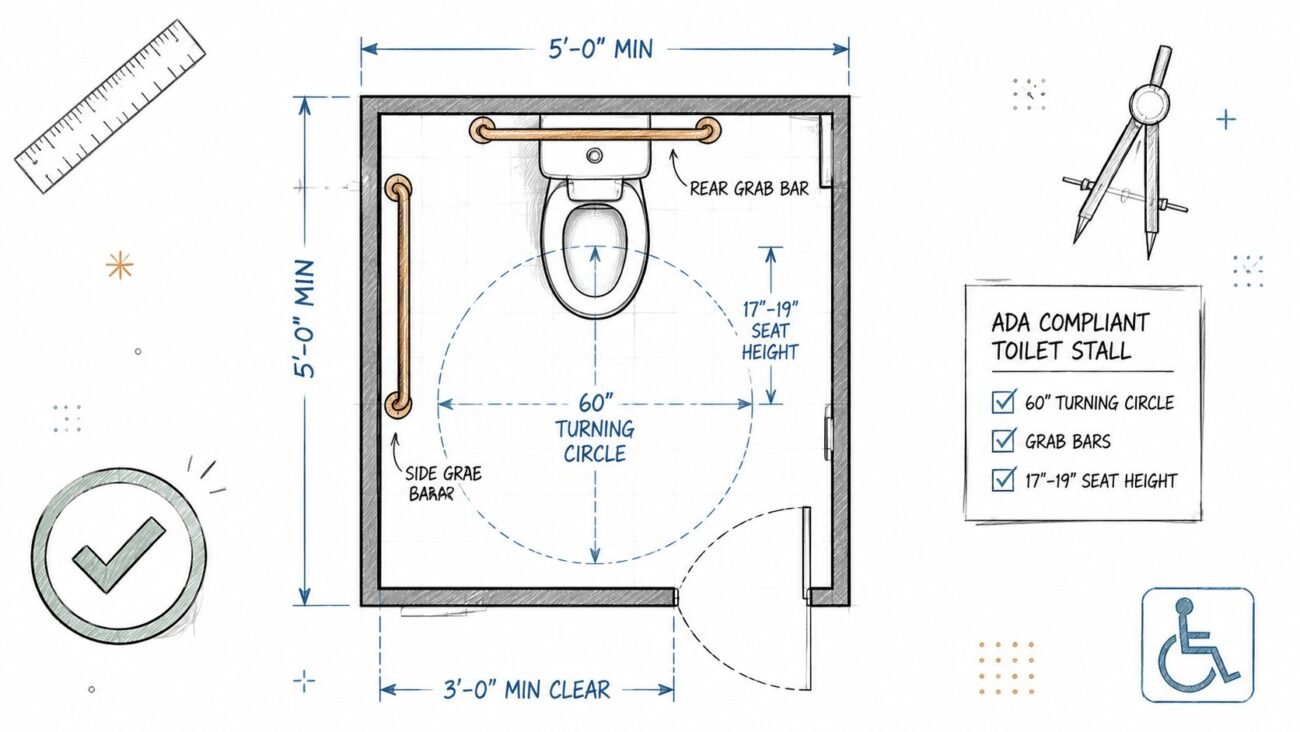
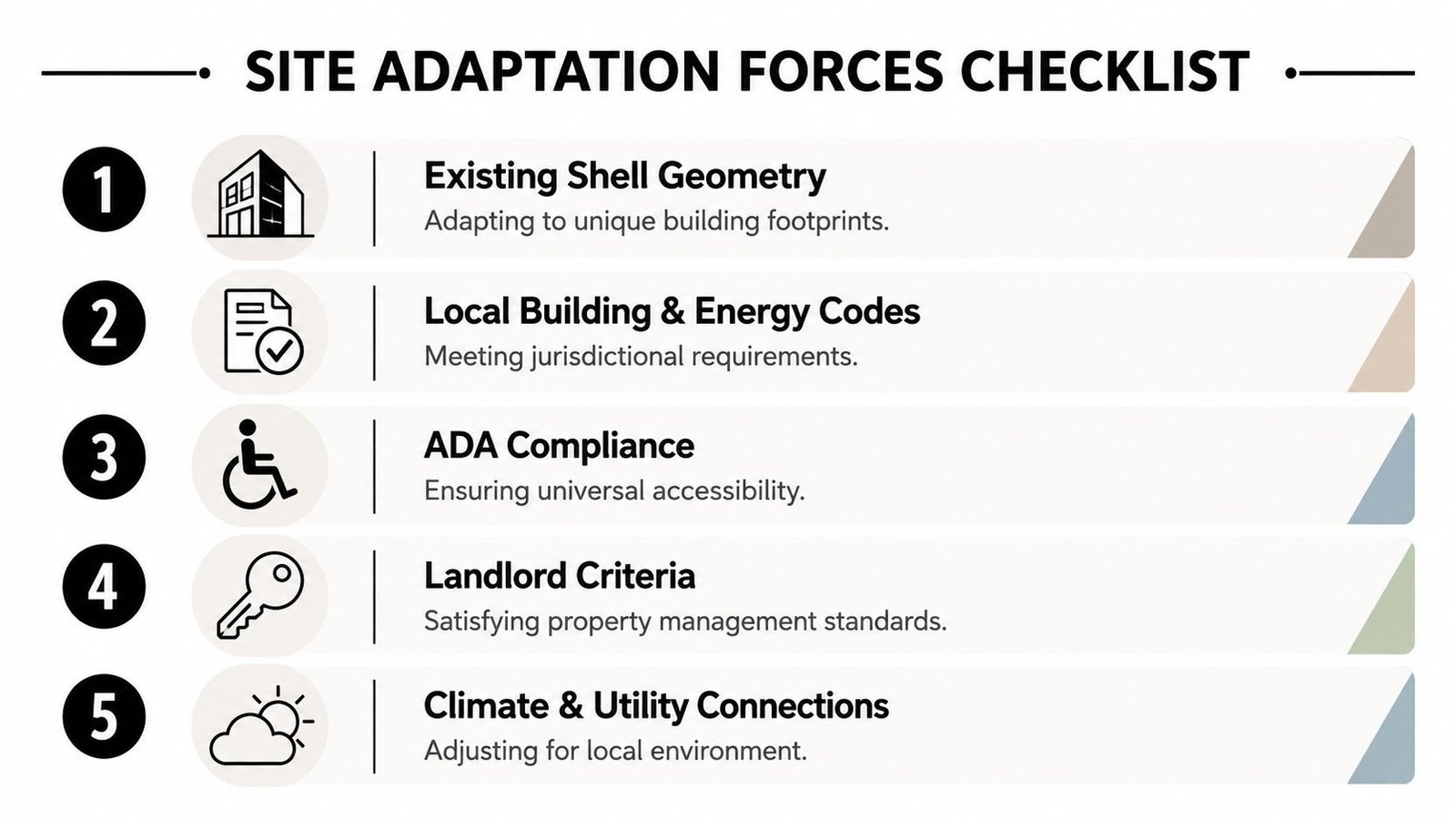
The prototype rarely drops in unchanged. Existing shell geometry, local building and energy codes, ADA requirements, landlord criteria, utility connections, climate zone, and jurisdiction-specific permitting all push the documents in different directions. The challenge is not whether those changes happen. They will.
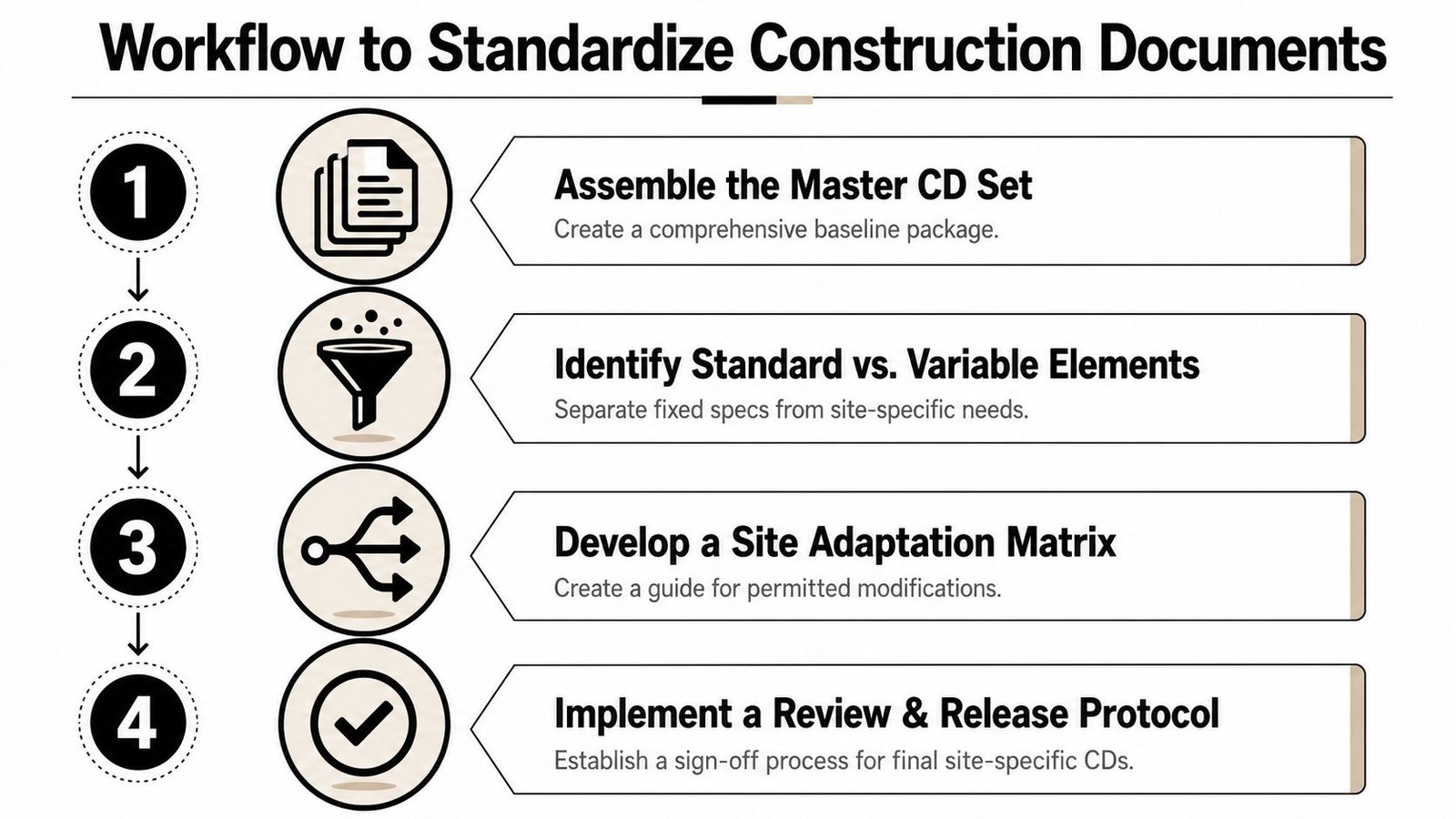
What breaks programs is when each site adaptation is handled like a custom design job instead of a controlled variant of the same prototype. A store in one trade area might need a shifted wall line, another might need altered equipment clearances, and another may need revised life-safety or utility coordination. If every one of those decisions gets redrawn from scratch, the master set stops being a master set.
The problem isn't adaptation. The problem is uncontrolled translation.
Many rollout teams lose time in RFI cycles and redlines. The answer is a site-adaptation method that preserves the prototype's core structure while isolating only the site-specific edits that need to vary.
For broader program planning, it helps to keep an owner-rep mindset on the schedule, budget, and approval path. A coordinated owner representative workflow keeps those site changes visible before they turn into field conflict.
How to Standardize Construction Documents Across Sites
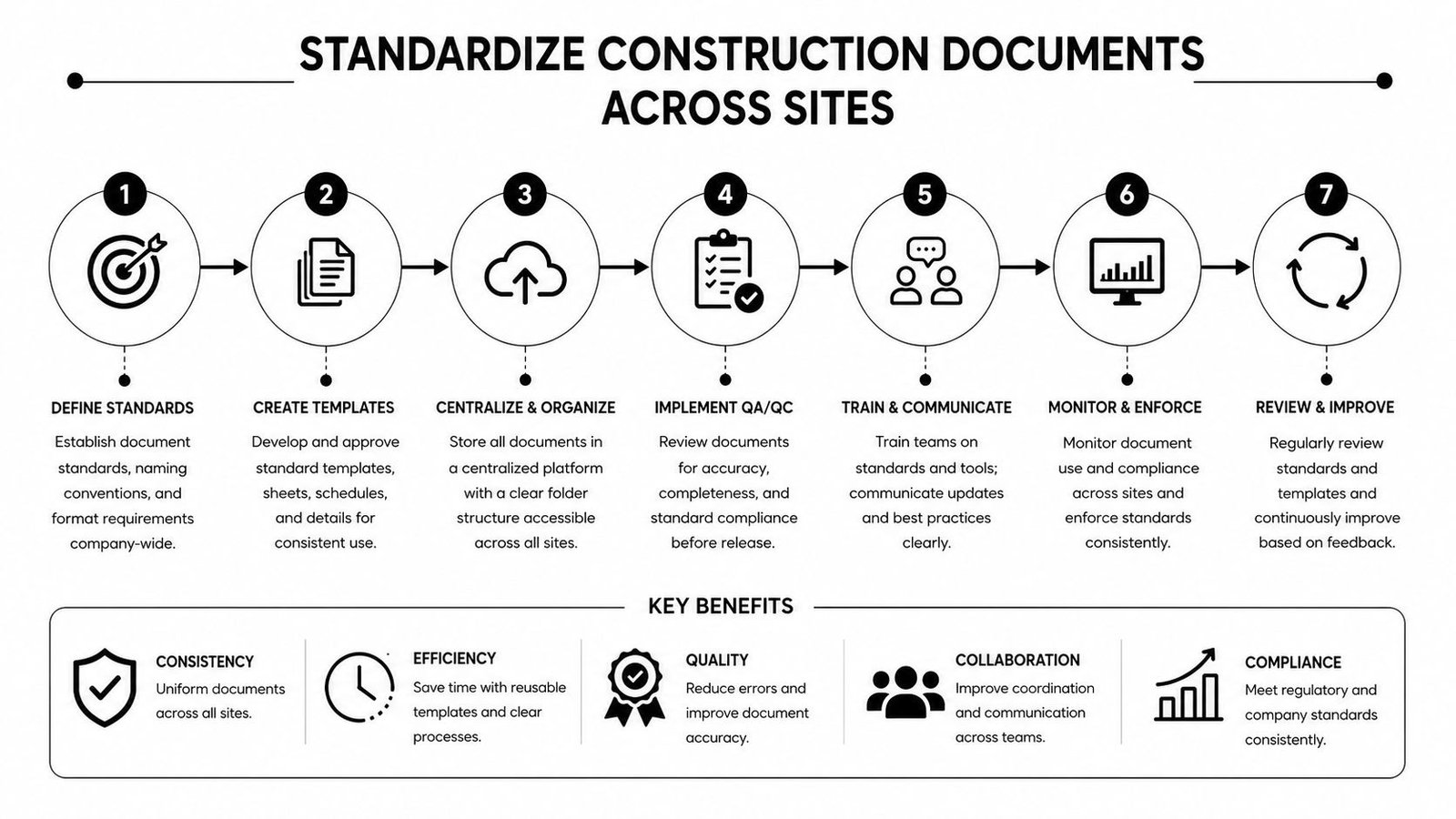
Build one master CD set and library
Start with a disciplined master package, not a collection of old project files. A strong template library, standard Revit families, sheet organization, and notes structure give every site the same foundation, which keeps the rollout program from reinventing basic documentation every time.
Separate fixed from flexible
Define what never changes, then list what can move. Brand-critical items, finish standards, core fixture relationships, and critical dimensions should stay fixed, while shell-specific items, code responses, and utility tie-ins belong in the flexible bucket.
Use a site-adaptation workflow
Treat each site like a controlled branch of the prototype, not a new design. That means taking the prototype into the shell, adjusting only the site-specific conditions, and producing a permit-ready set that still reads like part of the same family.
Lock naming and version control
Without disciplined file naming, sheet numbering, and revision tracking, the rollout turns opaque fast. A clear document management standard keeps every site traceable, especially when multiple reviewers are touching the same package at different stages.
Manage one central data environment
A shared environment or CDE keeps the current standard visible to everyone working on the program. When the prototype updates, the latest details, notes, and markups need one home, not five disconnected folders.
Apply the same QA gates every time
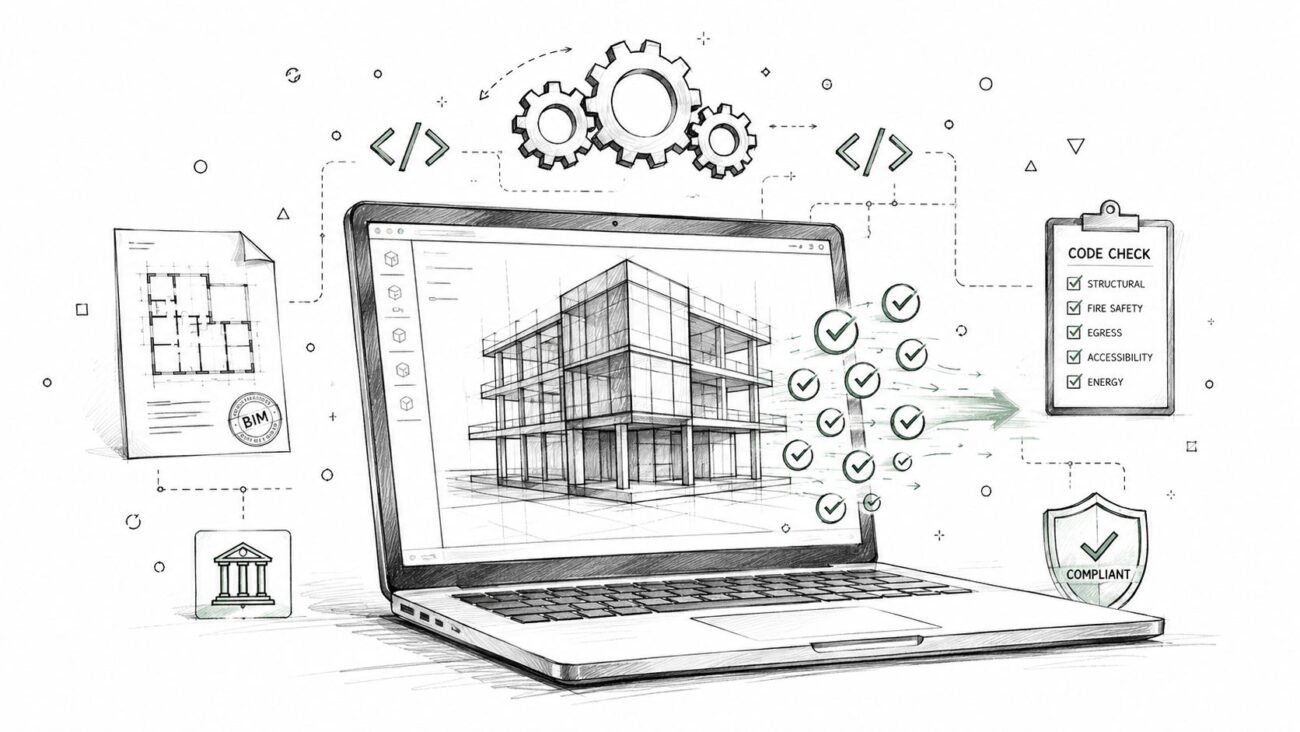
Every site set should pass the same review checklist before release. That includes scope confirmation, code and lease coordination, sheet consistency, and brand approval, so the release process doesn't depend on whoever happened to be available that week.
For teams comparing delivery models, a dedicated team approach beats ad hoc help. The point is steady production, not heroic cleanup.
What You Gain from Standardized Rollout CDs
Standardized rollout CDs protect margin because they reduce avoidable rework and keep each location closer to the same production path. They also help permitting move more cleanly, because reviewers see a familiar structure instead of a fresh interpretation every time.
The benefit shows up again after opening. Facilities teams inherit drawings that make sense, prototype updates can propagate more cleanly, and future remodels don't start from a pile of conflicting versions. That's a quieter operating life for the brand and a more predictable one for the builder.
It also makes multi-site retail construction easier to buy, manage, and schedule. When the documents are standardized, the rollout becomes a repeatable system instead of a series of isolated problems.
Common Rollout Mistakes and Their Consequences
The biggest mistake is treating every store as a custom project. That mindset feels safe at first, but it usually creates inconsistent details, long coordination cycles, and a stack of drawings that don't match from site to site.
A few other failure points show up again and again:
- No template library: the team spends time rebuilding sheets, notes, and families instead of adapting site issues.
- Inconsistent naming across sites: version history gets fuzzy, and people start working off the wrong sheets.
- No fixed-vs-flexible rules: designers and PMs argue about changes that should've been decided once.
- Prototype updates never propagate: in-flight sites keep old standards while newer sites move to the revised one, which splits the rollout into competing versions.
These are production failures, not design failures. They usually come from weak control points, not from a bad store concept.
A useful benchmark for rollout discipline is to treat the prototype like a living standard, not a one-time deliverable. Retail display prototyping guidance also distinguishes mockup, prototype, and PoC stages, which is a reminder that each phase answers a different question before scale RIPLA. That same discipline applies to store rollouts.
Scaling Retail Rollouts with a Dedicated Production Team
Retail programs move faster when one team owns the standard and the site adaptations, instead of handing each package to a different drafter every time. A dedicated production pod can keep the prototype clean, apply the same QA rules, and push out site-specific sets without letting the documents fragment.
For brands and GCs that want that consistency at volume, this is the difference between a rollout that feels controlled and one that keeps slipping. The right production partner should make the prototype easier to repeat, not harder to manage, and should understand rollout cadence as well as drawing quality.
Retail rollout production support works best when the team behind it thinks in systems, not one-offs.
If you're managing a retail prototype rollout and the CDs are starting to drift from site to site, BIM Heroes can help standardize the production flow, adapt each set cleanly, and keep the rollout moving. Visit BIM Heroes to book a call, send over your site list or scan data, and get a practical free LOD recommendation with pricing within 24 hours.